Create AI shorts with HeyGen, Creatomate, Replicate, Gemini and OpenAI
Workflow preview


 Early Deal
DISCOUNT 20%

Overview
Shorts Creation v10 (Telegram Filming) — n8n Template Description
How it works
This workflow is a fully automated YouTube Shorts production pipeline. It takes the structured output from a video digestion workflow (transcript, key moments, metadata) and produces finished, rendered vertical shorts complete with AI-generated avatar narration, AI-generated B-roll video clips, dynamic multi-layout compositions, social media copy, and a lead magnet document — all uploaded to Google Drive and tracked in Google Sheets.
It's designed to be called as a sub-workflow — triggered by a parent workflow that provides video analysis data (transcript, key moments, visual analysis, metadata).
The full pipeline:
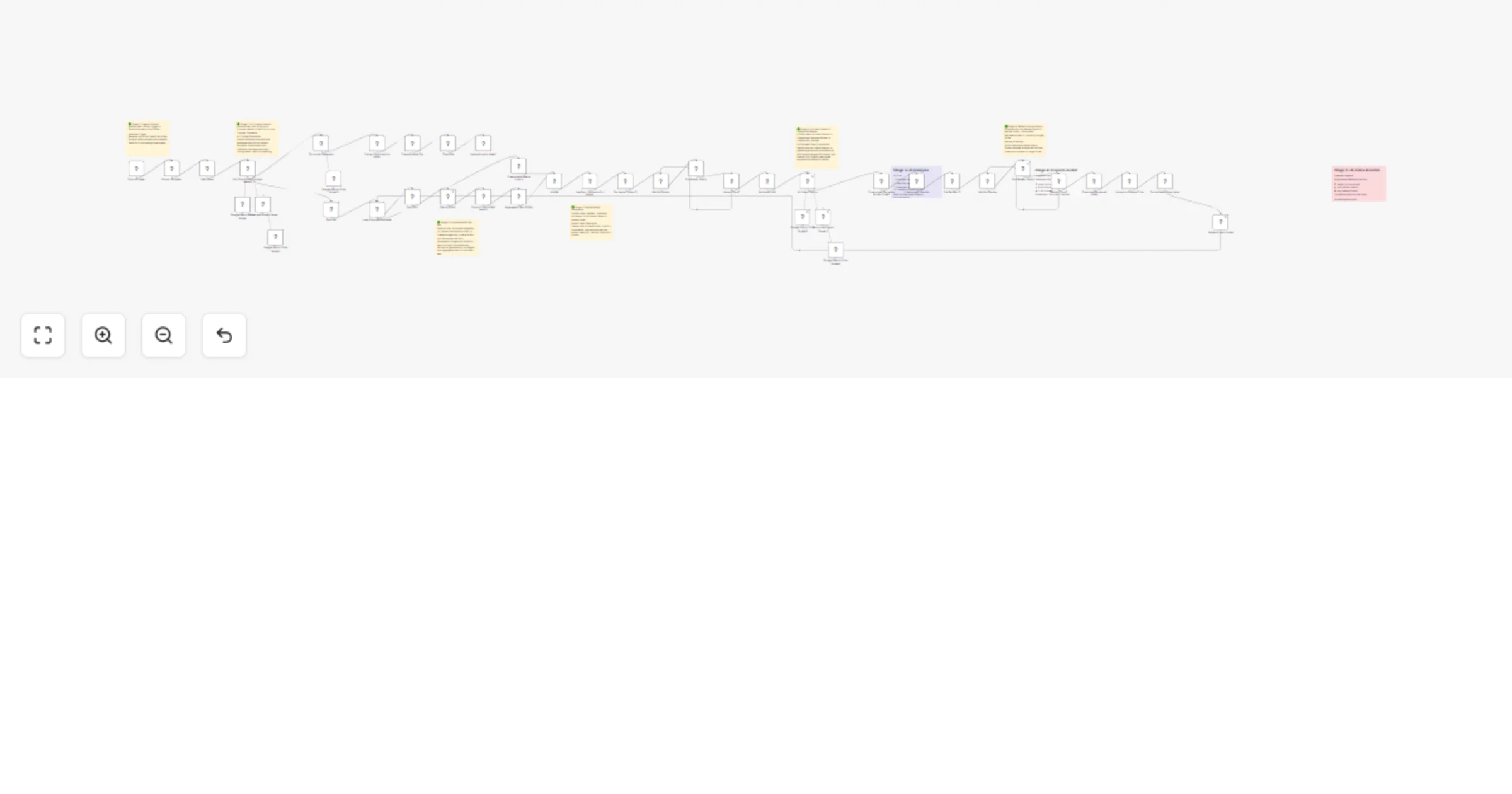
Stage 1 — Extract & Prepare The workflow receives pre-analysed video data (transcript, sections, B-roll clips, metadata) from the parent workflow via the Execute Workflow Trigger. A Code node extracts and structures the key snippets, B-roll timestamps, and video context ready for AI processing.
Stage 2 — Short-Form Concept Ideation (Gemini AI Agent) A Gemini-powered AI agent analyses the transcript, key moments, and video overview to generate 3 unique short-form concepts per video. Each concept includes a hook, body structure, CTA, full avatar script, and a lead magnet deliverable prompt. The agent uses structured output parsing to guarantee clean JSON. Concepts are fed with real examples from top-performing creators for style reference.
Stage 3 — Loop Through Concepts The workflow loops through each concept and for each one runs the full production pipeline in parallel:
Stage 4 — HeyGen Avatar Generation Each concept's full script is sent to HeyGen's API to generate a vertical (1080×1920) AI avatar video. The workflow polls HeyGen's status endpoint until rendering is complete, then captures the avatar video URL.
Stage 5 — AI B-Roll Generation (Replicate — Seedance 1 Lite) While the avatar renders, the workflow generates AI video B-roll clips using ByteDance's Seedance 1 Lite model on Replicate. The AI Video Director determines what B-roll is needed, and prompts are sent to Replicate to generate 2-second vertical clips at 24fps and 720p. Multiple clips are generated and aggregated.
Stage 6 — AI Video Director (Gemini AI Agent) A Gemini-powered AI Video Director creates a beat-by-beat storyboard with dynamic layout transitions. It generates a RenderScript specifying layout types (avatar full-frame for hooks/CTAs, split-screen for demos, picture-in-picture overlays for focus moments), transition effects, and timing. The effects library provides scroll-stopping transitions like RGB glitch, accent flash, zoom shake, and whip pan.
Stage 7 — Creatomate Rendering The Creatomate Template Builder Code node converts the AI Director's storyboard into a Creatomate-compatible render payload — assembling avatar video, B-roll clips, transitions, text overlays, and effects into a single 1080×1920 composition. The render is sent to Creatomate's API, polled until complete, then downloaded.
Stage 8 — Upload & Social Copy The finished video is uploaded to Google Drive and shared. An OpenAI-powered Social Media Copywriter generates platform-optimised titles, descriptions, hashtags, and captions for YouTube Shorts, Instagram Reels, and TikTok. Everything is logged to a Google Sheets tracker.
Stage 9 — Lead Magnet Document Generation In parallel, a Gemini-powered Document Generator creates a downloadable lead magnet (actionable guide, template, checklist, etc.) based on the CTA promise from each concept. The document is converted to HTML and uploaded as a Google Doc, shared publicly, and linked in the tracker sheet — ready to use as a content magnet in video descriptions.
Setup guide
Required accounts & API keys
| Service | What it does | Sign up |
|---|---|---|
| HeyGen | AI avatar video generation (talking head narration) | https://heygen.com |
| Replicate | AI video B-roll generation (Seedance 1 Lite by ByteDance) | https://replicate.com |
| Creatomate | Video composition rendering (assembles final short) | https://creatomate.com |
| Google AI Studio (Gemini) | Powers 4 AI agents (concept ideation, video direction, output parsing, document generation) | https://aistudio.google.com |
| OpenAI | Social media copywriting (titles, descriptions, hashtags) | https://platform.openai.com |
| Google Cloud | Google Drive (video storage) + Google Sheets (tracking) + Google Docs (lead magnets) | https://console.cloud.google.com |
Replicate model
This workflow uses Seedance 1 Lite by ByteDance for AI-generated B-roll video clips:
n8n credentials to configure
| Credential type | Used by |
|---|---|
| HeyGen API Key (HTTP Header Auth) | Avatar generation + status polling |
| Replicate API Token (HTTP Header Auth) | AI B-roll video generation |
| Creatomate API Key (HTTP Header Auth) | Video render + status polling |
| Google Gemini API Key | Concept ideation, video direction, structured parsing, document generation |
| OpenAI API Key | Social media copywriting |
| Google Drive OAuth2 | Video upload, Google Doc creation, file sharing |
| Google Sheets OAuth2 | Shorts tracker logging |
Google Workspace setup
- Google Sheets — Create a spreadsheet called
shorts_trackerwith a sheet namedShorts Tracker. Columns should include: Created Date, YouTube Title, Short Title, Concept Type, YouTube Short Title, YouTube Description, Instagram Caption, TikTok Caption, Hashtags, Google Drive URL, Magnet URL. - Google Drive — Create a folder for rendered shorts. Update the Upload to Google Drive node with your folder ID.
- Google Docs — Lead magnet documents are auto-created and shared via the Google Drive API.
Steps
- Import the workflow into n8n
- Configure all credential sets (HeyGen, Replicate, Creatomate, Gemini, OpenAI, Google OAuth2)
- Set up your Google Sheets tracker and Drive folder
- Update the HeyGen avatar IDs in the "HeyGen - Generate Full Avatar" node to match your HeyGen avatars
- Connect this as a sub-workflow — it expects to be called by a parent workflow (like the Video Digestion Workflow) via the Execute Workflow Trigger
- The parent workflow passes in: source video data, transcript, sections, key moments, visual analysis, and video overview
What this workflow produces (per video)
For each source video, the workflow generates 3 unique shorts, and for each short:
- ✅ Finished rendered vertical video (1080×1920 MP4) uploaded to Google Drive
- ✅ AI avatar narration with hook, body, and CTA
- ✅ AI-generated B-roll video clips
- ✅ Dynamic layouts with scroll-stopping transitions
- ✅ Platform-optimised copy (YouTube, Instagram, TikTok)
- ✅ Lead magnet Google Doc with shareable link
- ✅ Full tracking row in Google Sheets
Nodes used (44 total)
- Execute Workflow Trigger
- Code nodes (x4 — snippet extraction, effects library, Creatomate template builder, HTML converter)
- AI Agents (x4 — Gemini-powered concept ideator, video director, document generator + structured output parsers)
- OpenAI node (social media copywriter)
- Google Gemini Chat Models (x5)
- HeyGen API (x2 — generate + poll status)
- Replicate API (AI B-roll generation)
- Creatomate API (x2 — render + poll status)
- Google Drive (x2 — upload + share)
- Google Sheets (x2 — tracker logging)
- HTTP Request (Google Docs creation)
- Set/Edit Fields, Split In Batches, Split Out, Merge, Aggregate, Wait, If nodes
Example Reels: Example 1 Example 2
Built by @adamgoodyer — The Anti-Guru Technical Educator. Real workflows, real implementation, no fluff.