Block 1 - Stage 3
- Type / Role
- n8n-nodes-base.stickyNote - stickyNote
- Config choices
- Version 1


 Early Deal
Shorts Creation v10 (Telegram Filming) — n8n Template Description How it works This workflow is a fully automated YouTube Shorts production pipeline. It takes the structured output from a video dig...
n8n-nodes-base.stickynote, n8n-nodes-base.splitinbatches, n8n-nodes-base.httprequest, n8n-nodes-base.set, n8n-nodes-base.if, n8n-nodes-base.wait, n8n-nodes-base.googledrive, n8n-nodes-base.code
This workflow is cataloged by N8N Workflows and links back to its original n8n.io source page by Adam Goodyer.
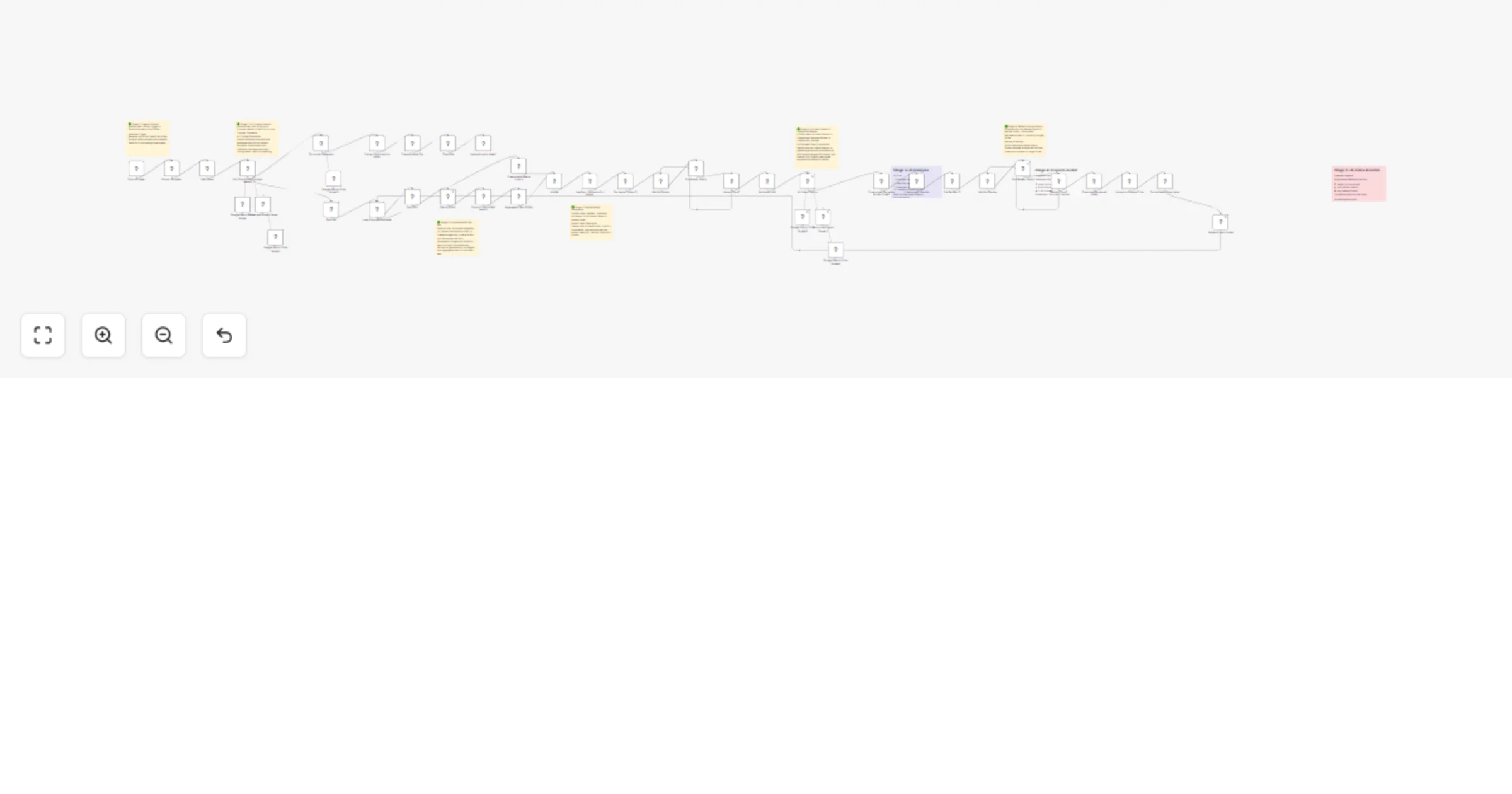
Original n8n.io sourceThis workflow is a fully automated YouTube Shorts production pipeline. It takes the structured output from a video digestion workflow (transcript, key moments, metadata) and produces finished, rendered vertical shorts complete with AI-generated avatar narration, AI-generated B-roll video clips, dynamic multi-layout compositions, social media copy, and a lead magnet document — all uploaded to Google Drive and tracked in Google Sheets.
It's designed to be called as a sub-workflow — triggered by a parent workflow that provides video analysis data (transcript, key moments, visual analysis, metadata).
Stage 1 — Extract & Prepare The workflow receives pre-analysed video data (transcript, sections, B-roll clips, metadata) from the parent workflow via the Execute Workflow Trigger. A Code node extracts and structures the key snippets, B-roll timestamps, and video context ready for AI processing.
Stage 2 — Short-Form Concept Ideation (Gemini AI Agent) A Gemini-powered AI agent analyses the transcript, key moments, and video overview to generate 3 unique short-form concepts per video. Each concept includes a hook, body structure, CTA, full avatar script, and a lead magnet deliverable prompt. The agent uses structured output parsing to guarantee clean JSON. Concepts are fed with real examples from top-performing creators for style reference.
Stage 3 — Loop Through Concepts The workflow loops through each concept and for each one runs the full production pipeline in parallel:
Stage 4 — HeyGen Avatar Generation Each concept's full script is sent to HeyGen's API to generate a vertical (1080×1920) AI avatar video. The workflow polls HeyGen's status endpoint until rendering is complete, then captures the avatar video URL.
Stage 5 — AI B-Roll Generation (Replicate — Seedance 1 Lite) While the avatar renders, the workflow generates AI video B-roll clips using ByteDance's Seedance 1 Lite model on Replicate. The AI Video Director determines what B-roll is needed, and prompts are sent to Replicate to generate 2-second vertical clips at 24fps and 720p. Multiple clips are generated and aggregated.
Stage 6 — AI Video Director (Gemini AI Agent) A Gemini-powered AI Video Director creates a beat-by-beat storyboard with dynamic layout transitions. It generates a RenderScript specifying layout types (avatar full-frame for hooks/CTAs, split-screen for demos, picture-in-picture overlays for focus moments), transition effects, and timing. The effects library provides scroll-stopping transitions like RGB glitch, accent flash, zoom shake, and whip pan.
Stage 7 — Creatomate Rendering The Creatomate Template Builder Code node converts the AI Director's storyboard into a Creatomate-compatible render payload — assembling avatar video, B-roll clips, transitions, text overlays, and effects into a single 1080×1920 composition. The render is sent to Creatomate's API, polled until complete, then downloaded.
Stage 8 — Upload & Social Copy The finished video is uploaded to Google Drive and shared. An OpenAI-powered Social Media Copywriter generates platform-optimised titles, descriptions, hashtags, and captions for YouTube Shorts, Instagram Reels, and TikTok. Everything is logged to a Google Sheets tracker.
Stage 9 — Lead Magnet Document Generation In parallel, a Gemini-powered Document Generator creates a downloadable lead magnet (actionable guide, template, checklist, etc.) based on the CTA promise from each concept. The document is converted to HTML and uploaded as a Google Doc, shared publicly, and linked in the tracker sheet — ready to use as a content magnet in video descriptions.
| Service | What it does | Sign up |
|---|---|---|
| HeyGen | AI avatar video generation (talking head narration) | https://heygen.com |
| Replicate | AI video B-roll generation (Seedance 1 Lite by ByteDance) | https://replicate.com |
| Creatomate | Video composition rendering (assembles final short) | https://creatomate.com |
| Google AI Studio (Gemini) | Powers 4 AI agents (concept ideation, video direction, output parsing, document generation) | https://aistudio.google.com |
| OpenAI | Social media copywriting (titles, descriptions, hashtags) | https://platform.openai.com |
| Google Cloud | Google Drive (video storage) + Google Sheets (tracking) + Google Docs (lead magnets) | https://console.cloud.google.com |
This workflow uses Seedance 1 Lite by ByteDance for AI-generated B-roll video clips:
| Credential type | Used by |
|---|---|
| HeyGen API Key (HTTP Header Auth) | Avatar generation + status polling |
| Replicate API Token (HTTP Header Auth) | AI B-roll video generation |
| Creatomate API Key (HTTP Header Auth) | Video render + status polling |
| Google Gemini API Key | Concept ideation, video direction, structured parsing, document generation |
| OpenAI API Key | Social media copywriting |
| Google Drive OAuth2 | Video upload, Google Doc creation, file sharing |
| Google Sheets OAuth2 | Shorts tracker logging |
shorts_tracker with a sheet named Shorts Tracker. Columns should include: Created Date, YouTube Title, Short Title, Concept Type, YouTube Short Title, YouTube Description, Instagram Caption, TikTok Caption, Hashtags, Google Drive URL, Magnet URL.For each source video, the workflow generates 3 unique shorts, and for each short:
Example Reels: Example 1 Example 2
Built by @adamgoodyer — The Anti-Guru Technical Educator. Real workflows, real implementation, no fluff.
This catalog entry is organized from the workflow JSON. The node-level section below shows the executable blocks available for review before importing the template.
Showing the first 24 of 50 workflow blocks. Download the JSON for the full node graph.
| Workflow | Create AI shorts with HeyGen, Creatomate, Replicate, Gemini and OpenAI |
|---|---|
| Complexity | advanced |
| Nodes | 50 |
| Categories | Content Creation, Multimodal AI |
| Author | Adam Goodyer |
| Published | 24 Feb 2026 |
Use the JSON export at /data/workflows/13676/13676.json as the source template for this automation.
Open n8n, import the downloaded JSON, and review each node before activating the workflow.
Replace placeholder credentials, API keys, webhook URLs, account IDs, and environment-specific values with your own settings.
Run the workflow manually or in a staging workspace, inspect node output, and confirm downstream systems receive the expected data.
Enable the workflow only after testing, then monitor executions, errors, and rate limits during the first production runs.
Review imported nodes carefully before activation. This catalog entry is intended to help you inspect the workflow structure, understand required services, and find related templates faster.
Node names, credentials, schedules, webhook paths, and external service limits may need adjustment for your workspace.
Shorts Creation v10 (Telegram Filming) — n8n Template Description How it works This workflow is a fully automated YouTube Shorts production pipeline. It takes the structured output from a video dig...
Review the workflow JSON, configure any required credentials in n8n, and test the automation in a safe workspace before using it in production.
Yes. Use the block-by-block analysis and the downloadable JSON to inspect each node, then adjust credentials, prompts, schedules, filters, or destinations for your Content Creation, Multimodal AI use case.