Block 1 - Sticky Note2
- Type / Role
- n8n-nodes-base.stickyNote - stickyNote
- Config choices
- Version 1


 Early Deal
This workflow is designed to fully automate the creation and publishing of Instagram marketing content by combining AI powered text generation with Bytedance Seedream 4.0 , image creation, and soci...
n8n-nodes-base.stickynote, @n8n/n8n-nodes-langchain.chainllm, n8n-nodes-postiz.postiz, n8n-nodes-base.httprequest, @n8n/n8n-nodes-langchain.lmchatopenai, n8n-nodes-base.manualtrigger, n8n-nodes-base.merge, n8n-nodes-base.set
This workflow is cataloged by N8N Workflows and links back to its original n8n.io source page by Davide Boizza.
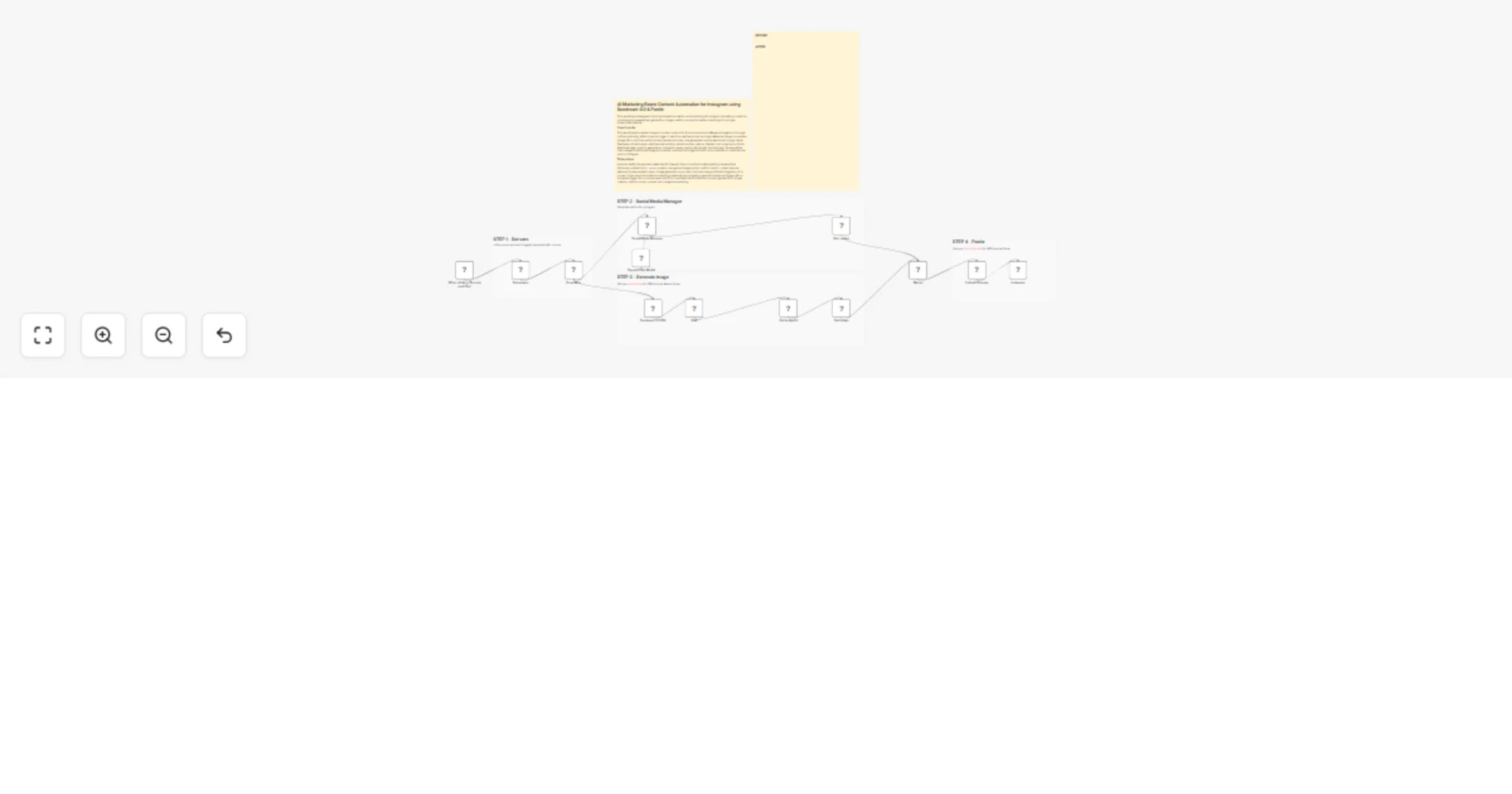
Original n8n.io sourceThis workflow is designed to fully automate the creation and publishing of Instagram marketing content by combining AI-powered text generation with Bytedance Seedream 4.0, image creation, and social media scheduling into a single streamlined pipeline.
Starting from a simple prompt and reference images, the workflow generates both the visual asset and the caption, then automatically publishes the final content to Instagram. It eliminates the need for manual design, copywriting, and posting, enabling a faster and more scalable content production process.
| BEFORE | AFTER |
|---|---|
The workflow fully automates the process from initial input (prompt + reference images) to final delivery (Instagram post), eliminating manual content creation and publishing steps.
It leverages advanced AI models to:
Integrates AI image editing (Kie AI Seedream) to automatically produce high-quality, branded visuals without the need for design tools or manual editing.
Captions are generated with built-in best practices, including:
The workflow structure allows easy scaling to generate and publish large volumes of content across campaigns with minimal effort.
Each step (input setup, caption generation, image creation, upload, publishing) is modular, making it easy to:
Integration with Postiz enables seamless upload and scheduling of posts directly to Instagram, streamlining the entire publishing pipeline.
The wait/resume mechanism ensures that image generation tasks are completed before proceeding, improving workflow stability and preventing failures.
Using structured prompts and predefined logic ensures all generated content maintains a consistent brand voice, visual identity, and messaging across posts.
This workflow automates the creation of a branded visual + Instagram caption, then posts the result to Instagram via Postiz.
OpenAi account I – OpenAI API keyKie AI – Token from Kie.ai API credentialsPostiz account – Postiz API credentialsSet params node → PROMPT value to change the image generation textWait node uses a resume webhook – ensure the webhook URL is reachable by Kie AIInstagram node has the correct Postiz integration IDActivate the workflow (if scheduling needed, replace Manual Trigger with a schedule trigger)
Execute manually to test the full flow from prompt → image → caption → Instagram post
👉 Subscribe to my new YouTube channel. Here I’ll share videos and Shorts with practical tutorials and FREE templates for n8n.
Contact me for consulting and support or add me on Linkedin.
This catalog entry is organized from the workflow JSON. The node-level section below shows the executable blocks available for review before importing the template.
| Workflow | Create AI Instagram brand posts with Seedream 4.0, OpenAI and Postiz |
|---|---|
| Complexity | advanced |
| Nodes | 19 |
| Categories | Content Creation, Multimodal AI |
| Author | Davide Boizza |
| Published | 08 Apr 2026 |
Use the JSON export at /data/workflows/14890/14890.json as the source template for this automation.
Open n8n, import the downloaded JSON, and review each node before activating the workflow.
Replace placeholder credentials, API keys, webhook URLs, account IDs, and environment-specific values with your own settings.
Run the workflow manually or in a staging workspace, inspect node output, and confirm downstream systems receive the expected data.
Enable the workflow only after testing, then monitor executions, errors, and rate limits during the first production runs.
Review imported nodes carefully before activation. This catalog entry is intended to help you inspect the workflow structure, understand required services, and find related templates faster.
Node names, credentials, schedules, webhook paths, and external service limits may need adjustment for your workspace.
This workflow is designed to fully automate the creation and publishing of Instagram marketing content by combining AI powered text generation with Bytedance Seedream 4.0 , image creation, and soci...
Review the workflow JSON, configure any required credentials in n8n, and test the automation in a safe workspace before using it in production.
Yes. Use the block-by-block analysis and the downloadable JSON to inspect each node, then adjust credentials, prompts, schedules, filters, or destinations for your Content Creation, Multimodal AI use case.