Block 1 - Pinecone Vector Store
- Type / Role
- @n8n/n8n-nodes-langchain.vectorStorePinecone - vectorStorePinecone
- Config choices
- Version 1


 Early Deal
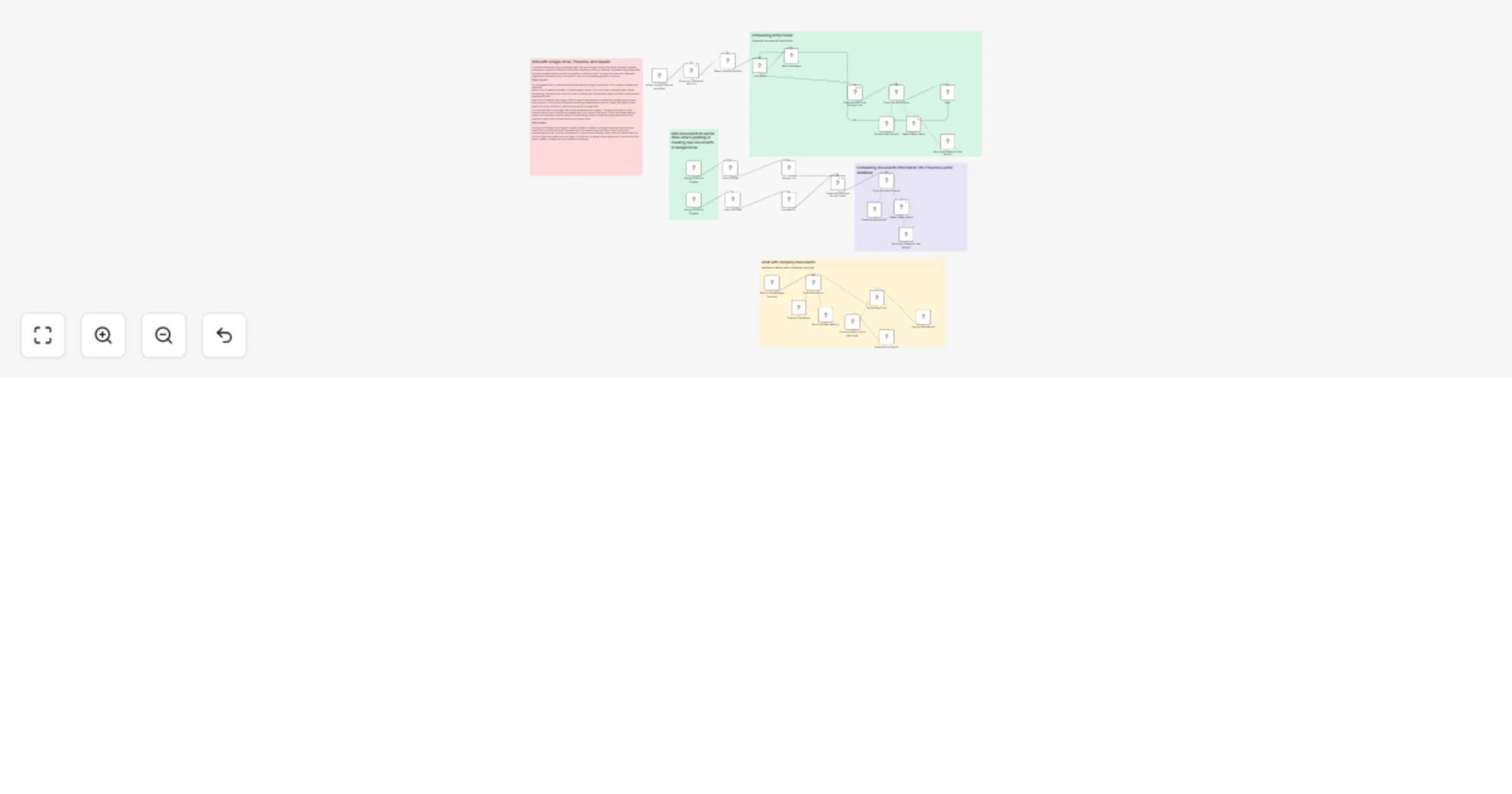
Google Drive → Pinecone RAG Chatbot (Auto Sync & Query) This n8n workflow implements a fully automated Retrieval Augmented Generation (RAG) pipeline powered by Google Drive, OpenAI embeddings, and ...
@n8n/n8n-nodes-langchain.vectorstorepinecone, @n8n/n8n-nodes-langchain.documentdefaultdataloader, @n8n/n8n-nodes-langchain.textsplitterrecursivecharactertextsplitter, @n8n/n8n-nodes-langchain.toolvectorstore, n8n-nodes-base.googledrive, n8n-nodes-base.stickynote, n8n-nodes-base.googledrivetrigger, @n8n/n8n-nodes-langchain.memorybufferwindow
This workflow is cataloged by N8N Workflows and links back to its original n8n.io source page by Alberto Idrio.
Original n8n.io sourceThis n8n workflow implements a fully automated Retrieval-Augmented Generation (RAG) pipeline powered by Google Drive, OpenAI embeddings, and Pinecone.
It continuously keeps a vector database in sync with your company documents and exposes them through an AI chat interface.
What this workflow does
The workflow monitors a Google Drive folder and automatically reacts to document lifecycle events:
File created
File updated
File deleted
When a document is added or updated:
The file is downloaded from Google Drive
Its content is chunked using a recursive text splitter
Embeddings are generated with OpenAI
Vectors are stored or updated in Pinecone
When a document is deleted:
The corresponding vectors are removed from Pinecone, keeping the index clean and consistent
On the chat side:
A conversational AI agent retrieves relevant vectors from Pinecone
Context is injected into the prompt
The assistant answers questions grounded only on your documents
Key features
End-to-end RAG pipeline (ingestion + retrieval + chat)
Automatic vector updates on file changes
Idempotent design (safe re-runs, no duplicated vectors)
Google Drive as a live knowledge source
Pinecone as scalable vector storage
OpenAI embeddings and chat models
Ready-to-use AI chat interface inside n8n
Typical use cases
Internal company knowledge base
AI assistant for policies, manuals, and documentation
Team chat over shared Google Drive files
Lightweight alternative to full-blown document search platforms
Prototyping and production RAG systems
Who this template is for
n8n users building AI-powered workflows
Teams working with Google Drive documents
Developers implementing RAG architectures
Anyone who wants a self-hosted, controllable, and transparent AI document chatbot
This template is designed to be robust, maintainable, and production-ready, while remaining easy to extend with additional data sources, metadata filtering, or alternative LLM providers.
This catalog entry is organized from the workflow JSON. The node-level section below shows the executable blocks available for review before importing the template.
Showing the first 24 of 35 workflow blocks. Download the JSON for the full node graph.
| Workflow | Chat with Google Drive documents using Pinecone and OpenAI RAG |
|---|---|
| Complexity | advanced |
| Nodes | 35 |
| Categories | Internal Wiki, AI RAG |
| Author | Alberto Idrio |
| Published | 01 Feb 2026 |
Use the JSON export at /data/workflows/13147/13147.json as the source template for this automation.
Open n8n, import the downloaded JSON, and review each node before activating the workflow.
Replace placeholder credentials, API keys, webhook URLs, account IDs, and environment-specific values with your own settings.
Run the workflow manually or in a staging workspace, inspect node output, and confirm downstream systems receive the expected data.
Enable the workflow only after testing, then monitor executions, errors, and rate limits during the first production runs.
Review imported nodes carefully before activation. This catalog entry is intended to help you inspect the workflow structure, understand required services, and find related templates faster.
Node names, credentials, schedules, webhook paths, and external service limits may need adjustment for your workspace.
Google Drive → Pinecone RAG Chatbot (Auto Sync & Query) This n8n workflow implements a fully automated Retrieval Augmented Generation (RAG) pipeline powered by Google Drive, OpenAI embeddings, and ...
Review the workflow JSON, configure any required credentials in n8n, and test the automation in a safe workspace before using it in production.
Yes. Use the block-by-block analysis and the downloadable JSON to inspect each node, then adjust credentials, prompts, schedules, filters, or destinations for your Internal Wiki, AI RAG use case.