Block 1 - Extract User & Message
- Type / Role
- n8n-nodes-base.code - code
- Config choices
- Version 2


 Early Deal
Description Most career advice is generic. This workflow builds a fully personalized AI coaching system that remembers every user, adapts to their career stage and goals, detects what kind of he...
n8n-nodes-base.code, n8n-nodes-base.googlesheets, n8n-nodes-base.gmail, @n8n/n8n-nodes-langchain.chattrigger, n8n-nodes-base.if, @n8n/n8n-nodes-langchain.chat, @n8n/n8n-nodes-langchain.openai, n8n-nodes-base.scheduletrigger
This workflow is cataloged by N8N Workflows and links back to its original n8n.io source page by Rahul Joshi.
Original n8n.io sourceMost career advice is generic. This workflow builds a fully personalized AI coaching system that remembers every user, adapts to their career stage and goals, detects what kind of help they need, and gets more contextual with every conversation. It is not a simple chatbot — it is a structured coaching engine with user profiling, conversation memory, intent routing, and proactive weekly outreach. Built for women's communities, coaching platforms, HR teams, and edtech creators who want to deliver real personalized career support at scale without hiring a team of coaches.
💬 Opens a chat interface where users can start talking immediately — no signup required 🧮 Detects if the user is new or returning on every message using Google Sheets as a user database 📋 Walks new users through a 4-step onboarding — name, career stage, biggest challenge, and monthly goal 🗂️ Stores and updates every user profile in Google Sheets with full onboarding state tracking 🔍 Detects intent from every coaching message across 6 categories — salary negotiation, interview prep, career change, leadership, confidence building, and work-life balance 🤖 Routes each message to a topic-specific GPT-4o system prompt tailored to that coaching category 💬 Loads the last 5 conversations from history to give GPT-4o full context before generating a response ✅ Responds with personalized advice, one actionable step for today, and a follow-up question to keep momentum 📝 Logs every conversation to Google Sheets with timestamp, message, intent, and AI response 📧 Sends every fully onboarded user a personalized weekly check-in email every Sunday with a weekly challenge, progress acknowledgment, and motivational quote from a woman leader
✅ Full conversation memory — every session builds on the last ✅ Intent detection across 6 coaching categories — not one generic prompt ✅ User profiling — advice is always tailored to their stage, challenge, and goal ✅ Proactive weekly outreach — not just reactive coaching ✅ Complete audit trail — every conversation logged to Google Sheets ✅ Works for any number of users simultaneously via session-based identification ✅ No login or signup needed — just open the chat URL and start
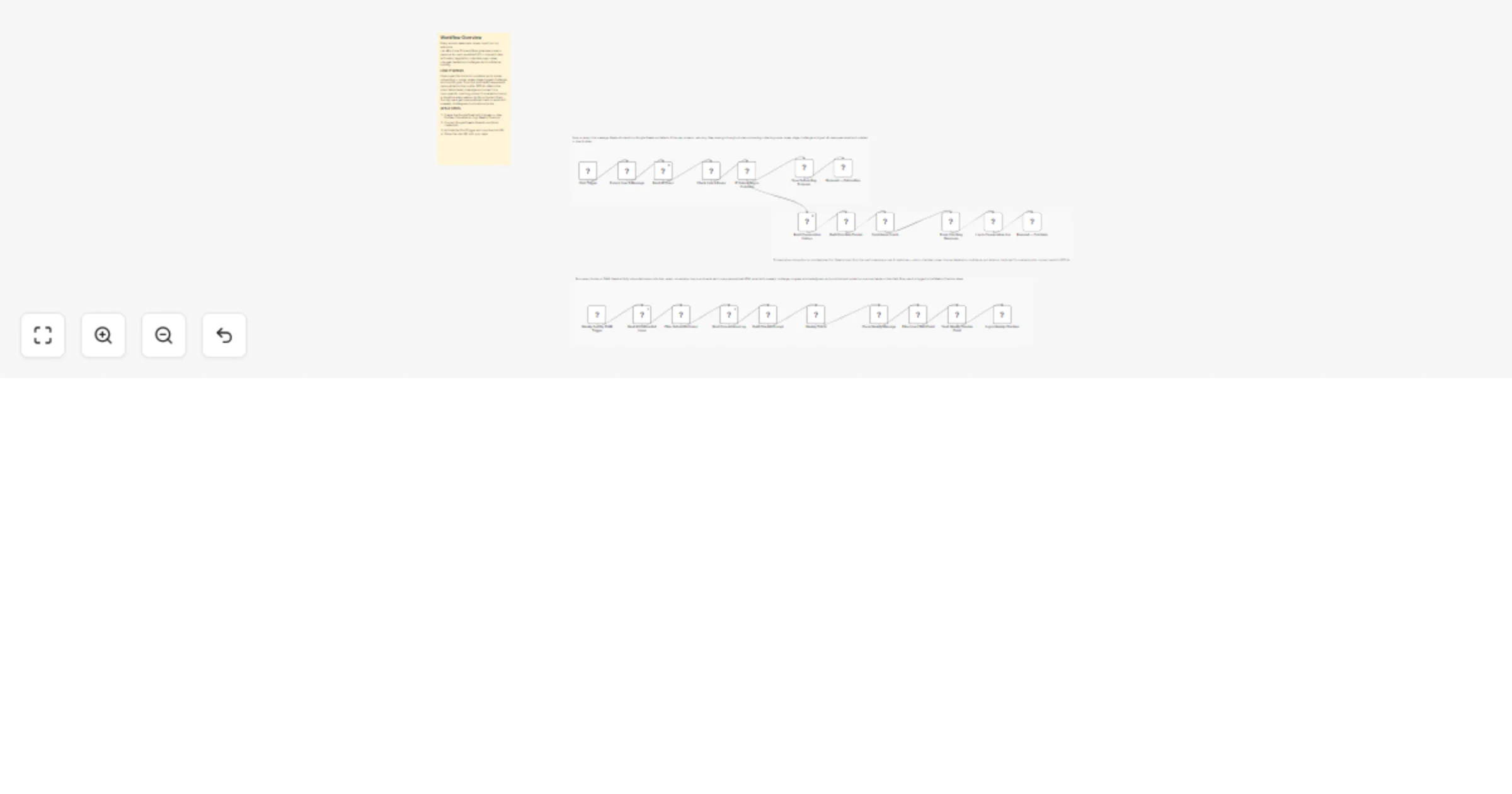
SW1 — Onboarding Every message hits the Chat Trigger and gets routed through the onboarding engine. The workflow reads all users from Google Sheets and matches the current session ID. If the user is new they go through 4 onboarding steps one message at a time — name, career stage with a numbered menu, biggest challenge with a numbered menu, and their monthly goal in their own words. Numbered responses are automatically mapped to their full label so 2 becomes Early Career (1-3 years) and 5 becomes Work-life balance. Every step is saved and the onboarding state is tracked so users can return to the same conversation and pick up exactly where they left off.
SW2 — Coaching Engine Once onboarding is complete every subsequent message goes straight to the coaching engine. The workflow reads the user's last 5 conversations from the Conversation Log sheet for context. It then scans the message for intent keywords across 6 categories and selects the matching system prompt. GPT-4o receives the full user profile, conversation history, and topic-specific coaching instructions before generating a response. Every response includes a main coaching answer, one specific action the user can take today, and a follow-up question to continue the conversation. The full exchange is logged to the Conversation Log sheet.
SW3 — Weekly Check-in Every Sunday at 10AM the workflow reads all fully onboarded users, pulls their recent conversation topics from the log, and generates a personalized weekly check-in email for each one via GPT-4o. The email includes a warm personalized greeting, acknowledgment of their progress, a concrete weekly challenge tied to their goal, and a motivational quote from a real woman leader relevant to their situation. Emails are sent via Gmail and every send is logged to the Weekly Checkins sheet.
🤖 Women's communities and career platforms who want to offer AI coaching at scale 💼 HR teams building internal confidence and career development tools 🎓 Edtech creators running women's upskilling and mentorship programs 🔧 Automation agencies building AI coaching products for clients
This catalog entry is organized from the workflow JSON. The node-level section below shows the executable blocks available for review before importing the template.
Showing the first 24 of 27 workflow blocks. Download the JSON for the full node graph.
| Workflow | Build an AI confidence coach for women with GPT-4o, Google Sheets and Gmail |
|---|---|
| Complexity | advanced |
| Nodes | 27 |
| Categories | Personal Productivity, AI Chatbot |
| Author | Rahul Joshi |
| Published | 13 Mar 2026 |
Use the JSON export at /data/workflows/14020/14020.json as the source template for this automation.
Open n8n, import the downloaded JSON, and review each node before activating the workflow.
Replace placeholder credentials, API keys, webhook URLs, account IDs, and environment-specific values with your own settings.
Run the workflow manually or in a staging workspace, inspect node output, and confirm downstream systems receive the expected data.
Enable the workflow only after testing, then monitor executions, errors, and rate limits during the first production runs.
Review imported nodes carefully before activation. This catalog entry is intended to help you inspect the workflow structure, understand required services, and find related templates faster.
Node names, credentials, schedules, webhook paths, and external service limits may need adjustment for your workspace.
Description Most career advice is generic. This workflow builds a fully personalized AI coaching system that remembers every user, adapts to their career stage and goals, detects what kind of he...
Review the workflow JSON, configure any required credentials in n8n, and test the automation in a safe workspace before using it in production.
Yes. Use the block-by-block analysis and the downloadable JSON to inspect each node, then adjust credentials, prompts, schedules, filters, or destinations for your Personal Productivity, AI Chatbot use case.