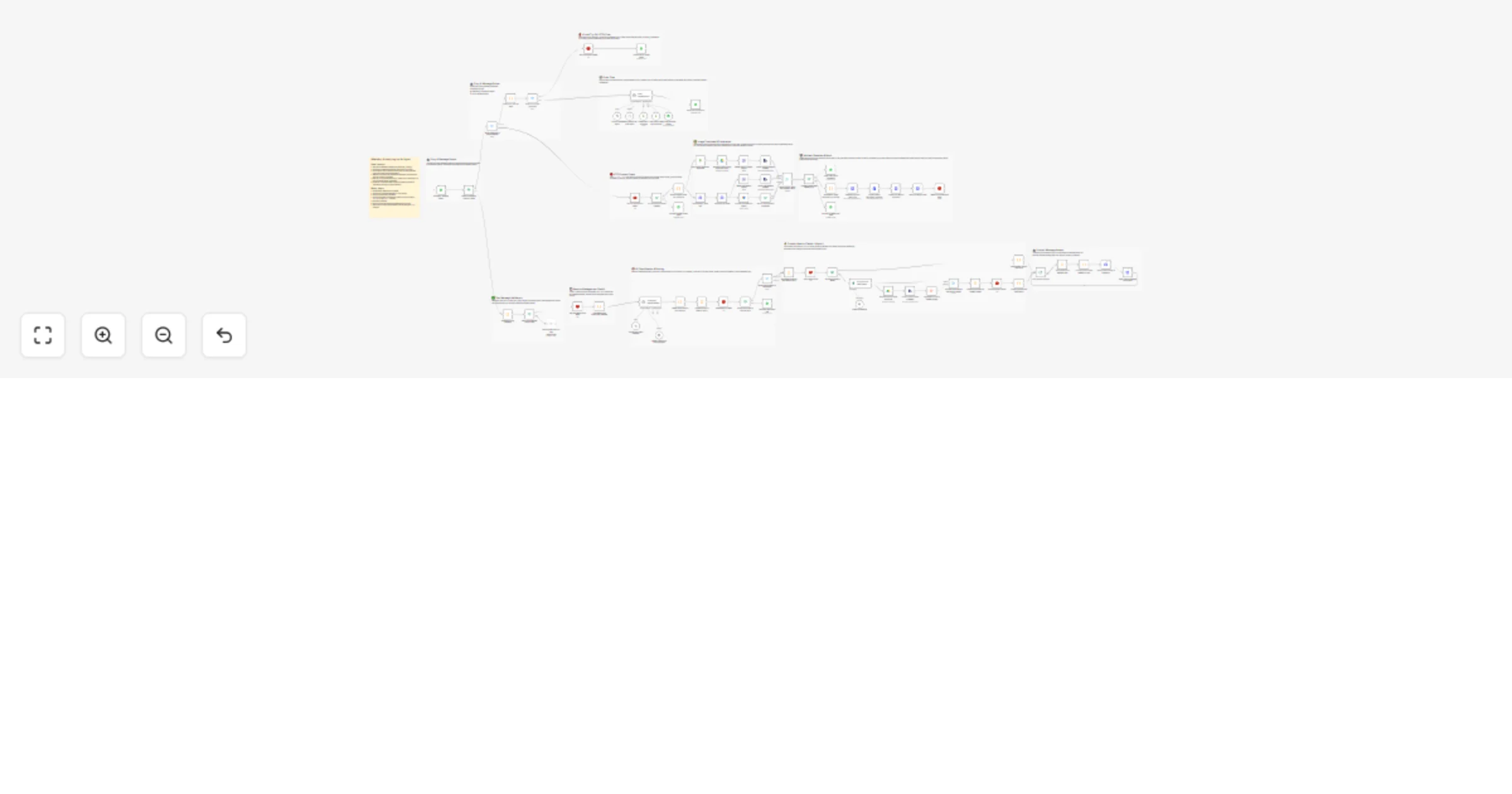
Build a WhatsApp AI shopping bot with virtual try-on using Gemini and GPT

Workflow preview

Workflow preview
100%
Build a WhatsApp AI shopping bot with virtual try-on using Gemini and GPT preview
Open on n8n.io

1. Workflow Overview

Build a WhatsApp AI shopping bot with virtual try on using Gemini Overview This workflow fully automates your T shirt store's WhatsApp shopping experience using GPT for intent detection, MongoDB...

Best for

  • Support Chatbot automation workflows
  • AI Chatbot automation workflows
  • advanced n8n builders looking for reusable templates

Tools used

n8n-nodes-base.stickynote, n8n-nodes-base.redis, n8n-nodes-base.code, n8n-nodes-base.whatsapp, @n8n/n8n-nodes-langchain.lmchatopenai, n8n-nodes-base.mongodbtool, @n8n/n8n-nodes-langchain.agent, n8n-nodes-base.googlesheetstool

Source and attribution

This workflow is cataloged by N8N Workflows and links back to its original n8n.io source page by BytezTech.

Original n8n.io source

1.1 Workflow description

Title
Build a WhatsApp AI shopping bot with virtual try-on using Gemini and GPT
Workflow name
Build a WhatsApp AI shopping bot with virtual try-on using Gemini and GPT

Build a WhatsApp AI shopping bot with virtual try-on using Gemini


πŸ“Œ Overview

This workflow fully automates your T-shirt store's WhatsApp shopping experience using GPT for intent detection, MongoDB Atlas for vector-based product search, Redis for session management, and Google Gemini for AI-powered virtual try-on.

It automatically handles customer messages, finds relevant products, processes orders, and generates realistic try-on images β€” all inside WhatsApp, with no app or website required.

Customers can search for T-shirts, place orders, and virtually try on items in a single conversation. Redis ensures fast product caching and session tracking. MongoDB Atlas stores the product catalog and orders. Google Sheets logs every order automatically. Gemini generates realistic try-on images from customer selfies.

This workflow eliminates manual order handling, improves customer experience, and gives store owners full visibility into orders and product searches.

βš™οΈ How it works

This workflow runs automatically when a customer sends a WhatsApp message.

πŸ” Product search

  • πŸ’¬ Receives the customer message via WhatsApp Business API
  • 🧠 GPT classifies the intent as product search, recommendation, or general query
  • ⚑ Checks Redis cache for existing results (TTL: 1 hour)
  • πŸ”Ž On a cache miss, runs MongoDB Atlas vector search using OpenAI embeddings
  • πŸ›οΈ Sends matching products as interactive WhatsApp cards with Order Now and Virtual Try-On buttons

πŸ›’ Order flow

  • πŸ‘† Triggered when the customer taps the Order Now button
  • πŸ“¦ AI agent fetches product details from MongoDB
  • πŸ—ƒοΈ Creates a new order document in MongoDB
  • πŸ“Š Logs the order to Google Sheets automatically
  • βœ… Sends an order confirmation message to the customer via WhatsApp

πŸ‘— Virtual try-on flow

  • πŸ‘† Triggered when the customer taps the Virtual Try-On button
  • πŸ’Ύ Stores the product ID in Redis (TTL: 10 minutes)
  • πŸ“Έ Prompts the customer to send a clear front-facing selfie
  • πŸ” Gemini validates that exactly one real person is in the photo
  • πŸ–ΌοΈ Merges the product image and selfie and generates a realistic try-on image
  • πŸ“© Sends the try-on result back to the customer via WhatsApp
  • πŸ—‘οΈ Clears the Redis context after delivery

πŸ›  Setup steps

  1. Import this workflow into n8n
  2. Connect your WhatsApp Business Cloud API credentials
  3. Connect your OpenAI API credentials (for embeddings and GPT model)
  4. Connect your Google Gemini API credentials
  5. Connect your MongoDB Atlas credentials and create a vector index named ShopingBot on the product collection
  6. Connect your Redis credentials
  7. Connect your Google Drive service account credentials
  8. Connect your Google Sheets service account credentials
  9. Import your product catalog with embeddings into the MongoDB product collection
  10. Activate the workflow

The workflow will run automatically when customers send WhatsApp messages.

πŸš€ Features

🧠 AI-powered shopping

  • πŸ€– Automatically classifies customer intent using GPT
  • πŸ”Ž Semantic product search using OpenAI embeddings and MongoDB Atlas vector search
  • ⚑ Redis caching for ultra-fast repeated search results (TTL: 1 hour)
  • πŸ’¬ Interactive WhatsApp product cards with Order Now and Virtual Try-On buttons
  • πŸ”„ Sliding window session memory (last 20 messages per user)

πŸ›’ Order management

  • πŸ“¦ Fully automated order creation saved to MongoDB
  • πŸ“Š Automatic order logging to Google Sheets
  • πŸ€– AI agent handles the complete order flow without manual input
  • βœ… Instant order confirmation sent to the customer via WhatsApp

πŸ‘— Virtual try-on

  • ✨ AI-powered try-on image generation using Google Gemini
  • πŸ“· Selfie validation ensures exactly one real person is in the photo
  • πŸ–ΌοΈ Product and selfie images resized and merged before generation
  • πŸ“© Try-on result delivered directly in the WhatsApp conversation
  • πŸ—‘οΈ Redis TTL automatically clears try-on context after delivery

πŸ” Security and reliability

  • πŸ›‘οΈ Advanced message validation with spam and XSS protection
  • ❌ Unsupported message types rejected with friendly error messages
  • πŸ” Retry logic on critical HTTP request nodes
  • πŸ“¦ Modular workflow architecture for easy customisation and scaling

πŸ“‹ Requirements

You need the following accounts and credentials:

  • πŸ”§ n8n
  • πŸ“± WhatsApp Business Cloud API
  • πŸ€– OpenAI API (embeddings and GPT model)
  • ✨ Google Gemini API
  • πŸƒ MongoDB Atlas (with vector index named ShoppingBot on the product collection)
  • ⚑ Redis server
  • πŸ“ Google Drive (service account)
  • πŸ“Š Google Sheets (service account)

🎯 Benefits

  • πŸš€ Fully automated WhatsApp shopping experience
  • πŸ™Œ No manual order handling required
  • πŸ‘— Customers can try on products before buying
  • ⚑ Fast product search with Redis caching
  • πŸ“Š All orders automatically tracked in Google Sheets
  • πŸ’Ό Reduces support workload for store owners
  • πŸ• Works 24/7 without human intervention

πŸ‘¨β€πŸ’» Author

BytezTech Pvt Ltd

1.2 Logical Blocks

This catalog entry is organized from the workflow JSON. The node-level section below shows the executable blocks available for review before importing the template.

2. Block-by-Block Analysis

Block 1 - πŸ“Œ Main overview

Type / Role
n8n-nodes-base.stickyNote - stickyNote
Config choices
Version 1

Block 2 - πŸ“Œ Group: Entry & Router

Type / Role
n8n-nodes-base.stickyNote - stickyNote
Config choices
Version 1

Block 3 - πŸ“Œ Group: Validation

Type / Role
n8n-nodes-base.stickyNote - stickyNote
Config choices
Version 1

Block 4 - πŸ“Œ Group: Session Management

Type / Role
n8n-nodes-base.stickyNote - stickyNote
Config choices
Version 1

Block 5 - πŸ“Œ Group: AI Classification

Type / Role
n8n-nodes-base.stickyNote - stickyNote
Config choices
Version 1

Block 6 - πŸ“Œ Group: Cache & Vector Search

Type / Role
n8n-nodes-base.stickyNote - stickyNote
Config choices
Version 1

Block 7 - πŸ“Œ Group: Product Sender

Type / Role
n8n-nodes-base.stickyNote - stickyNote
Config choices
Version 1

Block 8 - πŸ“Œ Group: Order Flow

Type / Role
n8n-nodes-base.stickyNote - stickyNote
Config choices
Version 1

Block 9 - πŸ“Œ Group: VTO Flow

Type / Role
n8n-nodes-base.stickyNote - stickyNote
Config choices
Version 1

Block 10 - Check Redis cache

Type / Role
n8n-nodes-base.redis - redis
Config choices
Version 1

Block 11 - Store products in cache

Type / Role
n8n-nodes-base.redis - redis
Config choices
Version 1

Block 12 - Save session to Redis

Type / Role
n8n-nodes-base.redis - redis
Config choices
Version 1

Block 13 - Validate incoming message

Type / Role
n8n-nodes-base.code - code
Config choices
Version 2

Block 14 - Send validation error to user

Type / Role
n8n-nodes-base.whatsApp - whatsApp
Config choices
Version 1

Block 15 - Get user session from Redis

Type / Role
n8n-nodes-base.redis - redis
Config choices
Version 1

Block 16 - GPT-5-nano (intent classifier)

Type / Role
@n8n/n8n-nodes-langchain.lmChatOpenAi - lmChatOpenAi
Config choices
Version 1.2

Block 17 - Set VTO context in Redis

Type / Role
n8n-nodes-base.redis - redis
Config choices
Version 1

Block 18 - GPT-4o (order agent)

Type / Role
@n8n/n8n-nodes-langchain.lmChatOpenAi - lmChatOpenAi
Config choices
Version 1.2

Block 19 - Create order in MongoDB

Type / Role
n8n-nodes-base.mongoDbTool - mongoDbTool
Config choices
Version 1.2

Block 20 - Get product info from MongoDB

Type / Role
n8n-nodes-base.mongoDbTool - mongoDbTool
Config choices
Version 1.2

Block 21 - Order orchestration AI agent

Type / Role
@n8n/n8n-nodes-langchain.agent - agent
Config choices
Version 2.2

Block 22 - Log order to Google Sheets

Type / Role
n8n-nodes-base.googleSheetsTool - googleSheetsTool
Config choices
Version 4.7

Block 23 - Send order confirmation

Type / Role
n8n-nodes-base.whatsApp - whatsApp
Config choices
Version 1

Block 24 - AI shopping agent (BytezBot)

Type / Role
@n8n/n8n-nodes-langchain.agent - agent
Config choices
Version 2

Showing the first 24 of 83 workflow blocks. Download the JSON for the full node graph.

3. Summary Table

Workflow Build a WhatsApp AI shopping bot with virtual try-on using Gemini and GPT
Complexity advanced
Nodes 83
Categories Support Chatbot, AI Chatbot
Author BytezTech
Published 19 Feb 2026

4. Reproducing the Workflow from Scratch

  1. 1. Download the workflow JSON

    Use the JSON export at /data/workflows/13506/13506.json as the source template for this automation.

  2. 2. Import the template into n8n

    Open n8n, import the downloaded JSON, and review each node before activating the workflow.

  3. 3. Configure credentials and variables

    Replace placeholder credentials, API keys, webhook URLs, account IDs, and environment-specific values with your own settings.

  4. 4. Test with sample data

    Run the workflow manually or in a staging workspace, inspect node output, and confirm downstream systems receive the expected data.

  5. 5. Activate and monitor

    Enable the workflow only after testing, then monitor executions, errors, and rate limits during the first production runs.

5. General Notes & Resources

Review imported nodes carefully before activation. This catalog entry is intended to help you inspect the workflow structure, understand required services, and find related templates faster.

Node names, credentials, schedules, webhook paths, and external service limits may need adjustment for your workspace.

Frequently asked questions

What does Build a WhatsApp AI shopping bot with virtual try-on using Gemini and GPT do?

Build a WhatsApp AI shopping bot with virtual try on using Gemini Overview This workflow fully automates your T shirt store's WhatsApp shopping experience using GPT for intent detection, MongoDB...

What do I need before importing this workflow?

Review the workflow JSON, configure any required credentials in n8n, and test the automation in a safe workspace before using it in production.

Can I customize this workflow?

Yes. Use the block-by-block analysis and the downloadable JSON to inspect each node, then adjust credentials, prompts, schedules, filters, or destinations for your Support Chatbot, AI Chatbot use case.