Block 1 - Sticky Note
- Type / Role
- n8n-nodes-base.stickyNote - stickyNote
- Config choices
- Version 1


 Early Deal
Categories Lead Generation, Market Intelligence, Recruitment Automation, Business Intelligence LinkedIn Job Intelligence Automation (n8n + Apify) This workflow creates a fully automated LinkedIn jo...
n8n-nodes-base.stickynote, n8n-nodes-base.manualtrigger, @apify/n8n-nodes-apify.apify, n8n-nodes-base.splitinbatches, n8n-nodes-base.googlesheets, n8n-nodes-base.if, n8n-nodes-base.set
This workflow is cataloged by N8N Workflows and links back to its original n8n.io source page by Ahmed Salama.
Original n8n.io sourceLead Generation, Market Intelligence, Recruitment Automation, Business Intelligence
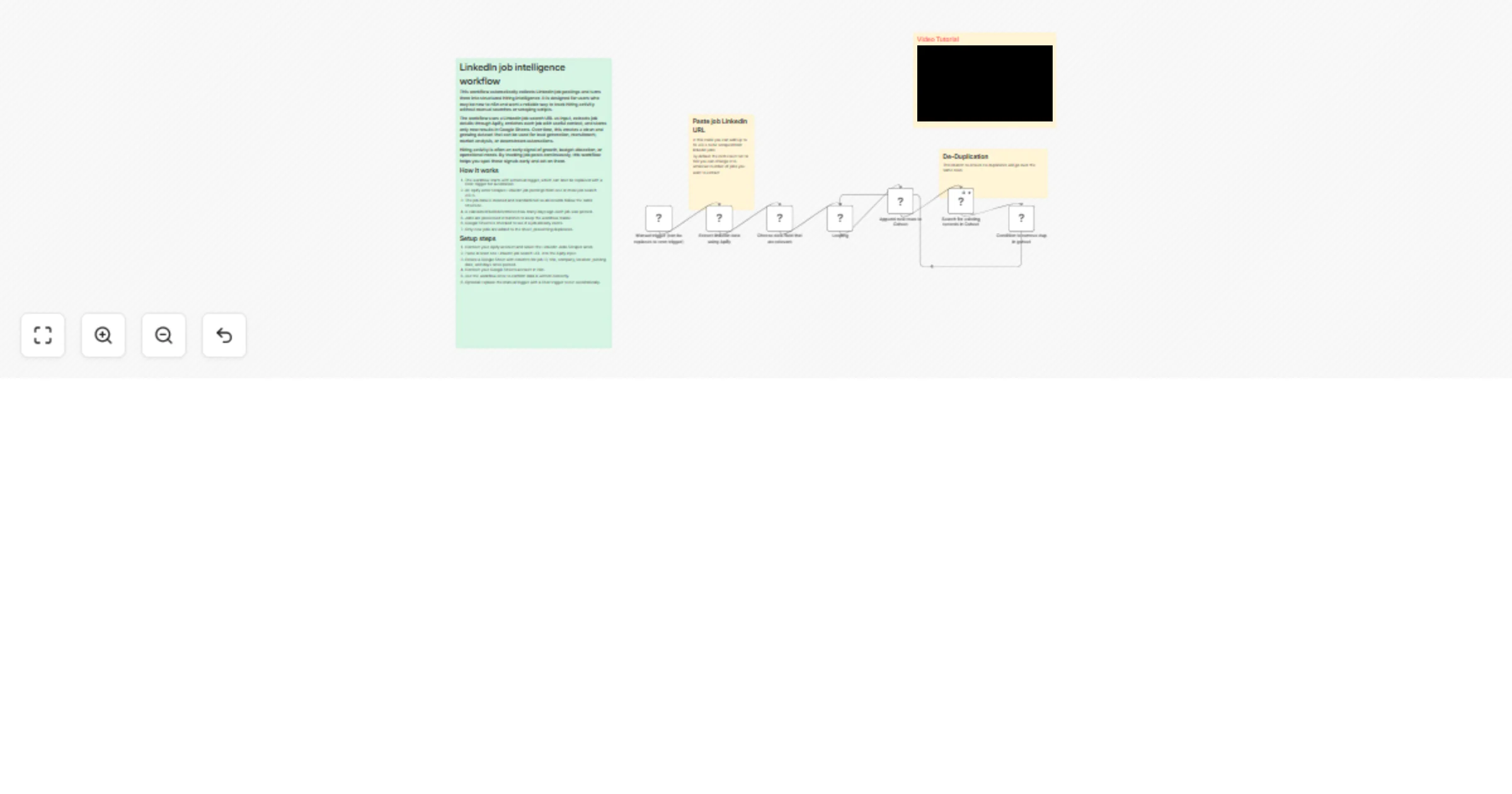
This workflow creates a fully automated LinkedIn job intelligence system that continuously scrapes job postings, enriches them with time-based insights, removes duplicates, and stores them in a structured Google Sheet for analysis, outreach, or decision-making.
Built for founders, recruiters, sales teams, and consultants who want real-time hiring signals instead of static lead databases, this workflow turns job postings into actionable business intelligence.
Real-Time Hiring Signals Detect company growth, hiring urgency, and budget intent before announcements.
Automated Lead Discovery Identify companies actively hiring relevant roles, indicating readiness to buy services or tools.
Zero Manual Work Fully automated scraping, enrichment, and storage.
De-duplicated Data Prevents repeated job entries using job ID matching logic.
Time-Based Insight Automatically calculates how many days ago a job was posted.
Flexible Output Stored in Google Sheets for BI tools, CRMs, AI agents, or manual review.
This workflow enables multiple monetization paths:
Lead Intelligence as a Service Sell curated hiring signals to sales teams or agencies
Recruitment Automation Reduce recruiter sourcing costs by 70–90%
Consulting Insights Bundle hiring data into strategy or growth audits
Outbound Acceleration Increase reply rates by targeting active hiring companies
Beginner to Intermediate
30–45 minutes
Typical range: $10–25/month
This catalog entry is organized from the workflow JSON. The node-level section below shows the executable blocks available for review before importing the template.
| Workflow | Build a LinkedIn job intelligence pipeline with Apify and Google Sheets |
|---|---|
| Complexity | intermediate |
| Nodes | 11 |
| Categories | Market Research |
| Author | Ahmed Salama |
| Published | 20 Jan 2026 |
Use the JSON export at /data/workflows/12838/12838.json as the source template for this automation.
Open n8n, import the downloaded JSON, and review each node before activating the workflow.
Replace placeholder credentials, API keys, webhook URLs, account IDs, and environment-specific values with your own settings.
Run the workflow manually or in a staging workspace, inspect node output, and confirm downstream systems receive the expected data.
Enable the workflow only after testing, then monitor executions, errors, and rate limits during the first production runs.
Review imported nodes carefully before activation. This catalog entry is intended to help you inspect the workflow structure, understand required services, and find related templates faster.
Node names, credentials, schedules, webhook paths, and external service limits may need adjustment for your workspace.
Categories Lead Generation, Market Intelligence, Recruitment Automation, Business Intelligence LinkedIn Job Intelligence Automation (n8n + Apify) This workflow creates a fully automated LinkedIn jo...
Review the workflow JSON, configure any required credentials in n8n, and test the automation in a safe workspace before using it in production.
Yes. Use the block-by-block analysis and the downloadable JSON to inspect each node, then adjust credentials, prompts, schedules, filters, or destinations for your Market Research use case.