Beginner AI dataset generator using OpenAI + LangChain in n8n
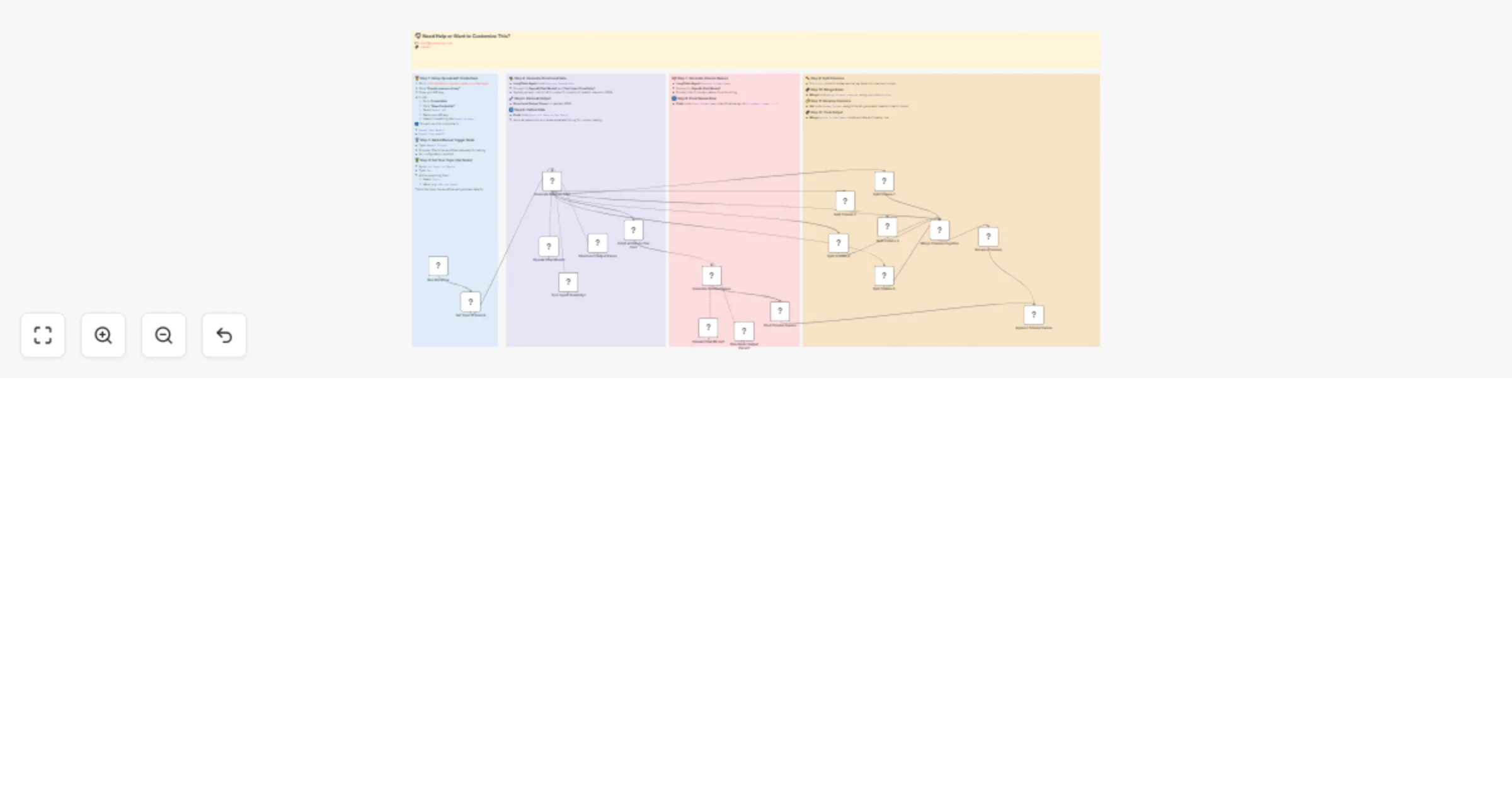
Workflow preview

$20/month : Unlimited workflows
2500 executions/month

THE #1 IN WEB SCRAPING
Scrape any website without limits
HOSTINGER  Early Deal
DISCOUNT 20% Try free
Early DealDISCOUNT 20%
Self-hosted n8n
Unlimited workflows - from $4.99/mo

#1 hub for scraping, AI & automation
6000+ actors - $5 credits/mo
Important notice
This workflow is provided as-is. Please review and test before using in production.
Overview
This n8n workflow dynamically generates a realistic sample dataset based on a single topic you provide. It uses OpenAI (via LangChain) and n8n’s built-in nodes to:
- Generate structured JSON data for 5 columns with 3–5 values each
- Flatten that data into a single text blob
- Infer meaningful column names via a second AI call
- Pivot, split, merge, and rename columns automatically
- Output a clean, labeled dataset ready for export or further processing
⚙️ Prerequisites
OpenAI API Key
- Visit: https://platform.openai.com/account/api-keys
- Create a new key
- In n8n: Credentials → New → OpenAI API, paste key, name it “OpenAi account”
LangChain nodes enabled in your n8n instance
🥇 Step 1: Set Up OpenAI Credential
- Go to OpenAI API Keys
- Create and copy your key
- In n8n: Credentials → New → OpenAI API → paste key as “OpenAi account”
🥈 Step 2: Manual Trigger
- Add Manual Trigger to start the workflow
🥉 Step 3: Set Topic
- Add a Set node named
Set Topic to Search - Field:
Topic=n8n use cases(or any topic you choose)
✨ Step 4: Generate Structured Data
- LangChain Agent node
Generate Random Data - Connect to OpenAI Chat Model1 and Tool: Inject Creativity1
- System prompt: instruct AI to output 5 columns of realistic values in JSON
🔧 Step 5: Parse AI Output
- Structured Output Parser to validate JSON
🔄 Step 6: Flatten Data
- Code node
Outpt all Data to One Field - Joins all values into a comma-separated string for column naming
🧠 Step 7: Generate Column Names
- LangChain Agent
Generate Column Names - Connect to OpenAI Chat Model2
- Prompt: infer 5 column names from the string
🔢 Step 8: Pivot Names Row
- Code node
Pivot Column Namestransforms array into{ column1: name1, … }
🪓 Step 9: Split Columns
- 5
SplitOutnodes to break each array back into rows per column
🔗 Step 10: Merge Rows
- Merge node
Merge Columns togetherusingcombineByPosition
🏷️ Step 11: Rename Columns
- Set node
Rename Columnsassigns the AI-generated names to each column
🔗 Step 12: Final Output
- Merge
Append Column Namescombines data and header row
🏁 Done! You now have a fully AI-driven, labeled dataset generated from a single topic—no external services needed. Easily extend by adding a Google Sheets or HTTP node to export.