Block 1 - Backup Webhook Trigger
- Type / Role
- n8n-nodes-base.webhook - webhook
- Config choices
- Version 1


 Early Deal
Scheduled Backup Automation – Mailgun & Box This workflow automatically schedules, packages, and uploads backups of your databases, files, or configuration exports to Box cloud storage, then sends ...
n8n-nodes-base.webhook, n8n-nodes-base.set, n8n-nodes-base.box, n8n-nodes-base.code, n8n-nodes-base.splitinbatches, n8n-nodes-base.httprequest, n8n-nodes-base.if, n8n-nodes-base.movebinarydata
This workflow is cataloged by N8N Workflows and links back to its original n8n.io source page by vinci-king-01.
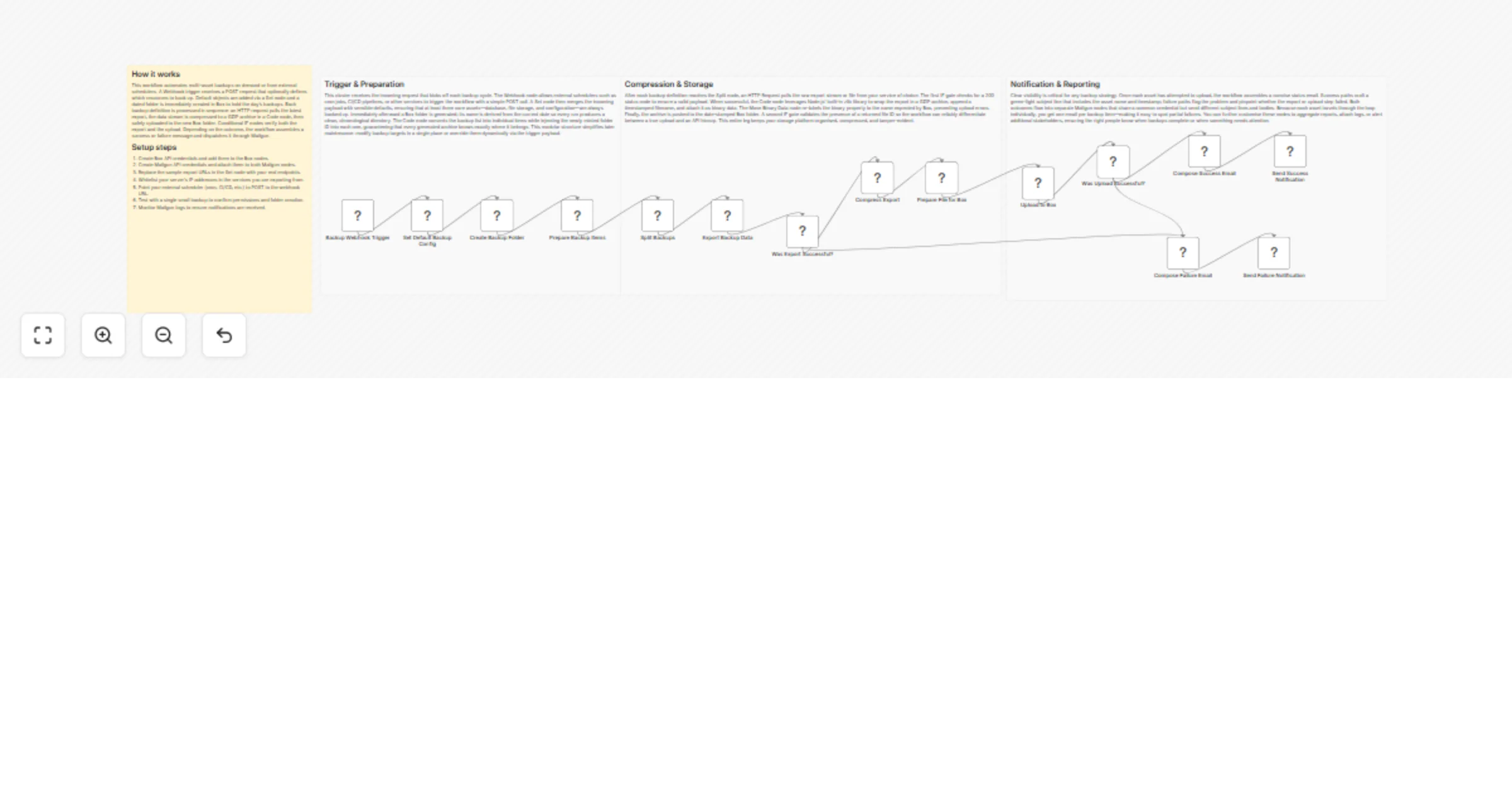
Original n8n.io sourceThis workflow automatically schedules, packages, and uploads backups of your databases, files, or configuration exports to Box cloud storage, then sends a completion email via Mailgun. It is ideal for small-to-medium businesses or solo developers who want hands-off, verifiable backups without writing custom scripts.
| Variable | Example | Purpose |
|---|---|---|
BOX_FOLDER_ID |
1234567890 |
ID of the Box folder that stores backups |
MAILGUN_DOMAIN |
mg.example.com |
Mailgun domain used for sending email |
MAILGUN_FROM |
Backups <[email protected]> |
“From” address in status emails |
NOTIFY_EMAIL |
[email protected] |
Recipient of backup status emails |
This workflow automatically schedules, packages, and uploads backups of your databases, files, or configuration exports to Box cloud storage, then sends a completion email via Mailgun. It is ideal for small-to-medium businesses or solo developers who want hands-off, verifiable backups without writing custom scripts.
Setup Time: 15-20 minutes
BOX_FOLDER_ID, MAILGUN_DOMAIN, etc.) or edit the relevant Set node.pg_dump -U $DB_USER -h $DB_HOST $DB_NAME > /tmp/db_backup.sql
tar -czf /tmp/full_backup_{{new Date().toISOString()}}.tar.gz /etc/nginx /var/www /tmp/db_backup.sql
binary property.// In a Code node before upload
const retentionDays = 30;
const cutoff = Date.now() - retentionDays * 24*60*60*1000;
items = items.filter(item => {
return item.json.modifiedAt > cutoff; // keep only recent files
});
return items;
// Duplicate the Box node, replace with AWS S3 node
// Use Merge node to combine results before the HTTP Request verification
The workflow outputs structured JSON data:
{
 "fileName": "full_backup_2023-10-31T00-00-00Z.tar.gz",
 "boxFileId": "9876543210",
 "uploadStatus": "success",
 "timestamp": "2023-10-31T00:05:12Z",
 "emailNotification": "sent"
}
BOX_FOLDER_ID and ensure the OAuth user has write permissions.client_max_body_size on reverse proxy.Pro Tips:
process.env.MY_SECRET).YYYYMMDD_HHmm) for easy sorting.This is a community workflow template provided “as-is” without warranty. Adapt and test in a safe environment before using in production.
This catalog entry is organized from the workflow JSON. The node-level section below shows the executable blocks available for review before importing the template.
| Workflow | Back up databases and files to Box with Mailgun email notifications |
|---|---|
| Complexity | advanced |
| Nodes | 19 |
| Categories | DevOps |
| Author | vinci-king-01 |
| Published | 08 Feb 2026 |
Use the JSON export at /data/workflows/13260/13260.json as the source template for this automation.
Open n8n, import the downloaded JSON, and review each node before activating the workflow.
Replace placeholder credentials, API keys, webhook URLs, account IDs, and environment-specific values with your own settings.
Run the workflow manually or in a staging workspace, inspect node output, and confirm downstream systems receive the expected data.
Enable the workflow only after testing, then monitor executions, errors, and rate limits during the first production runs.
Review imported nodes carefully before activation. This catalog entry is intended to help you inspect the workflow structure, understand required services, and find related templates faster.
Node names, credentials, schedules, webhook paths, and external service limits may need adjustment for your workspace.
Scheduled Backup Automation – Mailgun & Box This workflow automatically schedules, packages, and uploads backups of your databases, files, or configuration exports to Box cloud storage, then sends ...
Review the workflow JSON, configure any required credentials in n8n, and test the automation in a safe workspace before using it in production.
Yes. Use the block-by-block analysis and the downloadable JSON to inspect each node, then adjust credentials, prompts, schedules, filters, or destinations for your DevOps use case.