Automatically transcribe Telegram voice messages with OpenAI Whisper & Google Workspace
Workflow preview

$20/month : Unlimited workflows
2500 executions/month

THE #1 IN WEB SCRAPING
Scrape any website without limits
HOSTINGER  Early Deal
DISCOUNT 20% Try free
Early DealDISCOUNT 20%
Self-hosted n8n
Unlimited workflows - from $4.99/mo

#1 hub for scraping, AI & automation
6000+ actors - $5 credits/mo
Important notice
This workflow is provided as-is. Please review and test before using in production.
Overview
🎙️ VoiceScribe AI: Telegram Audio Message Auto Transcription with OpenAI Whisper
> Automatically transcribe Telegram voice messages and store them as structured logs in Google Sheets, while backing up the audio in Google Drive.
🧑💼 Who’s it for
- Journalists, content creators, or busy professionals who often record voice memos or short interviews on the go.
- Anyone who wants to turn voice recordings into searchable, structured notes.
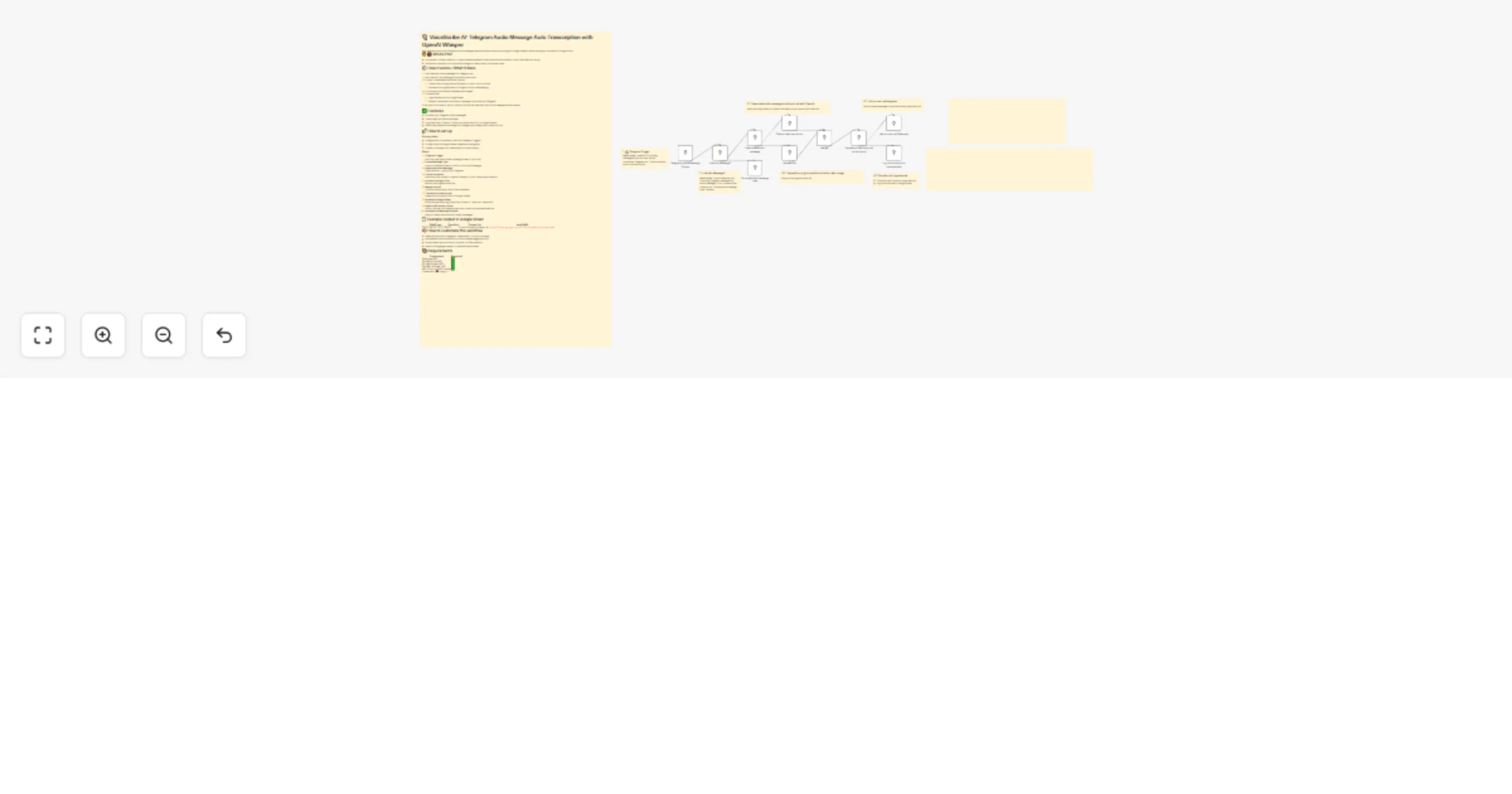
⚙️ How it works / What it does
- User sends a voice message to a Telegram bot.
- n8n checks if the message is an audio voice note.
- If valid, it downloads the audio file and:
- Transcribes it using OpenAI Whisper (or your LLM of choice).
- Uploads the original audio to Google Drive for safekeeping.
- The transcript and audio metadata are merged.
- The workflow:
- Logs the data into a Google Sheet.
- Sends a formatted confirmation message to the user via Telegram.
If the input is not audio, the bot politely informs the user that only voice messages are accepted.
✅ Features
- Accepts only Telegram voice messages.
- Transcribes via OpenAI Whisper.
- Logs DateTime, Duration, Transcript, and Audio URL to Google Sheets.
- Sends user feedback message via Telegram with download + transcript link.
🚀 How to set up
Prerequisites
- Telegram Bot connected to n8n (via Telegram Trigger)
- Google Drive & Google Sheets credentials configured
- OpenAI or Whisper API credentials (for transcription)
Steps
- Telegram Trigger
Start the flow when a new message is sent to your bot. - Check Message Type
Use a conditional node to confirm it's a voice message. - Download Voice Message
Download the.ogafile from Telegram. - Transcribe Audio
Send the binary audio to OpenAI Whisper or your transcription service. - Upload to Google Drive
Backup the original audio file. - Merge Outputs
Combine transcription with Drive metadata. - Transform to Row Format
Prepare structured JSON for Google Sheets. - Append to Google Sheet
Store the transcript log (DateTime, Duration, Transcript, AudioURL). - Send Confirmation to User
Inform the user via Telegram with their transcript and download link. - Unsupported Message Handler
Reply to users who send non-audio messages.
📄 Example Output in Google Sheet
| DateTime | Duration | Transcript | AudioURL |
|---|---|---|---|
| 2025-08-07T13:12:19Z | 27 | Dự án Outlet Activation là... | https://drive.google.com/uc?id=xxxx&export=download |
🧠 How to customize the workflow
- Swap Whisper with Deepgram, AssemblyAI, or other providers.
- Add speaker name detection or prompt-based tagging via GPT.
- Route transcripts into Notion, Airtable, or CRM systems.
- Add multi-language support or summarization steps.
📦 Requirements
| Component | Required |
|---|---|
| Telegram API | ✅ |
| Google Drive API | ✅ |
| Google Sheets API | ✅ |
| OpenAI Whisper API | ✅ |
| n8n Cloud or Self-hosted | ✅ |
Created with ❤️ using n8n