Block 1 - When clicking ‘Execute workflow’
- Type / Role
- n8n-nodes-base.manualTrigger - manualTrigger
- Config choices
- Version 1


 Early Deal
This workflow is provided as-is. Please review and test before using in production.
Description: Stay ahead of payment disputes with this automated n8n workflow that integrates Stripe, Slack, and ClickUp. Perfect for finance teams, payment ops specialists, and SaaS businesses, thi...
n8n-nodes-base.manualtrigger, n8n-nodes-base.stickynote, n8n-nodes-base.httprequest, n8n-nodes-base.if, n8n-nodes-base.slack, n8n-nodes-base.clickup, n8n-nodes-base.code
This workflow is cataloged by N8N Workflows and links back to its original n8n.io source page by Rahul Joshi.
Original n8n.io sourceStay ahead of payment disputes with this automated n8n workflow that integrates Stripe, Slack, and ClickUp. Perfect for finance teams, payment ops specialists, and SaaS businesses, this template fetches disputes directly from Stripe, analyzes urgency, and instantly notifies your team with rich, formatted alerts.
High-priority disputes are flagged, pushed into Slack for immediate visibility, and tracked in ClickUp with due dates aligned to Stripe evidence deadlines—ensuring no dispute ever slips through the cracks. For lower-priority or resolved cases, the workflow provides concise updates and maintains an audit trail.
No more manual Stripe checks, late responses, or missed deadlines—this workflow turns dispute management into a proactive, structured process.
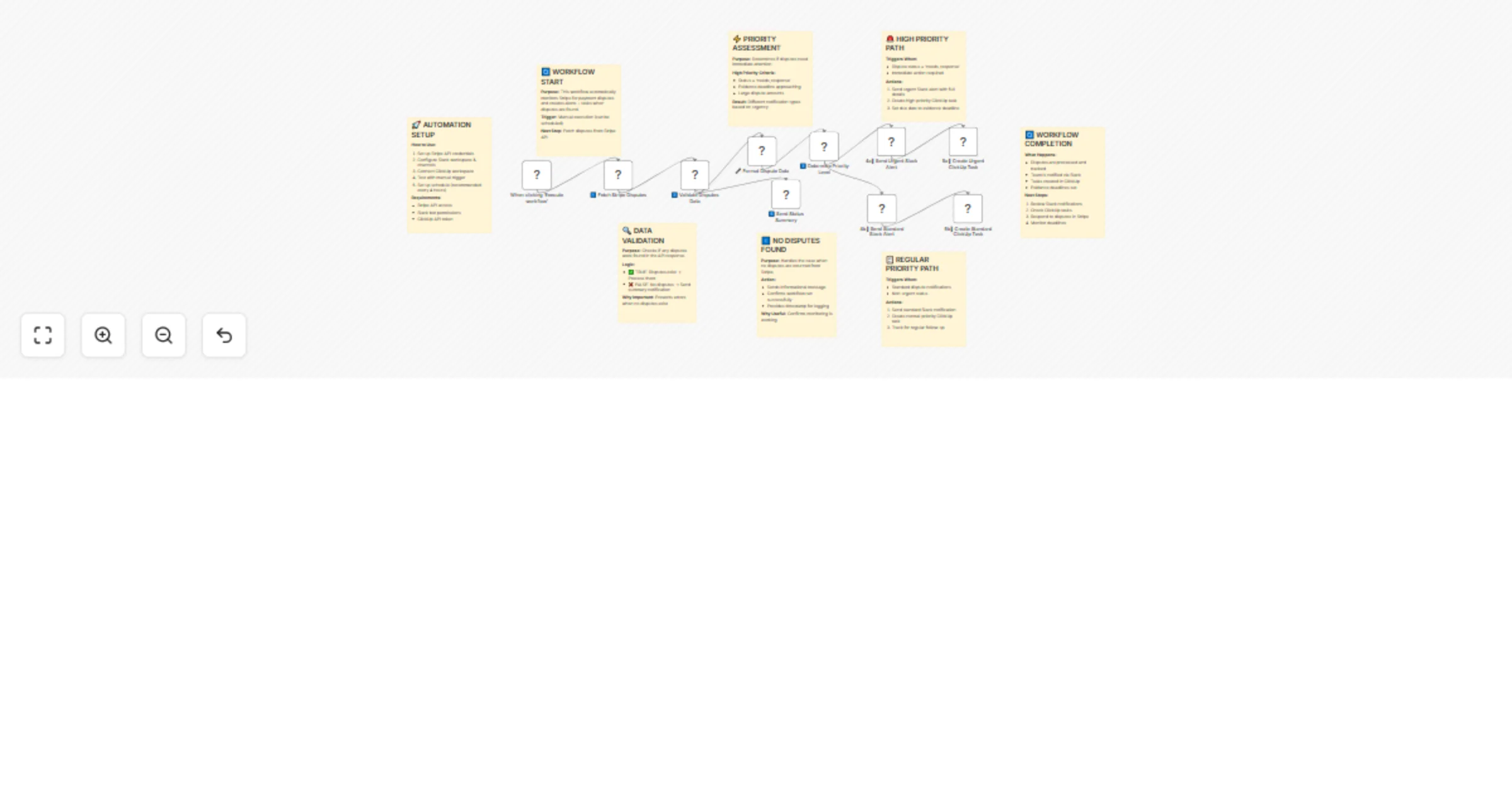
🟢 Trigger: Manual or Scheduled Execution Run the workflow on demand or schedule it (e.g., every 4 hours).
📥 Fetch Stripe Disputes Calls the Stripe API to retrieve all active disputes in your account.
📊 Validate & Format Data Ensures disputes exist, then enriches data with formatted amounts, deadlines, and customer info.
⚖️ Priority Logic Determines urgency based on dispute status, evidence deadlines, and transaction amount.
🚨 High Priority Path • Sends urgent Slack alert with full dispute details • Creates a high-priority ClickUp task with due dates • Flags immediate action required
📋 Standard Path • Sends standard Slack alert for non-urgent cases • Creates a ClickUp task with appropriate priority levels
ℹ️ No Disputes Path Sends a Slack summary confirming no new disputes, maintaining a clear audit trail.
✅ Workflow Completion Confirms all disputes are processed, logged, and assigned—ready for your team to take action.
✅ Stripe API (for dispute data) ✅ Slack API (for team alerts) ✅ ClickUp API (for task management)
💳 FinOps and payment operations teams monitoring transactions 🏢 SaaS platforms or e-commerce handling large payment volumes 🛡️ Risk and compliance teams tracking disputes and deadlines 📈 Businesses scaling customer payment handling and case management
✔️ Never miss a dispute deadline ✔️ Automated priority assessment saves hours of manual checks ✔️ Seamlessly integrates alerts + task tracking ✔️ Provides full visibility and accountability for dispute resolution
This catalog entry is organized from the workflow JSON. The node-level section below shows the executable blocks available for review before importing the template.
| Workflow | Automated Stripe dispute alert & case tracking with Slack + ClickUp |
|---|---|
| Complexity | advanced |
| Nodes | 18 |
| Categories | CRM |
| Author | Rahul Joshi |
| Published | 26 Sept 2025 |
Use the JSON export at /data/workflows/8952/8952.json as the source template for this automation.
Open n8n, import the downloaded JSON, and review each node before activating the workflow.
Replace placeholder credentials, API keys, webhook URLs, account IDs, and environment-specific values with your own settings.
Run the workflow manually or in a staging workspace, inspect node output, and confirm downstream systems receive the expected data.
Enable the workflow only after testing, then monitor executions, errors, and rate limits during the first production runs.
Review imported nodes carefully before activation. This catalog entry is intended to help you inspect the workflow structure, understand required services, and find related templates faster.
Node names, credentials, schedules, webhook paths, and external service limits may need adjustment for your workspace.
Description: Stay ahead of payment disputes with this automated n8n workflow that integrates Stripe, Slack, and ClickUp. Perfect for finance teams, payment ops specialists, and SaaS businesses, thi...
Review the workflow JSON, configure any required credentials in n8n, and test the automation in a safe workspace before using it in production.
Yes. Use the block-by-block analysis and the downloadable JSON to inspect each node, then adjust credentials, prompts, schedules, filters, or destinations for your CRM use case.