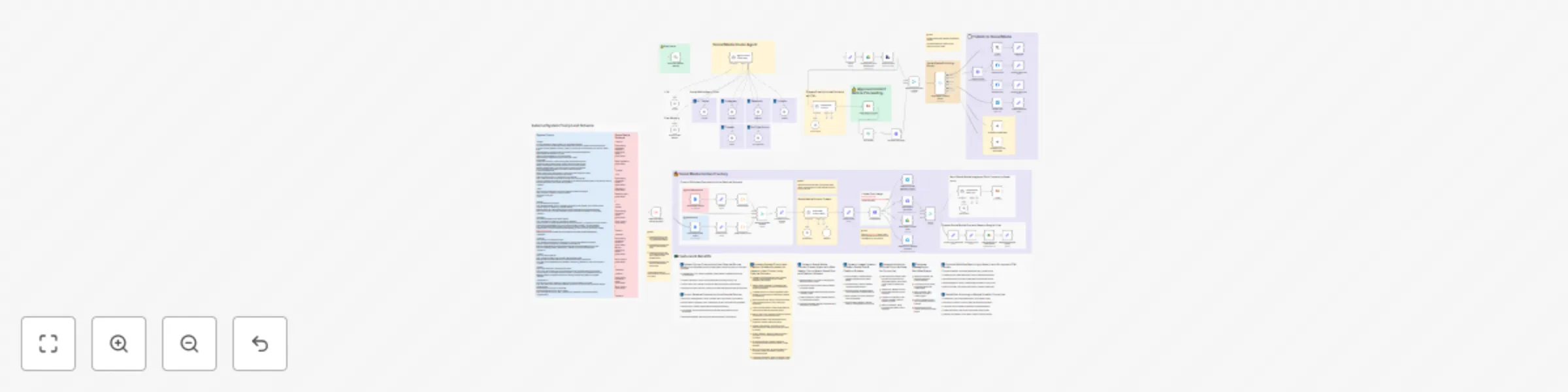
✨🩷Automated social media content publishing factory + system prompt composition

Workflow preview

Workflow preview
100%
✨🩷Automated social media content publishing factory + system prompt composition preview
Open on n8n.io

Important notice

This workflow is provided as-is. Please review and test before using in production.

1. Workflow Overview

Social Media Content Publishing Factory for Streamlined Content Creation Across Platforms Who is this for? This workflow is designed for content creators, social media managers, and marketing teams...

Best for

  • Social Media automation workflows
  • Multimodal AI automation workflows
  • advanced n8n builders looking for reusable templates

Tools used

@n8n/n8n-nodes-langchain.chattrigger, n8n-nodes-base.stickynote, @n8n/n8n-nodes-langchain.toolworkflow, @n8n/n8n-nodes-langchain.memorybufferwindow, n8n-nodes-base.executeworkflowtrigger, n8n-nodes-base.httprequest, n8n-nodes-base.gmail, n8n-nodes-base.googledocs

Source and attribution

This workflow is cataloged by N8N Workflows and links back to its original n8n.io source page by Joseph LePage.

Original n8n.io source

1.1 Workflow description

Title
✨🩷Automated social media content publishing factory + system prompt composition
Workflow name
✨🩷Automated social media content publishing factory + system prompt composition

Social Media Content Publishing Factory for Streamlined Content Creation Across Platforms

Who is this for?

This workflow is designed for content creators, social media managers, and marketing teams who need to efficiently create and publish content across multiple social media platforms. It's perfect for businesses looking to maintain a consistent presence across X (Twitter), Instagram, Facebook, LinkedIn, Threads, and YouTube Shorts without spending hours crafting platform-specific content manually.

What problem is this workflow solving?

Creating tailored content for different social media platforms is time-consuming and requires understanding each platform's unique requirements and audience expectations. This workflow solves the challenge of:

  • Maintaining consistent messaging across platforms while respecting platform-specific formats
  • Generating optimized content that follows best practices for each platform
  • Creating accompanying visuals without graphic design skills
  • Streamlining the approval process before publishing
  • Reducing the time spent on repetitive content creation tasks

What this workflow does

This automated content factory takes your content idea and transforms it into platform-optimized posts for all major social media channels. The workflow:

  1. Accepts your content idea or topic through a chat interface
  2. Leverages AI to generate tailored content for each platform (X/Twitter, Instagram, Facebook, LinkedIn, Threads, YouTube Shorts)
  3. Creates appropriate images using AI image generation
  4. Sends content for approval via email before publishing
  5. Publishes approved content to selected platforms
  6. Maintains chat memory to improve future content generation

Setup

  1. Connect your social media platform credentials (X/Twitter, Instagram, Facebook, LinkedIn)
  2. Set up your email account for the approval process
  3. Configure your OpenAI API key for AI content generation
  4. Update the image generation service credentials (Pollinations.ai is used by default)
  5. Customize the system prompts and schemas in the Google Docs nodes with your brand voice and content requirements

How to customize this workflow to your needs

  • Modify the system prompts in the Google Docs nodes to match your brand voice and content strategy
  • Adjust the social media schemas to include specific fields relevant to your content
  • Update the approval process to include additional stakeholders if needed
  • Add or remove social media platforms based on your marketing strategy
  • Customize the image generation prompts to better match your visual branding
  • Integrate with your existing content calendar or CRM systems

This workflow eliminates the need to manually craft different versions of the same content for each platform, saving hours of work while ensuring your social media presence remains consistent and optimized for maximum engagement.

1.2 Logical Blocks

This catalog entry is organized from the workflow JSON. The node-level section below shows the executable blocks available for review before importing the template.

2. Block-by-Block Analysis

Block 1 - When chat message received

Type / Role
@n8n/n8n-nodes-langchain.chatTrigger - chatTrigger
Config choices
Version 1.1

Block 2 - Sticky Note20

Type / Role
n8n-nodes-base.stickyNote - stickyNote
Config choices
Version 1

Block 3 - Sticky Note21

Type / Role
n8n-nodes-base.stickyNote - stickyNote
Config choices
Version 1

Block 4 - Sticky Note22

Type / Role
n8n-nodes-base.stickyNote - stickyNote
Config choices
Version 1

Block 5 - Sticky Note32

Type / Role
n8n-nodes-base.stickyNote - stickyNote
Config choices
Version 1

Block 6 - Sticky Note33

Type / Role
n8n-nodes-base.stickyNote - stickyNote
Config choices
Version 1

Block 7 - X-Twiter

Type / Role
@n8n/n8n-nodes-langchain.toolWorkflow - toolWorkflow
Config choices
Version 1.2

Block 8 - Sticky Note34

Type / Role
n8n-nodes-base.stickyNote - stickyNote
Config choices
Version 1

Block 9 - Instagram

Type / Role
@n8n/n8n-nodes-langchain.toolWorkflow - toolWorkflow
Config choices
Version 1.2

Block 10 - Window Buffer Memory

Type / Role
@n8n/n8n-nodes-langchain.memoryBufferWindow - memoryBufferWindow
Config choices
Version 1.3

Block 11 - When Executed by Another Workflow

Type / Role
n8n-nodes-base.executeWorkflowTrigger - executeWorkflowTrigger
Config choices
Version 1.1

Block 12 - Sticky Note35

Type / Role
n8n-nodes-base.stickyNote - stickyNote
Config choices
Version 1

Block 13 - Sticky Note36

Type / Role
n8n-nodes-base.stickyNote - stickyNote
Config choices
Version 1

Block 14 - Facebook

Type / Role
@n8n/n8n-nodes-langchain.toolWorkflow - toolWorkflow
Config choices
Version 1.2

Block 15 - LinkedIn

Type / Role
@n8n/n8n-nodes-langchain.toolWorkflow - toolWorkflow
Config choices
Version 1.2

Block 16 - Sticky Note37

Type / Role
n8n-nodes-base.stickyNote - stickyNote
Config choices
Version 1

Block 17 - Sticky Note38

Type / Role
n8n-nodes-base.stickyNote - stickyNote
Config choices
Version 1

Block 18 - Short

Type / Role
@n8n/n8n-nodes-langchain.toolWorkflow - toolWorkflow
Config choices
Version 1.2

Block 19 - YouTube Short

Type / Role
@n8n/n8n-nodes-langchain.toolWorkflow - toolWorkflow
Config choices
Version 1.2

Block 20 - Sticky Note18

Type / Role
n8n-nodes-base.stickyNote - stickyNote
Config choices
Version 1

Block 21 - Sticky Note25

Type / Role
n8n-nodes-base.stickyNote - stickyNote
Config choices
Version 1

Block 22 - pollinations.ai1

Type / Role
n8n-nodes-base.httpRequest - httpRequest
Config choices
Version 4.2

Block 23 - Sticky Note26

Type / Role
n8n-nodes-base.stickyNote - stickyNote
Config choices
Version 1

Block 24 - Save Image to imgbb.com

Type / Role
n8n-nodes-base.httpRequest - httpRequest
Config choices
Version 4.2

Showing the first 24 of 100 workflow blocks. Download the JSON for the full node graph.

3. Summary Table

Workflow ✨🩷Automated social media content publishing factory + system prompt composition
Complexity advanced
Nodes 100
Categories Social Media, Multimodal AI
Author Joseph LePage
Published 11 Mar 2025

4. Reproducing the Workflow from Scratch

  1. 1. Download the workflow JSON

    Use the JSON export at /data/workflows/3135/3135.json as the source template for this automation.

  2. 2. Import the template into n8n

    Open n8n, import the downloaded JSON, and review each node before activating the workflow.

  3. 3. Configure credentials and variables

    Replace placeholder credentials, API keys, webhook URLs, account IDs, and environment-specific values with your own settings.

  4. 4. Test with sample data

    Run the workflow manually or in a staging workspace, inspect node output, and confirm downstream systems receive the expected data.

  5. 5. Activate and monitor

    Enable the workflow only after testing, then monitor executions, errors, and rate limits during the first production runs.

5. General Notes & Resources

Review imported nodes carefully before activation. This catalog entry is intended to help you inspect the workflow structure, understand required services, and find related templates faster.

Node names, credentials, schedules, webhook paths, and external service limits may need adjustment for your workspace.

Frequently asked questions

What does ✨🩷Automated social media content publishing factory + system prompt composition do?

Social Media Content Publishing Factory for Streamlined Content Creation Across Platforms Who is this for? This workflow is designed for content creators, social media managers, and marketing teams...

What do I need before importing this workflow?

Review the workflow JSON, configure any required credentials in n8n, and test the automation in a safe workspace before using it in production.

Can I customize this workflow?

Yes. Use the block-by-block analysis and the downloadable JSON to inspect each node, then adjust credentials, prompts, schedules, filters, or destinations for your Social Media, Multimodal AI use case.