Block 1 - When clicking ‘Execute workflow’
- Type / Role
- n8n-nodes-base.manualTrigger - manualTrigger
- Config choices
- Version 1


 Early Deal
This workflow is provided as-is. Please review and test before using in production.
Description: This workflow automates sales performance tracking and motivational updates by integrating HighLevel CRM, Notion, GPT 4o, and Slack. It pulls all deals from HighLevel, cleans and su...
n8n-nodes-base.manualtrigger, n8n-nodes-base.stickynote, n8n-nodes-base.highlevel, n8n-nodes-base.if, n8n-nodes-base.googlesheets, n8n-nodes-base.code, n8n-nodes-base.notion, @n8n/n8n-nodes-langchain.lmchatazureopenai
This workflow is cataloged by N8N Workflows and links back to its original n8n.io source page by Rahul Joshi.
Original n8n.io sourceThis workflow automates sales performance tracking and motivational updates by integrating HighLevel CRM, Notion, GPT-4o, and Slack. It pulls all deals from HighLevel, cleans and summarizes sales data per representative, creates performance dashboards in Notion, and uses GPT-powered AI to generate personalized motivational Slack messages. It eliminates manual leaderboard tracking and boosts sales engagement with real-time insights and daily motivation — ensuring every sales rep stays informed, recognized, and inspired.
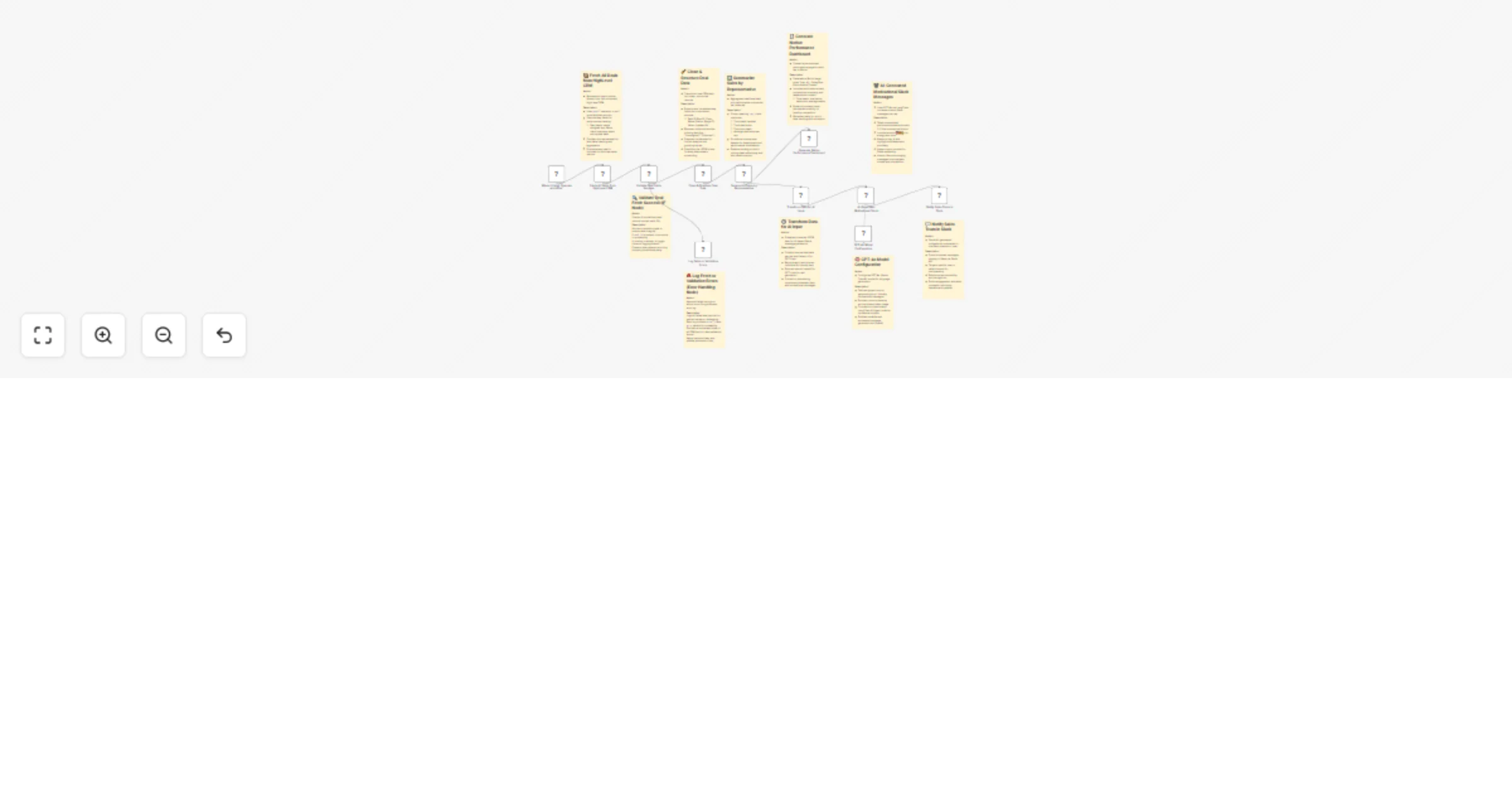
🟢 Manual Trigger – Starts the automation manually for data refresh or testing.
📦 Fetch All Deals from HighLevel CRM – Retrieves all opportunities from HighLevel CRM, including deal names, reps, values, and stages for full visibility.
🔍 Validate Deal Fetch Success (IF Node) – Verifies that fetched data contains valid deal IDs.
🧹 Clean & Structure Deal Data – Normalizes raw deal data into a consistent schema (deal ID, rep ID, client name, value, status). Ensures clean inputs for analytics.
📊 Summarize Sales by Representative – Aggregates deals per sales rep and computes:
🧾 Generate Notion Performance Dashboard – Creates personalized Notion dashboards for each rep with daily updated performance summaries and motivation metrics.
⚙️ Transform Data for AI Input – Converts summarized data into AI-readable format for GPT-4o processing.
🧠 GPT-4o Model Configuration – Sets up Azure OpenAI GPT-4o model to generate motivational and contextual Slack messages.
🤖 AI-Generated Motivational Slack Messages – Uses LangChain + GPT-4o to create energetic, emoji-filled messages that celebrate rep achievements and encourage improvement.
💬 Notify Sales Team in Slack – Sends the AI-generated performance summaries and motivational blurbs directly to each rep or the team Slack channel for transparency and engagement.
🚨 Log Fetch or Validation Errors (Error Handling) – Records any fetch or validation failures in the Google Sheets “error log sheet” for easy review and error management.
✅ Fully automated daily performance tracking ✅ Personalized AI-powered motivation in Slack ✅ Transparent visibility for managers and reps ✅ Improved accountability and sales performance ✅ Seamless integration across CRM, Notion, and Slack
This catalog entry is organized from the workflow JSON. The node-level section below shows the executable blocks available for review before importing the template.
| Workflow | Automated sales leaderboard with HighLevel CRM, GPT-4o, Notion & Slack |
|---|---|
| Complexity | advanced |
| Nodes | 21 |
| Categories | CRM, Multimodal AI |
| Author | Rahul Joshi |
| Published | 25 Oct 2025 |
Use the JSON export at /data/workflows/10148/10148.json as the source template for this automation.
Open n8n, import the downloaded JSON, and review each node before activating the workflow.
Replace placeholder credentials, API keys, webhook URLs, account IDs, and environment-specific values with your own settings.
Run the workflow manually or in a staging workspace, inspect node output, and confirm downstream systems receive the expected data.
Enable the workflow only after testing, then monitor executions, errors, and rate limits during the first production runs.
Review imported nodes carefully before activation. This catalog entry is intended to help you inspect the workflow structure, understand required services, and find related templates faster.
Node names, credentials, schedules, webhook paths, and external service limits may need adjustment for your workspace.
Description: This workflow automates sales performance tracking and motivational updates by integrating HighLevel CRM, Notion, GPT 4o, and Slack. It pulls all deals from HighLevel, cleans and su...
Review the workflow JSON, configure any required credentials in n8n, and test the automation in a safe workspace before using it in production.
Yes. Use the block-by-block analysis and the downloadable JSON to inspect each node, then adjust credentials, prompts, schedules, filters, or destinations for your CRM, Multimodal AI use case.