Block 1 - Upload Video
- Type / Role
- n8n-nodes-base.googleDrive - googleDrive
- Config choices
- Version 3


 Early Deal
This workflow automates the creation of long AI generated videos from prompts , merges the generated clips into a single video, and automatically distributes the final content across multiple platf...
n8n-nodes-base.googledrive, n8n-nodes-base.httprequest, n8n-nodes-postiz.postiz, n8n-nodes-base.set, n8n-nodes-base.googlesheets, n8n-nodes-base.wait, n8n-nodes-base.if, n8n-nodes-base.splitinbatches
This workflow is cataloged by N8N Workflows and links back to its original n8n.io source page by Davide Boizza.
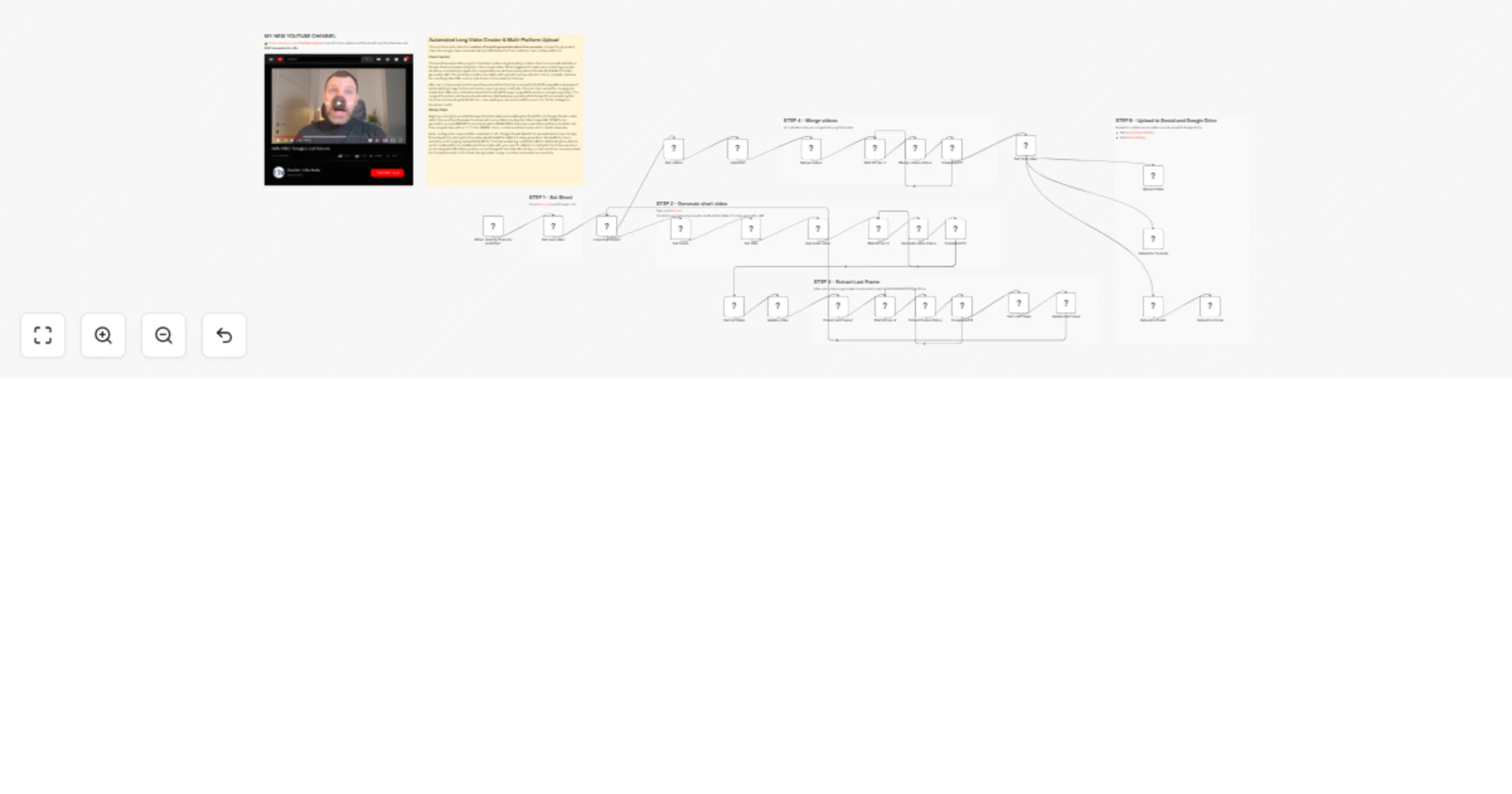
Original n8n.io sourceThis workflow automates the creation of long AI-generated videos from prompts, merges the generated clips into a single video, and automatically distributes the final content across multiple platforms.
The process starts with a Google Sheet that acts as the control panel for the workflow. Each row in the sheet contains a prompt, the duration of the clip, and a starting frame. The workflow reads this data and generates video clips sequentially.
Using the RunPod WAN 2.5 video generation API, the workflow creates individual video segments based on the prompt and input image. Each segment is then stored and tracked in the spreadsheet.
Once all clips are generated, the workflow uses the Fal.run FFmpeg API to merge them into a single long video. After merging, the final video is retrieved automatically.
The workflow also extracts the last frame of each generated clip to use as the starting frame for the next clip, ensuring smooth visual continuity between scenes.
Finally, the completed video is automatically:
This creates a fully automated pipeline that transforms prompts in a spreadsheet into a finished long-form video distributed across multiple platforms.
The workflow automates the entire process of generating, assembling, and publishing videos, eliminating manual editing and upload steps.
Using Google Sheets as the input system makes the workflow easy to manage and scalable. Users can create or modify video scenes simply by editing rows in the sheet.
The workflow can generate multiple clips and combine them into longer videos, enabling the creation of long-form content from short AI-generated segments.
By extracting the last frame of each clip and using it as the starting frame for the next scene, the workflow maintains visual continuity between segments.
The Fal.run FFmpeg API merges all generated clips into a single final video without requiring external editing tools.
Once the video is completed, it is automatically uploaded and published to multiple platforms, significantly reducing the time needed for content distribution.
The final video is saved to Google Drive, providing organized and secure storage for the generated content.
The workflow continuously checks the status of generation and processing tasks, waiting and retrying until the job is completed.
This workflow automates the creation of long videos by generating multiple clips from a Google Sheet and merging them together. Here's the process:
Trigger & Data Loading: When manually executed, the workflow reads a Google Sheet containing video generation parameters (prompts, durations, and starting images).
Video Generation Loop: For each row marked for processing, it:
Frame Extraction: After each video is generated, it extracts the last frame using Fal.ai's FFmpeg API and updates the next row's starting image (creating visual continuity).
Video Merging: Once all individual clips are generated (marked with "x" in the MERGE column), the workflow:
👉 Subscribe to my new YouTube channel. Here I’ll share videos and Shorts with practical tutorials and FREE templates for n8n.
Contact me for consulting and support or add me on Linkedin.
This catalog entry is organized from the workflow JSON. The node-level section below shows the executable blocks available for review before importing the template.
Showing the first 24 of 35 workflow blocks. Download the JSON for the full node graph.
| Workflow | Automated AI Long Video Creator 🎞️🍿 & Multi-Platform Upload via Postiz |
|---|---|
| Complexity | advanced |
| Nodes | 35 |
| Categories | Content Creation, Multimodal AI |
| Author | Davide Boizza |
| Published | 05 Mar 2026 |
Use the JSON export at /data/workflows/13895/13895.json as the source template for this automation.
Open n8n, import the downloaded JSON, and review each node before activating the workflow.
Replace placeholder credentials, API keys, webhook URLs, account IDs, and environment-specific values with your own settings.
Run the workflow manually or in a staging workspace, inspect node output, and confirm downstream systems receive the expected data.
Enable the workflow only after testing, then monitor executions, errors, and rate limits during the first production runs.
Review imported nodes carefully before activation. This catalog entry is intended to help you inspect the workflow structure, understand required services, and find related templates faster.
Node names, credentials, schedules, webhook paths, and external service limits may need adjustment for your workspace.
This workflow automates the creation of long AI generated videos from prompts , merges the generated clips into a single video, and automatically distributes the final content across multiple platf...
Review the workflow JSON, configure any required credentials in n8n, and test the automation in a safe workspace before using it in production.
Yes. Use the block-by-block analysis and the downloadable JSON to inspect each node, then adjust credentials, prompts, schedules, filters, or destinations for your Content Creation, Multimodal AI use case.