Block 1 - Configure GPT-4o Model
- Type / Role
- @n8n/n8n-nodes-langchain.lmChatAzureOpenAi - lmChatAzureOpenAi
- Config choices
- Version 1


 Early Deal
This workflow is provided as-is. Please review and test before using in production.
Description: This workflow automates the entire release note creation and announcement process whenever a task status changes in ClickUp. Using Azure OpenAI GPT 4o, Notion, Slack, Gmail, and Goo...
@n8n/n8n-nodes-langchain.lmchatazureopenai, n8n-nodes-base.googlesheets, n8n-nodes-base.stickynote, n8n-nodes-base.clickuptrigger, n8n-nodes-base.if, n8n-nodes-base.clickup, n8n-nodes-base.code, @n8n/n8n-nodes-langchain.agent
This workflow is cataloged by N8N Workflows and links back to its original n8n.io source page by Rahul Joshi.
Original n8n.io sourceThis workflow automates the entire release note creation and announcement process whenever a task status changes in ClickUp. Using Azure OpenAI GPT-4o, Notion, Slack, Gmail, and Google Sheets, it converts technical task data into clear, structured, and branded release notes — ready for documentation and team broadcast. The flow captures task details, generates Markdown-formatted FAQs, documents them in Notion, formats professional Slack messages, and notifies the task owner via HTML email. Any failed payloads or validation errors are logged automatically to Google Sheets for full traceability. The result is a zero-touch release workflow that saves time, keeps communication consistent, and ensures every completed feature is clearly documented and shared.
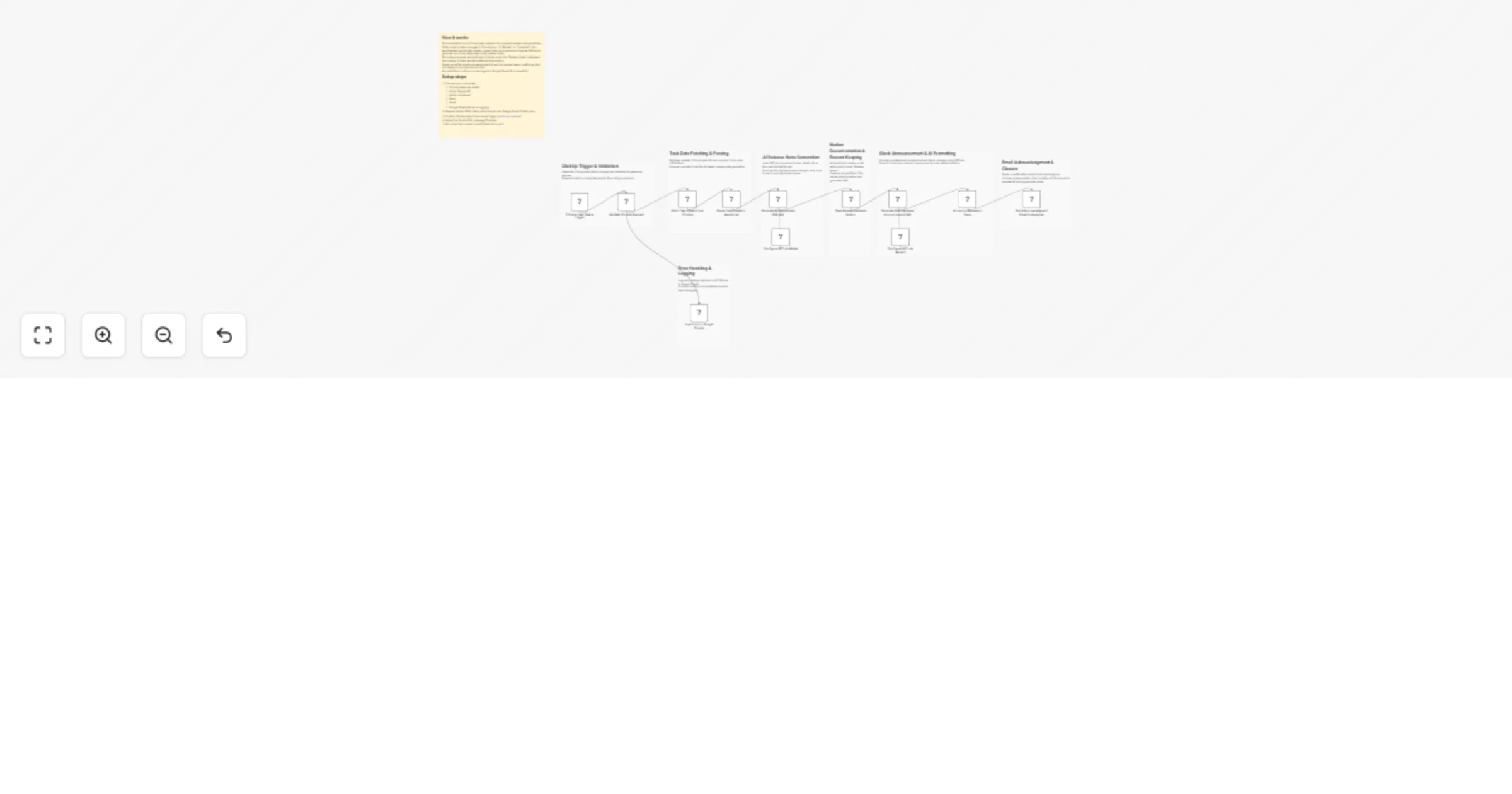
🟢 ClickUp Task Status Trigger Listens for task status updates (e.g., In Review → Complete) within the specified ClickUp team. Whenever a task reaches a completion state, this node starts the release note workflow automatically.
🔍 Validate ClickUp Payload (IF Node) Checks that the incoming ClickUp webhook contains a valid task_id. ✅ True Path: Proceeds to fetch task details. ❌ False Path: Logs the invalid payload to Google Sheets for review.
📋 Fetch Task Details from ClickUp Retrieves full information about the task using the task_id, including title, description, status, assignee, priority, and custom fields. Provides complete task context for AI processing.
🧩 Parse Task Details in JavaScript Cleans and standardizes task data into JSON format with fields like title, description, priority, owner, due date, and task URL. Also extracts optional links (e.g., GitHub references). Ensures consistent, structured input for the AI model.
🧠 Configure GPT-4o Model (Azure OpenAI) Initializes GPT-4o as the core reasoning engine for FAQ and release-note generation, ensuring context-aware and concise output.
🤖 Generate Release Notes FAQ (AI Agent) Transforms task details into a Markdown-formatted release note under four standardized sections: 1️⃣ What changed 2️⃣ Why 3️⃣ How to use 4️⃣ Known issues Each section is written clearly and briefly for internal and external readers.
📘 Save Release Notes to Notion Creates a new page in the Notion “Release Notes” database. Includes task URL, owner, status, priority, and the full AI-generated FAQ content. Serves as the single source of truth for changelogs and release documentation.
💬 Configure GPT-4o Model (Slack Formatting) Prepares another GPT-4o model instance for formatting Slack-ready announcements in a professional and brand-consistent tone.
🎨 Generate Slack Release Announcement (AI Agent) Converts the Notion release information into a polished Slack message. Adds emojis, bullet points, and a clickable task URL — optimized for quick team consumption.
📢 Announce Release in Slack Posts the AI-formatted message directly to the internal Slack channel, notifying the team of the latest feature release. Keeps everyone aligned without manual drafting or posting.
📨 Send Acknowledgment Email to Assignee (Gmail Node) Sends an automated HTML email to the task owner confirming that their release is live. Includes task name, status, priority, release date, quick links to Notion and ClickUp, and a preview of the AI-generated FAQ. Delivers a professional confirmation while closing the communication loop.
🚨 Log Errors in Google Sheets Captures all payload validation errors, API failures, or processing exceptions into an “Error Log Sheet.” Ensures complete auditability and smooth maintenance of the workflow.
✅ Converts completed tasks into professional release notes automatically ✅ Publishes directly to Notion with consistent documentation ✅ Broadcasts updates to Slack in clean, branded format ✅ Notifies assignees instantly via personalized HTML email ✅ Maintains transparent error tracking in Google Sheets
This catalog entry is organized from the workflow JSON. The node-level section below shows the executable blocks available for review before importing the template.
| Workflow | Automate release notes from ClickUp to Notion & Slack with GPT-4o |
|---|---|
| Complexity | advanced |
| Nodes | 20 |
| Categories | Engineering, Multimodal AI |
| Author | Rahul Joshi |
| Published | 30 Oct 2025 |
Use the JSON export at /data/workflows/10332/10332.json as the source template for this automation.
Open n8n, import the downloaded JSON, and review each node before activating the workflow.
Replace placeholder credentials, API keys, webhook URLs, account IDs, and environment-specific values with your own settings.
Run the workflow manually or in a staging workspace, inspect node output, and confirm downstream systems receive the expected data.
Enable the workflow only after testing, then monitor executions, errors, and rate limits during the first production runs.
Review imported nodes carefully before activation. This catalog entry is intended to help you inspect the workflow structure, understand required services, and find related templates faster.
Node names, credentials, schedules, webhook paths, and external service limits may need adjustment for your workspace.
Description: This workflow automates the entire release note creation and announcement process whenever a task status changes in ClickUp. Using Azure OpenAI GPT 4o, Notion, Slack, Gmail, and Goo...
Review the workflow JSON, configure any required credentials in n8n, and test the automation in a safe workspace before using it in production.
Yes. Use the block-by-block analysis and the downloadable JSON to inspect each node, then adjust credentials, prompts, schedules, filters, or destinations for your Engineering, Multimodal AI use case.