Block 1 - Insta Update
- Type / Role
- n8n-nodes-base.webhook - webhook
- Config choices
- Version 2


 Early Deal
This workflow is provided as-is. Please review and test before using in production.
This workflow contains community nodes that are only compatible with the self hosted version of n8n. Overview This n8n workflow template automates the process of monitoring Instagram comments an...
n8n-nodes-base.webhook, n8n-nodes-base.httprequest, n8n-nodes-base.googlesheets, n8n-nodes-base.respondtowebhook, n8n-nodes-base.stickynote, n8n-nodes-base.switch, n8n-nodes-base.if
This workflow is cataloged by N8N Workflows and links back to its original n8n.io source page by Akash Kankariya.
Original n8n.io sourceThis workflow contains community nodes that are only compatible with the self-hosted version of n8n.
This n8n workflow template automates the process of monitoring Instagram comments and sending predefined responses based on specific comment keywords. It integrates Instagram's Graph API with Google Sheets to manage comment responses and maintains an interaction log for customer relationship management (CRM) purposes.
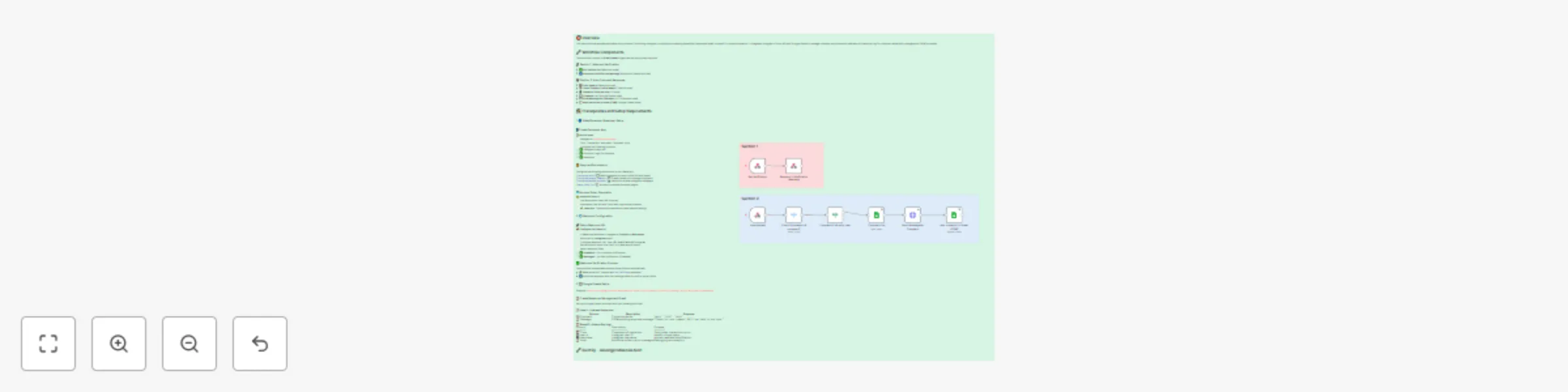
The workflow consists of 9 main nodes organized into two primary sections:
> 📋 Action Items:
> - [ ] Navigate to Facebook Developers
> - [ ] Click "Create App" and select "Business" type
> - [ ] Configure the following products:
> - ✅ Instagram Graph API
> - ✅ Facebook Login for Business
> - ✅ Webhooks
Configure the following permissions in your Meta app:
| instagram_basic | 📖 Read Instagram account profile info and media
| instagram_manage_comments | 💬 Create, delete, and manage comments
| instagram_manage_messages | 📤 Send and receive Instagram messages
| pages_show_list | 📄 Access connected Facebook pages
> ⚠️ Important Setup:+ > - [ ] Use Facebook's Graph API Explorer > - [ ] Generate a User Access Token with required permissions > - [ ] ⚡ Important: Tokens expire periodically and need refreshing
> 📌 Configuration Checklist:
> - [ ] In Meta App Dashboard, navigate to Products → Webhooks
> - [ ] Subscribe to Instagram object
> - [ ] Configure webhook URL: your-n8n-domain/webhook/instagram
> - [ ] Set verification token (use "test" or create secure token)
> - [ ] Select webhook fields:
> - ✅ comments - For comment notifications
> - ✅ messages - For DM notifications (if needed)
The workflow handles Meta's webhook verification automatically:
hub.challenge parameterExample - https://docs.google.com/spreadsheets/d/1ONPKJZOpQTSxbasVcCB7oBjbZcCyAm9gZ-UNPoXM21A/edit?usp=sharing
Set up a Google Sheets document with the following structure:
📝 Sheet 1 - Comment Responses:
| Column | Description | Example |
|---|---|---|
| 💬 Comment | Trigger keywords | "auto", "info", "help" |
| 📝 Message | Corresponding response message | "Thanks for your comment! We'll get back to you soon." |
📈 Sheet 2 - Interaction Log:
| Column | Description | Purpose |
|---|---|---|
| ⏰ Time | Timestamp of interaction | Track when interactions occur |
| 🆔 User Id | Instagram user ID | Identify unique users |
| 👤 Username | Instagram username | Human-readable identification |
| 📝 Note | Additional notes or error messages | Debugging and analytics |
This catalog entry is organized from the workflow JSON. The node-level section below shows the executable blocks available for review before importing the template.
| Workflow | Automate Instagram comment responses with Google Sheets & CRM tracking |
|---|---|
| Complexity | intermediate |
| Nodes | 11 |
| Categories | Social Media |
| Author | Akash Kankariya |
| Published | 20 Jul 2025 |
Use the JSON export at /data/workflows/6205/6205.json as the source template for this automation.
Open n8n, import the downloaded JSON, and review each node before activating the workflow.
Replace placeholder credentials, API keys, webhook URLs, account IDs, and environment-specific values with your own settings.
Run the workflow manually or in a staging workspace, inspect node output, and confirm downstream systems receive the expected data.
Enable the workflow only after testing, then monitor executions, errors, and rate limits during the first production runs.
Review imported nodes carefully before activation. This catalog entry is intended to help you inspect the workflow structure, understand required services, and find related templates faster.
Node names, credentials, schedules, webhook paths, and external service limits may need adjustment for your workspace.
This workflow contains community nodes that are only compatible with the self hosted version of n8n. Overview This n8n workflow template automates the process of monitoring Instagram comments an...
Review the workflow JSON, configure any required credentials in n8n, and test the automation in a safe workspace before using it in production.
Yes. Use the block-by-block analysis and the downloadable JSON to inspect each node, then adjust credentials, prompts, schedules, filters, or destinations for your Social Media use case.