Automate financial operations with O3 CFO & GPT-4.1-mini finance team

Workflow preview

Workflow preview
100%
Automate financial operations with O3 CFO & GPT-4.1-mini finance team preview
Open on n8n.io

Important notice

This workflow is provided as-is. Please review and test before using in production.

1. Workflow Overview

Automate Financial Operations with O3 CFO & GPT 4.1 mini Finance Team This workflow builds a virtual finance department inside n8n. At the center is a CFO Agent (O3 model) who acts like a strategic...

Best for

  • Document Extraction automation workflows
  • AI Chatbot automation workflows
  • advanced n8n builders looking for reusable templates

Tools used

@n8n/n8n-nodes-langchain.chattrigger, @n8n/n8n-nodes-langchain.agent, @n8n/n8n-nodes-langchain.toolthink, @n8n/n8n-nodes-langchain.agenttool, @n8n/n8n-nodes-langchain.lmchatopenai, n8n-nodes-base.stickynote

Source and attribution

This workflow is cataloged by N8N Workflows and links back to its original n8n.io source page by Yaron Been.

Original n8n.io source

1.1 Workflow description

Title
Automate financial operations with O3 CFO & GPT-4.1-mini finance team
Workflow name
Automate financial operations with O3 CFO & GPT-4.1-mini finance team

Automate Financial Operations with O3 CFO & GPT-4.1-mini Finance Team

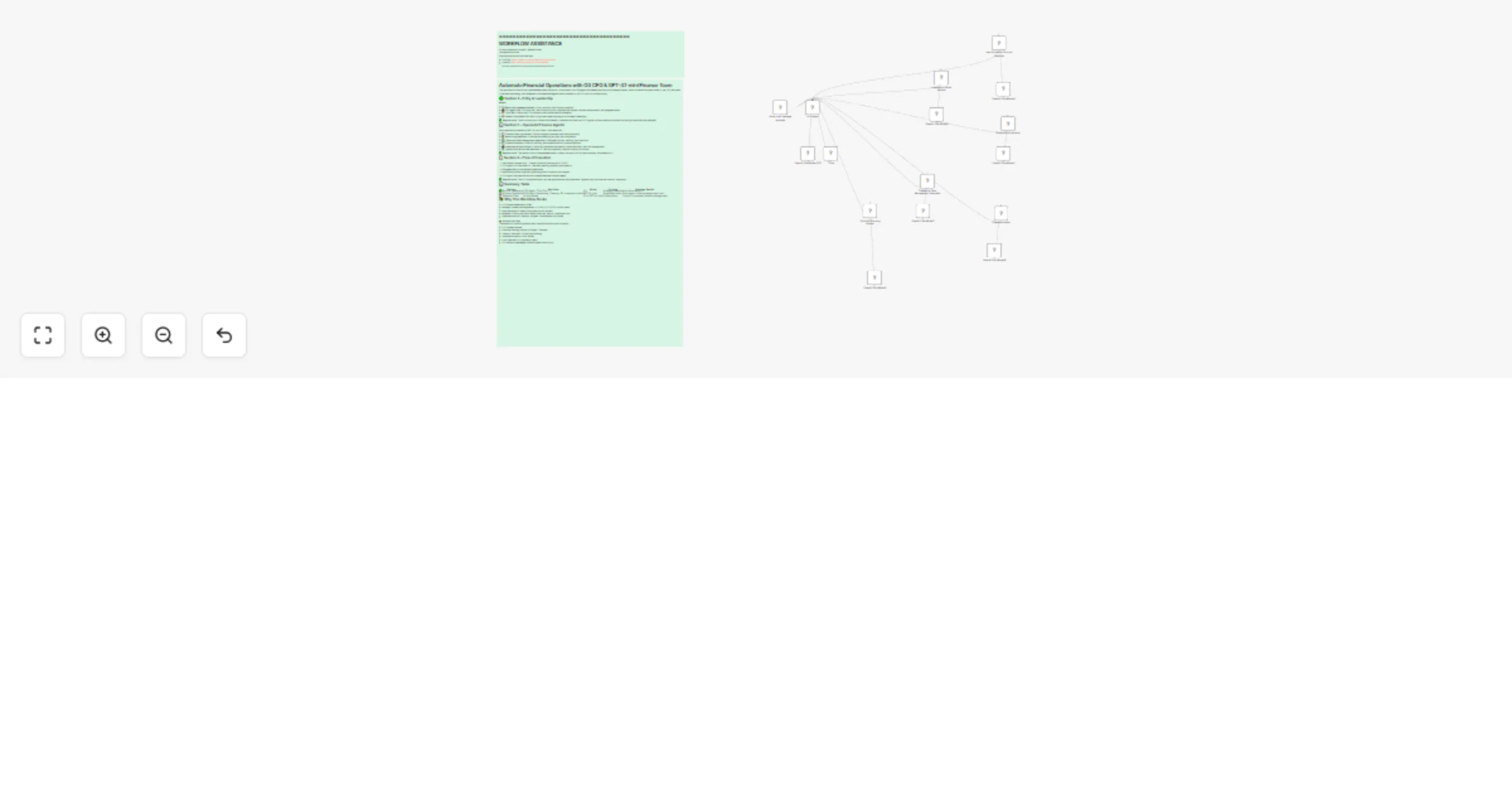
This workflow builds a virtual finance department inside n8n. At the center is a CFO Agent (O3 model) who acts like a strategic leader. When a financial request comes in, the CFO interprets it, decides the strategy, and delegates to the specialist agents (each powered by GPT-4.1-mini for cost efficiency).


🟒 Section 1 – Entry & Leadership

Nodes:

  • πŸ’¬ When chat message received β†’ Entry point for user financial requests.
  • πŸ’Ό CFO Agent (O3) β†’ Acts as the Chief Financial Officer. Interprets the request, decides the approach, and delegates tasks.
  • πŸ’‘ Think Tool β†’ Helps the CFO brainstorm and refine financial strategies.
  • 🧠 OpenAI Chat Model CFO (O3) β†’ High-level reasoning engine for strategic leadership.

βœ… Beginner view: Think of this as your finance CEO’s desk β€” requests land here, the CFO figures out what needs to be done, and the right specialists are assigned.


πŸ“Š Section 2 – Specialist Finance Agents

Each specialist is powered by GPT-4.1-mini (fast + cost-effective).

  • πŸ“ˆ Financial Planning Analyst β†’ Builds budgets, forecasts, and financial models.
  • πŸ“š Accounting Specialist β†’ Handles bookkeeping, tax prep, and compliance.
  • 🏦 Treasury & Cash Management Specialist β†’ Manages liquidity, banking, and cash flow.
  • πŸ“Š Financial Analyst β†’ Runs KPI tracking, performance metrics, variance analysis.
  • πŸ’Ό Investment & Risk Analyst β†’ Performs investment evaluations, capital allocation, and risk management.
  • πŸ” Internal Audit & Controls Specialist β†’ Checks compliance, internal controls, and audits.

βœ… Beginner view: This section is your finance department β€” every role you’d find in a real company, automated by AI.


πŸ“‹ Section 3 – Flow of Execution

  1. User sends a request (e.g., β€œCreate a financial forecast for Q1 2026”).
  2. CFO Agent (O3) interprets it β†’ β€œWe need planning, analysis, and treasury.”
  3. Delegates tasks to the relevant specialists.
  4. Specialists process in parallel, generating plans, numbers, and insights.
  5. CFO Agent compiles and returns a comprehensive financial report.

βœ… Beginner view: The CFO is the conductor, and the specialists are the musicians. Together, they produce the financial β€œsymphony.”


πŸ“Š Summary Table

Section Key Roles Model Purpose Beginner Benefit
🟒 Entry & Leadership CFO Agent, Think Tool O3 Strategic direction Acts like a real CFO
πŸ“Š Finance Specialists FP Analyst, Accounting, Treasury, FA, Investment, Audit GPT-4.1-mini Specialized tasks Each agent = finance department role
πŸ“‹ Execution Flow All connected O3 + GPT-4.1-mini Collaboration Output = complete financial management

🌟 Why This Workflow Rocks

  • Full finance department in n8n
  • Strategic + execution separation β†’ O3 for CFO, GPT-4.1-mini for team
  • Cost-optimized β†’ Heavy lifting done by mini models
  • Scalable β†’ Easily add more finance roles (tax, payroll, compliance, etc.)
  • Practical outputs β†’ Reports, budgets, risk analyses, audit notes

πŸ‘‰ Example Use Case: β€œGenerate a Q1 financial forecast with cash flow analysis and risk report.”

  • CFO reviews request.
  • Financial Planning Analyst β†’ Budget + Forecast.
  • Treasury Specialist β†’ Cash flow modeling.
  • Investment Analyst β†’ Risk review.
  • Audit Specialist β†’ Compliance check.
  • CFO delivers a packaged financial report back to you.

1.2 Logical Blocks

This catalog entry is organized from the workflow JSON. The node-level section below shows the executable blocks available for review before importing the template.

2. Block-by-Block Analysis

Block 1 - When chat message received

Type / Role
@n8n/n8n-nodes-langchain.chatTrigger - chatTrigger
Config choices
Version 1.1

Block 2 - CFO Agent

Type / Role
@n8n/n8n-nodes-langchain.agent - agent
Config choices
Version 2.1

Block 3 - Think

Type / Role
@n8n/n8n-nodes-langchain.toolThink - toolThink
Config choices
Version 1.1

Block 4 - Financial Planning Analyst

Type / Role
@n8n/n8n-nodes-langchain.agentTool - agentTool
Config choices
Version 2.2

Block 5 - Accounting Specialist

Type / Role
@n8n/n8n-nodes-langchain.agentTool - agentTool
Config choices
Version 2.2

Block 6 - Treasury & Cash Management Specialist

Type / Role
@n8n/n8n-nodes-langchain.agentTool - agentTool
Config choices
Version 2.2

Block 7 - Financial Analyst

Type / Role
@n8n/n8n-nodes-langchain.agentTool - agentTool
Config choices
Version 2.2

Block 8 - Investment & Risk Analyst

Type / Role
@n8n/n8n-nodes-langchain.agentTool - agentTool
Config choices
Version 2.2

Block 9 - Internal Audit & Controls Specialist

Type / Role
@n8n/n8n-nodes-langchain.agentTool - agentTool
Config choices
Version 2.2

Block 10 - OpenAI Chat Model CFO

Type / Role
@n8n/n8n-nodes-langchain.lmChatOpenAi - lmChatOpenAi
Config choices
Version 1.2

Block 11 - OpenAI Chat Model1

Type / Role
@n8n/n8n-nodes-langchain.lmChatOpenAi - lmChatOpenAi
Config choices
Version 1.2

Block 12 - OpenAI Chat Model2

Type / Role
@n8n/n8n-nodes-langchain.lmChatOpenAi - lmChatOpenAi
Config choices
Version 1.2

Block 13 - OpenAI Chat Model3

Type / Role
@n8n/n8n-nodes-langchain.lmChatOpenAi - lmChatOpenAi
Config choices
Version 1.2

Block 14 - OpenAI Chat Model4

Type / Role
@n8n/n8n-nodes-langchain.lmChatOpenAi - lmChatOpenAi
Config choices
Version 1.2

Block 15 - OpenAI Chat Model5

Type / Role
@n8n/n8n-nodes-langchain.lmChatOpenAi - lmChatOpenAi
Config choices
Version 1.2

Block 16 - OpenAI Chat Model6

Type / Role
@n8n/n8n-nodes-langchain.lmChatOpenAi - lmChatOpenAi
Config choices
Version 1.2

Block 17 - Sticky Note9

Type / Role
n8n-nodes-base.stickyNote - stickyNote
Config choices
Version 1

Block 18 - Sticky Note4

Type / Role
n8n-nodes-base.stickyNote - stickyNote
Config choices
Version 1

3. Summary Table

Workflow Automate financial operations with O3 CFO & GPT-4.1-mini finance team
Complexity advanced
Nodes 18
Categories Document Extraction, AI Chatbot
Author Yaron Been
Published 02 Aug 2025

4. Reproducing the Workflow from Scratch

  1. 1. Download the workflow JSON

    Use the JSON export at /data/workflows/6906/6906.json as the source template for this automation.

  2. 2. Import the template into n8n

    Open n8n, import the downloaded JSON, and review each node before activating the workflow.

  3. 3. Configure credentials and variables

    Replace placeholder credentials, API keys, webhook URLs, account IDs, and environment-specific values with your own settings.

  4. 4. Test with sample data

    Run the workflow manually or in a staging workspace, inspect node output, and confirm downstream systems receive the expected data.

  5. 5. Activate and monitor

    Enable the workflow only after testing, then monitor executions, errors, and rate limits during the first production runs.

5. General Notes & Resources

Review imported nodes carefully before activation. This catalog entry is intended to help you inspect the workflow structure, understand required services, and find related templates faster.

Node names, credentials, schedules, webhook paths, and external service limits may need adjustment for your workspace.

Frequently asked questions

What does Automate financial operations with O3 CFO & GPT-4.1-mini finance team do?

Automate Financial Operations with O3 CFO & GPT 4.1 mini Finance Team This workflow builds a virtual finance department inside n8n. At the center is a CFO Agent (O3 model) who acts like a strategic...

What do I need before importing this workflow?

Review the workflow JSON, configure any required credentials in n8n, and test the automation in a safe workspace before using it in production.

Can I customize this workflow?

Yes. Use the block-by-block analysis and the downloadable JSON to inspect each node, then adjust credentials, prompts, schedules, filters, or destinations for your Document Extraction, AI Chatbot use case.