🚚 Automate delivery confirmation with Telegram Bot, Google Drive and Gmail

Workflow preview

Workflow preview
100%
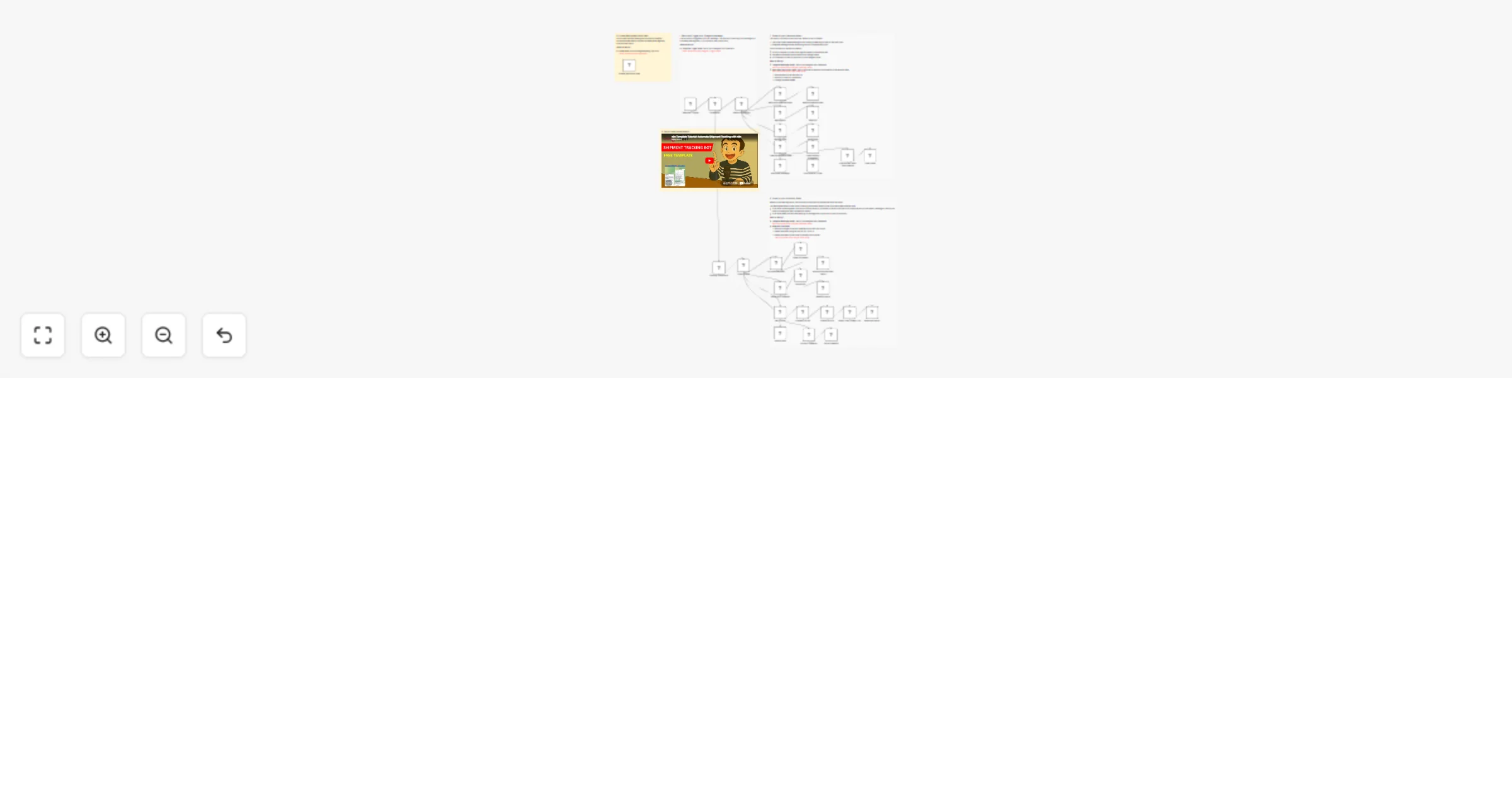
🚚 Automate delivery confirmation with Telegram Bot, Google Drive and Gmail preview
Open on n8n.io

Important notice

This workflow is provided as-is. Please review and test before using in production.

1. Workflow Overview

Tags: Supply Chain Management, Logistics, Transportation Context Hey! I'm Samir, a Supply Chain Engineer and Data Scientist from Paris founder of [LogiGreen Consulting](htt...

Best for

  • Miscellaneous automation workflows
  • advanced n8n builders looking for reusable templates

Tools used

n8n-nodes-base.stickynote, n8n-nodes-base.telegramtrigger, n8n-nodes-base.switch, n8n-nodes-base.code, n8n-nodes-base.telegram, n8n-nodes-base.if, n8n-nodes-base.set, n8n-nodes-base.googledrive

Source and attribution

This workflow is cataloged by N8N Workflows and links back to its original n8n.io source page by Samir Saci.

Original n8n.io source

1.1 Workflow description

Title
🚚 Automate delivery confirmation with Telegram Bot, Google Drive and Gmail
Workflow name
🚚 Automate delivery confirmation with Telegram Bot, Google Drive and Gmail

Tags: Supply Chain Management, Logistics, Transportation

Context

Hey! I'm Samir, a Supply Chain Engineer and Data Scientist from Paris founder of LogiGreen Consulting

We design tools to help small and medium businesses in improving their logistics processes using data analytics and automation.

> Let's use N8N to make supply chains more efficient and sustainable Supply Chains!

πŸ“¬ For business inquiries, you can add me on Here

Who is this template for?

This workflow template is designed for logistics operations that cannot rely on a Transportation Management System to record proofs of deliveries.

What is a delivery confirmation?

This workflow uses a Telegram bot to automatically notify logistics teams by email when a shipment is delivered.

Drivers (equipped with their smartphones) can record their arrival with all the necessary information for accurate distribution planning.

How do we notify the delivery?

Let us imagine a truck driver arriving at the destination; he can contact the bot to be guided on how to record the delivery.

  1. User Guide: the first bot's message is a brief explanation of the process
  2. Record Shipment Number: the bot asks the driver to share the shipment number and record it
  3. Collect GPS Location: the bot asks the driver to share its GPS location and record them
  4. Picture of the Shipment: the bot asks for a picture of the shipment and saves it in Google Drive
  5. Send Confirmation: after data collection, the bot proposes to send a confirmation to the logistics management team

An email is then automatically sent by the N8N workflow including all the information recorded by the flow and a picture of the shipment.

Prerequisite

This workflow does not require any additional paying subscription.

  • A Google Drive Account with a folder including a Google Sheet
  • API Credentials: Google Drive API, Google Sheets API and Gmail API
  • A Telegram Bot with its API token from BotFather
  • A Google sheet to store the shipment records with these five columns prepared: shipmentNumber, recordTime, gpsLattitude, gpsLongitude, cargoPicture, deliveryTime

Next Steps

Follow the sticky notes to set up the parameters inside each node and get ready to improve your logistics operations!

I have detailed the steps in a short tutorial πŸ‘‡ πŸŽ₯ Check My Tutorial

πŸš€ Interested in applications of N8N for Logistics & Supply Chain Management? Let's connect on Linkedin

Notes

  • This workflow can be adapted to add more functionalities. I explain how in the video.
  • The bot can handle multiple drivers at the same time.
  • If you want to learn more about the original tool designed with Python: 🚚 Blog Article about Telegram Shipment Tracking Bot

This workflow has been created with N8N 1.82.1 Submitted: March 17th, 2025

1.2 Logical Blocks

This catalog entry is organized from the workflow JSON. The node-level section below shows the executable blocks available for review before importing the template.

2. Block-by-Block Analysis

Block 1 - Sticky Note3

Type / Role
n8n-nodes-base.stickyNote - stickyNote
Config choices
Version 1

Block 2 - Telegram Trigger

Type / Role
n8n-nodes-base.telegramTrigger - telegramTrigger
Config choices
Version 1

Block 3 - Check State

Type / Role
n8n-nodes-base.switch - switch
Config choices
Version 3.2

Block 4 - Clear State

Type / Role
n8n-nodes-base.code - code
Config choices
Version 2

Block 5 - Sticky Note5

Type / Role
n8n-nodes-base.stickyNote - stickyNote
Config choices
Version 1

Block 6 - Sticky Note6

Type / Role
n8n-nodes-base.stickyNote - stickyNote
Config choices
Version 1

Block 7 - addGPS

Type / Role
n8n-nodes-base.telegram - telegram
Config choices
Version 1.2

Block 8 - Welcome Message

Type / Role
n8n-nodes-base.telegram - telegram
Config choices
Version 1.2

Block 9 - Command?

Type / Role
n8n-nodes-base.if - if
Config choices
Version 2.2

Block 10 - Store GPS Location

Type / Role
n8n-nodes-base.set - set
Config choices
Version 3.4

Block 11 - addGPS result

Type / Role
n8n-nodes-base.telegram - telegram
Config choices
Version 1

Block 12 - addShipmentNumber

Type / Role
n8n-nodes-base.telegram - telegram
Config choices
Version 1.2

Block 13 - Shipment Number

Type / Role
n8n-nodes-base.set - set
Config choices
Version 3.4

Block 14 - addShipmentNumber result

Type / Role
n8n-nodes-base.telegram - telegram
Config choices
Version 1

Block 15 - Store Shipment

Type / Role
n8n-nodes-base.code - code
Config choices
Version 2

Block 16 - Store GPS

Type / Role
n8n-nodes-base.code - code
Config choices
Version 2

Block 17 - Load Workspace Data

Type / Role
n8n-nodes-base.code - code
Config choices
Version 2

Block 18 - waitingShipmentNumber

Type / Role
n8n-nodes-base.code - code
Config choices
Version 2

Block 19 - waitingGPS

Type / Role
n8n-nodes-base.code - code
Config choices
Version 2

Block 20 - Instructions

Type / Role
n8n-nodes-base.telegram - telegram
Config choices
Version 1

Block 21 - waitingPhoto

Type / Role
n8n-nodes-base.code - code
Config choices
Version 2

Block 22 - Waiting Conditions

Type / Role
n8n-nodes-base.code - code
Config choices
Version 2

Block 23 - addPhoto result

Type / Role
n8n-nodes-base.telegram - telegram
Config choices
Version 1

Block 24 - sendPhoto

Type / Role
n8n-nodes-base.telegram - telegram
Config choices
Version 1.2

Showing the first 24 of 37 workflow blocks. Download the JSON for the full node graph.

3. Summary Table

Workflow 🚚 Automate delivery confirmation with Telegram Bot, Google Drive and Gmail
Complexity advanced
Nodes 37
Categories Miscellaneous
Author Samir Saci
Published 17 Mar 2025

4. Reproducing the Workflow from Scratch

  1. 1. Download the workflow JSON

    Use the JSON export at /data/workflows/3204/3204.json as the source template for this automation.

  2. 2. Import the template into n8n

    Open n8n, import the downloaded JSON, and review each node before activating the workflow.

  3. 3. Configure credentials and variables

    Replace placeholder credentials, API keys, webhook URLs, account IDs, and environment-specific values with your own settings.

  4. 4. Test with sample data

    Run the workflow manually or in a staging workspace, inspect node output, and confirm downstream systems receive the expected data.

  5. 5. Activate and monitor

    Enable the workflow only after testing, then monitor executions, errors, and rate limits during the first production runs.

5. General Notes & Resources

Review imported nodes carefully before activation. This catalog entry is intended to help you inspect the workflow structure, understand required services, and find related templates faster.

Node names, credentials, schedules, webhook paths, and external service limits may need adjustment for your workspace.

Frequently asked questions

What does 🚚 Automate delivery confirmation with Telegram Bot, Google Drive and Gmail do?

Tags: Supply Chain Management, Logistics, Transportation Context Hey! I'm Samir, a Supply Chain Engineer and Data Scientist from Paris founder of [LogiGreen Consulting](htt...

What do I need before importing this workflow?

Review the workflow JSON, configure any required credentials in n8n, and test the automation in a safe workspace before using it in production.

Can I customize this workflow?

Yes. Use the block-by-block analysis and the downloadable JSON to inspect each node, then adjust credentials, prompts, schedules, filters, or destinations for your Miscellaneous use case.