Block 1 - Send Welcome Email
- Type / Role
- n8n-nodes-base.gmail - gmail
- Config choices
- Version 2.1


 Early Deal
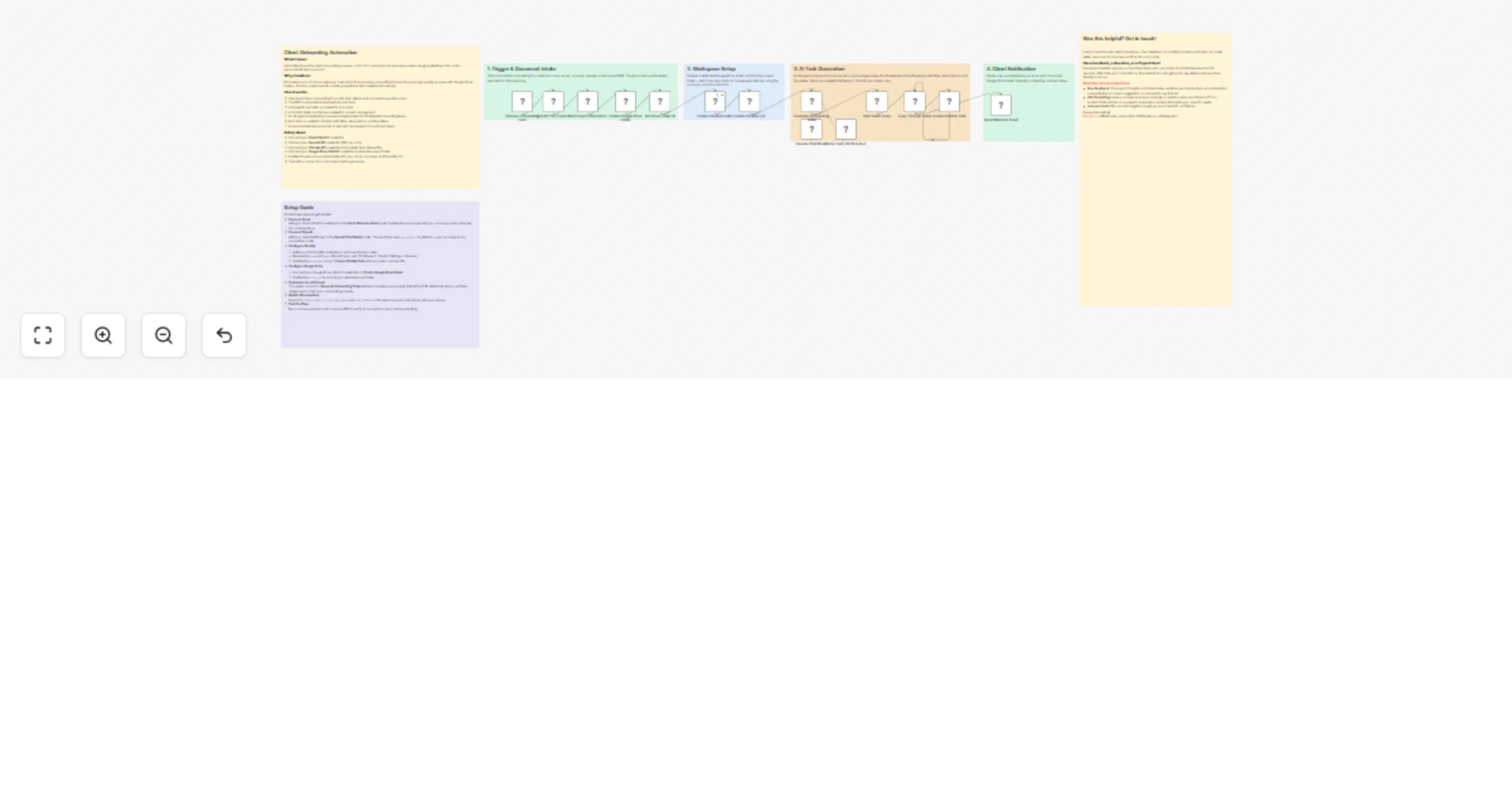
Client Onboarding Automation: Google Forms → GPT 4o → ClickUp & Gmail Who is this for? Consultants, agencies, freelancers, and SaaS teams handling client onboarding who want automated workspaces + ...
n8n-nodes-base.gmail, n8n-nodes-base.formtrigger, @n8n/n8n-nodes-langchain.lmchatopenai, @n8n/n8n-nodes-langchain.agent, @n8n/n8n-nodes-langchain.outputparserstructured, n8n-nodes-base.splitout, n8n-nodes-base.clickup, n8n-nodes-base.splitinbatches
This workflow is cataloged by N8N Workflows and links back to its original n8n.io source page by Milo Bravo.
Original n8n.io sourceWho is this for?
Consultants, agencies, freelancers, and SaaS teams handling client onboarding who want automated workspaces + AI task lists without manual setup.
What problem is this workflow solving?
Onboarding chaos wastes hours:
Manual folder/task creation per client
Inconsistent project scopes and timelines
Forgotten welcome emails and links
No standardized AI-scoped task lists
This workflow auto-creates everything from intake form to production-ready ClickUp boards.
What this workflow does:
Setup (5 minutes)
Google Forms: Intake + PDF upload
OpenAI: API key (GPT-4o-mini)
ClickUp: API + Team/Space IDs
Google Drive: OAuth2 + parent folder
Gmail: OAuth2 credentials Fully configurable via env vars—no hardcoded IDs.
How to customize
Tasks: Adjust AI prompt for your SOP/industry
Tools: Swap ClickUp for Asana/Trello
Email: Add Calendly/Zoom + branding
Scale: Webhook for 100s clients/month
ROI:
4-6 hours saved per client
100% consistent onboarding
30% faster project starts
Zero manual workspace creation
Need help customizing?: Contact me for consulting and support: LinkedIn / Message
Keywords: client onboarding, ClickUp automation,
This catalog entry is organized from the workflow JSON. The node-level section below shows the executable blocks available for review before importing the template.
| Workflow | Automate client onboarding with Google Forms, GPT‐4o, ClickUp and Gmail |
|---|---|
| Complexity | advanced |
| Nodes | 21 |
| Categories | Project Management, AI Summarization |
| Author | Milo Bravo |
| Published | 24 Feb 2026 |
Use the JSON export at /data/workflows/13658/13658.json as the source template for this automation.
Open n8n, import the downloaded JSON, and review each node before activating the workflow.
Replace placeholder credentials, API keys, webhook URLs, account IDs, and environment-specific values with your own settings.
Run the workflow manually or in a staging workspace, inspect node output, and confirm downstream systems receive the expected data.
Enable the workflow only after testing, then monitor executions, errors, and rate limits during the first production runs.
Review imported nodes carefully before activation. This catalog entry is intended to help you inspect the workflow structure, understand required services, and find related templates faster.
Node names, credentials, schedules, webhook paths, and external service limits may need adjustment for your workspace.
Client Onboarding Automation: Google Forms → GPT 4o → ClickUp & Gmail Who is this for? Consultants, agencies, freelancers, and SaaS teams handling client onboarding who want automated workspaces + ...
Review the workflow JSON, configure any required credentials in n8n, and test the automation in a safe workspace before using it in production.
Yes. Use the block-by-block analysis and the downloadable JSON to inspect each node, then adjust credentials, prompts, schedules, filters, or destinations for your Project Management, AI Summarization use case.