Block 1 - Azure OpenAI Chat Model1
- Type / Role
- @n8n/n8n-nodes-langchain.lmChatAzureOpenAi - lmChatAzureOpenAi
- Config choices
- Version 1


 Early Deal
Description Eliminate manual troubleshooting with an AI powered autonomous recovery engine for n8n . This system monitors your entire n8n instance for failures, analyzes the root cause using A...
@n8n/n8n-nodes-langchain.lmchatazureopenai, n8n-nodes-base.errortrigger, n8n-nodes-base.filter, n8n-nodes-base.httprequest, @n8n/n8n-nodes-langchain.agent, @n8n/n8n-nodes-langchain.outputparserstructured, n8n-nodes-base.switch, n8n-nodes-base.wait
This workflow is cataloged by N8N Workflows and links back to its original n8n.io source page by Rahul Joshi.
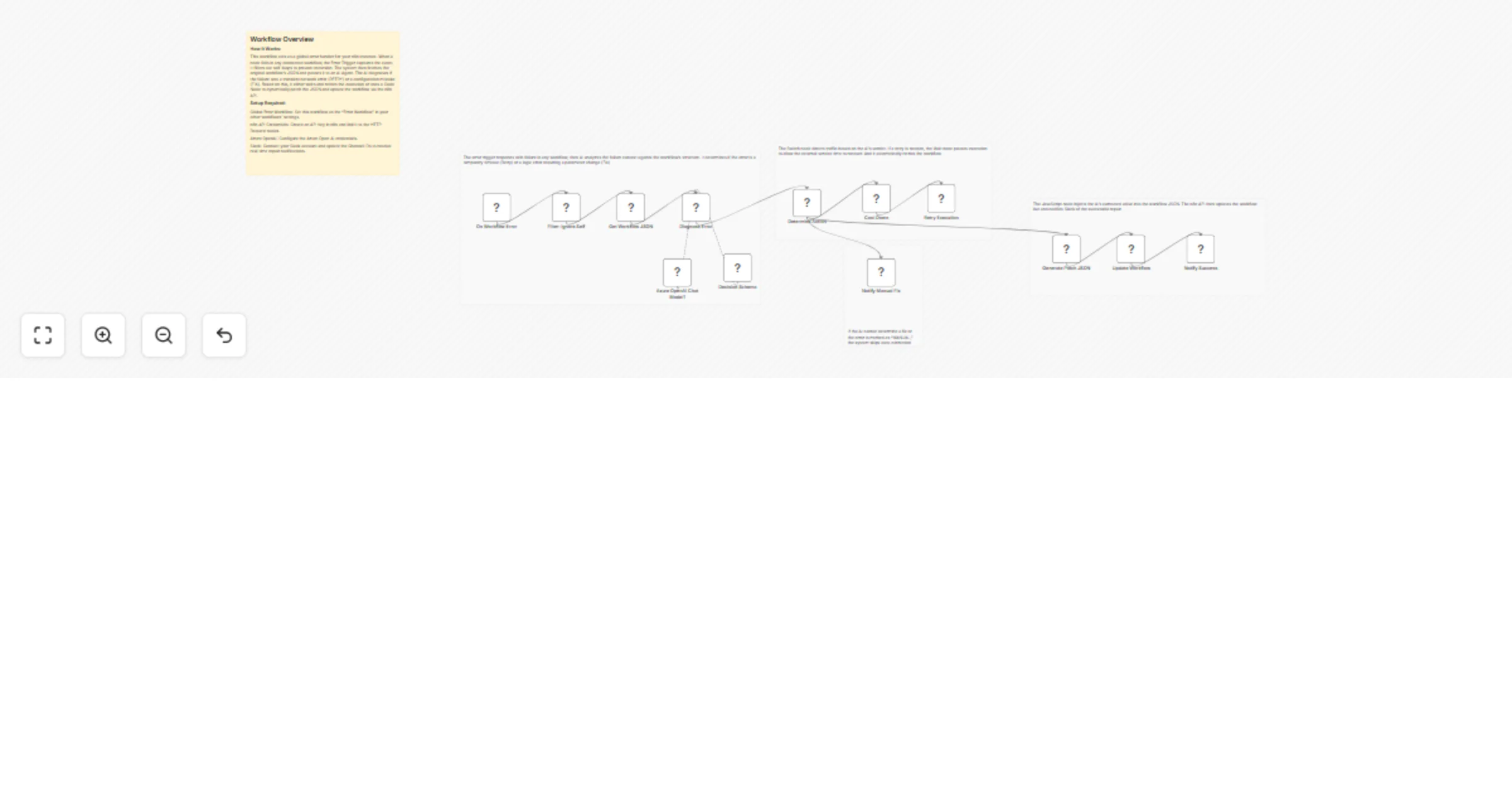
Original n8n.io sourceEliminate manual troubleshooting with an AI-powered autonomous recovery engine for n8n 🤖. This system monitors your entire n8n instance for failures, analyzes the root cause using Azure OpenAI, and automatically repairs broken workflows in real-time. By distinguishing between temporary network glitches and logic errors, it either retries the execution or dynamically patches the workflow JSON via the n8n API. It provides a "closed-loop" automation experience, ensuring your mission-critical processes stay online without human intervention 🔍⚡.
✅ 24/7 Autonomous Reliability: Workflows fix themselves while you sleep, reducing downtime significantly. ✅ Intelligent Recovery: Moves beyond simple retries by actually correcting "hard" errors like broken IDs or missing parameters. ✅ Production-Grade Governance: Adds a safety layer to your automation stack that learns and adapts to errors.
This catalog entry is organized from the workflow JSON. The node-level section below shows the executable blocks available for review before importing the template.
| Workflow | Auto-heal failing workflows with Azure OpenAI, n8n API, and Slack alerts |
|---|---|
| Complexity | advanced |
| Nodes | 18 |
| Categories | DevOps, AI Summarization |
| Author | Rahul Joshi |
| Published | 02 Mar 2026 |
Use the JSON export at /data/workflows/13791/13791.json as the source template for this automation.
Open n8n, import the downloaded JSON, and review each node before activating the workflow.
Replace placeholder credentials, API keys, webhook URLs, account IDs, and environment-specific values with your own settings.
Run the workflow manually or in a staging workspace, inspect node output, and confirm downstream systems receive the expected data.
Enable the workflow only after testing, then monitor executions, errors, and rate limits during the first production runs.
Review imported nodes carefully before activation. This catalog entry is intended to help you inspect the workflow structure, understand required services, and find related templates faster.
Node names, credentials, schedules, webhook paths, and external service limits may need adjustment for your workspace.
Description Eliminate manual troubleshooting with an AI powered autonomous recovery engine for n8n . This system monitors your entire n8n instance for failures, analyzes the root cause using A...
Review the workflow JSON, configure any required credentials in n8n, and test the automation in a safe workspace before using it in production.
Yes. Use the block-by-block analysis and the downloadable JSON to inspect each node, then adjust credentials, prompts, schedules, filters, or destinations for your DevOps, AI Summarization use case.