Auto-generate Instagram posts from Google Sheets reviews using UploadtoUrl

Workflow preview

Workflow preview
100%
Auto-generate Instagram posts from Google Sheets reviews using UploadtoUrl preview
Open on n8n.io

1. Workflow Overview

Turn your best 5 star reviews into a daily stream of branded social proof content fully automated. This workflow pulls the oldest unposted 5 star review from Google Sheets, generates a custom quote...

Best for

  • Social Media automation workflows
  • Multimodal AI automation workflows
  • advanced n8n builders looking for reusable templates

Tools used

n8n-nodes-base.stickynote, n8n-nodes-base.scheduletrigger, n8n-nodes-base.googlesheets, n8n-nodes-base.if, n8n-nodes-base.code, n8n-nodes-base.set, n8n-nodes-base.httprequest, n8n-nodes-uploadtourl.uploadtourl

Source and attribution

This workflow is cataloged by N8N Workflows and links back to its original n8n.io source page by Jitesh Dugar.

Original n8n.io source

1.1 Workflow description

Title
Auto-generate Instagram posts from Google Sheets reviews using UploadtoUrl
Workflow name
Auto-generate Instagram posts from Google Sheets reviews using UploadtoUrl

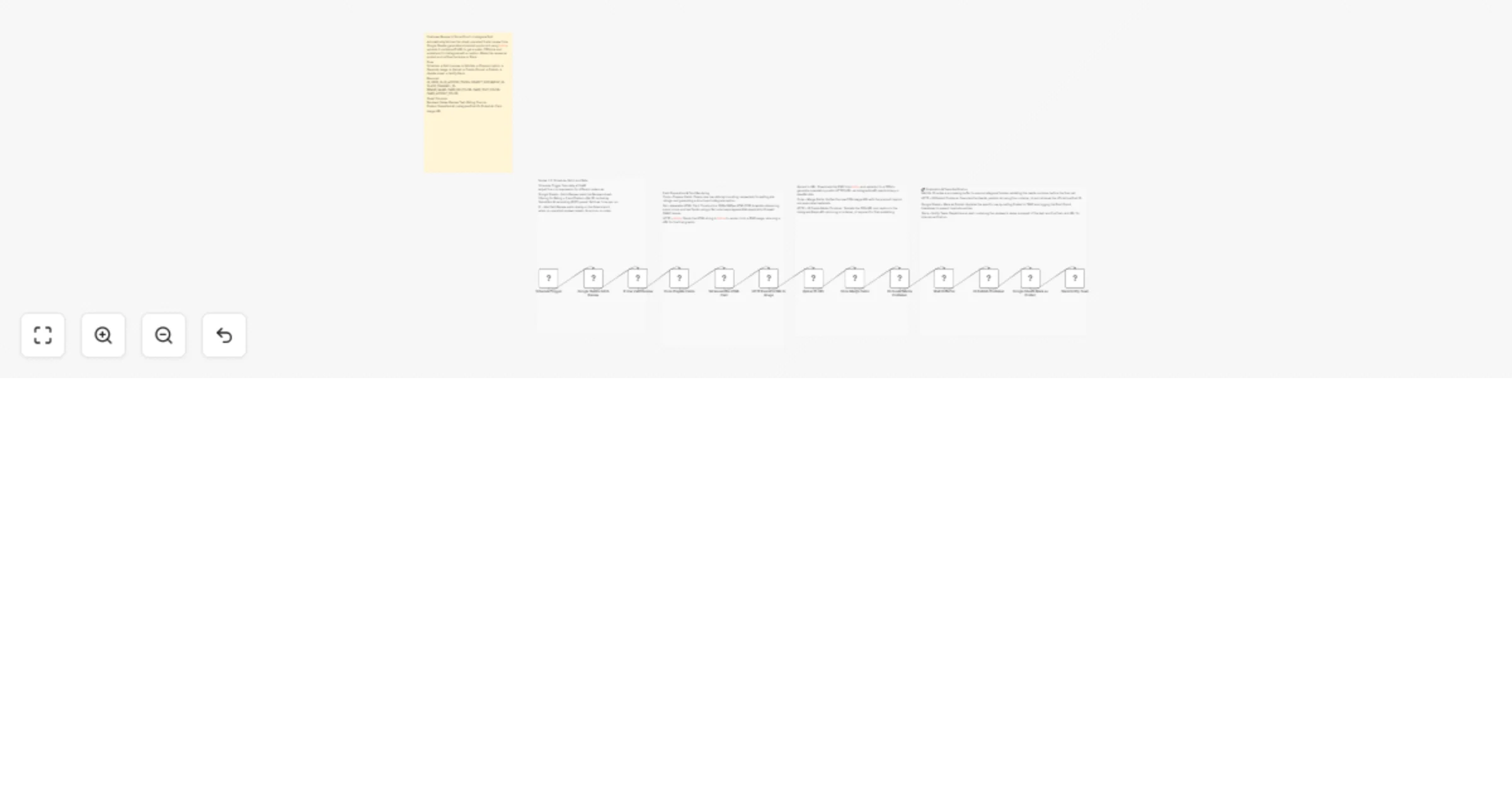
Turn your best 5-star reviews into a daily stream of branded social proof content -- fully automated. This workflow pulls the oldest unposted 5-star review from Google Sheets, generates a custom quote card using the hcti.io HTML-to-image API, uploads it via Upload to URL to get a stable public CDN link, and publishes it directly to Instagram with a formatted caption. The source row is updated to prevent duplicate posts and the team is notified on Slack.


What This Workflow Does

Review Dispatch Automation

  • Schedule Trigger -- fires daily at 9 AM. Adjust the cron expression for any cadence (twice weekly, every other day, etc.)
  • Google Sheets -- Fetch Review -- reads the Reviews sheet filtering for Rating = 5 and Posted = FALSE, sorted by Submitted At ascending for FIFO queue dispatch. Fetches exactly one row per run.
  • IF -- Has Valid Review -- exits the workflow cleanly on the false branch if no unposted reviews remain. No errors, no failed executions.

Dynamic Quote Card Generation

  • Code -- Prepare Fields -- cleans the raw sheet row: truncates review text to card-safe length, formats the star rating as a count, builds the full Instagram caption with attribution line and hashtag block (max 2200 characters).
  • Set -- Assemble HTML Card -- constructs a 1080x1080px HTML/CSS quote card template using n8n expressions that reference prepared text fields and env var brand colors. HTML is built in a Set node rather than a Code node to avoid Web Application Firewall false positives on template submission.
  • HTTP -- hcti.io -- sends the HTML string to the hcti.io API (HTML/CSS to Image) which renders it as a PNG and returns an image URL. Free tier covers 100 renders per month.

CDN Bridge via Upload to URL

  • Upload to URL -- mandatory step. Instagram Graph API requires a direct public HTTPS image URL and rejects binary payloads and base64 strings. This node downloads the rendered PNG from hcti.io and re-uploads it to a CDN, returning a stable public URL Instagram can access.
  • Code -- Merge Fields -- combines the CDN URL from Upload to URL with the caption and review metadata from the earlier Code node using cross-node reference.

Instagram Two-Step Publish Flow

  • HTTP -- IG Create Media Container -- Step 1 of Instagram publishing. POSTs the CDN image URL and caption to /v19.0/{ig_user_id}/media. Returns a container_id that Instagram uses to stage and validate the image.
  • Wait 6s -- processing buffer to ensure Instagram completes async validation before the publish call.
  • HTTP -- IG Publish Container -- Step 2. Calls /media_publish with the container_id. Returns the live Instagram Post ID confirming the post is on the feed.

Logging and Notification

  • Google Sheets -- Mark as Posted -- updates the source row: sets Posted = TRUE and writes back the Post ID and timestamp. Prevents the same review from being picked up on the next scheduled run.
  • Slack -- Notify Team -- sends reviewer name, a 100-character review snippet, the Post ID, and the CDN card URL so the team can verify what went live.

Key Features

  • Queue-based dispatch -- reviews post in submission order (FIFO). Oldest unposted 5-star review goes first on every run, keeping the feed chronologically authentic.
  • WAF-safe card assembly -- the HTML quote card is built in a Set node using n8n expressions rather than as a raw string in a Code node. This avoids Cloudflare WAF false positives during template submission.
  • Mandatory CDN bridge -- Upload to URL is a required step, not optional. Instagram's API will reject any image that is not a direct public HTTPS URL, including hcti.io's own image URLs in some configurations.
  • Duplicate-safe -- the Google Sheets update node writes Posted = TRUE immediately after publish. The same review can never be re-queued.
  • Source-agnostic -- works with Google Reviews, Trustpilot, Capterra, or any form tool (Typeform, Tally, Jotform) that appends rows to a Google Sheet.
  • Fully customizable card design -- background color, text color, and accent color are all controlled by environment variables. No code changes needed to rebrand.

What You Will Need

Credentials

  • Google Sheets OAuth2 -- connected to your Reviews spreadsheet
  • hcti.io Basic Auth -- user ID and API key from hcti.io (free tier available at hcti.io)
  • Upload to URL -- credentials configured in n8n
  • Instagram Graph API -- Business or Creator account access token
  • Slack OAuth2 -- for team notifications

Google Sheets Columns Required

Reviewer Name -- Review Text -- Rating -- Source -- Posted -- Submitted At -- Instagram Post ID -- Posted At -- Card Image URL


Perfect For

  • SaaS companies -- automate a daily customer love post from your existing review pipeline
  • E-commerce brands -- convert 5-star product reviews into social proof content on a consistent schedule
  • Hospitality and restaurants -- publish verified guest reviews from Google or Tripadvisor automatically
  • Agencies -- run one instance per client by swapping env vars, with a separate Google Sheet per brand
  • Retail and service brands -- keep Instagram active with authentic customer voices without any manual effort

1.2 Logical Blocks

This catalog entry is organized from the workflow JSON. The node-level section below shows the executable blocks available for review before importing the template.

2. Block-by-Block Analysis

Block 1 - Template Overview

Type / Role
n8n-nodes-base.stickyNote - stickyNote
Config choices
Version 1

Block 2 - Sticky Nodes 1-3

Type / Role
n8n-nodes-base.stickyNote - stickyNote
Config choices
Version 1

Block 3 - Sticky Nodes 4-6

Type / Role
n8n-nodes-base.stickyNote - stickyNote
Config choices
Version 1

Block 4 - Sticky Nodes 7-9

Type / Role
n8n-nodes-base.stickyNote - stickyNote
Config choices
Version 1

Block 5 - Sticky Nodes 10-13

Type / Role
n8n-nodes-base.stickyNote - stickyNote
Config choices
Version 1

Block 6 - Schedule Trigger

Type / Role
n8n-nodes-base.scheduleTrigger - scheduleTrigger
Config choices
Version 1.1

Block 7 - Google Sheets Fetch Review

Type / Role
n8n-nodes-base.googleSheets - googleSheets
Config choices
Version 4.4

Block 8 - IF Has Valid Review

Type / Role
n8n-nodes-base.if - if
Config choices
Version 2

Block 9 - Code Prepare Fields

Type / Role
n8n-nodes-base.code - code
Config choices
Version 2

Block 10 - Set Assemble HTML Card

Type / Role
n8n-nodes-base.set - set
Config choices
Version 3.3

Block 11 - HTTP Render HTML to Image

Type / Role
n8n-nodes-base.httpRequest - httpRequest
Config choices
Version 4.1

Block 12 - Upload to URL

Type / Role
n8n-nodes-uploadtourl.uploadToUrl - uploadToUrl
Config choices
Version 1

Block 13 - Code Merge Fields

Type / Role
n8n-nodes-base.code - code
Config choices
Version 2

Block 14 - IG Create Media Container

Type / Role
n8n-nodes-base.httpRequest - httpRequest
Config choices
Version 4.1

Block 15 - Wait IG Buffer

Type / Role
n8n-nodes-base.wait - wait
Config choices
Version 1

Block 16 - IG Publish Container

Type / Role
n8n-nodes-base.httpRequest - httpRequest
Config choices
Version 4.1

Block 17 - Google Sheets Mark as Posted

Type / Role
n8n-nodes-base.googleSheets - googleSheets
Config choices
Version 4.4

Block 18 - Slack Notify Team

Type / Role
n8n-nodes-base.slack - slack
Config choices
Version 2.2

3. Summary Table

Workflow Auto-generate Instagram posts from Google Sheets reviews using UploadtoUrl
Complexity advanced
Nodes 18
Categories Social Media, Multimodal AI
Author Jitesh Dugar
Published 02 Apr 2026

4. Reproducing the Workflow from Scratch

  1. 1. Download the workflow JSON

    Use the JSON export at /data/workflows/14648/14648.json as the source template for this automation.

  2. 2. Import the template into n8n

    Open n8n, import the downloaded JSON, and review each node before activating the workflow.

  3. 3. Configure credentials and variables

    Replace placeholder credentials, API keys, webhook URLs, account IDs, and environment-specific values with your own settings.

  4. 4. Test with sample data

    Run the workflow manually or in a staging workspace, inspect node output, and confirm downstream systems receive the expected data.

  5. 5. Activate and monitor

    Enable the workflow only after testing, then monitor executions, errors, and rate limits during the first production runs.

5. General Notes & Resources

Review imported nodes carefully before activation. This catalog entry is intended to help you inspect the workflow structure, understand required services, and find related templates faster.

Node names, credentials, schedules, webhook paths, and external service limits may need adjustment for your workspace.

Frequently asked questions

What does Auto-generate Instagram posts from Google Sheets reviews using UploadtoUrl do?

Turn your best 5 star reviews into a daily stream of branded social proof content fully automated. This workflow pulls the oldest unposted 5 star review from Google Sheets, generates a custom quote...

What do I need before importing this workflow?

Review the workflow JSON, configure any required credentials in n8n, and test the automation in a safe workspace before using it in production.

Can I customize this workflow?

Yes. Use the block-by-block analysis and the downloadable JSON to inspect each node, then adjust credentials, prompts, schedules, filters, or destinations for your Social Media, Multimodal AI use case.