Block 1 - Config
- Type / Role
- n8n-nodes-base.set - set
- Config choices
- Version 3.4


 Early Deal
This workflow is provided as-is. Please review and test before using in production.
Auto Generate GitHub Release Notes and Notify via Slack (n8n Workflow) This n8n workflow automates the process of: Generating structured GitHub release notes from merged pull requests since the las...
n8n-nodes-base.set, n8n-nodes-base.httprequest, n8n-nodes-base.code, n8n-nodes-base.formtrigger, n8n-nodes-base.stickynote
This workflow is cataloged by N8N Workflows and links back to its original n8n.io source page by WeblineIndia.
Original n8n.io sourceThis n8n workflow automates the process of:
All of this is triggered manually via a form, where the user inputs the repository, owner and target branch.
This flow is perfect for:
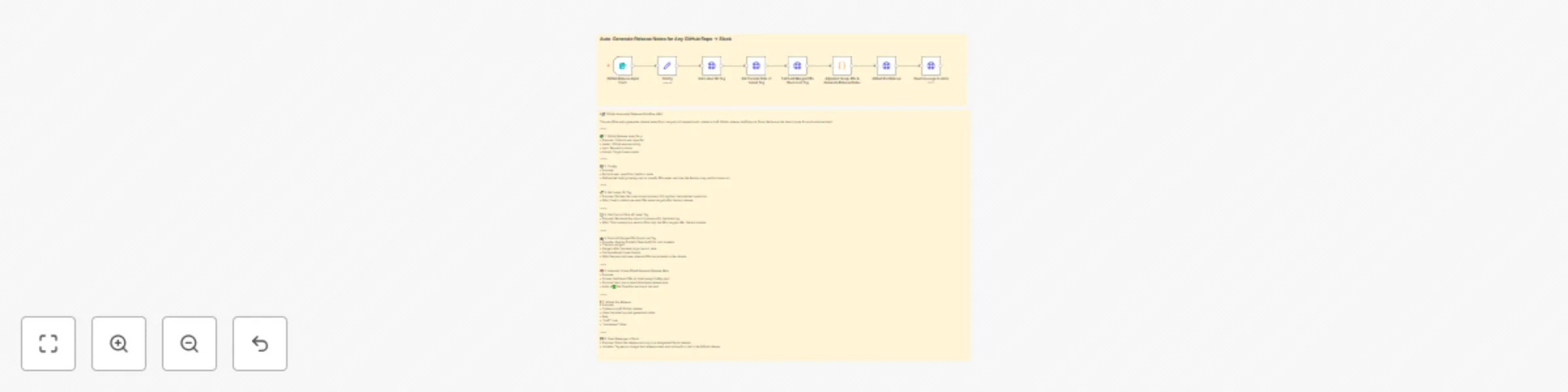
| Node No | Node Name | Description |
|---|---|---|
| 1 | GitHub Release Input Form | Takes user inputs (owner, repo, branch). |
| 2 | Config | Extracts input and defines PR label grouping config. |
| 3 | Get Latest Git Tag | Fetches latest Git tag (used as reference point). |
| 4 | Get Commit Date of Latest Tag | Gets the exact timestamp of the latest tag's commit. |
| 5 | Fetch All Merged PRs Since Last Tag | Queries GitHub for PRs merged after that timestamp. |
| 6 | Group PRs & Generate Release Notes | Organizes PRs by label and generates markdown notes. |
| 7 | GitHub Pre-release | Creates a draft GitHub release with those notes. |
| 8 | Send Message to Slack | Sends the final release summary to Slack. |
owner: GitHub username/orgrepo: GitHub repository namebranch: Base branch (e.g., main)| Requirement | Description |
|---|---|
| n8n version | Cloud or Self-Hosted |
| GitHub Access | A token with repo and write:repo_hook permissions |
| Slack Access | Webhook URL or Slack OAuth app |
| Git Tags | Semantic versioning tags pushed to the repo |
| Labels | PRs should be labeled (e.g., feature, bug, other) for grouping |
| Feature | How to Customize |
|---|---|
| Label Grouping | Modify the config map in the Config node (step 2). |
| PR Filtering | Adjust the search query in node 5 to fit your repo's conventions. |
| Markdown Template | Tweak markdown generation logic in node 6. |
| Slack Message Format | Customize the Slack text in node 8. |
| Tag Format | Switch from semantic versioning if needed in node 3 logic. |
| Release Type | Change draft: true to false in node 7 for immediate publishing. |
You can extend the flow by:
| Scenario | Description |
|---|---|
| OSS Team Weekly Releases | Automatically publish weekly release notes summarizing merged PRs. |
| Sprint Review Reports | Use it at the end of each sprint to generate change summaries. |
| CI/CD Pipelines | Integrate with GitHub Actions or Jenkins for automated tagging + release. |
| Issue | Possible Cause | Solution |
|---|---|---|
No data found for item-index: "1" |
GitHub Search returned no PRs | Ensure PRs were merged after the last tag and branch name is correct |
Cannot access $node in code |
Wrong script execution context | Ensure JavaScript is selected and variables are accessed properly |
draft must be boolean |
Draft field passed as string | Use true (not "true") in JSON input of HTTP node |
PR labels not grouped |
PRs have no matching labels | Update your label config map or ensure labels exist on PRs |
| Empty Slack message | Slack node not receiving data | Ensure $json.release_notes is being passed correctly |
Need help setting this up for your team or extending it for more features (e.g., JIRA, auto-tagging, changelog export)? We're here to help you customize, debug and scale this flow.
Feel free to reach out WeblineIndia if you need:
This catalog entry is organized from the workflow JSON. The node-level section below shows the executable blocks available for review before importing the template.
| Workflow | Auto-generate GitHub release notes and notify via Slack |
|---|---|
| Complexity | intermediate |
| Nodes | 10 |
| Categories | DevOps |
| Author | WeblineIndia |
| Published | 01 Aug 2025 |
Use the JSON export at /data/workflows/6763/6763.json as the source template for this automation.
Open n8n, import the downloaded JSON, and review each node before activating the workflow.
Replace placeholder credentials, API keys, webhook URLs, account IDs, and environment-specific values with your own settings.
Run the workflow manually or in a staging workspace, inspect node output, and confirm downstream systems receive the expected data.
Enable the workflow only after testing, then monitor executions, errors, and rate limits during the first production runs.
Review imported nodes carefully before activation. This catalog entry is intended to help you inspect the workflow structure, understand required services, and find related templates faster.
Node names, credentials, schedules, webhook paths, and external service limits may need adjustment for your workspace.
Auto Generate GitHub Release Notes and Notify via Slack (n8n Workflow) This n8n workflow automates the process of: Generating structured GitHub release notes from merged pull requests since the las...
Review the workflow JSON, configure any required credentials in n8n, and test the automation in a safe workspace before using it in production.
Yes. Use the block-by-block analysis and the downloadable JSON to inspect each node, then adjust credentials, prompts, schedules, filters, or destinations for your DevOps use case.