Block 1 - Run Workflow
- Type / Role
- n8n-nodes-base.manualTrigger - manualTrigger
- Config choices
- Version 1


 Early Deal
Important: This workflow uses the Autype community node and requires a self hosted n8n instance...
n8n-nodes-base.manualtrigger, n8n-nodes-base.httprequest, n8n-nodes-autype.autype, @n8n/n8n-nodes-langchain.agent, @n8n/n8n-nodes-langchain.lmchatopenai, n8n-nodes-base.code, n8n-nodes-base.googledrive, n8n-nodes-base.stickynote
This workflow is cataloged by N8N Workflows and links back to its original n8n.io source page by 8Automator.
Original n8n.io sourceImportant: This workflow uses the Autype community node and requires a self-hosted n8n instance.
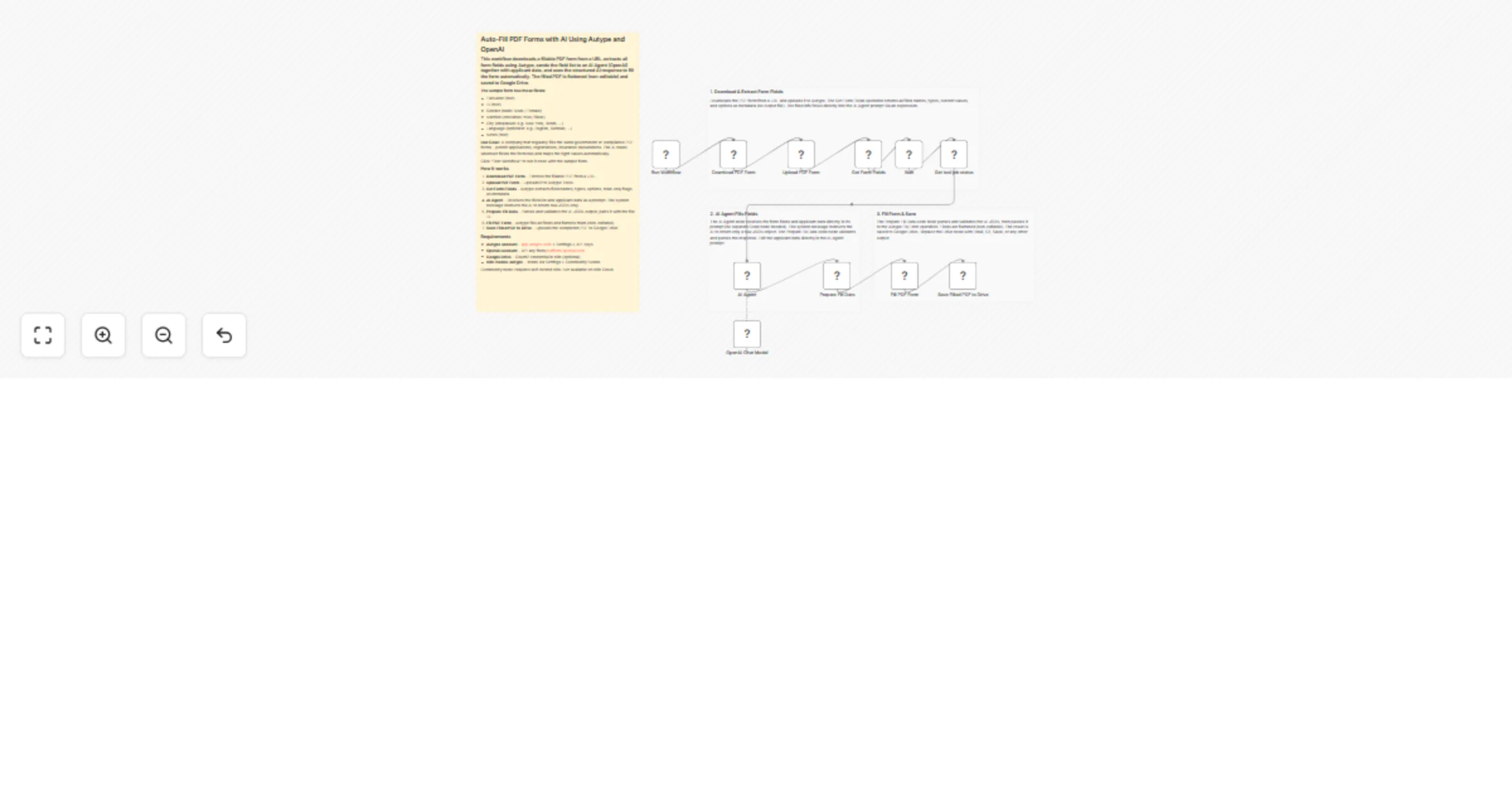
This workflow downloads a fillable PDF form from a URL, extracts all form field names and types using Autype, sends the field list to an AI Agent (OpenAI) together with applicant data, and uses the AI response to fill the form automatically. The AI is instructed to return raw JSON only, and a Code node validates the response before filling. The filled PDF is flattened (non-editable) and saved to Google Drive.
Companies that regularly submit the same types of PDF form applications -- permit renewals, tax filings, compliance questionnaires, insurance claims, customs declarations, or any recurring government/regulatory paperwork. Instead of manually filling the same form fields every quarter or year, the AI reads the form structure and fills it with the correct data automatically.
Concrete example: A manufacturing company must renew its operating permit every year by submitting a multi-page PDF application to the local regulatory authority. The form asks for company name, registration number, address, contact person, business type, employee count, and more. With this workflow, the company stores its data once in the AI Agent prompt, and every renewal period they simply run the workflow to get a completed, flattened PDF ready for submission.
This also works as an additional skill for an AI agent. Instead of a manual trigger, connect the workflow to a webhook or chat trigger so an agent can call it when a user asks "fill out the permit renewal form for Q2 2026."
On manual trigger, the workflow fetches a fillable PDF from a URL (e.g. a government portal, internal document server, or S3 bucket). It uploads the PDF to Autype and calls Get Form Fields to extract every field name, type (text, checkbox, dropdown, radio), current value, available options, and read-only status. The field list is passed directly to an AI Agent via an inline expression (no separate prompt-building Code node needed). The AI's system message instructs it to return only raw JSON. A Code node validates and parses the response before Autype fills the form, flattens it, and the result is saved to Google Drive.
name, type (text/checkbox/dropdown/radio/optionlist), value (current), options (for dropdowns/radio), and isReadOnly. No output file is created.filled-form-YYYY-MM-DD.pdf.n8n-nodes-autype) via Settings > Community Nodes.YOUR_FOLDER_ID in the "Save Filled PDF to Drive" node to your target Google Drive folder.Note: This is a community node, so you need a self-hosted n8n instance to use community nodes.
n8n-nodes-autype community node installedflatten to false in the "Fill PDF Form" node if you want the fields to remain editable after filling.This catalog entry is organized from the workflow JSON. The node-level section below shows the executable blocks available for review before importing the template.
| Workflow | Auto-fill PDF forms with AI using Autype, OpenAI, and Google Drive |
|---|---|
| Complexity | advanced |
| Nodes | 15 |
| Categories | Document Extraction, AI Summarization |
| Author | 8Automator |
| Published | 05 Mar 2026 |
Use the JSON export at /data/workflows/13902/13902.json as the source template for this automation.
Open n8n, import the downloaded JSON, and review each node before activating the workflow.
Replace placeholder credentials, API keys, webhook URLs, account IDs, and environment-specific values with your own settings.
Run the workflow manually or in a staging workspace, inspect node output, and confirm downstream systems receive the expected data.
Enable the workflow only after testing, then monitor executions, errors, and rate limits during the first production runs.
Review imported nodes carefully before activation. This catalog entry is intended to help you inspect the workflow structure, understand required services, and find related templates faster.
Node names, credentials, schedules, webhook paths, and external service limits may need adjustment for your workspace.
Important: This workflow uses the Autype community node and requires a self hosted n8n instance...
Review the workflow JSON, configure any required credentials in n8n, and test the automation in a safe workspace before using it in production.
Yes. Use the block-by-block analysis and the downloadable JSON to inspect each node, then adjust credentials, prompts, schedules, filters, or destinations for your Document Extraction, AI Summarization use case.