Auto-assign support tickets with JIRA, Supabase and AI

Workflow preview

Workflow preview
100%
Auto-assign support tickets with JIRA, Supabase and AI preview
Open on n8n.io

Important notice

This workflow is provided as-is. Please review and test before using in production.

1. Workflow Overview

This n8n template builds a simple automation to ensure no JIRA issues go unassigned for more than a week to prevent them falling through the cracks. It uses AI to perform searching tasks against a ...

Best for

  • Ticket Management automation workflows
  • AI RAG automation workflows
  • advanced n8n builders looking for reusable templates

Tools used

n8n-nodes-base.scheduletrigger, @n8n/n8n-nodes-langchain.embeddingsopenai, @n8n/n8n-nodes-langchain.documentdefaultdataloader, @n8n/n8n-nodes-langchain.textsplitterrecursivecharactertextsplitter, @n8n/n8n-nodes-langchain.vectorstoresupabase, @n8n/n8n-nodes-langchain.lmchatopenai, @n8n/n8n-nodes-langchain.agent, n8n-nodes-base.jira

Source and attribution

This workflow is cataloged by N8N Workflows and links back to its original n8n.io source page by Jimleuk.

Original n8n.io source

1.1 Workflow description

Title
Auto-assign support tickets with JIRA, Supabase and AI
Workflow name
Auto-assign support tickets with JIRA, Supabase and AI

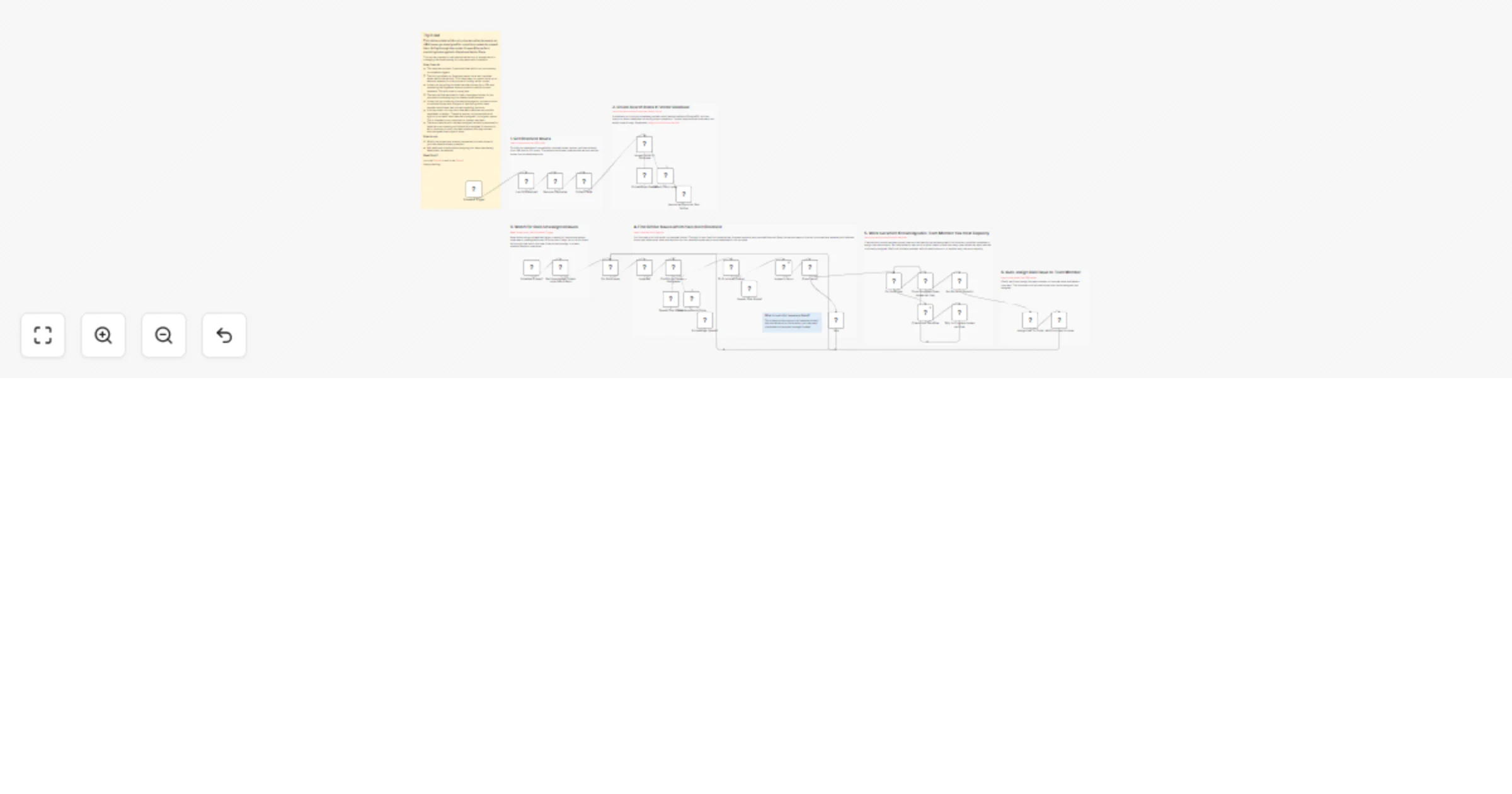
This n8n template builds a simple automation to ensure no JIRA issues go unassigned for more than a week to prevent them falling through the cracks. It uses AI to perform searching tasks against a Supabase Vector Store.

This can be one way to help reduce the amount of manual work in managing the issue backlog for busy teams with little effort.

How it works

  • This template contains 2 separate flows which run continuously via schedule triggers.
  • The first populates our Supabase vector store with resolved issues within the last day. This helps keep our vector store up-to-date and relevant for the purpose of finding similar issues.
  • It does this by pulling the latest resolved issues from JIRA and populating the Supabase vectorstore with carefully chosen metadata. This will come in handy later.
  • The second flow watches for stale, unassigned issues for the purpose of aut-assigning to a relevant team member.
  • It does this by comparing the stale issue against our vector store of resolved issues with the goal of identifying which team member would have best context regarding the issue.
  • In a busy team, this may net a few team members as possible candidates to assign. Therefore, we can introduce additional logic to count each team member's assigned, in-progress issues. This is intended to not overload our busiest members.
  • The team member with the least assigned issues is pressumed to have the most capacity and therefore is assigned. A comennt is left in the issue to notify the team member that they've been auto-assigned due to age of issue.

How to use

  • Modify the project and interval parameters to match those of your use-case and team members.
  • Add additional criteria before assigning to a team member eg. department, as required.

Requirements

  • OpenAI for LLM
  • JIRA for Issue Management
  • Supabase for Vector Store

Customising this workflow

  • Not using JIRA or Supabase? The beauty of these AI templates are these components are entirely interchangeable with competing services. Try Linear and Qdrant instead!
  • Auto-assigning logic is simplified in this template. Expand criteria as required for your team and organisation. eg. Might be a good idea to pull in annual leave information from HR system to prevent assigning to someone who is on currently on holiday!

1.2 Logical Blocks

This catalog entry is organized from the workflow JSON. The node-level section below shows the executable blocks available for review before importing the template.

2. Block-by-Block Analysis

Block 1 - Schedule Trigger

Type / Role
n8n-nodes-base.scheduleTrigger - scheduleTrigger
Config choices
Version 1.2

Block 2 - Embeddings OpenAI

Type / Role
@n8n/n8n-nodes-langchain.embeddingsOpenAi - embeddingsOpenAi
Config choices
Version 1.2

Block 3 - Default Data Loader

Type / Role
@n8n/n8n-nodes-langchain.documentDefaultDataLoader - documentDefaultDataLoader
Config choices
Version 1

Block 4 - Recursive Character Text Splitter

Type / Role
@n8n/n8n-nodes-langchain.textSplitterRecursiveCharacterTextSplitter - textSplitterRecursiveCharacterTextSplitter
Config choices
Version 1

Block 5 - Issues Similarity Database

Type / Role
@n8n/n8n-nodes-langchain.vectorStoreSupabase - vectorStoreSupabase
Config choices
Version 1

Block 6 - Supabase Vector Store

Type / Role
@n8n/n8n-nodes-langchain.vectorStoreSupabase - vectorStoreSupabase
Config choices
Version 1

Block 7 - Embeddings OpenAI1

Type / Role
@n8n/n8n-nodes-langchain.embeddingsOpenAi - embeddingsOpenAi
Config choices
Version 1.2

Block 8 - OpenAI Chat Model

Type / Role
@n8n/n8n-nodes-langchain.lmChatOpenAi - lmChatOpenAi
Config choices
Version 1.2

Block 9 - Find Similar Issues + Assignees

Type / Role
@n8n/n8n-nodes-langchain.agent - agent
Config choices
Version 1.7

Block 10 - Check User Workflow

Type / Role
n8n-nodes-base.jira - jira
Config choices
Version 1

Block 11 - For Each User

Type / Role
n8n-nodes-base.splitInBatches - splitInBatches
Config choices
Version 3

Block 12 - Assign User to Ticket

Type / Role
n8n-nodes-base.jira - jira
Config choices
Version 1

Block 13 - Schedule Trigger1

Type / Role
n8n-nodes-base.scheduleTrigger - scheduleTrigger
Config choices
Version 1.2

Block 14 - Remove Duplicates

Type / Role
n8n-nodes-base.removeDuplicates - removeDuplicates
Config choices
Version 2

Block 15 - Collect Fields

Type / Role
n8n-nodes-base.set - set
Config choices
Version 3.4

Block 16 - Get Unassigned Tickets more than 5 days

Type / Role
n8n-nodes-base.jira - jira
Config choices
Version 1

Block 17 - For Each Issue

Type / Role
n8n-nodes-base.splitInBatches - splitInBatches
Config choices
Version 3

Block 18 - Issue Ref

Type / Role
n8n-nodes-base.noOp - noOp
Config choices
Version 1

Block 19 - Add Comment to Issue

Type / Role
n8n-nodes-base.jira - jira
Config choices
Version 1

Block 20 - Sticky Note

Type / Role
n8n-nodes-base.stickyNote - stickyNote
Config choices
Version 1

Block 21 - Last 50 Resolved

Type / Role
n8n-nodes-base.jira - jira
Config choices
Version 1

Block 22 - Sticky Note1

Type / Role
n8n-nodes-base.stickyNote - stickyNote
Config choices
Version 1

Block 23 - Sticky Note2

Type / Role
n8n-nodes-base.stickyNote - stickyNote
Config choices
Version 1

Block 24 - Sticky Note3

Type / Role
n8n-nodes-base.stickyNote - stickyNote
Config choices
Version 1

Showing the first 24 of 36 workflow blocks. Download the JSON for the full node graph.

3. Summary Table

Workflow Auto-assign support tickets with JIRA, Supabase and AI
Complexity advanced
Nodes 36
Categories Ticket Management, AI RAG
Author Jimleuk
Published 01 Apr 2025

4. Reproducing the Workflow from Scratch

  1. 1. Download the workflow JSON

    Use the JSON export at /data/workflows/3395/3395.json as the source template for this automation.

  2. 2. Import the template into n8n

    Open n8n, import the downloaded JSON, and review each node before activating the workflow.

  3. 3. Configure credentials and variables

    Replace placeholder credentials, API keys, webhook URLs, account IDs, and environment-specific values with your own settings.

  4. 4. Test with sample data

    Run the workflow manually or in a staging workspace, inspect node output, and confirm downstream systems receive the expected data.

  5. 5. Activate and monitor

    Enable the workflow only after testing, then monitor executions, errors, and rate limits during the first production runs.

5. General Notes & Resources

Review imported nodes carefully before activation. This catalog entry is intended to help you inspect the workflow structure, understand required services, and find related templates faster.

Node names, credentials, schedules, webhook paths, and external service limits may need adjustment for your workspace.

Frequently asked questions

What does Auto-assign support tickets with JIRA, Supabase and AI do?

This n8n template builds a simple automation to ensure no JIRA issues go unassigned for more than a week to prevent them falling through the cracks. It uses AI to perform searching tasks against a ...

What do I need before importing this workflow?

Review the workflow JSON, configure any required credentials in n8n, and test the automation in a safe workspace before using it in production.

Can I customize this workflow?

Yes. Use the block-by-block analysis and the downloadable JSON to inspect each node, then adjust credentials, prompts, schedules, filters, or destinations for your Ticket Management, AI RAG use case.