Archive Outlook email attachments to DATEV DMS and notify Slack
Workflow preview

$20/month : Unlimited workflows
2500 executions/month

THE #1 IN WEB SCRAPING
Scrape any website without limits
HOSTINGER  Early Deal
DISCOUNT 20% Try free
Early DealDISCOUNT 20%
Self-hosted n8n
Unlimited workflows - from $4.99/mo

#1 hub for scraping, AI & automation
6000+ actors - $5 credits/mo
Overview
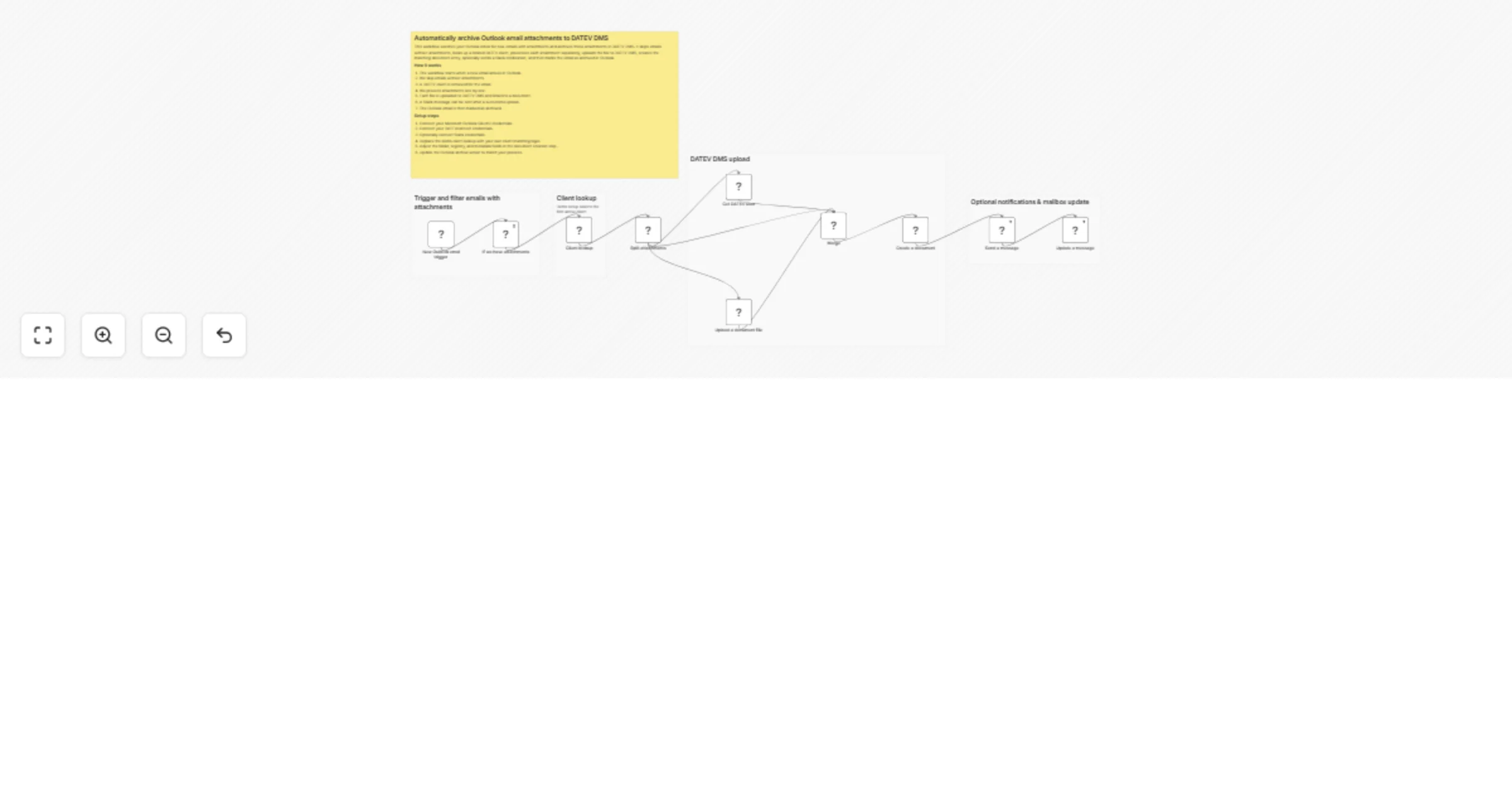
This workflow watches your Outlook inbox for new emails with attachments and archives those attachments in DATEV DMS. It skips emails without attachments, looks up a related DATEV client, processes each attachment separately, uploads the file to DATEV DMS, creates the matching document entry, optionally sends a Slack notification, and then marks the email as archived in Outlook.
How it works
- The workflow starts when a new email arrives in Outlook.
- Emails without attachments are skipped.
- A DATEV client is retrieved for the email.
- Attachments are processed one by one.
- Each file is uploaded to DATEV DMS and linked to a document.
- A Slack message can be sent after a successful upload.
- The Outlook email is then marked as archived.
Setup steps
- Connect your Microsoft Outlook OAuth2 credentials.
- Connect your DATEVconnect credentials.
- Optionally connect Slack credentials.
- Replace the demo client lookup with your own client-matching logic.
- Adjust the folder, registry, and metadata fields in the document creation step.
- Update the Outlook archive action to match your process.