Block 1 - Analyze Review Sentiment
- Type / Role
- @n8n/n8n-nodes-langchain.lmChatOpenAi - lmChatOpenAi
- Config choices
- Version 1.2


 Early Deal
Analyze hotel reviews with OpenAI and update sentiment in Airtable This workflow automatically analyzes hotel guest reviews using OpenAI and updates the sentiment, summary, and confidence score ...
@n8n/n8n-nodes-langchain.lmchatopenai, @n8n/n8n-nodes-langchain.chainllm, n8n-nodes-base.set, n8n-nodes-base.airtabletrigger, n8n-nodes-base.stickynote, n8n-nodes-base.noop, n8n-nodes-base.if, @n8n/n8n-nodes-langchain.outputparserstructured
This workflow is cataloged by N8N Workflows and links back to its original n8n.io source page by Edson Encinas.
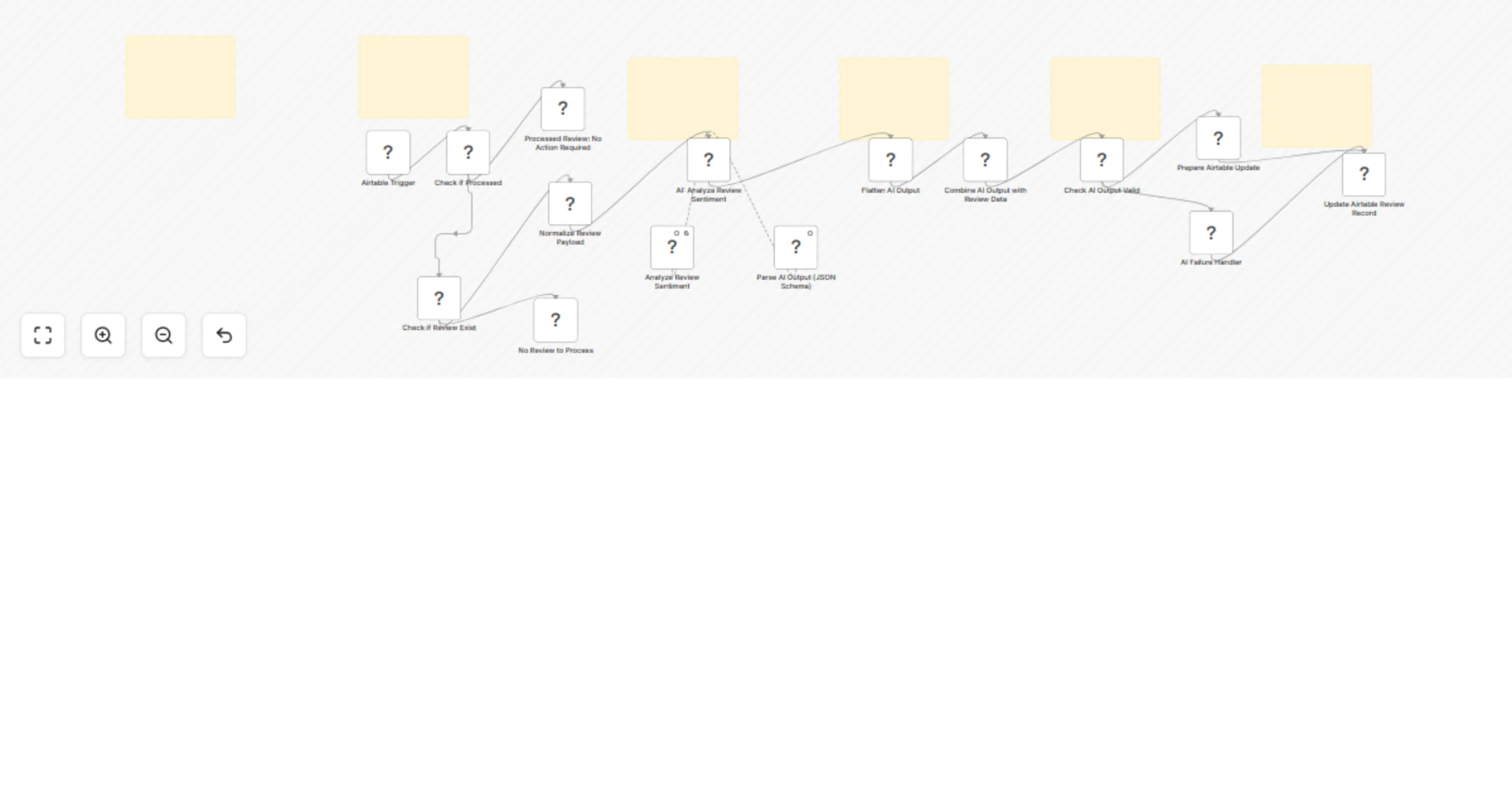
Original n8n.io sourceThis workflow automatically analyzes hotel guest reviews using OpenAI and updates the sentiment, summary, and confidence score directly in Airtable. It helps hospitality teams monitor guest satisfaction, identify negative experiences quickly, and generate structured insights without manual effort.
By enriching every review with AI-generated sentiment data, teams can improve service quality, prioritize responses, and track performance trends over time.
This template is ideal for:
It’s also useful for any business that wants to automatically analyze customer feedback stored in a database.
The workflow runs automatically whenever a new review is added to Airtable.
It:
This creates a fully automated sentiment processing pipeline.
RECORD_ID())Once enabled, the workflow runs automatically.
You will need:
For testing and simulating real-world usage, you can also create an Airtable Form linked to your table. This allows you or your team to submit sample hotel reviews manually, just like a guest feedback form. Each submission will automatically trigger the workflow and generate sentiment analysis results.
This is especially useful for:
You can easily extend this workflow to fit your needs:
This catalog entry is organized from the workflow JSON. The node-level section below shows the executable blocks available for review before importing the template.
| Workflow | Analyze hotel reviews with OpenAI GPT-4o-mini and Airtable sentiment fields |
|---|---|
| Complexity | advanced |
| Nodes | 21 |
| Categories | Market Research, AI Summarization |
| Author | Edson Encinas |
| Published | 21 Feb 2026 |
Use the JSON export at /data/workflows/13573/13573.json as the source template for this automation.
Open n8n, import the downloaded JSON, and review each node before activating the workflow.
Replace placeholder credentials, API keys, webhook URLs, account IDs, and environment-specific values with your own settings.
Run the workflow manually or in a staging workspace, inspect node output, and confirm downstream systems receive the expected data.
Enable the workflow only after testing, then monitor executions, errors, and rate limits during the first production runs.
Review imported nodes carefully before activation. This catalog entry is intended to help you inspect the workflow structure, understand required services, and find related templates faster.
Node names, credentials, schedules, webhook paths, and external service limits may need adjustment for your workspace.
Analyze hotel reviews with OpenAI and update sentiment in Airtable This workflow automatically analyzes hotel guest reviews using OpenAI and updates the sentiment, summary, and confidence score ...
Review the workflow JSON, configure any required credentials in n8n, and test the automation in a safe workspace before using it in production.
Yes. Use the block-by-block analysis and the downloadable JSON to inspect each node, then adjust credentials, prompts, schedules, filters, or destinations for your Market Research, AI Summarization use case.