Analyze contract risk from PDFs with OpenAI, Supabase and Slack alerts
Workflow preview


 Early Deal
DISCOUNT 20%

Overview
Who it's for
Legal, Procurement, and Compliance teams at mid-size companies. ESN and agencies selling AI-powered contract review as a service.
How it works
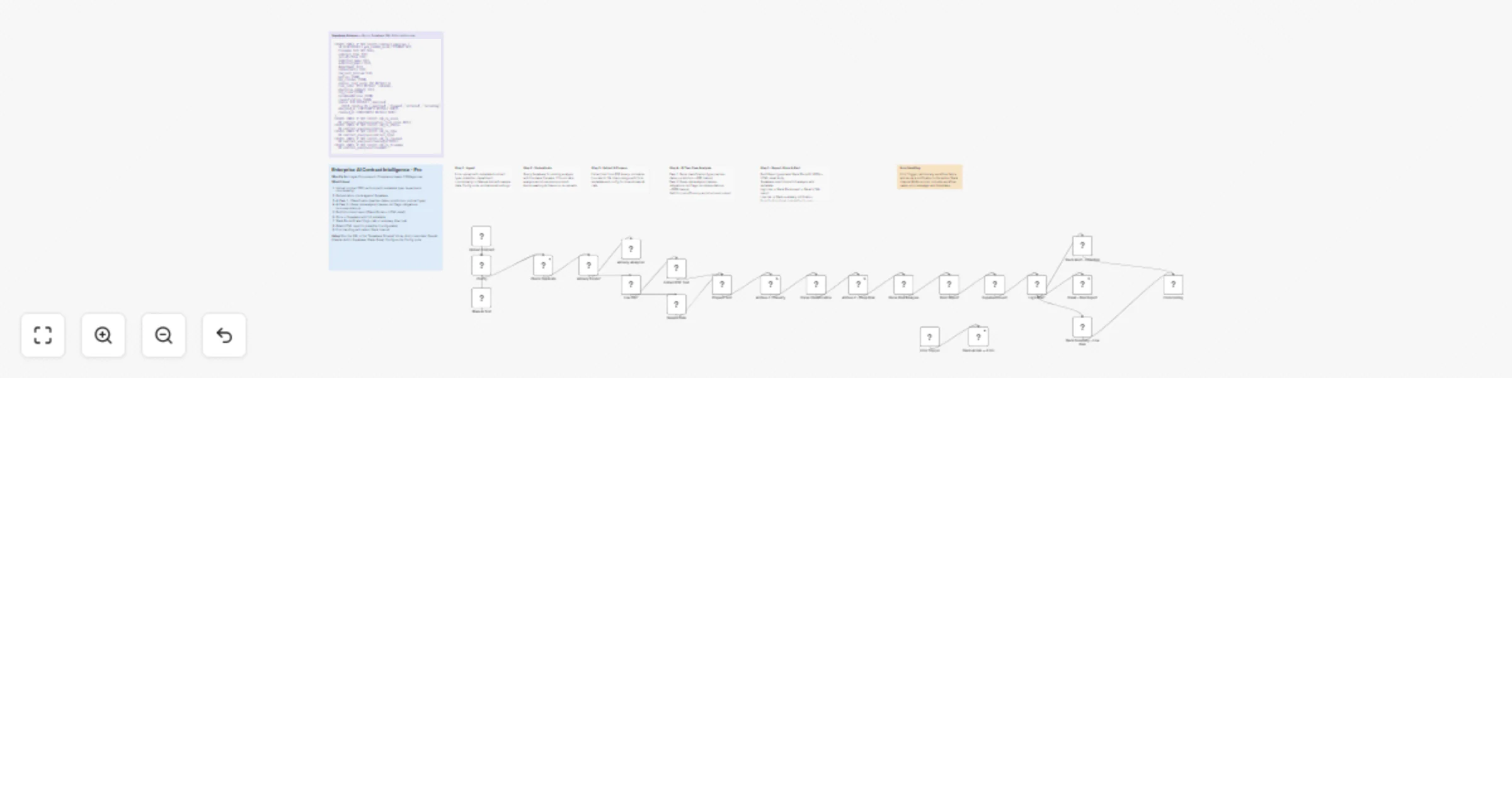
Upload a contract PDF through a rich form (with metadata: contract type, counterparty, department, submitter). The workflow first checks Supabase for duplicates to avoid re-analyzing the same contract. Then it runs a two-pass AI analysis: Pass 1 classifies the contract (type, parties, dates, jurisdiction), Pass 2 performs deep risk analysis (clause-by-clause risk levels, missing clauses, obligations, negotiation points, compliance flags). Results are scored 0–100 with risk levels (CRITICAL / HIGH / MEDIUM / LOW). A structured report is generated as both Slack Block Kit (rich formatting) and HTML email. High-risk contracts trigger a Slack alert with full blocks and an email report to the submitter. Low-risk contracts get a summary Slack notification. All analyses are stored in Supabase with full metadata for audit. An Error Trigger sends admin notifications to a dedicated Slack channel.
How to set up
- Run the SQL from the "Supabase Schema" sticky note in Supabase SQL Editor.
- Set environment variables:
SUPABASE_URL,SUPABASE_SERVICE_KEY. - Add credentials in n8n: OpenAI (Header Auth), Supabase, Slack, Gmail (optional).
- Configure the Config node: RISK_THRESHOLD, SLACK_CHANNEL, ADMIN_SLACK_CHANNEL, AI_MODEL, ALERT_EMAIL, ENABLE_EMAIL, CONTRACT_LANG.
- Activate the workflow and share the Form URL with your team.