Airline web check-in data extraction with Ollama AI, Google Sheets & Postgres Vector DB
Workflow preview

$20/month : Unlimited workflows
2500 executions/month

THE #1 IN WEB SCRAPING
Scrape any website without limits
HOSTINGER  Early Deal
DISCOUNT 20% Try free
Early DealDISCOUNT 20%
Self-hosted n8n
Unlimited workflows - from $4.99/mo

#1 hub for scraping, AI & automation
6000+ actors - $5 credits/mo
Important notice
This workflow is provided as-is. Please review and test before using in production.
Overview
Overview
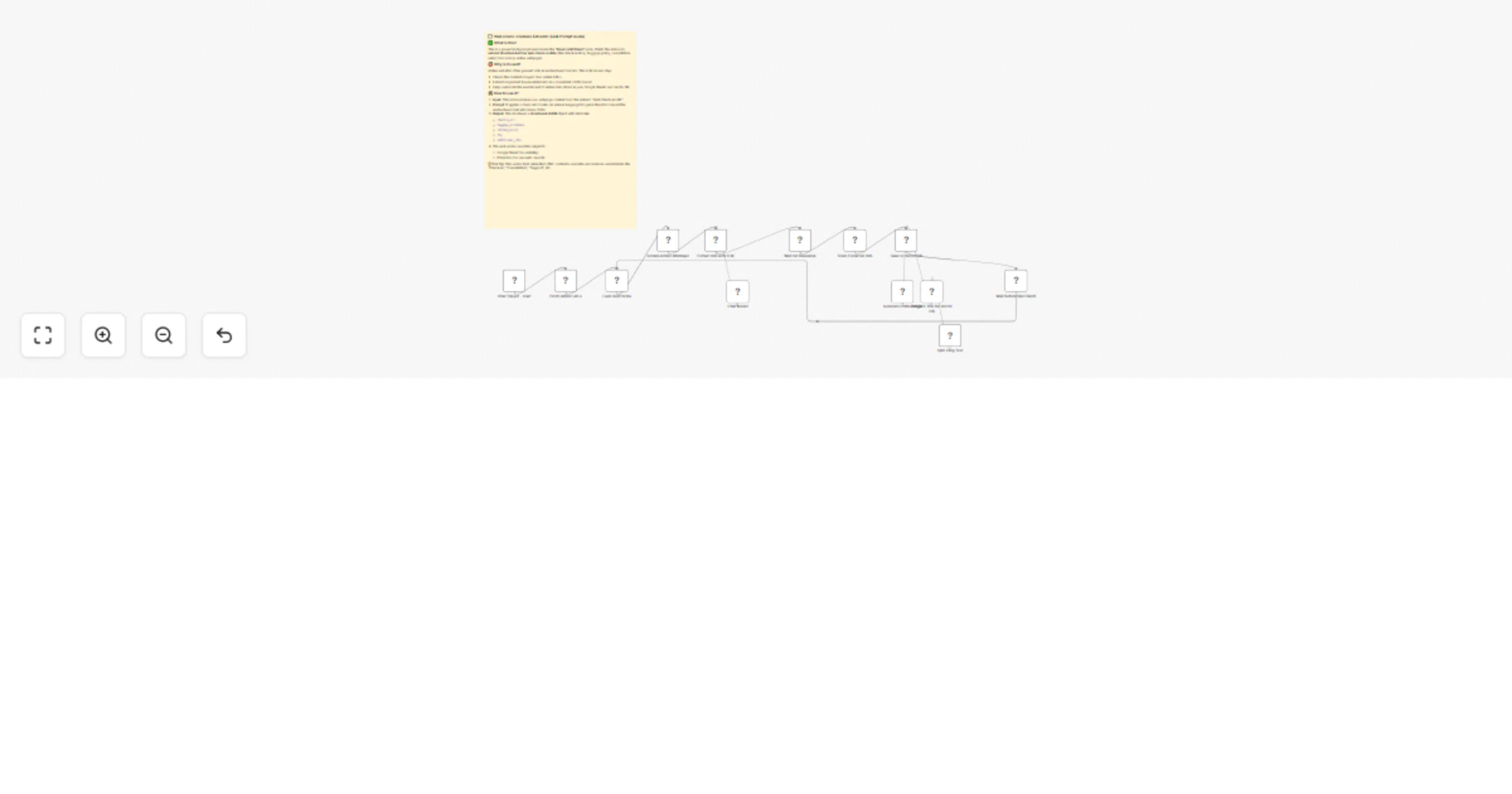
This workflow retrieves airline web check-in URLs from Google Sheets, scrapes their content, employs an LLM to generate structured JSON data, refreshes the sheet, creates embeddings, and saves them in a Postgres vector DB for future semantic searches or question-answering.
Quick Notes
- Verify that Google Sheets has accurate URLs for scraping.
- Ensure the Postgres vector DB is set up correctly for embedding storage.
Process Flow
- Start the workflow with the
Chat Trigger - Startnode. - Retrieve airline check-in URLs using the
Fetch Airline URLsnode. - Scrape webpage data with the
Scrape Airline Webpagenode. - Extract JSON data using the
Extract info with LLMnode with a Chat Model. - Pause for a response with the
Wait for Responsenode. - Update Google Sheets with the
Store Extracted Datanode. - Create embeddings with the
Generate Embeddingsnode and store in Postgres vector DB with theSave to Vector DBnode. - Break down long text with the
Split Long Textnode and delay the next batch with theWait Before Next Batchnode.
Getting Started
- Import the workflow into n8n and set up Google Sheets and Postgres vector DB credentials.
- Run a test with a sample URL to confirm scraping and embedding storage.
Tailored Adjustments
Tweak the Extract info with LLM node to adjust JSON output or modify the Fetch Airline URLs node to pull from different sheet fields.