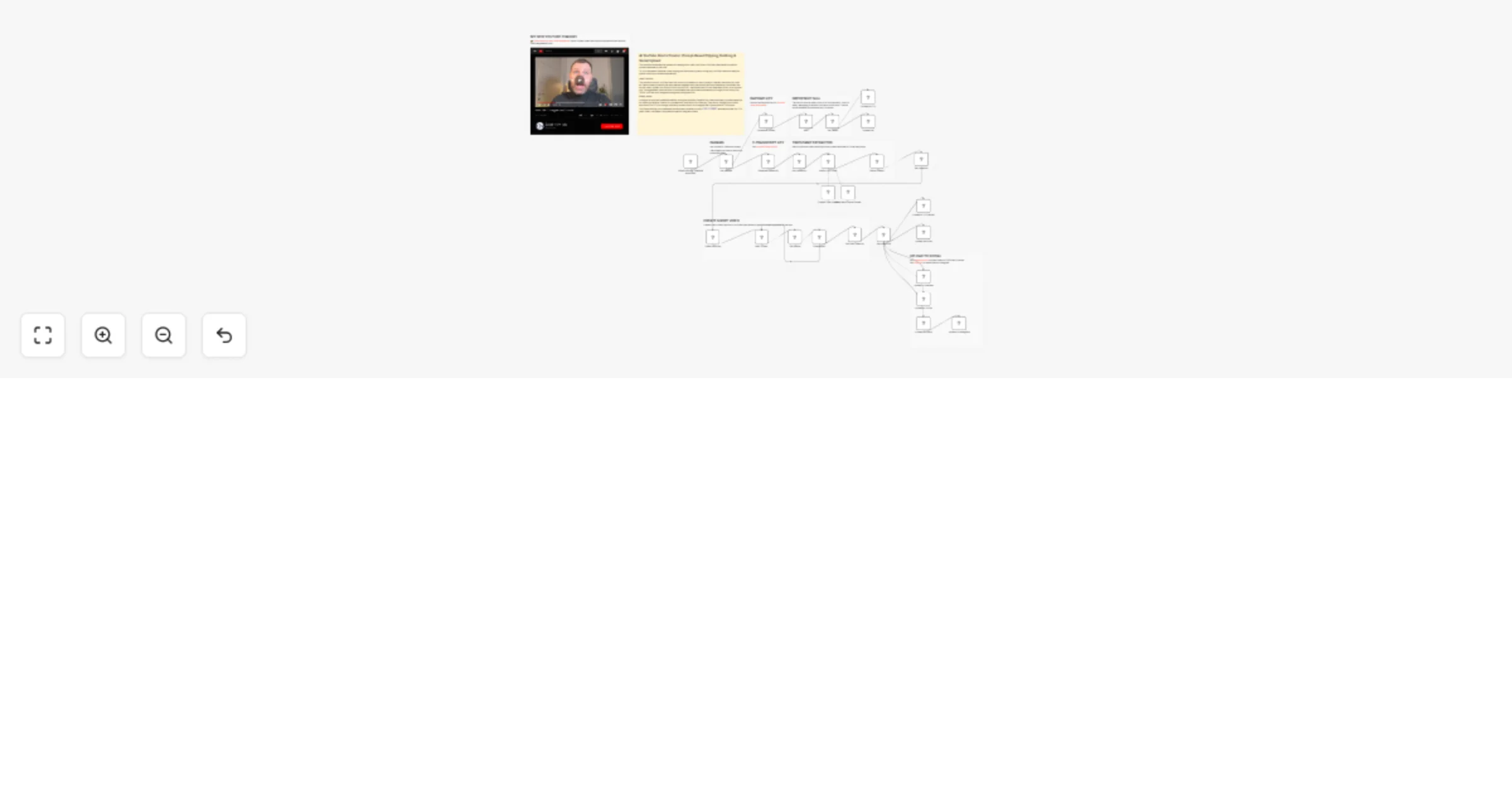
AI YouTube Shorts Creator πŸ€–πŸŽžοΈ: Prompt-Based Clipping, Dubbing & Social Upload

Workflow preview

Workflow preview
100%
AI YouTube Shorts Creator πŸ€–πŸŽžοΈ: Prompt-Based Clipping, Dubbing & Social Upload preview
Open on n8n.io

1. Workflow Overview

This workflow automates the process of creating short video clips from a YouTube video based on specific content requested by the user . Tis is a complete AI powered video clipping and distribution...

Best for

  • Content Creation automation workflows
  • Multimodal AI automation workflows
  • advanced n8n builders looking for reusable templates

Tools used

n8n-nodes-base.httprequest, n8n-nodes-base.manualtrigger, @n8n/n8n-nodes-langchain.chainllm, @n8n/n8n-nodes-langchain.lmchatopenai, @n8n/n8n-nodes-langchain.outputparserstructured, n8n-nodes-base.googledrive, n8n-nodes-base.wait, n8n-nodes-base.stickynote

Source and attribution

This workflow is cataloged by N8N Workflows and links back to its original n8n.io source page by Davide Boizza.

Original n8n.io source

1.1 Workflow description

Title
AI YouTube Shorts Creator πŸ€–πŸŽžοΈ: Prompt-Based Clipping, Dubbing & Social Upload
Workflow name
AI YouTube Shorts Creator πŸ€–πŸŽžοΈ: Prompt-Based Clipping, Dubbing & Social Upload

This workflow automates the process of creating short video clips from a YouTube video based on specific content requested by the user.

Tis is a complete AI-powered video clipping and distribution system, turning any YouTube video into ready-to-publish short-form content automatically

IMPORTANT: This workflow is quite complex, it requires integrating multiple APIs including YouTube Transcript, RapidAPI for video download, OpenAI GPT, Fal.run for video processing, Google Drive, FTP, and various social media platforms (TikTok, YouTube, Instagram via Postiz and Upload-Post).

But despite the complexity, the core idea is brilliantly simple and elegant: you provide a YouTube video and a prompt describing what you're looking for, and the workflow automatically finds the exact moment in the video, extracts that segment, and publishes it as a short clip across all your social channels.


Key Benefits

1. βœ… Fully Automated Content Repurposing

No manual editing is required. The workflow automatically extracts and creates clips from long-form content.

2. βœ… AI-Powered Precision

The use of an LLM ensures that the exact relevant moment in the video is identified based on meaning, not just keywords.

3. βœ… Multi-Platform Distribution

The workflow doesn’t just create clips β€” it also publishes them across multiple platforms (TikTok, YouTube, Instagram), saving time and effort.

4. βœ… Scalability

You can process multiple videos and prompts, making it ideal for:

  • Content creators
  • Agencies
  • Social media automation
5. βœ… Time Efficiency

What normally takes 30–60 minutes of manual editing is reduced to a fully automated flow that runs in minutes.

6. βœ… Modular & Extendable

Each step (transcript, AI analysis, trimming, publishing) is modular, so you can:

  • Replace APIs
  • Add subtitles
  • Add captions or branding
  • Integrate with other tools
7. βœ… Centralized Media Management

Files are automatically stored in:

  • Google Drive
  • CDN (FTP) This ensures easy access and distribution.
8. βœ… Error Handling & Validation

The workflow checks if the content is found in the transcript and avoids unnecessary processing if not.


How it works

This workflow automates the process of creating a short video clip from a YouTube video based on a specific user prompt. It follows these steps:

  1. Input & Transcript Retrieval: The user provides a YouTube Video ID and a search prompt. The workflow first calls the youtube-transcript.io API to fetch the video's transcript.
  2. AI-Powered Time Extraction: The transcript and the user's prompt are sent to an OpenAI GPT model (gpt-4.1-mini) with a structured prompt. The LLM analyzes the transcript to find the exact segment matching the prompt and outputs a JSON object containing the start_time, end_time, and duration of the matching clip.
  3. Video Download & Hosting: Simultaneously, the workflow downloads the full video file using a RapidAPI YouTube downloader. It then uploads this file to an FTP server (BunnyCDN) to generate a public, accessible URL.
  4. Clip Generation (Fal.run): Using the video_url (from the FTP server) and the timecodes from the AI, the workflow sends a request to a Fal.run workflow utility (trim-video) to process and create the short video clip. It then polls the status endpoint until the processing is completed.
  5. Clip Distribution: Once the clip is ready, the workflow downloads the final video file and uploads it to multiple destinations:
  • Storage: Google Drive and an FTP server (BunnyCDN).
  • Social Media: Directly to TikTok, YouTube, and Instagram (via Postiz API) using the upload-post.com and Postiz APIs.

Set up steps

To get this workflow running, you need to configure several external API keys and credentials:

  1. API Keys & Credentials:
  • RapidAPI: Obtain an API key for the "Youtube Video Fast Downloader 24-7" API. Insert this key in the "Download Video" node's header parameters.
  • Youtube Transcript API: Get an API key from youtube-transcript.io and configure it in the "Generate transcript" node's HTTP Header Auth.
  • OpenAI: Add your OpenAI API key in the "OpenAI Chat Model" node credentials.
  • Fal.run: Add your Fal.run API key in the "Video Dubbing" and "Get final video url" nodes under HTTP Header Auth.
  1. Storage & Hosting:
  • Google Drive: Set up OAuth2 credentials for Google Drive. The node is configured to upload to a specific folder ID (ensure this folder exists or update the ID).
  • FTP BunnyCDN: Configure FTP credentials (host, username, password) in the "Upload to FTP" and "Upload to FTP server" nodes. The paths are set to /n3wstorage/test/. Update these paths and credentials to match your server.
  1. Social Media Integration (Optional):
  • Postiz (Instagram): Set up credentials for Postiz in the "Upload to Instagram" node and update the integrationId and content fields with your specific Instagram account details.
  • Upload-Post.com (TikTok & Youtube): Obtain an API key for upload-post.com and configure it in the "Upload to TikTok" and "Upload to Youtube" nodes. You must also update the title, user, and platform[] parameters (currently placeholders like SET_TITLE and YOUR_USERNAME) with your actual account data.
  1. Workflow Variables:
  • Ensure the "Edit Fields" node contains the correct VIDEO ID and PROMPT for testing.

πŸ‘‰ Subscribe to my new YouTube channel. Here I’ll share videos and Shorts with practical tutorials and FREE templates for n8n.


Need help customizing?

Contact me for consulting and support or add me on Linkedin.

1.2 Logical Blocks

This catalog entry is organized from the workflow JSON. The node-level section below shows the executable blocks available for review before importing the template.

2. Block-by-Block Analysis

Block 1 - Generate transcript

Type / Role
n8n-nodes-base.httpRequest - httpRequest
Config choices
Version 4.2

Block 2 - When clicking β€˜Execute workflow’

Type / Role
n8n-nodes-base.manualTrigger - manualTrigger
Config choices
Version 1

Block 3 - Download Video

Type / Role
n8n-nodes-base.httpRequest - httpRequest
Config choices
Version 4.4

Block 4 - Basic LLM Chain

Type / Role
@n8n/n8n-nodes-langchain.chainLlm - chainLlm
Config choices
Version 1.9

Block 5 - OpenAI Chat Model

Type / Role
@n8n/n8n-nodes-langchain.lmChatOpenAi - lmChatOpenAi
Config choices
Version 1.3

Block 6 - Structured Output Parser

Type / Role
@n8n/n8n-nodes-langchain.outputParserStructured - outputParserStructured
Config choices
Version 1.3

Block 7 - Upload file

Type / Role
n8n-nodes-base.googleDrive - googleDrive
Config choices
Version 3

Block 8 - Wait

Type / Role
n8n-nodes-base.wait - wait
Config choices
Version 1.1

Block 9 - Sticky Note

Type / Role
n8n-nodes-base.stickyNote - stickyNote
Config choices
Version 1

Block 10 - Upload to FTP

Type / Role
n8n-nodes-base.ftp - ftp
Config choices
Version 1

Block 11 - Wait 30 sec.

Type / Role
n8n-nodes-base.wait - wait
Config choices
Version 1.1

Block 12 - Get final video url

Type / Role
n8n-nodes-base.httpRequest - httpRequest
Config choices
Version 4.2

Block 13 - Video Dubbing

Type / Role
n8n-nodes-base.httpRequest - httpRequest
Config choices
Version 4.3

Block 14 - Get status

Type / Role
n8n-nodes-base.httpRequest - httpRequest
Config choices
Version 4.2

Block 15 - Completed?

Type / Role
n8n-nodes-base.if - if
Config choices
Version 2.2

Block 16 - Get video file

Type / Role
n8n-nodes-base.httpRequest - httpRequest
Config choices
Version 4.4

Block 17 - Get video

Type / Role
n8n-nodes-base.httpRequest - httpRequest
Config choices
Version 4.4

Block 18 - Set video url

Type / Role
n8n-nodes-base.set - set
Config choices
Version 3.4

Block 19 - Output found?

Type / Role
n8n-nodes-base.if - if
Config choices
Version 2.3

Block 20 - Upload to FTP server

Type / Role
n8n-nodes-base.ftp - ftp
Config choices
Version 1

Block 21 - Upload to Postiz

Type / Role
n8n-nodes-base.httpRequest - httpRequest
Config choices
Version 4.2

Block 22 - Upload to Instagram

Type / Role
n8n-nodes-postiz.postiz - postiz
Config choices
Version 1

Block 23 - Upload to TikTok

Type / Role
n8n-nodes-base.httpRequest - httpRequest
Config choices
Version 4.2

Block 24 - Upload to Youtube

Type / Role
n8n-nodes-base.httpRequest - httpRequest
Config choices
Version 4.2

Showing the first 24 of 35 workflow blocks. Download the JSON for the full node graph.

3. Summary Table

Workflow AI YouTube Shorts Creator πŸ€–πŸŽžοΈ: Prompt-Based Clipping, Dubbing & Social Upload
Complexity advanced
Nodes 35
Categories Content Creation, Multimodal AI
Author Davide Boizza
Published 20 Mar 2026

4. Reproducing the Workflow from Scratch

  1. 1. Download the workflow JSON

    Use the JSON export at /data/workflows/14191/14191.json as the source template for this automation.

  2. 2. Import the template into n8n

    Open n8n, import the downloaded JSON, and review each node before activating the workflow.

  3. 3. Configure credentials and variables

    Replace placeholder credentials, API keys, webhook URLs, account IDs, and environment-specific values with your own settings.

  4. 4. Test with sample data

    Run the workflow manually or in a staging workspace, inspect node output, and confirm downstream systems receive the expected data.

  5. 5. Activate and monitor

    Enable the workflow only after testing, then monitor executions, errors, and rate limits during the first production runs.

5. General Notes & Resources

Review imported nodes carefully before activation. This catalog entry is intended to help you inspect the workflow structure, understand required services, and find related templates faster.

Node names, credentials, schedules, webhook paths, and external service limits may need adjustment for your workspace.

Frequently asked questions

What does AI YouTube Shorts Creator πŸ€–πŸŽžοΈ: Prompt-Based Clipping, Dubbing & Social Upload do?

This workflow automates the process of creating short video clips from a YouTube video based on specific content requested by the user . Tis is a complete AI powered video clipping and distribution...

What do I need before importing this workflow?

Review the workflow JSON, configure any required credentials in n8n, and test the automation in a safe workspace before using it in production.

Can I customize this workflow?

Yes. Use the block-by-block analysis and the downloadable JSON to inspect each node, then adjust credentials, prompts, schedules, filters, or destinations for your Content Creation, Multimodal AI use case.