Block 1 - Sticky Note
- Type / Role
- n8n-nodes-base.stickyNote - stickyNote
- Config choices
- Version 1


 Early Deal
This workflow is provided as-is. Please review and test before using in production.
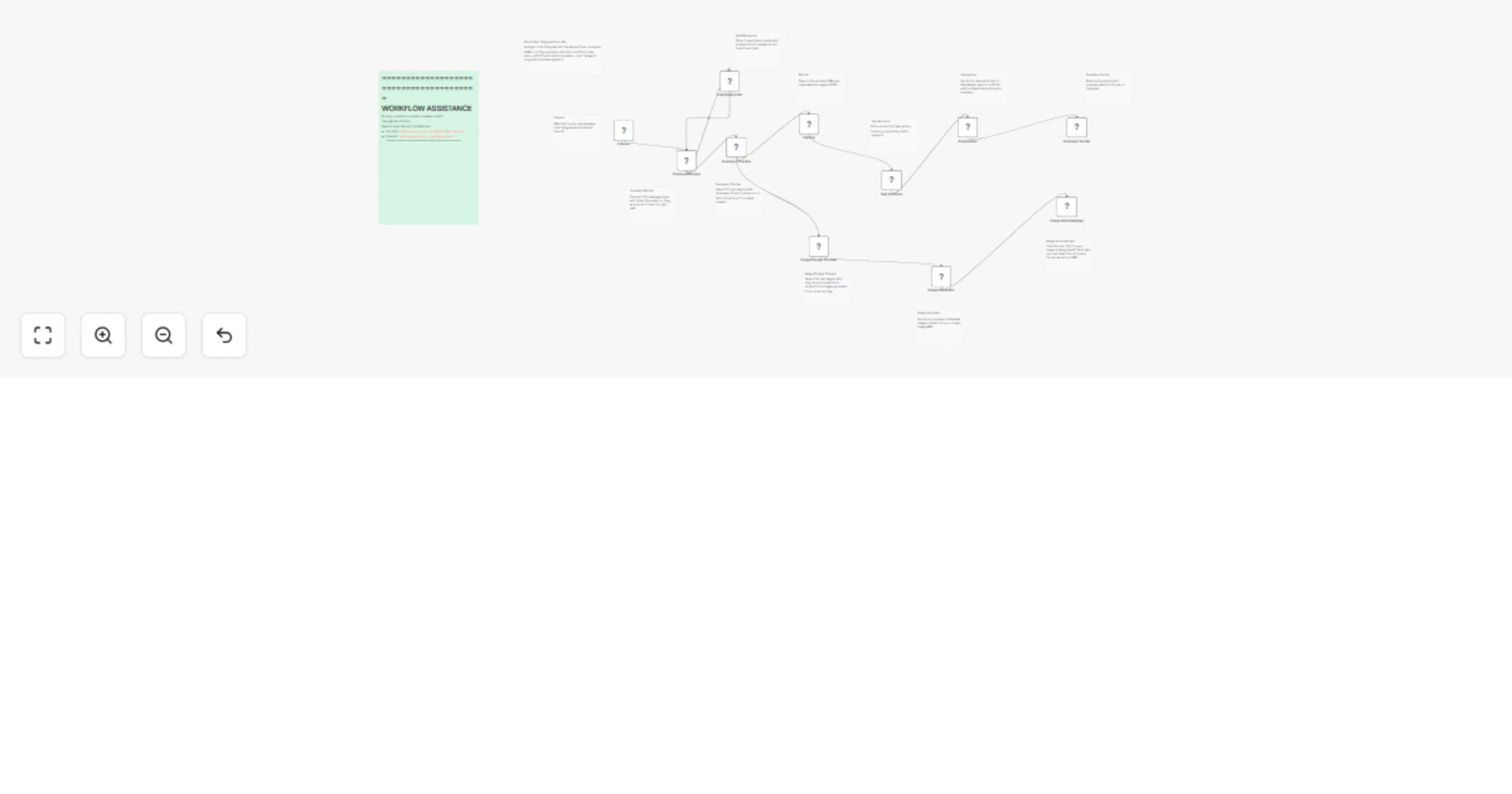
Create your own intelligent Telegram bot that summarizes articles and processes commands automatically. This powerful workflow turns Telegram into your personal AI assistant, handling , , and comma...
n8n-nodes-base.stickynote, n8n-nodes-base.telegramtrigger, n8n-nodes-base.if, n8n-nodes-base.telegram, n8n-nodes-base.httprequest, n8n-nodes-base.html, @n8n/n8n-nodes-langchain.openai
This workflow is cataloged by N8N Workflows and links back to its original n8n.io source page by Yaron Been.
Original n8n.io sourceCreate your own intelligent Telegram bot that summarizes articles and processes commands automatically.
This powerful workflow turns Telegram into your personal AI assistant, handling /help, /summary <URL>, and /img <prompt> commands with intelligent responses - perfect for teams, content creators, and anyone wanting smart automation in their messaging.
Smart Command Processing: Automatically recognizes and routes /help, /summary, and /img commands to appropriate AI-powered responses.
Article Summarization: Fetches any URL, extracts content, and generates professional 10-12 bullet point summaries using OpenAI.
Image Generation: Processes image prompts and integrates with AI image generation services.
Help System: Provides users with clear command instructions and usage examples.
✅ Personal AI Assistant: Get instant article summaries in Telegram
✅ Team Productivity: Share quick content summaries with colleagues
✅ Content Research: Rapidly digest articles and web content
✅ 24/7 Availability: Bot works around the clock without maintenance
✅ Easy Commands: Simple /summary <link> format anyone can use
✅ Scalable: Handles multiple users and requests simultaneously
Complete Bot Workflow: Ready-to-deploy Telegram bot with all commands AI Integration: OpenAI-powered content summarization and processing Smart Routing: Intelligent command recognition and response system Error Handling: Robust system handles invalid commands gracefully Extensible Design: Easy to add new commands and features
Simple Commands:
/help - Show available commands
/summary https://example.com - Get article summary
/img sunset over mountains - Generate image (with supported APIs)
Sample Summary Output:
📄 Article Summary:

• Company reports 40% revenue growth in Q3 2024
• New AI features driving customer acquisition
• Expansion into European markets planned for 2025
• Investment in R&D increased by 25% this quarter
• Customer satisfaction scores improved to 94%
• Three new product launches scheduled for next year
• Remote work policy made permanent post-pandemic
• Sustainability goals on track to meet 2025 targets
• Partnership with major tech firm announced
• Stock price up 15% following earnings report
Command Extensions: Add custom commands for specific workflows Response Formatting: Customize summary style and length Multi-Language: Support different languages for international teams Integration APIs: Connect additional AI services and tools User Permissions: Control who can use specific commands Analytics: Track usage patterns and popular content
#telegram-bot #ai-automation #content-summarization #article-processing #team-productivity #openai-integration #smart-assistant #workflow-automation #messaging-bot #content-research #ai-agent #n8n-workflow #business-automation #telegram-integration #ai-powered-bot
News Team: Quickly summarize breaking news articles for editorial meetings
Marketing Agency: Research competitor content and industry trends efficiently
Sales Team: Digest industry reports and share insights with prospects
Remote Team: Keep everyone informed with summarized company updates
Quick Start: Deploy your bot in 15 minutes with included guide Video Tutorial: Complete walkthrough available Template Commands: Pre-built responses and formatting Expert Support: Direct help from workflow creator
YouTube: https://www.youtube.com/@YaronBeen/videos
💼 Professional Support
LinkedIn: https://www.linkedin.com/in/yaronbeen/
📧 Direct Help
Email: [email protected] - Response within 24 hours
Ready to build your intelligent Telegram assistant?
Get this AI Telegram Bot Agent and transform your messaging app into a powerful content processing tool. Perfect for teams, researchers, and anyone who wants AI-powered assistance directly in Telegram.
Stop manually reading long articles. Start getting instant, intelligent summaries with simple commands.
This catalog entry is organized from the workflow JSON. The node-level section below shows the executable blocks available for review before importing the template.
| Workflow | AI Telegram bot agent: smart assistant & content summarizer |
|---|---|
| Complexity | advanced |
| Nodes | 24 |
| Categories | Content Creation, AI Chatbot |
| Author | Yaron Been |
| Published | 28 May 2025 |
Use the JSON export at /data/workflows/4457/4457.json as the source template for this automation.
Open n8n, import the downloaded JSON, and review each node before activating the workflow.
Replace placeholder credentials, API keys, webhook URLs, account IDs, and environment-specific values with your own settings.
Run the workflow manually or in a staging workspace, inspect node output, and confirm downstream systems receive the expected data.
Enable the workflow only after testing, then monitor executions, errors, and rate limits during the first production runs.
Review imported nodes carefully before activation. This catalog entry is intended to help you inspect the workflow structure, understand required services, and find related templates faster.
Node names, credentials, schedules, webhook paths, and external service limits may need adjustment for your workspace.
Create your own intelligent Telegram bot that summarizes articles and processes commands automatically. This powerful workflow turns Telegram into your personal AI assistant, handling , , and comma...
Review the workflow JSON, configure any required credentials in n8n, and test the automation in a safe workspace before using it in production.
Yes. Use the block-by-block analysis and the downloadable JSON to inspect each node, then adjust credentials, prompts, schedules, filters, or destinations for your Content Creation, AI Chatbot use case.