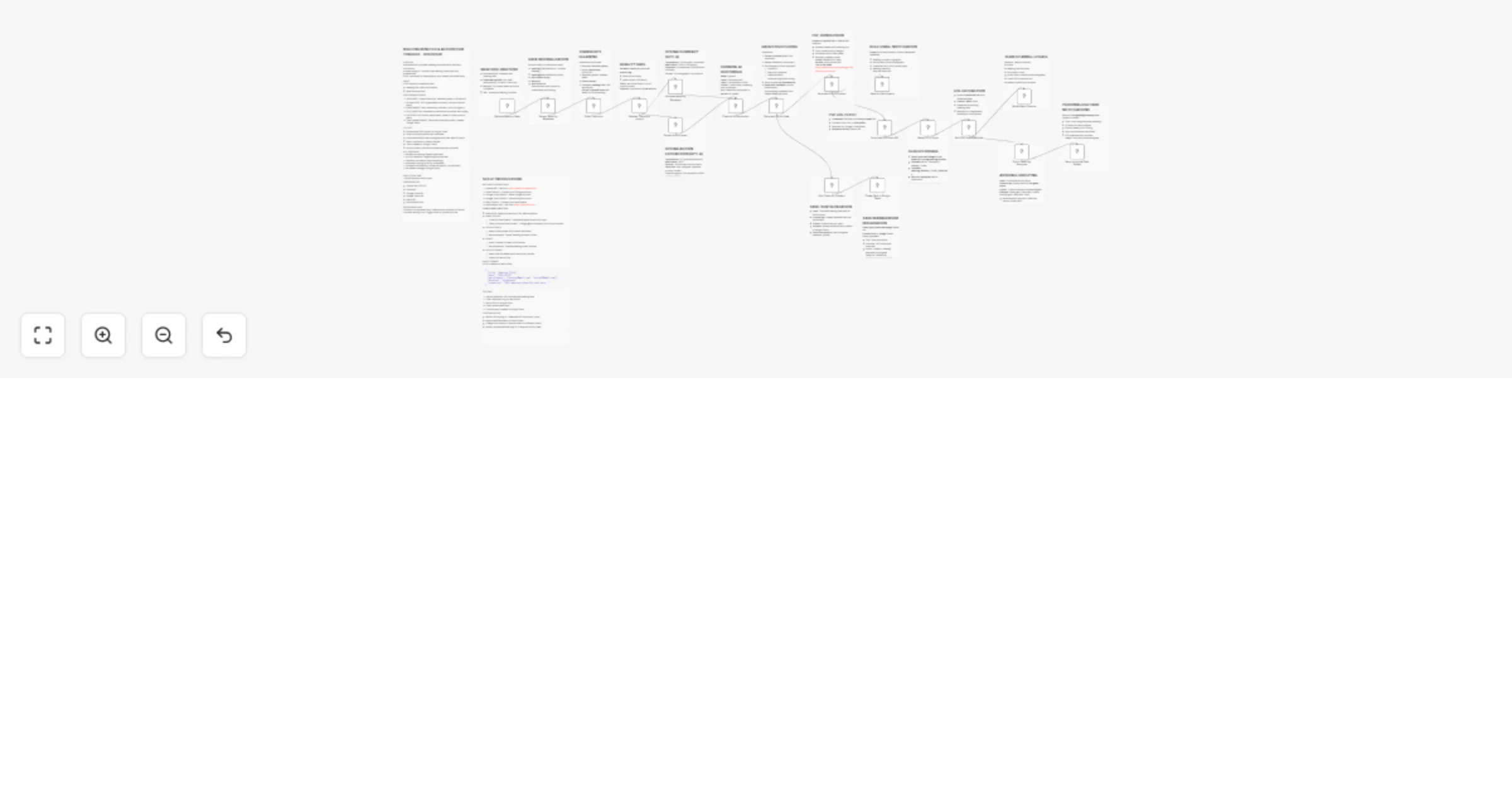
AI-powered meeting minutes with GPT-4, task assignment & multichannel distribution

Workflow preview

Workflow preview
100%
AI-powered meeting minutes with GPT-4, task assignment & multichannel distribution preview
Open on n8n.io

Important notice

This workflow is provided as-is. Please review and test before using in production.

1. Workflow Overview

Meeting Minutes & Action Item Tracker Fully automated meeting documentation workflow that uses AI to transform raw transcripts into professional PDFs and actionable tasks. Features AI powered summa...

Best for

  • Support Chatbot automation workflows
  • AI Chatbot automation workflows
  • advanced n8n builders looking for reusable templates

Tools used

n8n-nodes-base.webhook, n8n-nodes-base.set, n8n-nodes-base.code, n8n-nodes-base.if, @n8n/n8n-nodes-langchain.openai, n8n-nodes-base.merge, n8n-nodes-htmlcsstopdf.htmlcsstopdf, n8n-nodes-base.gmail

Source and attribution

This workflow is cataloged by N8N Workflows and links back to its original n8n.io source page by Jitesh Dugar.

Original n8n.io source

1.1 Workflow description

Title
AI-powered meeting minutes with GPT-4, task assignment & multichannel distribution
Workflow name
AI-powered meeting minutes with GPT-4, task assignment & multichannel distribution

Meeting Minutes & Action Item Tracker

Fully automated meeting documentation workflow that uses AI to transform raw transcripts into professional PDFs and actionable tasks.

Features

  • AI-powered summary generation (GPT-4)
  • Automatic action item extraction with assignees, deadlines, and priorities
  • Professional PDF generation with custom styling
  • Multi-channel distribution (Email, Slack, Google Drive)
  • Task creation in Google Tasks
  • Personalized notifications to each assignee
  • Deadline tracking and urgency detection

Setup Instructions

REQUIRED CREDENTIALS:

  1. OpenAI API - Get from https://platform.openai.com
  2. Gmail OAuth2 - Connect your Google account
  3. Google Drive OAuth2 - Same Google account
  4. Google Tasks OAuth2 - Same Google account
  5. Slack OAuth2 - Connect your workspace
  6. htmlcsstopdf API - Get from https://www.htmlcsspdf.com

CONFIGURATION STEPS:

  1. WEBHOOK: Note your webhook URL after activation

  2. EMAIL NODES:

    • "Email All Participants": Uses participants array from input
    • "Send Individual Task Emails": Change @yourcompany.com to your domain
  3. GOOGLE DRIVE:

    • Select folder where PDFs should be stored
    • Recommended: Create "Meeting Minutes" folder
  4. SLACK:

    • Select channel for team notifications
    • Recommended: Create #meeting-notes channel
  5. GOOGLE TASKS:

    • Select task list where tasks should be created
    • Default list works fine

TESTING:

  1. Use the webhook URL with sample meeting data
  2. Check execution log for any errors
  3. Verify PDF in Google Drive
  4. Check emails were sent
  5. Confirm tasks created in Google Tasks

Example Input Format

POST : https://your-n8n-instance.com/webhook/meeting-minutes

Headers:

  • Content-Type: application/json

  • Body:

{
  "title": "Weekly Team Standup",
  "date": "2025-09-29",
  "participants": [
    "[email protected]",
    "[email protected]",
    "[email protected]"
  ],
  "duration": "30 minutes",
  "transcript": "John started the meeting by discussing the progress on the API development. Sarah mentioned that she's working on the dashboard and needs to prepare mockups by Thursday. The team agreed that Sarah will review the API documentation before the client demo on Friday. Akshita confirmed she finished the database schema redesign and needs to schedule a meeting with DevOps team by next Monday to discuss production deployment."
}

This will generate:

  • Professional PDF with summary and action items
  • Emails to all participants
  • Individual task emails to John, Sarah, and Joe
  • Tasks in Google Tasks
  • Slack notification

Output

After execution, you'll get:

  1. Professional PDF stored in Google Drive
  2. Email sent to all participants with meeting overview
  3. Individual emails to each assignee with their tasks
  4. Slack notification with summary and download link
  5. Tasks created in Google Tasks with deadlines

CUSTOMIZATION:

  • Modify PDF styling in "Generate PDF Document" node
  • Adjust email templates in Gmail nodes
  • Change AI prompts in OpenAI nodes for different output
  • Modify priority/deadline logic in "Parse and Enrich Data"

Troubleshooting

Workflow stops at validation:

  • Ensure transcript has >50 words
  • Check that webhook payload is correctly formatted

No PDF generated:

  • Verify htmlcsstopdf API credentials
  • Check API usage limits

Tasks not created:

  • Verify deadline format is YYYY-MM-DD
  • Check Google Tasks API connection

Emails not sending:

  • Confirm Gmail OAuth2 is connected
  • Check that email addresses are valid

Support

For issues or questions, visit the n8n community forum.

License

MIT License - Feel free to modify and share!

1.2 Logical Blocks

This catalog entry is organized from the workflow JSON. The node-level section below shows the executable blocks available for review before importing the template.

2. Block-by-Block Analysis

Block 1 - Receive Meeting Data

Type / Role
n8n-nodes-base.webhook - webhook
Config choices
Version 2.1

Block 2 - Extract Meeting Metadata

Type / Role
n8n-nodes-base.set - set
Config choices
Version 3.4

Block 3 - Clean Transcript

Type / Role
n8n-nodes-base.code - code
Config choices
Version 2

Block 4 - Validate Transcript Length

Type / Role
n8n-nodes-base.if - if
Config choices
Version 2.2

Block 5 - Generate Meeting Summary

Type / Role
@n8n/n8n-nodes-langchain.openAi - openAi
Config choices
Version 1.8

Block 6 - Extract Action Items

Type / Role
@n8n/n8n-nodes-langchain.openAi - openAi
Config choices
Version 1.8

Block 7 - Combine AI Responses

Type / Role
n8n-nodes-base.merge - merge
Config choices
Version 3.2

Block 8 - Parse and Enrich Data

Type / Role
n8n-nodes-base.code - code
Config choices
Version 2

Block 9 - Generate PDF Document

Type / Role
n8n-nodes-htmlcsstopdf.htmlcsstopdf - htmlcsstopdf
Config choices
Version 1

Block 10 - Email All Participants

Type / Role
n8n-nodes-base.gmail - gmail
Config choices
Version 2.1

Block 11 - Download PDF from URL

Type / Role
n8n-nodes-base.httpRequest - httpRequest
Config choices
Version 4.2

Block 12 - Save PDF to Drive

Type / Role
n8n-nodes-base.googleDrive - googleDrive
Config choices
Version 3

Block 13 - Add PDF Download Link

Type / Role
n8n-nodes-base.set - set
Config choices
Version 3.4

Block 14 - Notify Slack Channel

Type / Role
n8n-nodes-base.slack - slack
Config choices
Version 2.3

Block 15 - Group Tasks by Assignee

Type / Role
n8n-nodes-base.code - code
Config choices
Version 2

Block 16 - Send Individual Task Emails

Type / Role
n8n-nodes-base.gmail - gmail
Config choices
Version 2.1

Block 17 - Split Tasks for Creation

Type / Role
n8n-nodes-base.code - code
Config choices
Version 2

Block 18 - Create Task in Google Tasks

Type / Role
n8n-nodes-base.googleTasks - googleTasks
Config choices
Version 1

Block 19 - Sticky Note

Type / Role
n8n-nodes-base.stickyNote - stickyNote
Config choices
Version 1

Block 20 - Sticky Note1

Type / Role
n8n-nodes-base.stickyNote - stickyNote
Config choices
Version 1

Block 21 - Sticky Note2

Type / Role
n8n-nodes-base.stickyNote - stickyNote
Config choices
Version 1

Block 22 - Sticky Note3

Type / Role
n8n-nodes-base.stickyNote - stickyNote
Config choices
Version 1

Block 23 - Sticky Note4

Type / Role
n8n-nodes-base.stickyNote - stickyNote
Config choices
Version 1

Block 24 - Sticky Note5

Type / Role
n8n-nodes-base.stickyNote - stickyNote
Config choices
Version 1

Showing the first 24 of 38 workflow blocks. Download the JSON for the full node graph.

3. Summary Table

Workflow AI-powered meeting minutes with GPT-4, task assignment & multichannel distribution
Complexity advanced
Nodes 38
Categories Support Chatbot, AI Chatbot
Author Jitesh Dugar
Published 01 Oct 2025

4. Reproducing the Workflow from Scratch

  1. 1. Download the workflow JSON

    Use the JSON export at /data/workflows/9146/9146.json as the source template for this automation.

  2. 2. Import the template into n8n

    Open n8n, import the downloaded JSON, and review each node before activating the workflow.

  3. 3. Configure credentials and variables

    Replace placeholder credentials, API keys, webhook URLs, account IDs, and environment-specific values with your own settings.

  4. 4. Test with sample data

    Run the workflow manually or in a staging workspace, inspect node output, and confirm downstream systems receive the expected data.

  5. 5. Activate and monitor

    Enable the workflow only after testing, then monitor executions, errors, and rate limits during the first production runs.

5. General Notes & Resources

Review imported nodes carefully before activation. This catalog entry is intended to help you inspect the workflow structure, understand required services, and find related templates faster.

Node names, credentials, schedules, webhook paths, and external service limits may need adjustment for your workspace.

Frequently asked questions

What does AI-powered meeting minutes with GPT-4, task assignment & multichannel distribution do?

Meeting Minutes & Action Item Tracker Fully automated meeting documentation workflow that uses AI to transform raw transcripts into professional PDFs and actionable tasks. Features AI powered summa...

What do I need before importing this workflow?

Review the workflow JSON, configure any required credentials in n8n, and test the automation in a safe workspace before using it in production.

Can I customize this workflow?

Yes. Use the block-by-block analysis and the downloadable JSON to inspect each node, then adjust credentials, prompts, schedules, filters, or destinations for your Support Chatbot, AI Chatbot use case.