Block 1 - OpenAI Chat Model1
- Type / Role
- @n8n/n8n-nodes-langchain.lmChatOpenAi - lmChatOpenAi
- Config choices
- Version 1


 Early Deal
This workflow is provided as-is. Please review and test before using in production.
AI Agent for Pet Shops – Automate Customer Service & Bookings! Transform Your Pet Shop with AI Powered Automation! Enhance customer experience and optimize operations with this n8n AI ...
@n8n/n8n-nodes-langchain.lmchatopenai, @n8n/n8n-nodes-langchain.documentdefaultdataloader, @n8n/n8n-nodes-langchain.embeddingsopenai, n8n-nodes-base.stickynote, n8n-nodes-base.googledrive, n8n-nodes-base.googledrivetrigger, n8n-nodes-base.extractfromfile, n8n-nodes-base.set
This workflow is cataloged by N8N Workflows and links back to its original n8n.io source page by Bruno Dias.
Original n8n.io sourceTransform Your Pet Shop with AI-Powered Automation! 🚀 Enhance customer experience and optimize operations with this n8n AI Agent designed for pet shops. 📲🐾 Automate client interactions, appointment scheduling, and service recommendations—saving time and increasing revenue!
✅ Instant WhatsApp responses – AI-powered chatbot handles customer inquiries. 💬 ✅ Automated appointment scheduling – Clients can book services hassle-free. 📅✂️ ✅ Personalized reminders – Reduce no-shows with automated notifications. 📢🐾 ✅ Customer data & service history management – Track interactions effortlessly. 📊📁 ✅ Product & service recommendations – Improve sales with smart suggestions. 🎁🐶
1️⃣ The workflow captures customer inquiries via WhatsApp. 2️⃣ AI processes requests, provides information, and offers booking options. 3️⃣ Clients can schedule grooming, vet visits, or other services in seconds. 4️⃣ Automated reminders ensure appointments are remembered. 5️⃣ Customer data is stored for better service personalization.
🔧 Connect your WhatsApp API (evolution) for instant messaging. 🔧 Integrate with Google Calendar for appointment booking. 🔧 Customize reminders, services, and pricing rules to fit your business.
💡 Reduce manual work, improve customer satisfaction, and scale your pet shop with AI automation!
Transforme Seu Pet Shop com Automação Inteligente! 🚀 Otimize o atendimento ao cliente e agilize processos com este Agente de IA para n8n. 📲🐾 Automatize interações, agendamentos e recomendações de serviços—economizando tempo e aumentando as vendas!
✅ Atendimento automático no WhatsApp – IA responde clientes instantaneamente. 💬 ✅ Agendamento de serviços automatizado – Clientes marcam banho, tosa ou consultas facilmente. 📅✂️ ✅ Lembretes personalizados – Reduza faltas com notificações automáticas. 📢🐾 ✅ Gestão de clientes e histórico de serviços – Controle dados de forma eficiente. 📊📁 ✅ Sugestão de produtos e serviços – Venda mais com recomendações inteligentes. 🎁🐶
1️⃣ O fluxo recebe perguntas dos clientes via WhatsApp. 2️⃣ A IA processa os pedidos e fornece opções de agendamento. 3️⃣ O cliente escolhe o serviço desejado e agenda em segundos. 4️⃣ Lembretes automáticos garantem que os clientes não esqueçam os horários. 5️⃣ O histórico do cliente é salvo para oferecer um atendimento mais personalizado.
🔧 Conecte sua API do WhatsApp (evolution) para interação automática. 🔧 Integre ao Google Calendar para gerenciar agendamentos. 🔧 Personalize valores, serviços e regras de envio de lembretes conforme sua necessidade.
💡 Automatize processos, melhore a experiência do cliente e escale seu pet shop com IA! 🚀
This catalog entry is organized from the workflow JSON. The node-level section below shows the executable blocks available for review before importing the template.
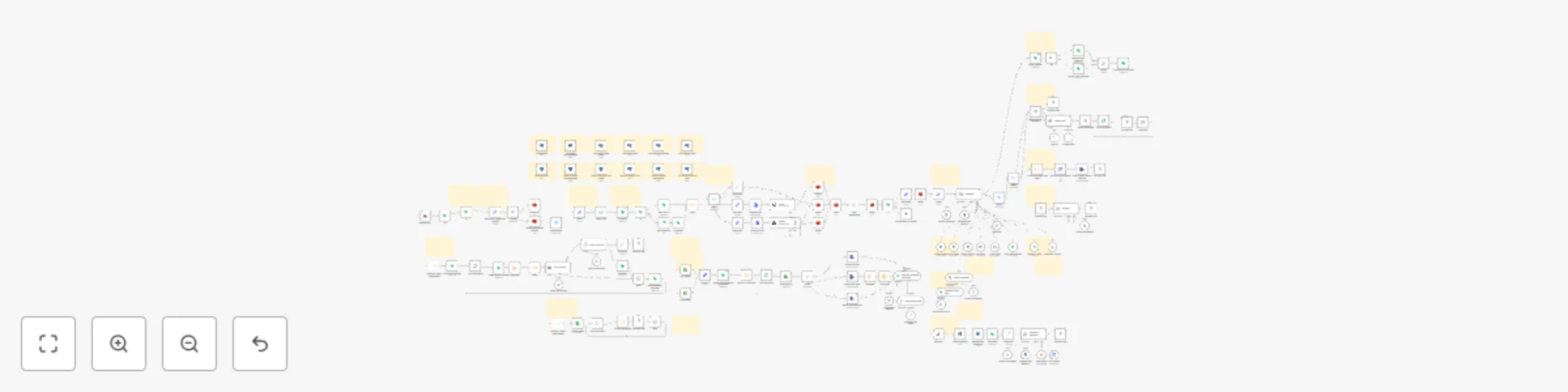
Showing the first 24 of 187 workflow blocks. Download the JSON for the full node graph.
| Workflow | 🐶 AI agent for PetShop appointments (Agente de IA para agendamentos de PetShop) |
|---|---|
| Complexity | advanced |
| Nodes | 187 |
| Categories | Support Chatbot, AI Chatbot |
| Author | Bruno Dias |
| Published | 24 Feb 2025 |
Use the JSON export at /data/workflows/2999/2999.json as the source template for this automation.
Open n8n, import the downloaded JSON, and review each node before activating the workflow.
Replace placeholder credentials, API keys, webhook URLs, account IDs, and environment-specific values with your own settings.
Run the workflow manually or in a staging workspace, inspect node output, and confirm downstream systems receive the expected data.
Enable the workflow only after testing, then monitor executions, errors, and rate limits during the first production runs.
Review imported nodes carefully before activation. This catalog entry is intended to help you inspect the workflow structure, understand required services, and find related templates faster.
Node names, credentials, schedules, webhook paths, and external service limits may need adjustment for your workspace.
AI Agent for Pet Shops – Automate Customer Service & Bookings! Transform Your Pet Shop with AI Powered Automation! Enhance customer experience and optimize operations with this n8n AI ...
Review the workflow JSON, configure any required credentials in n8n, and test the automation in a safe workspace before using it in production.
Yes. Use the block-by-block analysis and the downloadable JSON to inspect each node, then adjust credentials, prompts, schedules, filters, or destinations for your Support Chatbot, AI Chatbot use case.