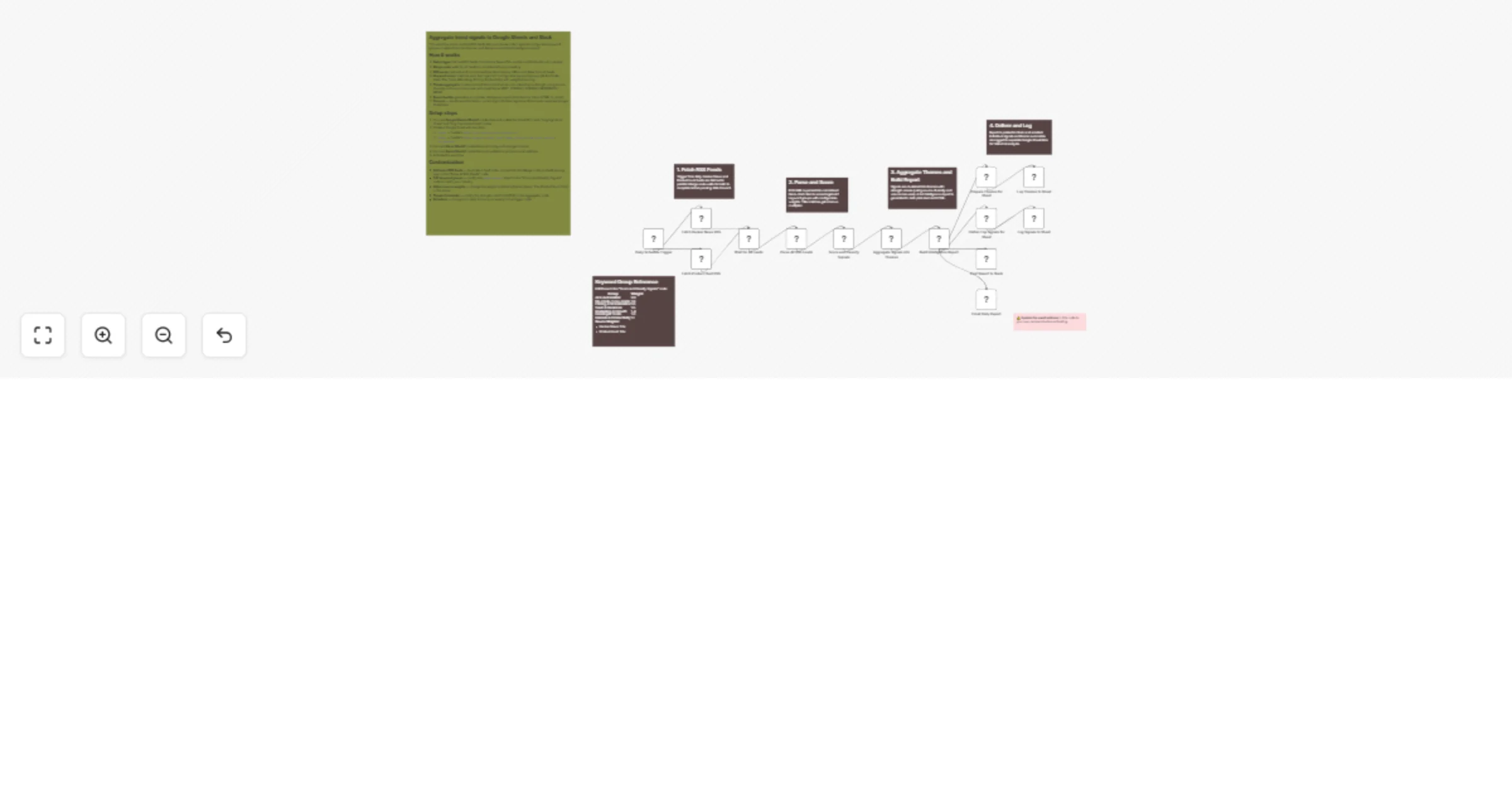
Aggregate tech trend signals from RSS feeds into Google Sheets and Slack

Workflow preview

Workflow preview
100%
Aggregate tech trend signals from RSS feeds into Google Sheets and Slack preview
Open on n8n.io

1. Workflow Overview

Who is this for? Founders, product managers, content strategists, indie hackers, and anyone who wants to automatically monitor tech industry trends across multiple sources — without manually browsi...

Best for

  • Market Research automation workflows
  • AI Summarization automation workflows
  • advanced n8n builders looking for reusable templates

Tools used

n8n-nodes-base.scheduletrigger, n8n-nodes-base.httprequest, n8n-nodes-base.merge, n8n-nodes-base.code, n8n-nodes-base.googlesheets, n8n-nodes-base.slack, n8n-nodes-base.gmail, n8n-nodes-base.stickynote

Source and attribution

This workflow is cataloged by N8N Workflows and links back to its original n8n.io source page by Veena Pandian.

Original n8n.io source

1.1 Workflow description

Title
Aggregate tech trend signals from RSS feeds into Google Sheets and Slack
Workflow name
Aggregate tech trend signals from RSS feeds into Google Sheets and Slack

Who is this for?

Founders, product managers, content strategists, indie hackers, and anyone who wants to automatically monitor tech industry trends across multiple sources — without manually browsing Hacker News and Product Hunt every day.

What this workflow does

This workflow scans public RSS feeds from Hacker News and Product Hunt daily, scores every item against configurable keyword groups (AI, SaaS, No-Code, Dev Tools, etc.), clusters the results into ranked themes, and delivers a prioritized intelligence report via Slack and email. All signals and themes are logged to Google Sheets for historical trend analysis.

How it works

  1. Daily trigger fires on a configurable schedule (default: every 24 hours).
  2. Fetches RSS feeds from Hacker News (posts with 50+ points) and Product Hunt in parallel.
  3. Parses and normalizes all feed items — extracting titles, descriptions, URLs, and publish dates from RSS/Atom XML.
  4. Scores each item against 7 weighted keyword groups. Title matches receive a bonus multiplier. Source weights (Hacker News 1.5x, Product Hunt 1.3x) amplify signals from higher-authority sources.
  5. Clusters into themes — groups scored items by primary category, calculates theme strength using source diversity and volume bonuses, and classifies each as VERY_STRONG, STRONG, MODERATE, or WEAK.
  6. Builds an intelligence report with theme rankings, top 10 signals, and action items for surging topics. Generated in both plain text (Slack) and HTML (email).
  7. Delivers and logs — posts to Slack, sends HTML email, and appends both individual signals and theme summaries to separate Google Sheet tabs.

Setup steps

  1. Connect Google Sheets OAuth2 credentials and update the Sheet ID in both "Log Signals to Sheet" and "Log Themes to Sheet" nodes.
  2. Create a Google Sheet with two tabs:
  • signal — headers: date, title, source, score, category, url
  • themes — headers: date, category, signal_level, theme_strength, item_count, sources, top_keywords
  1. Connect Slack OAuth2 credentials and configure your target channel in the "Post Report to Slack" node.
  2. Connect Gmail OAuth2 credentials and update [email protected] in the "Email Daily Report" node.
  3. Activate the workflow.

Requirements

  • n8n instance (self-hosted or cloud)
  • Google Cloud project with Sheets API enabled
  • Slack workspace with a bot configured
  • Gmail account with OAuth2 credentials (or swap for SMTP)
  • No API keys needed for RSS feeds — they are publicly accessible

How to customize

  • Add more RSS feeds — duplicate a feed node (e.g., TechCrunch, Reddit, Lobsters), connect it to the Merge node as an additional input, and add the parsing logic in the "Parse All RSS Feeds" code node.
  • Edit keyword groups — modify the keywordGroups object in the "Score and Classify Signals" node. Add your industry-specific keywords, adjust weights, and rename categories.
  • Adjust source weights — change the weight multipliers in the parser node to reflect which sources you trust most.
  • Theme thresholds — modify the strength cutoffs (30 = VERY_STRONG, 15 = STRONG, 8 = MODERATE) in the "Aggregate Signals into Themes" node.
  • Schedule — change from daily to hourly for real-time monitoring, or weekly for a digest format.
  • Add AI analysis — insert an LLM node after the report builder to generate strategic commentary on detected trends.

1.2 Logical Blocks

This catalog entry is organized from the workflow JSON. The node-level section below shows the executable blocks available for review before importing the template.

2. Block-by-Block Analysis

Block 1 - Daily Schedule Trigger

Type / Role
n8n-nodes-base.scheduleTrigger - scheduleTrigger
Config choices
Version 1.2

Block 2 - Fetch Hacker News RSS

Type / Role
n8n-nodes-base.httpRequest - httpRequest
Config choices
Version 4.2

Block 3 - Fetch Product Hunt RSS

Type / Role
n8n-nodes-base.httpRequest - httpRequest
Config choices
Version 4.2

Block 4 - Wait for All Feeds

Type / Role
n8n-nodes-base.merge - merge
Config choices
Version 3

Block 5 - Parse All RSS Feeds

Type / Role
n8n-nodes-base.code - code
Config choices
Version 2

Block 6 - Score and Classify Signals

Type / Role
n8n-nodes-base.code - code
Config choices
Version 2

Block 7 - Aggregate Signals into Themes

Type / Role
n8n-nodes-base.code - code
Config choices
Version 2

Block 8 - Build Intelligence Report

Type / Role
n8n-nodes-base.code - code
Config choices
Version 2

Block 9 - Flatten Top Signals for Sheet

Type / Role
n8n-nodes-base.code - code
Config choices
Version 2

Block 10 - Log Signals to Sheet

Type / Role
n8n-nodes-base.googleSheets - googleSheets
Config choices
Version 4.5

Block 11 - Post Report to Slack

Type / Role
n8n-nodes-base.slack - slack
Config choices
Version 2.2

Block 12 - Prepare Themes for Sheet

Type / Role
n8n-nodes-base.code - code
Config choices
Version 2

Block 13 - Log Themes to Sheet

Type / Role
n8n-nodes-base.googleSheets - googleSheets
Config choices
Version 4.5

Block 14 - Email Daily Report

Type / Role
n8n-nodes-base.gmail - gmail
Config choices
Version 2.2

Block 15 - Sticky Note

Type / Role
n8n-nodes-base.stickyNote - stickyNote
Config choices
Version 1

Block 16 - Sticky Note1

Type / Role
n8n-nodes-base.stickyNote - stickyNote
Config choices
Version 1

Block 17 - Sticky Note2

Type / Role
n8n-nodes-base.stickyNote - stickyNote
Config choices
Version 1

Block 18 - Sticky Note3

Type / Role
n8n-nodes-base.stickyNote - stickyNote
Config choices
Version 1

Block 19 - Sticky Note4

Type / Role
n8n-nodes-base.stickyNote - stickyNote
Config choices
Version 1

Block 20 - Sticky Note5

Type / Role
n8n-nodes-base.stickyNote - stickyNote
Config choices
Version 1

Block 21 - Sticky Note6

Type / Role
n8n-nodes-base.stickyNote - stickyNote
Config choices
Version 1

3. Summary Table

Workflow Aggregate tech trend signals from RSS feeds into Google Sheets and Slack
Complexity advanced
Nodes 21
Categories Market Research, AI Summarization
Author Veena Pandian
Published 03 Mar 2026

4. Reproducing the Workflow from Scratch

  1. 1. Download the workflow JSON

    Use the JSON export at /data/workflows/13839/13839.json as the source template for this automation.

  2. 2. Import the template into n8n

    Open n8n, import the downloaded JSON, and review each node before activating the workflow.

  3. 3. Configure credentials and variables

    Replace placeholder credentials, API keys, webhook URLs, account IDs, and environment-specific values with your own settings.

  4. 4. Test with sample data

    Run the workflow manually or in a staging workspace, inspect node output, and confirm downstream systems receive the expected data.

  5. 5. Activate and monitor

    Enable the workflow only after testing, then monitor executions, errors, and rate limits during the first production runs.

5. General Notes & Resources

Review imported nodes carefully before activation. This catalog entry is intended to help you inspect the workflow structure, understand required services, and find related templates faster.

Node names, credentials, schedules, webhook paths, and external service limits may need adjustment for your workspace.

Frequently asked questions

What does Aggregate tech trend signals from RSS feeds into Google Sheets and Slack do?

Who is this for? Founders, product managers, content strategists, indie hackers, and anyone who wants to automatically monitor tech industry trends across multiple sources — without manually browsi...

What do I need before importing this workflow?

Review the workflow JSON, configure any required credentials in n8n, and test the automation in a safe workspace before using it in production.

Can I customize this workflow?

Yes. Use the block-by-block analysis and the downloadable JSON to inspect each node, then adjust credentials, prompts, schedules, filters, or destinations for your Market Research, AI Summarization use case.