Create RAG-ready knowledge bases from websites using Apify, Gemini & Supabase

$20/month : Unlimited workflows
2500 executions/month

THE #1 IN WEB SCRAPING
Scrape any website without limits
HOSTINGER 🎉 Early Black Friday Deal
DISCOUNT 20% Try free
DISCOUNT 20%
Self-hosted n8n
Unlimited workflows - from $4.99/mo

#1 hub for scraping, AI & automation
6000+ actors - $5 credits/mo
Convert any website into a searchable vector database for AI chatbots. Submit a URL, choose scraping scope, and this workflow handles everything: scraping, cleaning, chunking, embedding, and storing in Supabase.
What it does
- Scrapes websites using Apify (3 modes: full site unlimited, full site limited, single URL)
- Cleans content (removes navigation, footer, ads, cookie banners, etc)
- Chunks text (800 chars, markdown-aware)
- Generates embeddings (Google Gemini, 768 dimensions)
- Stores in Supabase vector database
Requirements
- Apify account + API token
- Supabase database with pgvector extension
- Google Gemini API key
Setup
- Create Supabase
documentstable with embedding column (vector 768). Run this SQL query in your Supabase project to enable the vector store setup - Add your Apify API token to all three "Run Apify Scraper" nodes
- Add Supabase and Gemini credentials
- Test with small site (5-10 pages) or single page/URL first
Next steps
Connect your vector store to an AI chatbot for RAG-powered Q&A, or build semantic search features into your apps.
Tip: Start with page limits to test content quality before full-site scraping. Review chunks in Supabase and adjust Apify filters if needed for better vector embeddings.
Sample Outputs
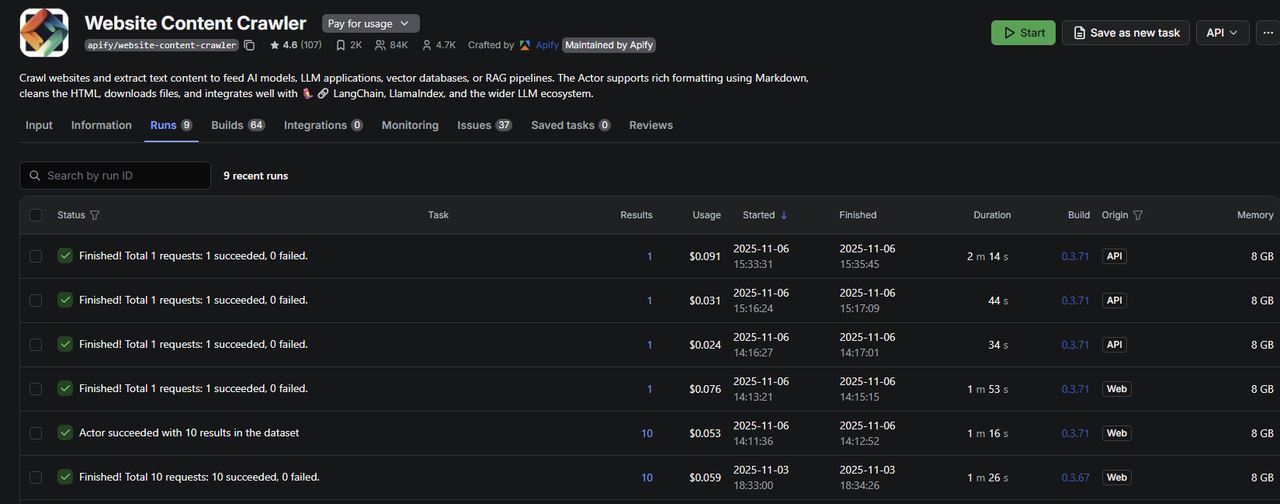
Apify actor "runs" in Apify Dashboard from this workflow
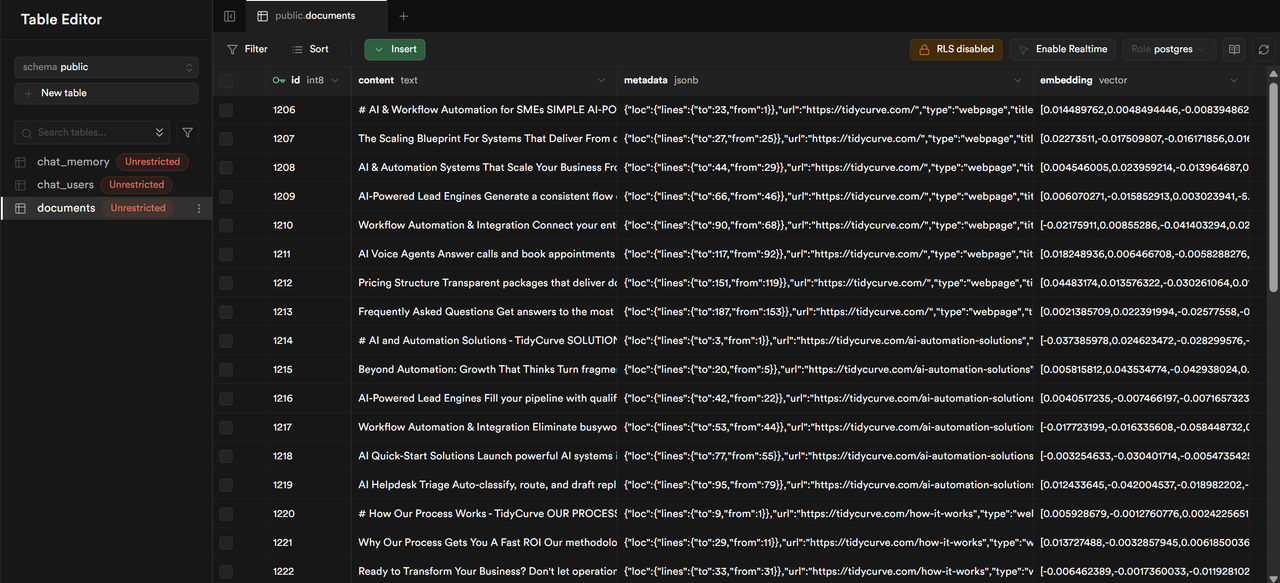
Supabase docuemnts table with scraped website content ingested in chunks with vector embeddings