👥

Human Resources Workflows

HR automation and employee management workflows
199 workflows found
Workflow preview: Sync your HRIS employee directory with Microsoft Teams, Coda, and Slack
Free advanced

Sync your HRIS employee directory with Microsoft Teams, Coda, and Slack

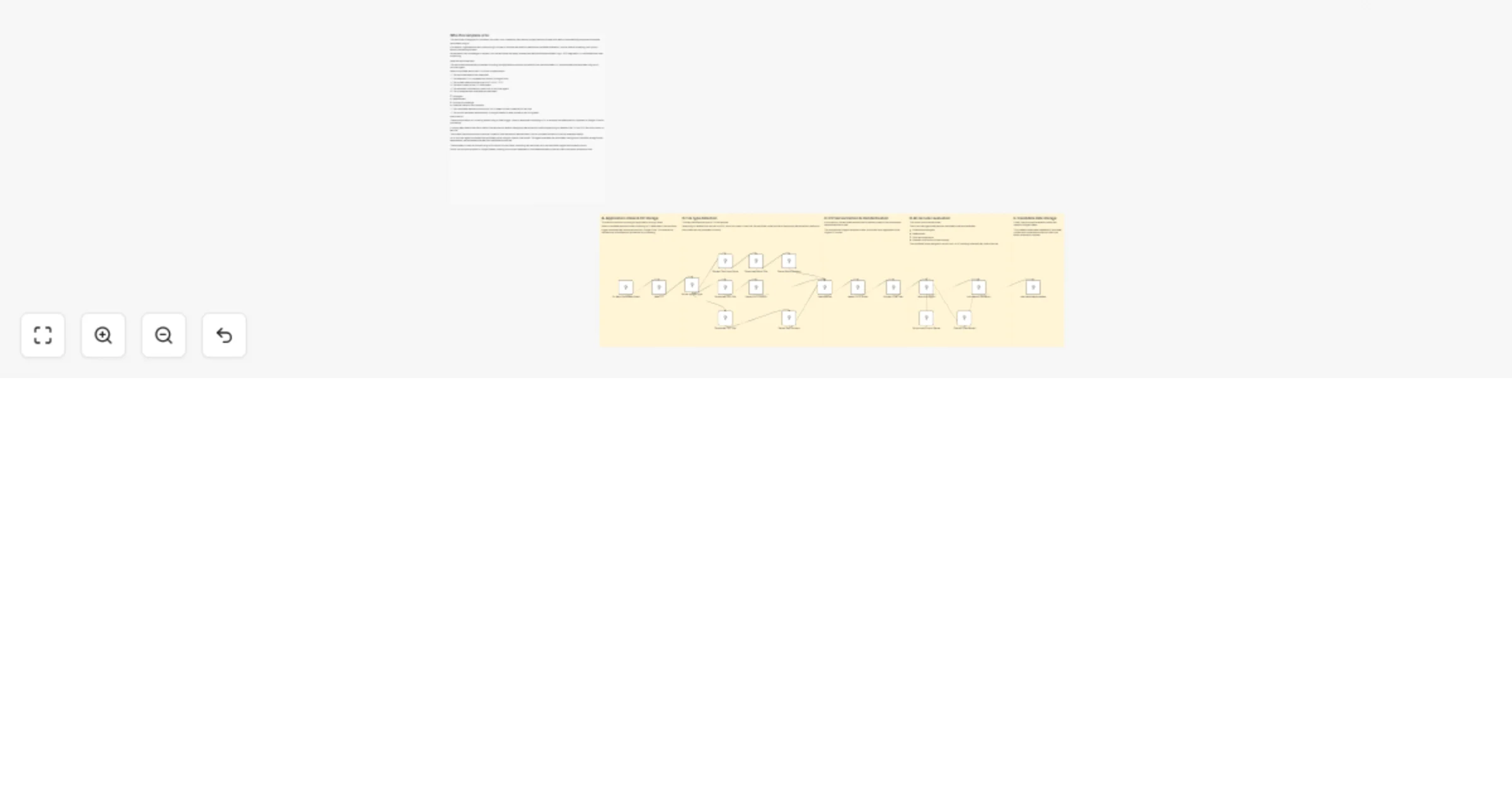
# Employee Directory Sync – Microsoft Teams & Coda **⚠️ COMMUNITY TEMPLATE DISCLAIMER: This is a community-contributed template that uses ScrapeGraphAI (a community node). Please ensure you have the ScrapeGraphAI community node installed in your n8n instance before using this template.** This workflow keeps your employee directory perfectly synchronized across your HRIS (or any REST-compatible HR database), Microsoft Teams, Coda docs, and Slack channels. It automatically polls the HR system on a schedule, detects additions or updates, and propagates those changes to downstream tools so everyone always has the latest employee information. ## Pre-conditions/Requirements ### Prerequisites - An active n8n instance (self-hosted or n8n cloud) - ScrapeGraphAI community node installed - A reachable HRIS API (BambooHR, Workday, Personio, or any custom REST endpoint) - Existing Microsoft Teams workspace and a team/channel for announcements - A Coda account with an employee directory table - A Slack workspace and channel where directory updates will be posted ### Required Credentials - **Microsoft Teams OAuth2** – To post adaptive cards or messages - **Coda API Token** – To insert/update rows in your Coda doc - **Slack OAuth2** – To push notifications into a Slack channel - **HTTP Basic / Bearer Token** – For your HRIS REST endpoint - **ScrapeGraphAI API Key** – (Only required if you scrape public profile data) ### HRIS Field Mapping | HRIS Field | Coda Column | Teams/Slack Field | |------------|-------------|-------------------| | `firstName`| `First Name`| First Name | | `lastName` | `Last Name` | Last Name | | `email` | `Email` | Email | | `title` | `Job Title` | Job Title | | `department`| `Department`| Department | *(Adjust the mapping in the Set and Code nodes as needed.)* ## How it works This workflow keeps your employee directory perfectly synchronized across your HRIS (or any REST-compatible HR database), Microsoft Teams, Coda docs, and Slack channels. It automatically polls the HR system on a schedule, detects additions or updates, and propagates those changes to downstream tools so everyone always has the latest employee information. ## Key Steps: - **Schedule Trigger**: Fires daily (or at your chosen interval) to start the sync routine. - **HTTP Request**: Fetches the full list of employees from your HRIS API. - **Code (Delta Detector)**: Compares fetched data with a cached snapshot to identify new hires, departures, or updates. - **IF Node**: Branches based on whether changes were detected. - **Split In Batches**: Processes employees in manageable sets to respect API rate limits. - **Set Node**: Maps HRIS fields to Coda columns and Teams/Slack message fields. - **Coda Node**: Upserts rows in the employee directory table. - **Microsoft Teams Node**: Posts an adaptive card summarizing changes to a selected channel. - **Slack Node**: Sends a formatted message with the same update. - **Sticky Note**: Provides inline documentation within the workflow for maintainers. ## Set up steps **Setup Time: 10-15 minutes** 1. **Import the workflow** into your n8n instance. 2. **Open Credentials** tab and create: - Microsoft Teams OAuth2 credential. - Coda API credential. - Slack OAuth2 credential. - HRIS HTTP credential (Basic or Bearer). 3. **Configure the HRIS HTTP Request node** - Replace the placeholder URL with your HRIS endpoint (e.g., `https://api.yourhr.com/v1/employees`). - Add query parameters or headers as required by your HRIS. 4. **Map Coda Doc & Table IDs** in the Coda node. 5. **Select Teams & Slack channels** in their respective nodes. 6. **Adjust the Schedule Trigger** to your desired frequency. 7. **Optional**: Edit the Code node to tweak field mapping or add custom delta-comparison logic. 8. **Execute the workflow manually once** to verify proper end-to-end operation. 9. **Activate** the workflow. ## Node Descriptions ### Core Workflow Nodes: - **Schedule Trigger** – Initiates the sync routine at set intervals. - **HTTP Request (Get Employees)** – Pulls the latest employee list from the HRIS. - **Code (Delta Detector)** – Stores the previous run’s data in workflow static data and identifies changes. - **IF (Has Changes?)** – Skips downstream steps when no changes were detected, saving resources. - **Split In Batches** – Iterates through employees in chunks (default 50) to avoid API throttling. - **Set (Field Mapper)** – Renames and restructures data for Coda, Teams, and Slack. - **Coda (Upsert Rows)** – Inserts new rows or updates existing ones based on email match. - **Microsoft Teams (Post Message)** – Sends a rich adaptive card with the update summary. - **Slack (Post Message)** – Delivers a concise change log to a Slack channel. - **Sticky Note** – Embedded documentation for quick reference. ### Data Flow: 1. **Schedule Trigger** → **HTTP Request** → **Code (Delta Detector)** 2. **Code** → **IF (Has Changes?)** - If **No** → **End** - If **Yes** → **Split In Batches** → **Set** → **Coda** → **Teams** → **Slack** ## Customization Examples ### Change Sync Frequency ```javascript // Inside Schedule Trigger { "mode": "everyDay", "hour": 6, "minute": 0 } ``` ### Extend Field Mapping ```javascript // Inside Set node items[0].json.phone = item.phoneNumber ?? ''; items[0].json.location = item.officeLocation ?? ''; return items; ``` ## Data Output Format The workflow outputs structured JSON data: ```json { "employee": { "id": "123", "firstName": "Jane", "lastName": "Doe", "email": "[email protected]", "title": "Senior Engineer", "department": "R&D", "status": "New Hire", "syncedAt": "2024-05-08T10:15:23.000Z" }, "destination": { "codaRowId": "row_abc123", "teamsMessageId": "msg_987654", "slackTs": "1715158523.000200" } } ``` ## Troubleshooting ### Common Issues 1. **HTTP 401 from HRIS API** – Verify token validity and that the credential is attached to the HTTP Request node. 2. **Coda duplicates rows** – Ensure the key column in Coda is set to “Email” and the Upsert option is enabled. ### Performance Tips - Cache HRIS responses in static data to minimize API calls. - Increase the Split In Batches size only if your API rate limits allow. **Pro Tips:** - Use n8n’s built-in Version Control to track mapping changes over time. - Add a second IF node to differentiate between “new hires” and “updates” for tailored announcements. - Enable Slack’s “threaded replies” to keep your #hr-updates channel tidy.

v
vinci-king-01
HR
8 Jan 2026
19
0
Workflow preview: Score job applications and write AI feedback with OpenAI and Notion
Free advanced

Score job applications and write AI feedback with OpenAI and Notion

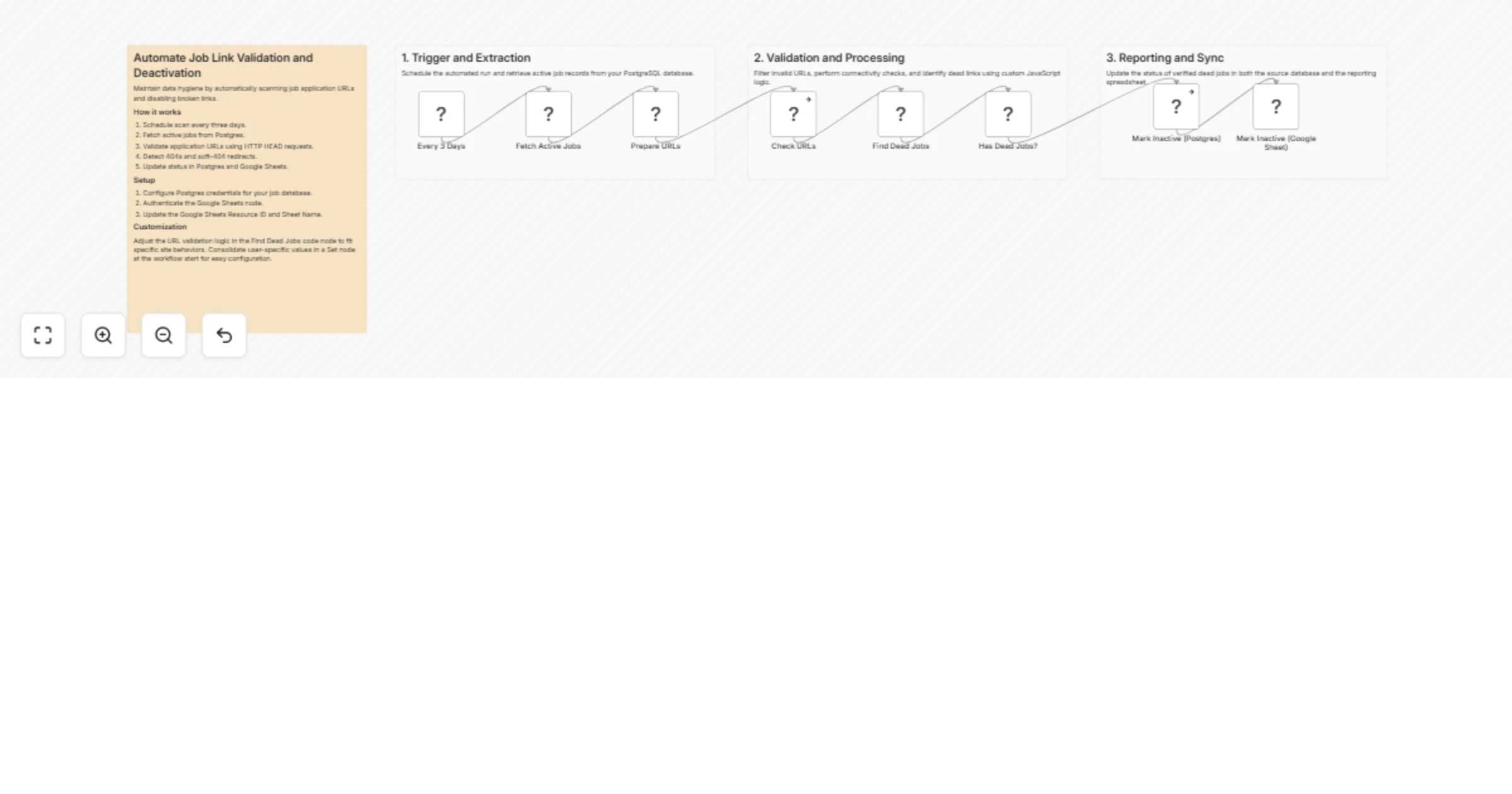
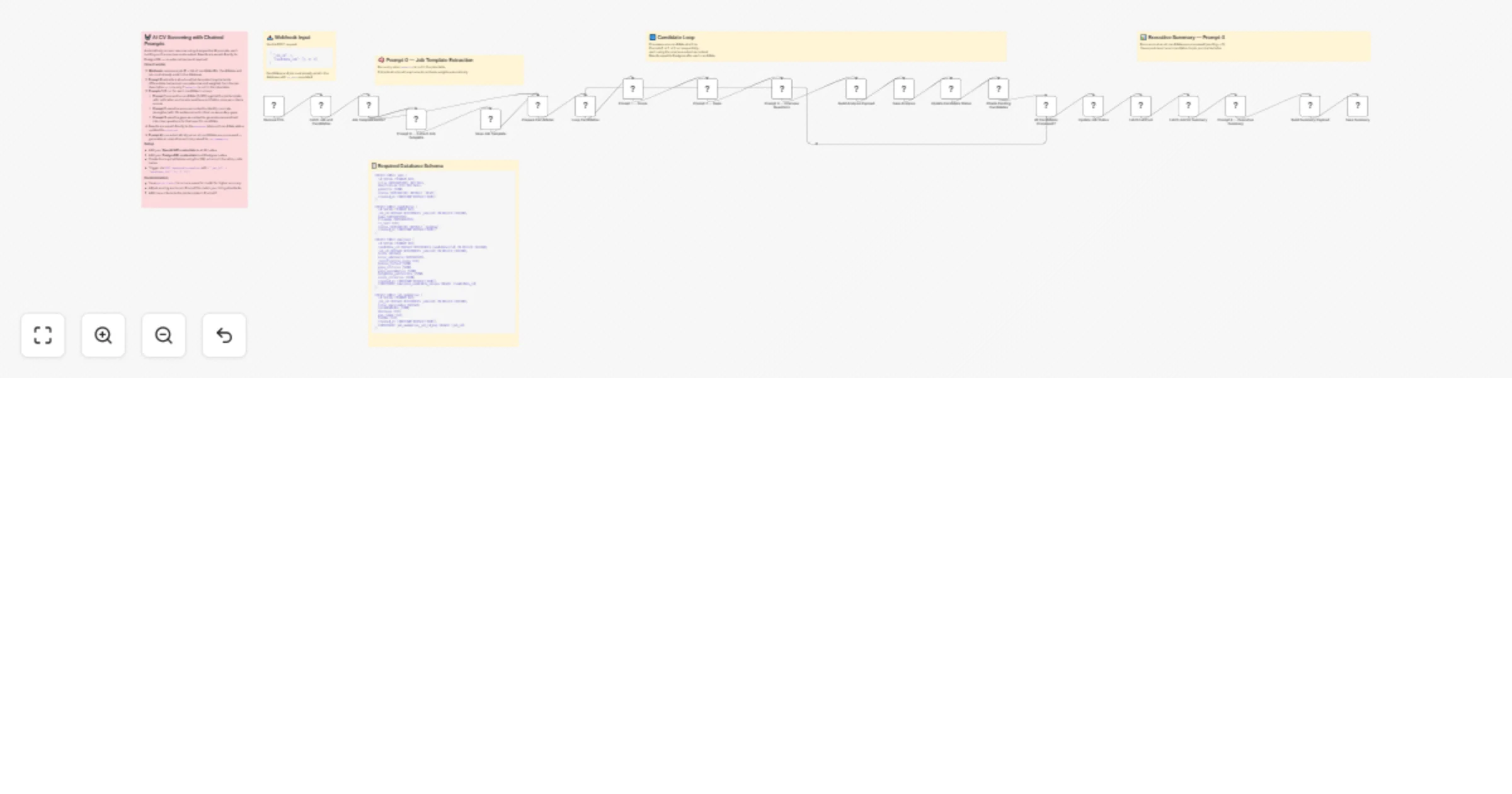
# Screen resumes & save candidate scores to Notion with OpenAI This template helps you automate the initial screening of job candidates by analyzing resumes against your specific job descriptions using AI. ### 📺 How It Works The workflow automatically monitors a **Notion** database for new job applications. When a new candidate is added: 1. It checks if the candidate has already been processed to avoid duplicates. 2. It downloads the resume file (supporting both **PDF** and **DOCX** formats). 3. It extracts the raw text and sends it to **OpenAI** along with the specific job description and requirements. 4. The AI acts as a "Senior Technical Recruiter," scoring the candidate on skills, experience, and stability. 5. Finally, it updates the **Notion** entry with a fit score (0-100), a one-line summary, detected skills, and a detailed analysis. ### 📄 Notion Database Structure You will need two databases in Notion: **Jobs** (containing descriptions/requirements) and **Candidates** (containing resume files). * **Candidates DB Fields:** `AI Comments` (Text), `Resume Score` (Text), `Top Skills Detected` (Text), `Feedback` (Select), `One Line Summary` (Text), `Resume File` (Files & Media). * **Jobs DB Fields:** `Job Description` (Text), `Requirements` (Text). ### 👤 Who’s it for This workflow is for **recruiters, HR managers, founders**, and **hiring teams** who want to reduce the time spent on manual resume screening. Whether you are handling high-volume applications or looking for specific niche skills, this tool ensures every resume gets a consistent, unbiased first-pass review. ### 🔧 How to set up 1. **Create** the required databases in Notion (as described above). 2. **Import** the `.json` workflow into your n8n instance. 3. **Set up credentials** for Notion and OpenAI. 4. **Link** those credentials in the workflow nodes. 5. **Update Database IDs:** Open the "Fetch Job Description" and "On New Candidate" nodes and select your specific Notion databases. 6. **Run a test** with a sample candidate and validate the output in Notion. ### 📋 Requirements * An n8n instance (Cloud or Self-hosted) * A Notion account * OpenAI API Key (GPT-4o or GPT-4 Turbo recommended for best reasoning) ### 🧩 How to customize the workflow The system is fully modular. You can: * **Adjust the Persona:** In the `Analyze Candidate` agent nodes, edit the system prompt to change the "Recruiter" persona (e.g., make it stricter or focus on soft skills). * **Change Scoring:** Modify the scoring matrix in the prompt to weight "Education" or "Experience" differently. * **Filter Logic:** Add a node to automatically disqualify candidates below a certain score (e.g., < 50) and move them to a "Rejected" status in Notion. * **Multi-language:** Update the prompt to translate summaries into your local language if the resume is in English.

z
zahir khan
HR
31 Dec 2025
10
0
Workflow preview: Schedule and track interviews using Calendly, Zoom, Asana, and Gmail
Free advanced

Schedule and track interviews using Calendly, Zoom, Asana, and Gmail

## 📊 Description This workflow automates interview scheduling by orchestrating Calendly, Zoom, Asana, and Gmail into a single, reliable hiring pipeline. When a candidate books an interview, the automation ensures the interview is properly scheduled, tracked, assigned, and communicated — without any manual follow-ups. The workflow listens for new Calendly bookings, normalizes scheduling data, creates a Zoom meeting, assigns a structured interview task in Asana, and notifies the appropriate interviewer via email. Conditional routing ensures the right stakeholders are involved while keeping candidate communications separate. Designed for real-world hiring operations, this automation provides consistency, accountability, and scalability as interview volume grows. ## 🔁 What this template does - Receives interview booking events from Calendly via webhook. - Normalizes and structures scheduling details such as time, timezone, and invitee information. - Creates a Zoom meeting automatically for the scheduled interview. - Routes the interview based on type (for example, HR or Technical). - Creates a structured Asana task assigned to the appropriate interviewer. - Stores interview context and Zoom meeting links directly in the Asana task. - Sends automated email notifications to interviewers with complete interview details. - Ensures interviewer-side visibility without exposing candidate-facing communications. - Executes fully automatically with no manual intervention. ## ⭐ Key benefits - Eliminates manual interview coordination and follow-ups - Ensures every interview has a correctly configured Zoom meeting - Keeps interviewers aligned through structured Asana task tracking - Provides reliable, role-based notifications - Reduces scheduling errors and missed interviews - Production-ready automation for growing hiring teams ## 🧩 Features - Calendly webhook-based trigger - Normalized interview data handling - Automated Zoom meeting creation - Interview-type routing and interviewer assignment - Interview-focused Asana task management - Automated Gmail notifications - Clean, interviewer-only communication flow - Scalable interview orchestration design ## 🔐 Requirements - Calendly account with webhook access enabled - Zoom API credentials - Asana OAuth2 credentials - Gmail OAuth2 credentials - n8n (cloud or self-hosted) ## 🎯 Target audience - Hiring managers - Technical interviewers - HR and recruitment teams - Startups and SaaS companies - Automation engineers building internal hiring pipelines

R
Rahul Joshi
HR
29 Dec 2025
0
0
Workflow preview: Monitor daily HR risks and standup summaries with Monday.com and GPT-4o-mini
Free advanced

Monitor daily HR risks and standup summaries with Monday.com and GPT-4o-mini

## 📊 Description This workflow automates the daily HR standup by continuously monitoring active hiring and HR tasks, identifying risks and blockers, and generating an intelligent, action-oriented summary using AI. Every morning, HR and leadership teams receive a clear overview of priorities, overdue items, and potential risks — without any manual preparation. By combining structured task data with AI-driven analysis, the workflow ensures teams start the day aligned, informed, and ready to act. The automation is designed for real-world HR operations, scaling seamlessly as task volume grows while maintaining concise and consistent reporting. ## 🔁 What this automation does - Automatically triggers every morning using a scheduled Cron trigger. - Retrieves all HR and hiring-related tasks from a Monday.com board. - Filters out completed items to focus only on active and relevant work. - Aggregates all remaining tasks into a single structured dataset. - Analyzes task status, ownership, and due dates to identify blockers and risks. - Uses AI (GPT-4o-mini) to generate a concise, structured daily standup report. - Delivers the final standup update to HR via email for immediate visibility. ## 🧠 Key design decisions - Uses a scheduled trigger to ensure consistent, hands-free execution - Applies task filtering via a Code node to overcome API limitations - Aggregates all tasks to produce a single, consolidated standup report - Leverages AI for insight generation, not raw data repetition - Excludes completed tasks to reduce noise and improve signal quality - Prioritizes concise, actionable output suitable for leadership review ## ⭐ Key benefits - Eliminates manual standup preparation - Ensures overdue tasks and blockers are surfaced early - Improves visibility and accountability across HR operations - Saves daily operational time for HR and managers - Produces consistent, professional summaries every day - Scales efficiently as teams and task volume increase - 🛠️ Tools & services used - n8n – Workflow orchestration and automation - Monday.com – HR and hiring task management - OpenAI (GPT-4o-mini) – Intelligent analysis and summarization - Gmail – Delivery of daily standup reports - Cron – Scheduled execution ## 🔐 Requirements - Monday.com OAuth credentials - OpenAI API key - Gmail OAuth credentials - n8n (cloud or self-hosted) - HR board with status and due date columns ## 🎯 Target audience - HR and Talent Acquisition teams - Hiring managers - Operations and RevOps teams - Startups and scaling organizations - Automation teams building internal HR tooling

R
Rahul Joshi
HR
29 Dec 2025
0
0
Workflow preview: Onboard new employees with Monday.com, Asana, Zoom, and Gmail
Free intermediate

Onboard new employees with Monday.com, Asana, Zoom, and Gmail

## 📝 Description Automate your new employee onboarding process by instantly creating structured onboarding tasks, scheduling an intro meeting, updating HR records, and notifying stakeholders — all triggered by a single status change in Monday.com. 🚀 This automation ensures every new joiner receives a consistent onboarding experience, while HR teams gain full visibility and control without manual coordination. 🎯 ## ⚠️ Disclaimer This template uses community-supported nodes (Zoom & AI-related nodes, if extended). While stable, these nodes are not officially maintained by n8n and should be reviewed before use in production environments. ## 🔁 What This Automation Does 1️⃣ Triggers automatically when an employee’s status changes to “Joined” in Monday.com. 2️⃣ Creates a structured onboarding checklist task in Asana. 📋 3️⃣ Schedules a Zoom intro / welcome meeting automatically. 🎥 4️⃣ Updates the employee record in Monday.com with the Zoom join link. 🔗 5️⃣ Sends a welcome or notification email via Gmail. 📧 ## 🧠 Key Design Decisions ✅ Monday.com is the source of truth for employee data ✅ Asana is used only for task tracking, not employee records ✅ Zoom links are stored centrally in Monday.com ✅ Uses participant-safe join_url (never host URLs) ✅ Avoids data duplication across tools ✅ Workflow runs once per employee lifecycle event ## ⭐ Key Benefits ✅ Zero manual onboarding coordination ✅ Consistent onboarding for every employee ✅ Clear ownership and task tracking ✅ Centralized HR records ✅ Faster first-day readiness ✅ Easily scalable for growing teams ## 🛠️ Tools & Services Used - n8n – Workflow orchestration - Monday.com – Employee & HR lifecycle management - Asana – Onboarding task tracking - Zoom – Intro / welcome meeting scheduling - Gmail – Welcome and notification emails ## 🔐 Requirements - Monday.com OAuth credentials - Asana OAuth credentials - Zoom OAuth credentials - Gmail OAuth credentials - n8n (self-hosted or cloud) - HR board with: - Status column (Joined) - Email column - Zoom Link column for Zoom meeting ## 🎯 Target Audience - HR & People Operations teams - Talent Acquisition teams - Startup & scale-up organizations - Operations & internal automation teams

R
Rahul Joshi
HR
29 Dec 2025
0
0
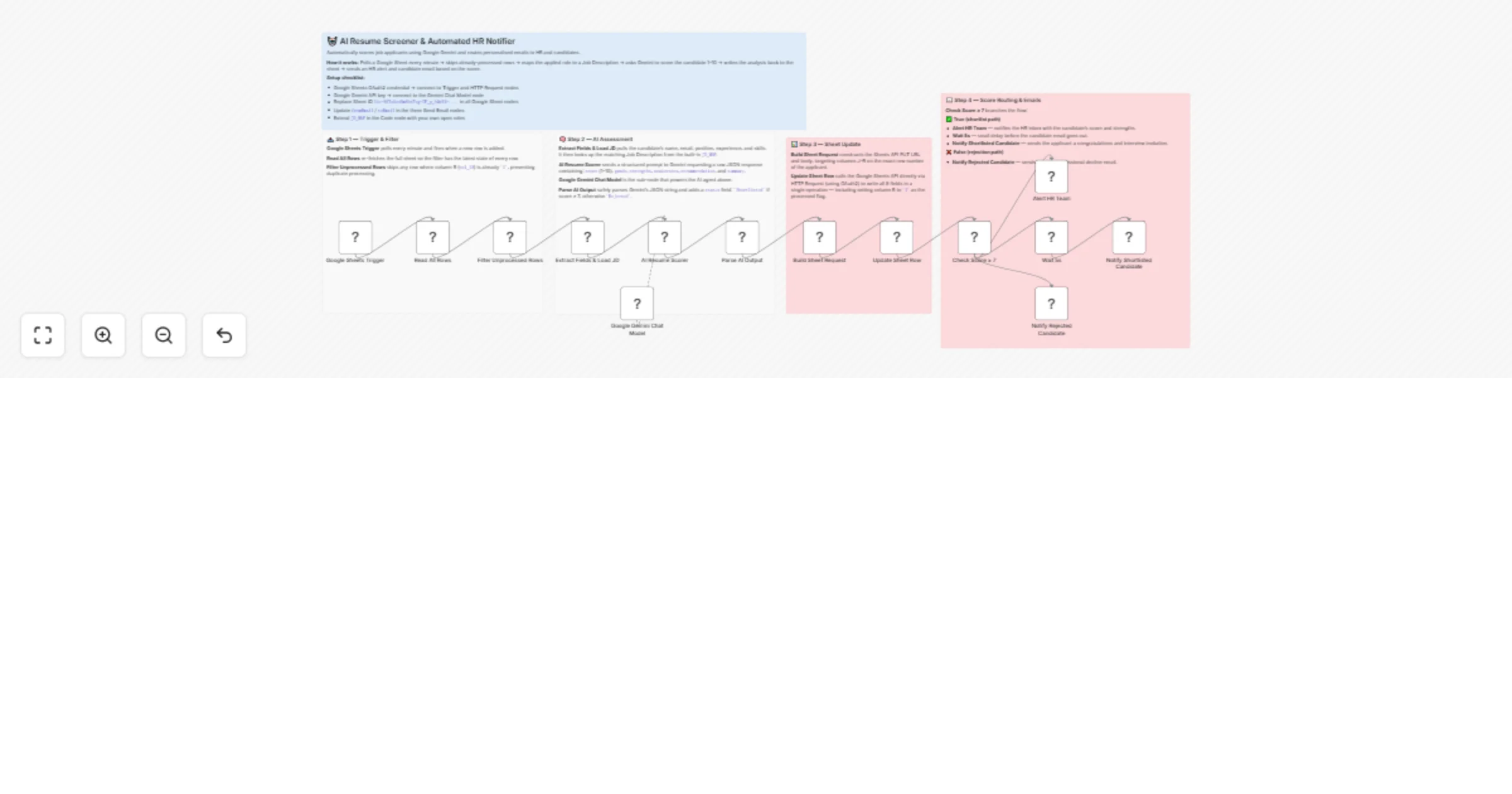
Workflow preview: Automate job applicant screening with GPT-4, Gmail & Google Sheets
Free advanced

Automate job applicant screening with GPT-4, Gmail & Google Sheets

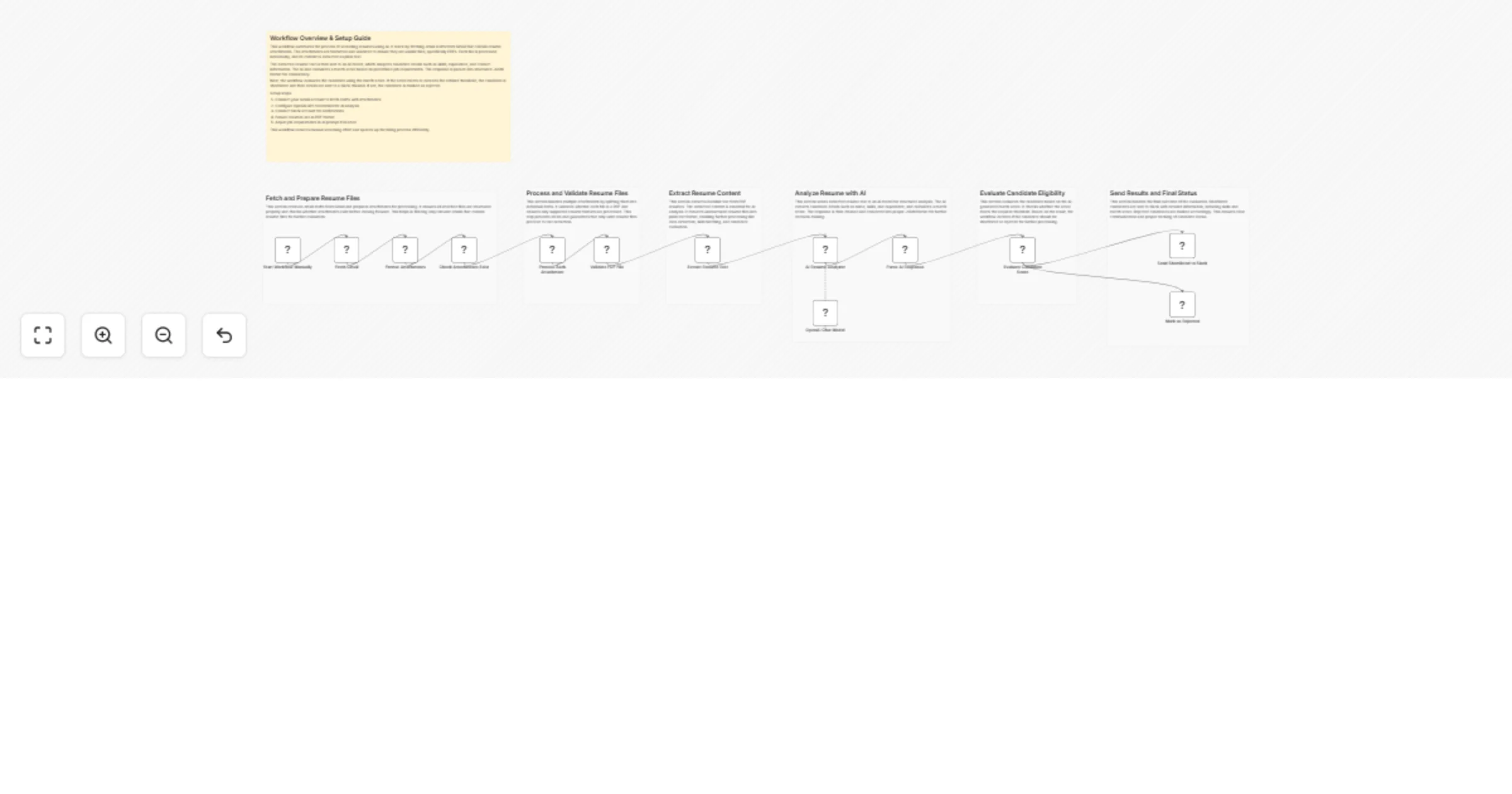
This workflow automates the initial screening process for new job applications, freeing up your recruitment team to focus on qualified candidates. It receives applications from a webhook, uses OpenAI (GPT-4) to analyze resumes for skill and culture fit, generates interview questions, logs the results to Google Sheets, sends interview invitations via Gmail, and notifies your team on Slack. ## 🚀 Who is this for? - **HR and Recruitment Teams** looking to automate repetitive screening tasks. - **Hiring Managers** who want a consistent, data-driven first pass on applicants. - **Startups and SMBs** aiming to build an efficient, scalable hiring pipeline without a large HR team. ## 💡 How it works 1. **Receive Application**: The workflow triggers when a new application is submitted via a webhook from your job board or application form. 2. **Extract & Analyze**: It downloads the resume/CV, extracts the text, and sends it to **OpenAI (GPT-4)** with a custom prompt. 3. **Score & Generate**: The AI scores the candidate on skill match and culture fit, provides a summary, and generates tailored interview questions based on their experience. 4. **Log Data**: The evaluation scores, AI summary, and candidate information are appended to a new row in a **Google Sheet** for tracking. 5. **Schedule Interview**: A personalized email is sent to the candidate via **Gmail** with a link to schedule their interview. 6. **Notify Team**: A summary card with the AI evaluation and links to the full report is posted in a **Slack** channel to keep the hiring team informed. ## ⚙️ How to set up 1. **Configure Credentials**: Set up your credentials for OpenAI, Google (for both Sheets and Gmail), and Slack in n8n. 2. **Webhook URL**: Copy the "Production URL" from the "Webhook: New Application" node and set it as the destination in your job board's webhook settings (e.g., Greenhouse, Lever, Ashby, or a web form). 3. **Google Sheet**: Create a Google Sheet to track applicants. Update the "G Sheets: Save Evaluation" node with your Spreadsheet ID and Sheet Name. Ensure the columns in your sheet match the data you want to save. 4. **Customize Prompts & Email**: - Modify the prompts in the two **OpenAI** nodes to match your company's values and the specific job requirements. - Update the **Gmail** node with your email content and the logic for your scheduling link (e.g., Calendly, SavvyCal). ## 📋 Requirements - An n8n instance (Cloud or self-hosted). - An **OpenAI API** key. - A **Google** account for Google Sheets and Gmail. - A **Slack** workspace. - A job application source capable of sending webhooks.

s
sato rio
HR
26 Dec 2025
37
0
Workflow preview: Provision new employee accounts to Google Workspace, Slack, Jira, and Salesforce
Free intermediate

Provision new employee accounts to Google Workspace, Slack, Jira, and Salesforce

# Provision new employee accounts to Google Workspace, Slack, Jira, and Salesforce This workflow streamlines the employee onboarding process by automatically provisioning user accounts across your organization's tech stack. By connecting HR input to IT operations, it eliminates manual data entry, reduces errors, and ensures new hires have access to the right tools from day one. Depending on the employee's department, the workflow intelligently routes the provisioning process to create specific accounts (e.g., Jira for Engineering, Salesforce for Sales) alongside standard company-wide access. ## Who is it for - **IT Administrators** looking to automate identity management and access provisioning. - **HR Operations Managers** who want to speed up the onboarding handover process. - **Startup Founders** needing a scalable way to manage new hire accounts without expensive SaaS management tools. ## How it works 1. **Data Intake:** The workflow is triggered by a Webhook (connected to a form like Typeform, Google Forms, or BambooHR) containing the new hire's details. 2. **Configuration:** A central "Set" node establishes global variables, such as the default temporary password, welcome email subject, and the main Slack channel ID. 3. **Core Provisioning:** It simultaneously creates a **Google Workspace** account and invites the user to a general **Slack** channel. 4. **Department Routing:** A generic logic switch checks the `department` field: - If **Engineering**: It creates a **Jira** user. - If **Sales**: It creates a **Salesforce** user. 5. **Notification:** Once all accounts are successfully provisioned, the workflow uses a generic email service (Gmail node) to send a welcome email to the new employee with their login details. ## How to set up 1. **Credentials:** You will need to configure credentials for the following nodes: Google Workspace Admin, Slack API, Jira Software, Salesforce, and Gmail (or your preferred email provider). 2. **Configuration:** Open the node named `⚙️ CONFIGURATION`. Update the `Slack_Channel_ID` (where new users are invited) and the `Default_Password` to match your company's security policy. 3. **Webhook:** Copy the Webhook URL from the start node and add it to your HR form or applicant tracking system. ## Requirements - **n8n:** Version 1.0 or later recommended. - **Access:** Admin privileges for Google Workspace, Slack, Jira, and Salesforce to generate the necessary API keys/tokens. ## How to customize the workflow - **Add Departments:** Edit the "Check Department" Switch node to add routes for Marketing, Finance, etc., and connect them to relevant apps (e.g., HubSpot, Xero). - **Change Notification:** Swap the Gmail node for Microsoft Outlook or Slack DM depending on how you notify managers. - **Enhance Security:** Add a step to force a password reset on the first login if the identity provider supports it.

y
yuta tokumitsu
HR
24 Dec 2025
64
0
Workflow preview: Manage recruitment tasks in Slack with Recrutei ATS & GPT-4 Agent
Free advanced

Manage recruitment tasks in Slack with Recrutei ATS & GPT-4 Agent

## Overview: Recrutei ATS - Ultimate Internal AI Agent This workflow transforms Slack into a powerful command center for recruitment. Using an AI Agent (LangChain) integrated with the Recrutei ATS API and MCP, your team can manage candidates, vacancies, tags and a lot more directly through Slack messages. ## Key Features * **Natural Language Processing:** Use GPT-4 to interpret complex requests like "Find candidates for the Python role and tag them as 'Senior'". * **Candidate Management:** Create prospects, disqualify candidates, or move them between pipeline stages. * **Vacancy Insights:** Add and read comments on vacancies directly from the chat. * **Tagging System:** Create, list, and delete tags dynamically. ## Setup Instructions 1. **Slack Trigger:** Connect your Slack account and invite the bot to your desired channel. 2. **OpenAI:** Configure your API Key. This agent uses GPT-4o-mini (or GPT-4) for high-reasoning capabilities. 3. **HTTP Request Tools:** Every "Tool" node (Pink nodes) needs your Recrutei API Token. * Replace the `Authorization` header with your `Bearer YOUR_TOKEN`. * Update the Base URL if necessary. 4. **Slack Post:** Ensure the bot has permissions to write in the channel.

R
Recrutei Automações
HR
24 Dec 2025
40
0
Workflow preview: Automate employee leave approvals with GPT, Gmail & Calendar integration
Free advanced

Automate employee leave approvals with GPT, Gmail & Calendar integration

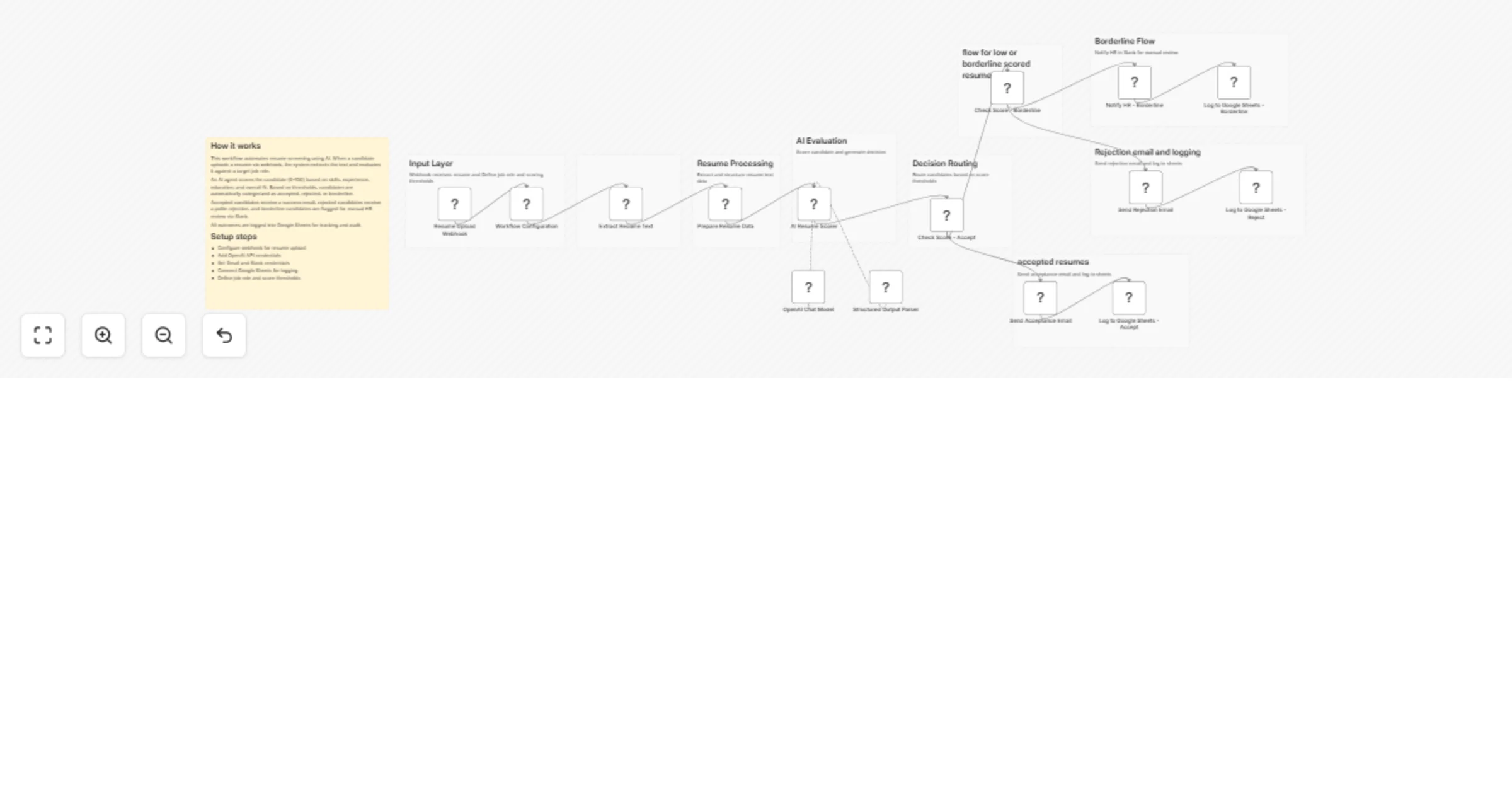
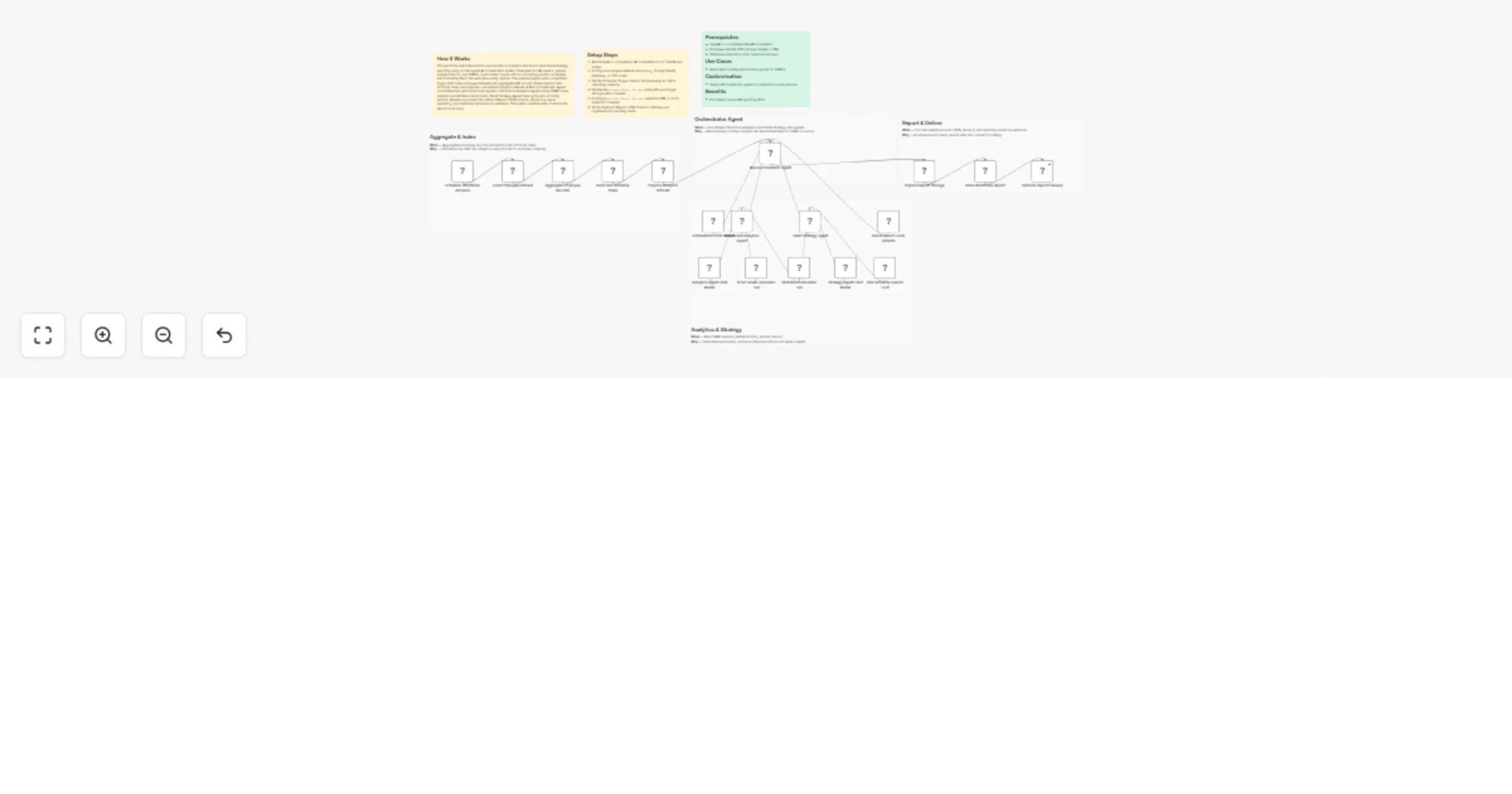
## How it works This workflow automates the complete employee leave approval process from submission to final resolution. Employees submit leave requests through a form, which are summarized professionally using AI and sent for approval via email. The workflow waits for the approver’s response and then either sends an approval confirmation or schedules a clarification discussion automatically. All communication is handled consistently with no manual follow-ups required. ## Step-by-step - **Step 1: Capture leave request, generate summary, and request approval** - **On form submission** – Captures employee details, leave dates, reason, and task handover information. - **AI Agent** – Generates a professional, manager-ready summary of the leave request. - **OpenAI Chat Model** – Provides the language model used to generate the summary. - **Structured Output Parser** – Extracts the email subject and HTML body from the AI response. - **Send message and wait for response** – Emails the summary to the approver and pauses the workflow until approval or rejection. - **If** – Routes the workflow based on the approval decision. - **Step 2: Notify employee or schedule discussion automatically** - **Approved path** - **Send a message** – Sends an official leave approval email to the employee. - **Clarification or rejection path** - **Booking Agent** – Determines the next business day and finds the first available 10-minute slot. - **OpenAI** – Applies scheduling logic to select the earliest valid slot. - **Get Events** – Fetches existing calendar events to avoid conflicts. - **Check Availability** – Confirms free time within working hours. - **Output Parser** – Extracts the final meeting start time. - **Send a message1** – Emails the employee with the scheduled discussion details. ## Why use this? - Eliminate manual approval follow-ups and email back-and-forth - Ensure consistent, professional communication for every leave request - Automatically handle both approvals and clarification scenarios - Reduce manager effort with AI-generated summaries - Schedule discussions without manual calendar coordination

A
Avkash Kakdiya
HR
23 Dec 2025
93
0
Workflow preview: Automate Odoo-triggered Redmine & GitLab account creation with Slack notifications
Free advanced

Automate Odoo-triggered Redmine & GitLab account creation with Slack notifications

## 📌Who is this for? HR teams, IT Operations, and System Administrators managing employee onboarding at scale. It’s perfect if you use Odoo 18 to trigger account requests and need Redmine + GitLab accounts created instantly and consistently. ## 📌The Problem Manual account creation creates bottlenecks: - IT waits for HR notifications that often get missed or delayed. - Duplicate accounts pile up when no one checks existing data first. - Account creation timelines are inconsistent (sometimes correct, sometimes wrong). - Zero visibility into what succeeded or failed. ## 📌What It Does Catches an employee account creation request from Odoo 18 → queries employee data → checks for existing accounts → creates only the accounts that are missing → notifies your team via Slack with the full status. Here's the flow in detail: 1. **Webhook trigger from Odoo 18** - automatically fires when your HR team marks an employee as needing Redmine, GitLab, or both. 2. **Fetch employee data from Odoo 18** - pulls email and account type requirements. 3. **Deduplicate requests** - separates "needs both," "GitLab only," and "Redmine only" cases. 4. **Check for existing accounts** - queries Redmine and GitLab to avoid duplicate creation attempts. 5. **Create accounts** - uses Redmine and GitLab APIs to spin up accounts (only if they don't exist). 6. **Slack notification** - sends a summary showing what was created, skipped, or failed- including error details if something went wrong. ## 📌Quick Setup - Generate a Webhook URL in n8n and configure Odoo 18 to call it during onboarding. - Add Redmine admin API key and GitLab admin access token. - Enable /users.json (Redmine) and /users (GitLab) endpoints. - Configure Slack webhook for notifications. - Test with sample data, then activate. ## 📌Results - Zero duplicates - the system checks before creating. - Full visibility - Slack reports every single attempt. - Instant delivery - new hires get accounts on day one. - Dramatically reduced IT workload. ## 📌Take It Further - Auto-assign projects in Redmine/GitLab post-creation. - Generate passwords or TOTP setup and email them to new hires. - Log everything to Google Sheets, Notion, or a database. - Handle multi-tenant setups if your Odoo manages multiple organizations. - Add provisioning for Slack, Google Workspace, VPN, or other systems. ## 📌Need help customizing? Contact me for consulting and support: [Linkedin](https://www.linkedin.com/company/bac-ha-software/posts/?feedView=all) / [Website](https://bachasoftware.com/bhsoft-contacts)

B
BHSoft
HR
23 Dec 2025
22
0
Workflow preview: Automate monthly payroll tax compliance with GPT-4, Google Sheets and Drive
Free advanced

Automate monthly payroll tax compliance with GPT-4, Google Sheets and Drive

## How It Works Automates monthly payroll processing and tax compliance by calculating employee payroll, applying accurate withholdings, generating comprehensive tax summaries, and producing compliance-ready documentation. The system fetches revenue and payroll data, performs detailed payroll calculations, applies AI-driven tax withholding rules, aggregates tax summary information, and verifies compliance using GPT-4 tax analysis. It generates structured HTML documents, converts them to PDF format, stores records in Google Sheets for audit trails, archives files to Google Drive, and sends summaries to tax agents. Designed for HR departments and payroll processing teams seeking automated, accurate, and fully compliant payroll management. ## Setup Steps 1. Connect payroll data source and configure revenue fetch parameters. 2. Set up OpenAI GPT-4 API for tax withholding logic and compliance analysis. 3. Configure Google Sheets for audit storage and Google Drive for long-term archiving. 4. Define tax withholding rules, compliance thresholds, and tax agent. ## Prerequisites Payroll data source; OpenAI API key; Google Sheets and Drive accounts ## Use Cases HR departments automating monthly payroll processing and tax compliance; ## Customization Adjust withholding rules by jurisdiction ## Benefits Eliminates manual payroll calculations

C
Cheng Siong Chin
HR
22 Dec 2025
70
0
Workflow preview: Prevent employee burnout with AI analysis of Slack and tasks data to Google Sheets
Free advanced

Prevent employee burnout with AI analysis of Slack and tasks data to Google Sheets

# Monitor employee stress levels from Slack and tasks to Google Sheets This workflow functions as an automated "Chief Wellness Officer," helping HR teams and managers prevent employee burnout before it happens. It aggregates data from communication channels and work tools to provide an AI-driven daily assessment of employee well-being, while prioritizing privacy through data anonymization. ## Who is this for - **HR & People Operations Teams** wanting to track organizational health trends without invading personal privacy. - **Remote-first Companies** where physical cues of burnout are harder to spot. - **Team Managers** looking for data-backed insights to support their direct reports. ## What it does 1. **Daily Trigger:** Runs automatically every morning (default: 2 AM) to analyze the previous day's activity. 2. **Data Collection:** * Fetches public Slack messages to analyze communication tone. * Retrieves attendance data (work hours, late arrivals) and task completion rates via API. 3. **AI Analysis:** Uses **OpenAI** to process the data, predicting a "Stress Level" based on sentiment and workload metrics. 4. **Privacy-First Reporting:** Hashes employee IDs to anonymize data, then logs stress scores to **Google Sheets** for trend analysis. 5. **Direct Intervention:** If the AI detects "High" stress, it sends a private, empathetic DM to the employee on **Slack** offering support or counseling resources. ## Requirements - **n8n** (Self-hosted or Cloud) - **Slack** Workspace (with a Bot User OAuth Token). - **OpenAI** API Key. - **Google Sheets** (for the dashboard). - **Postgres** (optional, for logging counseling actions). - **HR/Task Management Tools** (e.g., Jira, Asana, BambooHR) accessible via API. ## How to set up 1. **Configure Credentials:** Set up your credentials for Slack, OpenAI, Google Sheets, and Postgres in n8n. 2. **Prepare Google Sheet:** Create a sheet with headers: `employee_hash`, `department`, `stress_score`, `stress_level`, and `analysis_date`. 3. **Connect Data Sources:** * The workflow uses **HTTP Request** nodes as placeholders for Attendance and Task data. You must update these URLs to point to your specific HRIS or Project Management tool APIs (or replace them with native n8n nodes like Asana or Jira). 4. **Update Slack Settings:** Ensure the Slack node has the correct permissions (`channels:history`, `chat:write`, `users:read`) and target channel/user mapping. ## How to customize - **Adjust Sensitivity:** Modify the system prompt in the *AI Stress Level Prediction* node to change how "High" stress is defined. - **Change Data Sources:** Replace the generic HTTP Request nodes with specific n8n nodes for services like **Harvest**, **Jira**, or **Trello** depending on your stack. - **Modify Action:** Instead of a direct DM, you can change the final step to alert a manager or create a ticket in a sensitive HR service desk.

s
satoshi
HR
22 Dec 2025
23
0
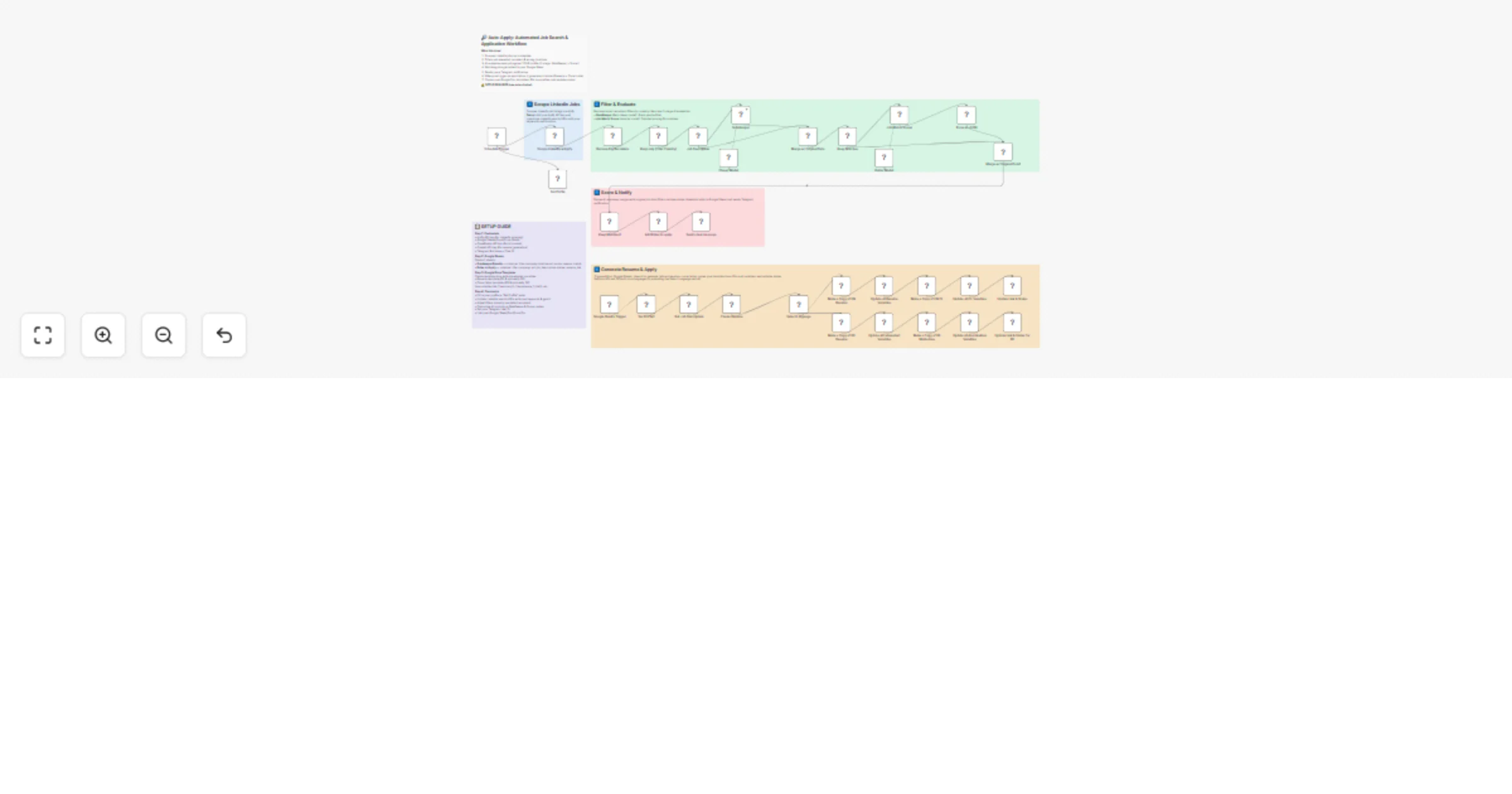
Workflow preview: Automate job search & resume matching with LinkedIn, Gemini AI & Google Sheets
Free advanced

Automate job search & resume matching with LinkedIn, Gemini AI & Google Sheets

## Description This workflow helps you find and evaluate job opportunities automatically, without spending hours searching and comparing roles. It uses your resume to look for relevant jobs on LinkedIn, checks how well each role matches your profile, and organises everything neatly in Google Sheets so you can focus on applying to the best opportunities. ## How it works On a schedule, the workflow downloads your resume from Google Drive and analyses it to understand your skills and experience. Based on this, it creates LinkedIn job searches and pulls in recent job listings. Each job is then reviewed using AI to compare the job description with your resume, produce a match score, suggest resume improvements, and generate a tailored cover letter. All results are saved to Google Sheets, and you’re notified by email when the run finishes. ## How to use 1. Make a copy of the Google Sheets template and keep it for your own job tracking. 2. Upload your resume (PDF) to Google Drive. 3. Connect your Google Drive, Google Sheets, Gmail, and AI credentials in n8n. 4. Update the **Config** node with your preferences (remote work, Easy Apply, job limit). 5. Paste your copied Google Sheet IDs into the workflow. 6. Turn on the Schedule Trigger and activate the workflow. ## Requirements - Google Drive account for storing your resume - Google Sheets account for tracking results - Gmail account for notifications - AI model access (Google Gemini or similar) - n8n (cloud or self-hosted) ## Customising this workflow You can easily adapt this workflow to suit your goals. Change the job limits, locations, or remote preferences in the **Config** node. Update the AI prompts to target different roles or industries, or extend the workflow to send results to tools like Notion, a CRM, or your own application tracker. ## Good to know This workflow is designed to help you screen and prepare for jobs, not to apply automatically. Match scores are a guide, not a guarantee, so it’s always worth reviewing roles manually. Also, since LinkedIn pages can change over time, you may occasionally need to update HTML selectors to keep things running smoothly.

D
Dinakar Selvakumar
HR
22 Dec 2025
564
0
Workflow preview: Automated employee offboarding: lock Redmine & GitLab accounts using Odoo 18
Free advanced

Automated employee offboarding: lock Redmine & GitLab accounts using Odoo 18

## 📌 Who is This For? IT Ops, HR, and Security teams automating employee offboarding. Zero manual work: Disable access to Redmine, GitLab, and more- right after their last day. Boost security, cut risks, and stay compliant. ## 📌 The Problem It Solves Offboarding is messy and slow: - HR flags ending contracts. - IT hunts down accounts manually (Redmine, GitLab, etc.). - Misses happen, risks linger. This n8n workflow queries Odoo 18 daily, spots offboardees, and locks accounts automatically. ## 📌 What It Does - **Triggers** daily (e.g., 5 PM weekdays). - **Queries** Odoo 18 for employees ending today. - **Filters** active users needing offboarding. - **Checks & Locks** Redmine accounts via API. - **Checks & Revokes** GitLab access via API. - **Notifies** via Slack/Teams/email with summary. - **Handles Errors**: Retries failures, logs issues. ## 📌 Quick setup 1. Odoo 18 API (read employee end dates/last shifts). 2. Redmine Admin API key. 3. GitLab Admin token (for locking users). 4. Slack/Teams webhook or SMTP for alerts. 5. Cron schedule (e.g., daily 5 PM weekdays, skip weekends). ## 📌 Customize It - **Add Systems**: Jira, Confluence, LDAP—easy toggles. - **Notification**: Full reports or alerts-only. - **Error Rules**: Retries, escalations. - **Audit Logs**: Save to DB, S3, Sheets, or dashboard. ## 📌 Results 100% automated: Accounts locked on exit day. No orphans, no workload, full compliance. ## 📌 Workflow in Action 1. Schedule trigger fires. 2. Pull Odoo offboardees. 3. API checks & disables Redmine/GitLab. 4. Logs + summary notification.

B
BHSoft
HR
19 Dec 2025
19
0
Workflow preview: Automate offer letters & notifications with Google Sheets, Gmail & Slack
Free advanced

Automate offer letters & notifications with Google Sheets, Gmail & Slack

## ✅ What problem does this workflow solve? Hiring teams often struggle with document follow-ups, offer letter generation, and stakeholder communication. Manual checks, email back-and-forth, and missing files slow down hiring and create chaos during onboarding. This workflow automates the **entire offer letter lifecycle**-from document validation to offer delivery-so HR teams can move faster with zero manual chasing. --- ## ⚙️ What does this workflow do? - Monitors candidate records in Google Sheets. - Detects pending onboarding documents automatically. - Sends reminder emails for missing documents. - Generates professional offer letters (HTML → PDF). - Emails offer letters to candidates automatically. - Notifies hiring managers on Slack. - Stores offer letters securely in Google Drive. - Tracks onboarding status and document links in Google Sheets. --- ## 💡 Main Use Cases - Automate offer letter creation and delivery. - Eliminate manual follow-ups for missing documents. - Keep hiring managers informed in real time. - Maintain a clean onboarding audit trail. - Improve candidate experience with faster responses. --- ## 🧠 How It Works – Step by Step ### 1. Candidate Data Trigger The workflow monitors Google Sheets for candidate records containing: - Name, email, phone - Profession and offered salary - Document submission status --- ### 2. Pending Document Check If **documents are pending**: - A reminder email is sent to the candidate listing missing documents. - Candidate status is updated to **Documents_Pending**. - Workflow stops until documents are submitted. --- ### 3. Offer Letter Generation If **no documents are pending**: - A customized offer letter is generated dynamically using candidate data. - The offer letter is converted from HTML to a professional PDF. - The PDF is prepared for distribution and storage. --- ### 4. Notifications & Delivery - Offer letter PDF is emailed to the candidate. - Hiring manager receives a Slack notification about the new joining. --- ### 5. Storage & Status Tracking - Offer letter PDF is uploaded to Google Drive. - Google Sheets is updated with: - Offer letter link - Candidate status set to **Offer_Sent** - Creates a complete onboarding audit trail. --- ## 🗂 Integrations Used - **Google Sheets** – Candidate tracking and onboarding status - **Gmail** – Candidate communication and reminders - **Slack** – Hiring manager notifications - **Google Drive** – Secure offer letter storage - **ConvertAPI** – HTML to PDF generation - **n8n Code Nodes** – Dynamic offer letter creation --- ## 👤 Who can use this? This workflow is ideal for: - 🏢 HR teams - 🚀 Startups and growing companies - 🧑‍💼 Recruitment agencies - 📋 Operations teams handling onboarding If your hiring process involves repetitive checks and emails, this automation saves **hours per hire**. --- ## 🚀 Benefits - ✅ Zero manual document chasing - ✅ Consistent, branded offer letters - ✅ Faster hiring cycles - ✅ Centralized document storage - ✅ Clear onboarding visibility

I
InfyOm Technologies
HR
18 Dec 2025
33
0
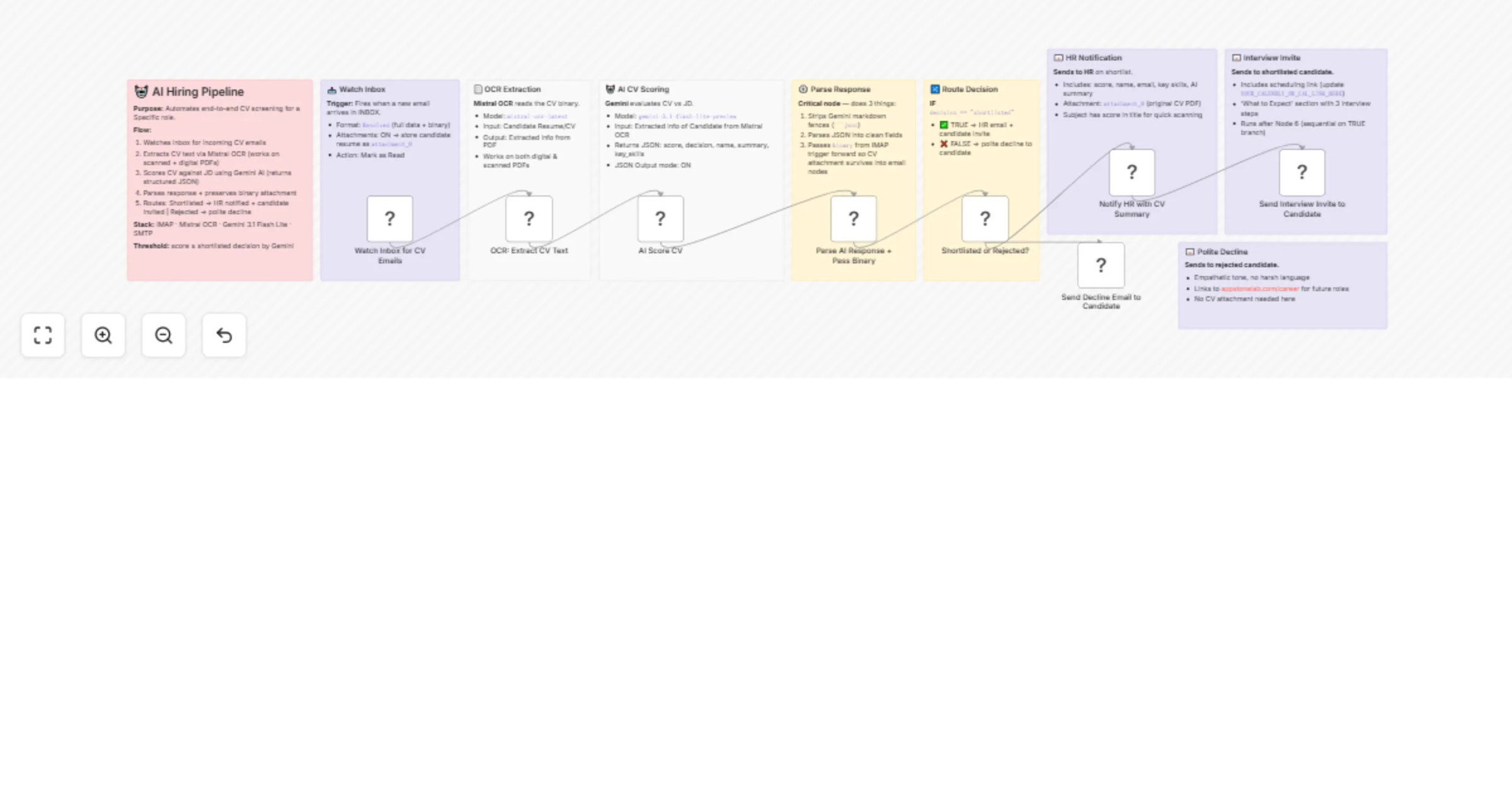
Workflow preview: Automated resume screening & interview scheduling with Gmail, GPT & Airtable
Free advanced

Automated resume screening & interview scheduling with Gmail, GPT & Airtable

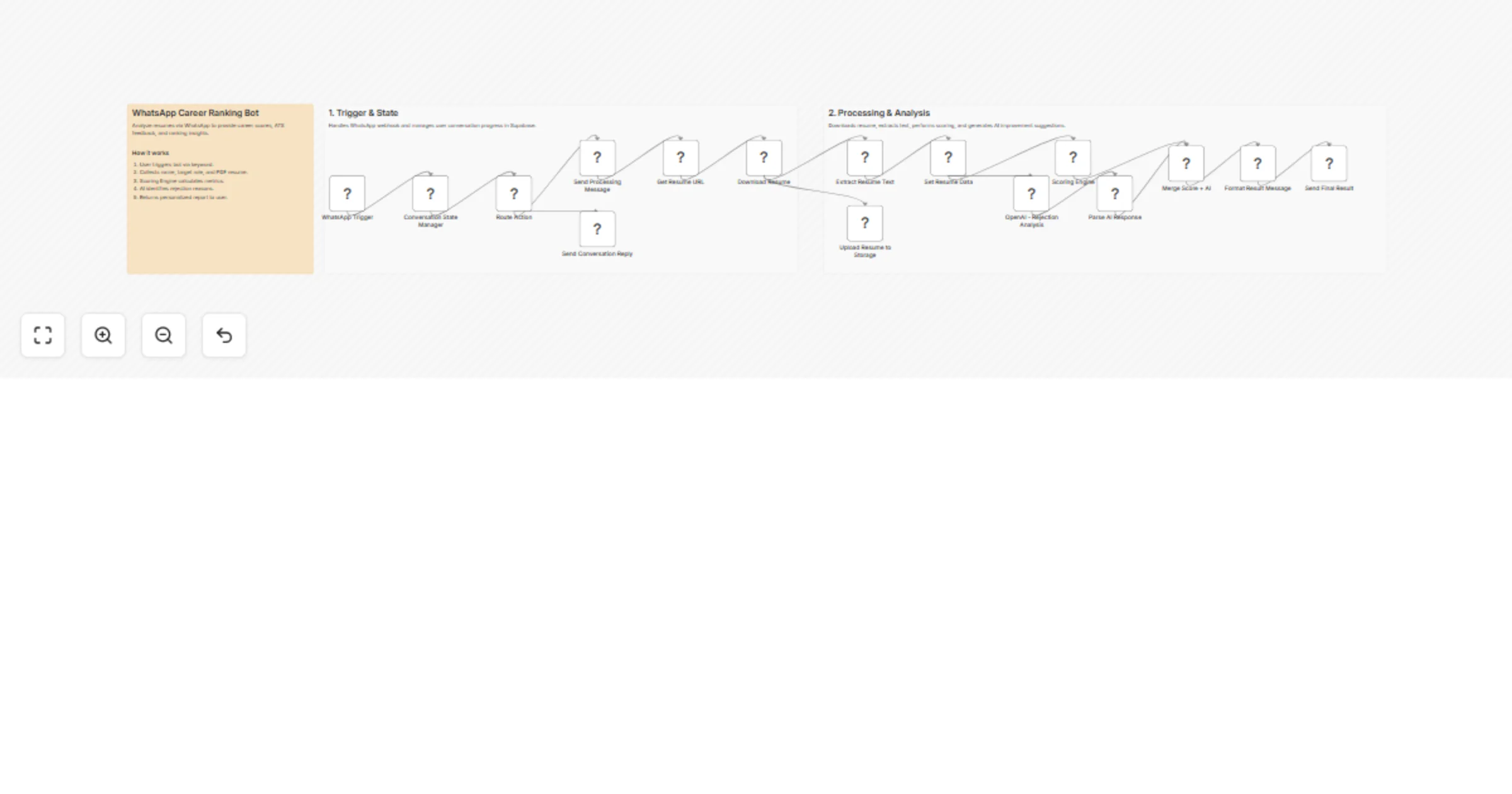
## How it works The workflow detects incoming job-application emails, extracts resumes, and parses them for AI analysis. It evaluates each candidate against three open roles and assigns a fit score with structured reasoning. Low-scoring applicants are stored for review, while strong candidates move into an automated scheduling flow. The system checks availability on the next business day, books the slot, sends a confirmation email, and records all details in Airtable. --- ## Step-by-step ### Detect and collect job-application data - **Gmail Trigger1** – Monitors inbox for all new emails. - **Message a model2** – Classifies whether the email is a job application. - **If2** – Continues only when the AI result is YES. - **Get a message1** – Fetches the full message and attachments. - **Upload file1** – Uploads the resume to Google Drive. - **Extract from File1** – Converts the PDF resume into text. ### Analyze the resume and evaluate fit - **Available Positions1** – Defines the three open roles. - **Message a model3** – Produces recommended role, fit score, strengths, gaps, skills, and reasoning. - **If3** – Routes candidates based on `fit_score ≥ 8`. - **Create a record3** – Stores lower-scoring applicants in Airtable. - **Get Next Business Day1** – Calculates the schedule window for qualified candidates. ### Check availability on the next business day - **AI Agent1** – Orchestrates availability search using calendar nodes. - **Get Events1** – Retrieves events for the target day. - **Check Availability1** – Evaluates free 1-hour slots. - **OpenAI Chat Model2** – Reasoning engine for the agent. - **Structured Output Parser1** – Returns clean JSON with `start_time` and `end_time`. - **OpenAI Chat Model3** – Supports structured parsing. ### Schedule the interview and notify the candidate - **Create an event1** – Books the interview in Google Calendar. - **Send a message1** – Sends an HTML confirmation email to the candidate. - **Create a record2** – Saves shortlisted candidate and interview data in Airtable. --- ## Why use this? - Removes manual screening by automating email intake and resume parsing. - Ensures consistent AI-based role matching and scoring. - Books interviews automatically using real calendar availability. - Keeps all applicant and scheduling data organized in Airtable. - Provides a fully hands-off, end-to-end hiring pipeline.

A
Avkash Kakdiya
HR
18 Dec 2025
54
0
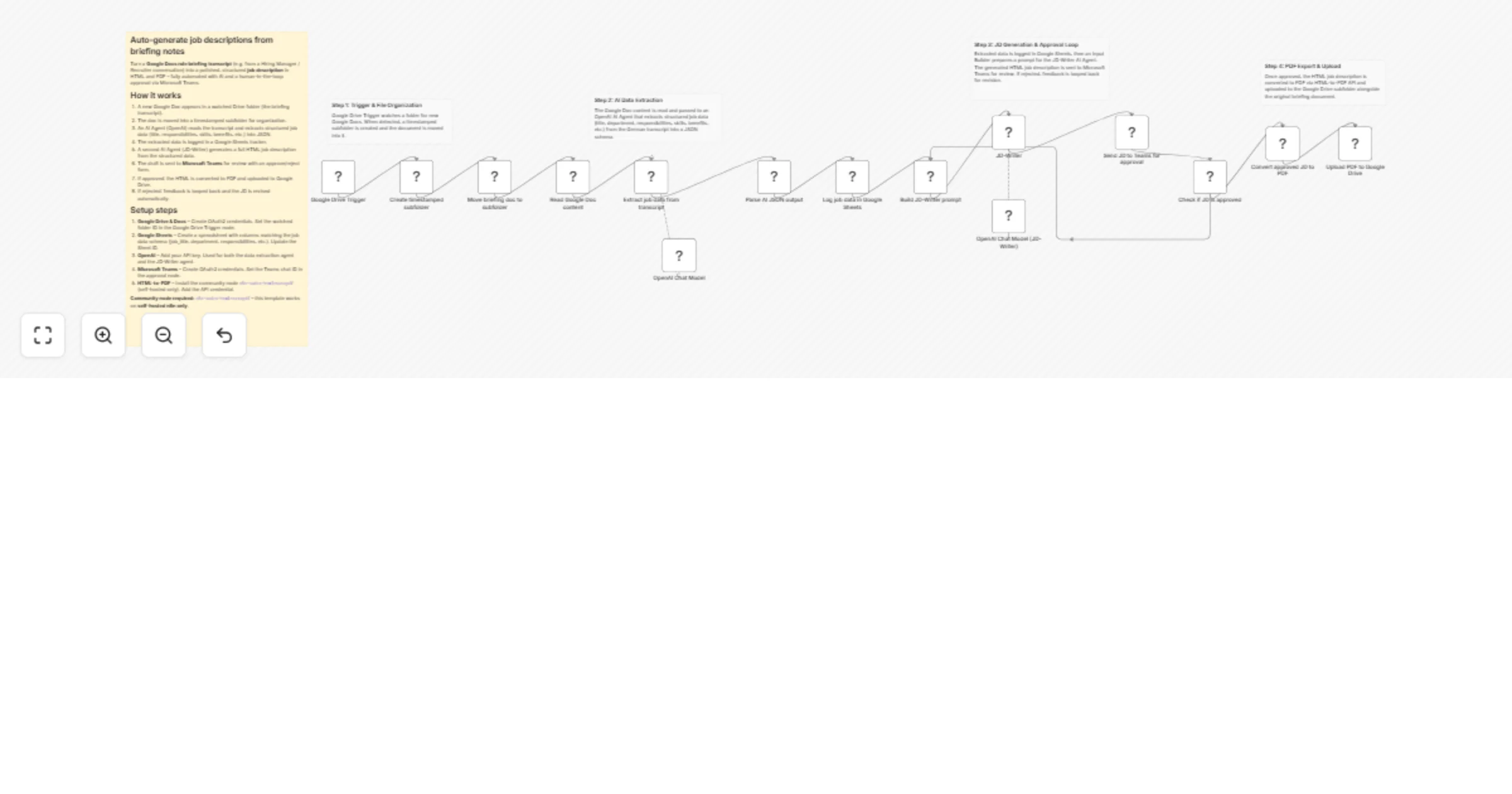
Workflow preview: Automated CV anonymization for GDPR compliance with GPT-4 and Stirling PDF
Free advanced

Automated CV anonymization for GDPR compliance with GPT-4 and Stirling PDF

## Overview Automatically anonymize CVs/resumes while preserving professional information. Perfect for recruitment agencies ensuring GDPR compliance and bias-free hiring. ## Features - Supports multiple file formats (PDF, DOCX, etc.) - Multi-language support (preserves original language) - Removes PII: names, emails, phones, addresses - Preserves: skills, experience, dates, achievements - Outputs professionally formatted PDF ## Requirements - OpenAI API key (GPT-4 recommended) - Stirling PDF service (self-hosted or cloud) - n8n version 1.0+ ## Setup Instructions 1. Configure OpenAI credentials 2. Set up Stirling PDF API endpoint 3. Update API key in HTTP Request nodes 4. Activate workflow 5. Test with sample CV ## Usage POST to webhook endpoint with CV file as `UploadCV` field. ## Use Cases - Recruitment agencies (GDPR compliance) - HR departments (bias-free screening) - Job boards (candidate privacy)

J
Jasurbek
HR
15 Dec 2025
96
0
Workflow preview: Automate job matching with Gemini AI, Decodo scraping & resume analysis to Telegram
Free advanced

Automate job matching with Gemini AI, Decodo scraping & resume analysis to Telegram

## AI Job Matcher with Decodo, Gemini AI & Resume Analysis [Sign up for Decodo — get better pricing here](https://visit.decodo.com/9L1XPE) ## Who’s it for This workflow is built for job seekers, recruiters, founders, automation builders, and data engineers who want to automate job discovery and intelligently match job listings against resumes using AI. It’s ideal for anyone building job boards, candidate matching systems, hiring pipelines, or personal job alert automations using n8n. ## What this workflow does This workflow automatically scrapes job listings from SimplyHired using **Decodo residential proxies**, extracts structured job data with a **Gemini AI agent**, downloads resumes from Google Drive, extracts and summarizes resume content, and surfaces the most relevant job opportunities. The workflow stores structured results in a database and sends real-time notifications via Telegram, creating a scalable and low-maintenance AI-powered job matching pipeline. ## How it works 1. A schedule trigger starts the workflow automatically 2. Decodo fetches job search result pages from SimplyHired 3. Job card HTML is extracted from the page 4. A Gemini AI agent converts raw HTML into structured job data 5. Resume PDFs are downloaded from Google Drive 6. Resume text is extracted from PDF files 7. A Gemini AI agent summarizes key resume highlights 8. Job and resume data are stored in a database 9. Matching job alerts are sent via Telegram ## How to set up 1. Add your **Decodo API credentials** 2. Add your **Google Gemini API key** 3. Connect **Google Drive** for resume access 4. Configure your **Telegram bot** 5. Set up your **database** (Google Sheets by default) 6. Update the job search URL with your keywords and location ## Requirements * Self-hosted n8n instance * Decodo account (community node) * Google Gemini API access * Google Drive access * Telegram Bot token * Google Sheets or another database > **Note:** This template uses a **community node (Decodo)** and is intended for **self-hosted n8n only**. ## How to customize the workflow * Replace SimplyHired with another job board or aggregator * Add job–resume matching or scoring logic * Extend the resume summary with custom fields * Swap Google Sheets for PostgreSQL, Supabase, or Airtable * Route notifications to Slack, Email, or Webhooks * Add pagination or multi-resume processing

R
Rully Saputra
HR
14 Dec 2025
43
0
Workflow preview: Generate verified job offer letters with OpenAI, Gmail and Slack
Free intermediate

Generate verified job offer letters with OpenAI, Gmail and Slack

# 📄 AI-Powered Verified Job Offer Letter Generator ## Description Creating job offer letters manually is time-consuming, error-prone, and difficult to scale. This AI-powered workflow automates the entire job offer letter process — from validating candidate emails to generating and delivering professional PDF offer letters. This intelligent workflow eliminates repetitive drafting, reduces human errors, and ensures offer letters are sent only to verified email addresses, helping HR teams move faster while maintaining professionalism and accuracy. --- ## What This Workflow Does Transforms manual offer letter creation into a seamless, automated HR process: 📝 **Capture Candidate & Job Details** – Receives candidate name, email, job role, salary, joining date, and company details via webhook or form. 📧 **Email Verification** – Validates the candidate’s email address before sending any communication to prevent delivery errors. 🧠 **AI-Powered Offer Letter Generation** – Uses AI to generate a clear, professional, and structured job offer letter. 📄 **HTML Offer Letter Formatting** – Converts the AI-generated content into a clean and readable HTML layout. 📑 **PDF Generation** – Automatically converts the offer letter into a professional PDF document. 📧 **Offer Letter Delivery** – Sends the PDF offer letter directly to the verified candidate email. 🗂️ **Document Storage** – Saves a copy of the offer letter for internal records and future reference. 🔁 **Confirmation Response** – Returns a success response confirming completion. --- ## Key Features 🤖 **AI Offer Letter Writing** – Generates professional, ready-to-send offer letters automatically. 📧 **Email Verification Built-In** – Ensures offer letters are only sent to valid email addresses. 📑 **PDF Generation** – Creates clean, official-looking offer letters. ⚙️ **End-to-End Automation** – No manual drafting, formatting, or sending required. 📂 **Centralized Record Keeping** – Keeps copies of all generated offer letters. 🔄 **Flexible Triggering** – Can be triggered from HR systems, forms, or internal tools. --- ## Perfect For 🏢 **HR & Recruitment Teams** – Automate offer letter creation and delivery. 🚀 **Startups & Growing Companies** – Send professional offer letters without extra admin work. 🏫 **Staffing & Hiring Agencies** – Generate offer letters quickly for multiple candidates. 💻 **Remote & Distributed Teams** – Ensure consistent communication across locations. 🧠 **Operations Teams** – Maintain accurate records and reduce manual errors. --- ## What You’ll Need ### Required Integrations 🌐 **Webhook Trigger** – Receives candidate and job details. 🤖 **OpenAI** – Generates offer letter content. 📧 **VerifyEmail** – Validates candidate email addresses. 📄 **HTMLCSS to PDF** – Converts HTML into PDF offer letters. 📧 **Gmail** – Sends the offer letter email. ☁️ **Google Drive** (optional) – Stores generated offer letters. --- ## Optional Enhancements 🎨 **Brand Customization** – Add company logo, colors, and formatting to offer letters. 🧾 **HR System Integration** – Connect with ATS or HR tools for automatic triggering. 🌍 **Multilingual Offer Letters** – Generate offer letters in different languages. 🔐 **Approval Step** – Add internal approval before sending offer letters. 📊 **Audit Logging** – Store offer letter data in Google Sheets or databases. 📎 **Additional Attachments** – Include policies or onboarding documents with the offer letter. --- ## Quick Start 1️⃣ Import the workflow template into your n8n workspace 2️⃣ Connect credentials for OpenAI, VerifyEmail, Gmail, and HTMLCSS to PDF 3️⃣ Send test candidate data to the webhook 4️⃣ Review the generated PDF offer letter 5️⃣ Activate the workflow and start sending offer letters automatically --- ## Customization Options 1️⃣ **Offer Letter Tone** – Adjust AI prompt for formal or friendly tone. 2️⃣ **Company Branding** – Customize HTML layout and styling. 3️⃣ **Email Content** – Modify subject line and email message. 4️⃣ **PDF Layout** – Adjust spacing, fonts, and structure. 5️⃣ **Storage Location** – Change where offer letters are saved. 6️⃣ **Validation Rules** – Extend email or input checks. --- ## Expected Results ⚡ **Faster Hiring Process** – Generate offer letters in minutes. 🤖 **Consistent Quality** – Every offer letter follows a professional format. 📧 **Error-Free Delivery** – Verified emails reduce failed communication. 🗂️ **Organized Records** – All offer letters stored automatically. 🏢 **Professional Candidate Experience** – Clean, official documents every time. --- ## Workflow Structure Visualization 📝 Candidate & Job Details ↓ 📧 Email Verification ↓ 🧠 AI Offer Letter Generation ↓ 📄 HTML Formatting ↓ 📑 PDF Conversion ↓ 📧 Email Delivery ↓ 🔁 Confirmation Response --- ### 🚀 Ready to Automate Job Offer Letters? Import this template today and let AI handle offer letter creation, verification, and delivery — so your team can focus on hiring the right talent faster. ✨ ---

J
Jitesh Dugar
HR
12 Dec 2025
3
0
Workflow preview: Automate HR celebrations with Google Gemini, Sheets & Chat for team milestones
Free advanced

Automate HR celebrations with Google Gemini, Sheets & Chat for team milestones

## Description This workflow acts as your automated HR assistant, scanning for employee milestones and posting AI-generated celebration messages to Google Chat. ### How it works * **Daily Scan:** Checks your Google Sheet every morning to identify birthdays and work anniversaries. * **AI Drafting:** Uses **Google Gemini** to write unique, warm messages for each employee, ensuring wishes never sound robotic or repetitive. * **Delivery:** Automatically posts the message to your team's **Google Chat** space and logs the activity. ### Set up steps 1. **Connect Accounts:** Set up credentials for **Google Sheets** and **Google PaLM/Gemini**. 2. **Configure Settings:** Open the `SET-BIRTHDAY` and `SET - ANNIVERSARY` nodes to enter your **Agency Name** and **Google Chat API** details (Space ID, Key, Token). 3. **Prepare Data:** Ensure your Google Sheet contains columns for employee names, dates of birth, and joining dates.

D
Dhruv Mali
HR
11 Dec 2025
67
0
Workflow preview: Batch resume analysis with Google Gemini AI and Google Sheets
Free intermediate

Batch resume analysis with Google Gemini AI and Google Sheets

### How it works You have several resumes you need to review manually? well this workflows allows you to upload upto 20 bunches pdf at once. AI does the heavy lifting, saving time, reducing repetive tasks and achieving high accuracy. The job description and qualificattion goes under the agent System message. ### Setup steps. It will take you roughly 20minutes to finish setting up this workflow. **n8n Form** Allow multiple file submission **JavaScript Code** allow mapping of each file individually **System message** adjust the system message to fit the job description and qualification. **Google Sheet** [make a copy](https://docs.google.com/spreadsheets/d/1XbMRGqX6N2xP92ZF73LFd09f-PVmGefaAlwOwR980Jk/edit?gid=0#gid=0)

S
Shadrack
HR
11 Dec 2025
186
0
Workflow preview: Automated employee attendance & salary deduction with Google Sheets and GPT-4
Free advanced

Automated employee attendance & salary deduction with Google Sheets and GPT-4

## Overview This workflow is designed for HR teams and payroll department to automate the monthly process of calculating employee attendance, salary deductionsm and personalized email notification. It seamlessly integrates Google Sheets, internal attendance data and GPT-4 (via AI Agent) to generate complete monthly payroll reports with professional summaries for each employees. ## Prerequisites Before using this workflow, ensure you have: - A Google Sheet with the monthly attendance logs - A secong Google Sheet containing salary, employee names and email addresses. - Gmail or SMTP credentials for sending email - OpenAI API key (for summarization) - Crendentials for Google Sheet and Gmail Integration ## Google Sheet Structure #### 1. Attendance Sheet (Daily Log) ``` EmpId Name Date InTime OutTime HoursWorked Status ``` #### 2. Ouput Sheet (Generated by Workflow) ``` EmpId Name OriginalSalary TotalMissingHours TotalAbsentDays Deduction FinalSalary EmpEmail ``` ## How It Works #### 1. Retrieve Attendance & Employee Master Data The workflow fetches all employee attendace logs and thier corresponding salary, name and email details from Google Sheets. #### 2. Calculate Work Hours & Absences The workflow computes total worked hours per day, missing hours and identifies absent days, It then calculates the total missing hours and absences for the entire month. #### 3. Salary Deduction Calculation Each employee's hourly and daily rate is determined from thier salary, and deductions are calculated based on missing hours and absences. #### 4. Prepare Final Dataset A structured JSON dataset is generated combining attendace summary, deductions and final salary amounts. #### 5. Generate AI Summary Report (GPT-4) Using AI Agent GPT-4 creates a professional, HR-friendly summary paragraph for each employee's email report. #### 6. Send Salary Deduction Report Email Each employee receives a personalized email with thier final salary summary and monthly attendance report. #### 7. Log Email Status Email delivery details and summary text are stored in new Google Sheet for audit and HR tracking. ## User Cases - Monthly attendance and payroll automation - Automated HR communication - Salary deduction reporting - Attendace compliance monitoring - Reducing manual calculation errors

M
Mohamed Abubakkar
HR
9 Dec 2025
210
0
Workflow preview: Automate personalized HR email outreach using Gmail, Google Sheets with rate limiting
Free advanced

Automate personalized HR email outreach using Gmail, Google Sheets with rate limiting

## Automate Personalized HR Email Outreach with Rate Limiting This workflow streamlines HR outreach by fetching contact data, validating emails, enforcing daily sending limits, and sending personalized emails with attachments, all while logging activity. ### How it works 1. Read HR contact data from Google Sheets. 2. Remove duplicates and validate email formats. 3. Apply dynamic daily email sending limits. 4. Generate personalized email content. 5. Download resumes for attachments. 6. Send emails via Gmail with attachments. 7. Log sending status (success/failure) to Google Sheets. ### Setup 1. Configure Google Sheets credentials. 2. Configure Gmail OAuth2 credentials. 3. Update 'Google Sheets - Read HR Data' with your document and sheet IDs. 4. Define email content in 'Email Creator' node. 5. Set 'Download Resume' URL to your resume repository. 6. Update 'Log to Google Sheets' with your tracking sheet IDs. ### Customization Adjust the 'Rate Limiter' node's RAMP_START and LIMIT_BY_WEEK variables to match your desired sending schedule and volume.

P
Panth1823
HR
28 Nov 2025
65
0
Workflow preview: Weekly job discovery and CV matching with Gemini 1.5 Pro and Decodo Scraper
Free advanced

Weekly job discovery and CV matching with Gemini 1.5 Pro and Decodo Scraper

# Header 1Smart Weekly Job Discovery Powered by Decodo This workflow automates the entire search process: every week, it uses **Decodo’s reliable scraping engine** to scan the web for fresh opportunities in your region and industry — no manual searching, no endless scrolling. Decodo handles the heavy lifting behind the scenes: it gathers search results, opens each job link, and extracts clean, readable text from pages that are normally full of scripts and formatting noise. The workflow always receives structured, usable information ready for AI analysis. ## Intelligent Matching — Not Just Scraping Once the jobs are collected, the system analyzes the candidate’s CV and compares it to each posting. It evaluates: - Skill alignment - Experience relevance - Domain match - Seniority level Then it generates a Match Percentage for each role, filtering out weak options and keeping only meaningful opportunities. ## A Weekly Report That Feels Human Every week, the workflow sends a polished report straight to your inbox: - A quick overview of the candidate’s strengths - Best-fit roles sorted by match score - Clear reasons why each job fits - Posted dates and direct links - Insights on skills and market trends It reads like a personalized career briefing — generated automatically. ## How to Configure It ### Decodo Setup Add your Decodo API credentials to n8n. The Google Search + Scraper nodes rely on Decodo’s Web Scraping API. Make sure your plan supports scraping LinkedIn/Indeed pages. ### AI Setup Add your Google Gemini API key. The workflow uses two Gemini models: one for summarizing, one for job-matching. You can switch to OpenAI or Claude if you prefer. ### CV Input Add your CV text into the workflow (or connect Google Drive/Sheets for auto-loading). The Job Matcher Agent will use this text to compute match percentages. ### Email Setup Add your Gmail credentials and choose where the final report should be sent. ## Flexible and Easy to Customize - Change the search region. - Target different industries. - Store all job data in Notion or Google Sheets. With **Decodo’s** scraping pipeline at the core, the whole process stays consistent, fast, and dependable. If you need any help [Get in Touch](https://www.linkedin.com/in/abdallaelshikh0/)

A
Abdullah Alshiekh
HR
22 Nov 2025
80
0