L

Luis Acosta

4
Workflows

Workflows by Luis Acosta

Workflow preview: Create curated newsletters from Reddit discussions with GPT-4o Mini and Gmail
Free advanced

Create curated newsletters from Reddit discussions with GPT-4o Mini and Gmail

## 📰 Reddit to Newsletter (Automated Curation with Open AI 4o Mini ) Turn the best posts from a subreddit into a **ready-to-send HTML newsletter** — no copy-pasting, no wasted time. This workflow **fetches new posts**, filters by **topic of interest**, **analyzes comments**, **summarizes insights**, and composes a **clean HTML email** delivered straight to your inbox with Gmail. --- ### 💡 What this workflow does - ✅ **Fetches posts** from your chosen subreddit (default: `r/microsaas`, sorted by “new”) - 🏆 **Selects the Top 10** by upvotes, comments, and recency - 🧭 **Defines a topic of interest** and runs a lightweight AI filter (`true/false`) without altering the original JSON - 💬 **Pulls and flattens comments** into a clean, structured list - 🧠 **Summarizes each post + comments** into *main_post_summary*, *comment_insights*, and *key_learnings* - ✍️ **Generates a newsletter in HTML** (not Markdown) with headline, outline, sections per post, quotes, and “by the numbers” - 📤 **Sends the HTML email via Gmail** with subject “Reddit Digest” (editable) --- ### 🛠 What you’ll need - 🔑 **Reddit OAuth2** connected in n8n - 🔑 **OpenAI API key** (e.g., `gpt-4o-mini`) for filtering and summarization - 🔑 **Gmail OAuth2** to deliver the newsletter - 🧵 A **target subreddit** and a clearly defined **topic of interest** --- ### 🧩 How it works (high-level) 1. **Manual Trigger** → **Get many posts** (from subreddit) 2. **Select Top 10** (Code node, ranking by ups + comments + date) 3. **Set topic of interest** → **AI filter** → **String to JSON** → **If topic of interest** 4. **Loop Over Items** for each valid post 5. **Fetch post comments** → **Clean comments (Code)** → **Merge comments** → **Merge with post** 6. **Summarize post + comments** (AI) → **Merge summaries** → **Create newsletter HTML** 7. **Send Gmail message** with the generated HTML --- ### ⚙️ Key fields to adjust - **Subreddit name** and “new” filter in *Get many posts* - **Ranking logic** inside *Top 10 Code node* - **Text inside Set topic of interest** - **Prompts** for *AI filter*, *Summarize*, and *Create newsletter* (tone & structure) - **Recipient & subject line** in *Send Gmail message* --- ### ✨ Use cases - **Weekly digest** of your niche community - **Podcast or newsletter prep** with community insights - **Monitoring specific themes** (e.g., “how to get first customers”) and delivering insights to a team or client --- ### 🧠 Tips & gotchas - ⏱️ **Reddit API limits**: tune batch size and rate if the subreddit is very active - 🧹 **Robust JSON parsing**: the *String to JSON* node handles clean, fenced, or escaped JSON; failures return `error` + `raw` for debugging - 📨 **Email client quirks**: test long newsletters; some clients clip lengthy HTML - 💸 **AI cost**: the two-step (summarization + HTML generation) improves quality but can be merged to reduce cost --- ## 🧭 Quick customization - Change `microsaas` to your target subreddit - Rewrite the **topic of interest** (e.g., “growth strategies”, “fundraising”, etc.) - Adapt the **newsletter outline** prompt for a different tone/format - Schedule with a **Cron node** for daily or weekly digests --- ### 📬 Contact & Feedback Need help tailoring this workflow to your stack? 📩 **[email protected]** 🐦 **@guanchehacker** If you’re building something more advanced with **curation + AI** (like turning the digest into a podcast or video), let’s connect — I may have the missing piece you need.

L
Luis Acosta
Multimodal AI
21 Aug 2025
359
0
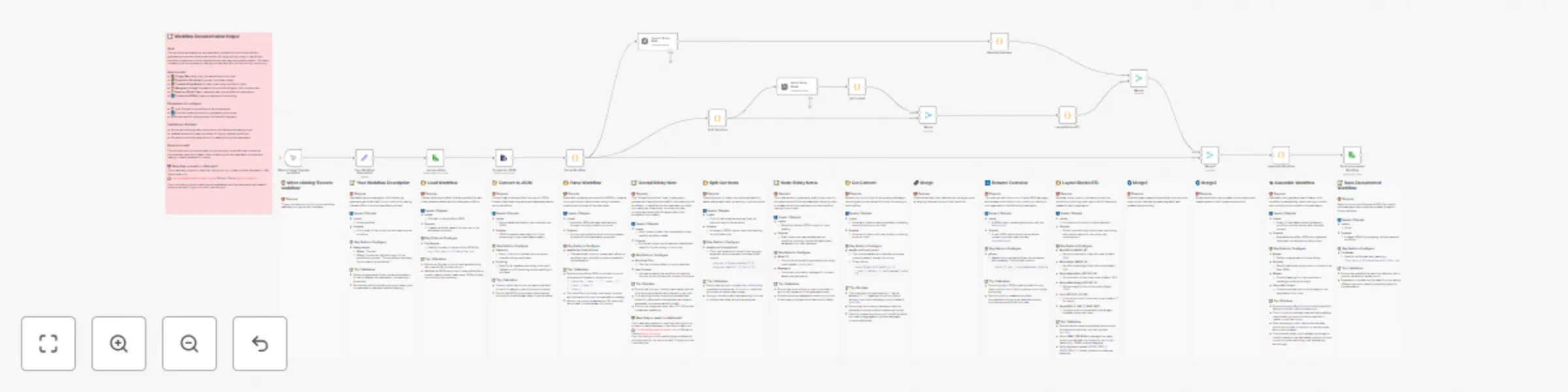
Workflow preview: 🤖📝 Auto-document workflows with GPT-4o-mini sticky notes
Free advanced

🤖📝 Auto-document workflows with GPT-4o-mini sticky notes

## 🤖📝 Auto-Document Workflows with GPT-4o-mini Sticky Notes Skip the tedious part of writing documentation and turn your n8n workflows into **clear, shareable blueprints** — fully automated. This workflow takes any workflow JSON, parses its nodes, generates structured sticky notes (both per-node and a general overview), and arranges them neatly on your canvas. No more messy layouts or missing documentation — everything is handled in one click. It’s perfect if you want to **publish to the n8n marketplace**, onboard teammates quickly, or just keep your own automations easy to understand months later. --- ## 💡 What this workflow does ✅ Loads your existing workflow from a JSON file 🔍 Parses and unwraps real nodes (ignoring old stickies) 🤖 Uses AI to create concise sticky notes for each node 📝 Adds a general overview sticky with goals, flow, parameters, and gotchas 📐 Arranges all nodes + stickies (node above, sticky below, right-to-left) 💾 Saves a new documented workflow JSON, ready to reuse or share --- ## ⚙️ Step-by-step setup 1. **Prepare your workflow file** - Export your n8n workflow JSON or point to an existing file path. 2. **Configure the “Load Workflow” node** - Update the file selector to your JSON path, e.g. `/workflows/myflow.json`. 3. **Add your OpenAI credentials** - In the *OpenAI API* nodes (`Node Sticky Notes` + `Overall Sticky Note`), insert your API key. 4. **Run the workflow** - Trigger manually with the `Execute Workflow` node. - The script will parse your nodes, generate stickies, and align them on the canvas. 5. **Save the result** - The “Save Documented Workflow” node writes a new file, e.g. `/workflows/myflow-with-sticky.json`. --- ## 🛠 Customization - **Sticky layout:** Adjust spacing, colors, and alignment in the `Layout Blocks RTL` node (tweak `GAP_X`, `GAP_Y`, or `STICKY_COLOR`). - **Word count & style:** Edit prompts inside the OpenAI nodes to make notes shorter, longer, or more technical. - **Overview focus:** Customize the `Your Workflow Description` node to pass context (e.g., project goals, intended audience). - **File outputs:** Save to a new path/version for version control of your documentation. --- ## ⚠️ Limitations / Gotchas - Maximum of ~50 nodes are summarized in the overview for brevity. - Old sticky notes are removed and replaced — you can’t preserve them unless you fork the workflow. - Complex nodes (large Code / AI prompts) may require manual edits for clarity. - Ensure n8n has read/write access to your workflow JSON paths. --- ## 🎯 Expected result After execution, you’ll get a **fully documented workflow JSON** where each node is paired with a clean sticky note, plus an overview note neatly placed on the canvas. You can open this new file in n8n, share it, or submit it directly to the marketplace. --- ## 📬 Contact & Feedback Need help customizing this? Have ideas for improvement? 📩 **[email protected]** 🐦 DM me on Twitter [@guanchehacker](https://x.com/GuancheHacker) If you’re working on advanced workflow documentation + AI, let’s talk — this template can be a foundation for more powerful tools.

L
Luis Acosta
AI Summarization
16 Aug 2025
839
0

Workflow preview: Upload podcast episodes to Spotify via RSS & Google Drive
Free advanced

Upload podcast episodes to Spotify via RSS & Google Drive

## 🎧 Upload Podcast Episodes to Spotify via RSS & Google Drive Skip the manual steps and publish your podcast episodes to Spotify in minutes — fully automated. This workflow takes your finished audio, uploads it to Google Drive, updates your podcast’s RSS feed in GitHub, and pushes it live on Spotify and other platforms linked to that feed. No more copy-pasting links or manually editing XML files — everything happens in one click. It’s perfect for podcasters who already have an RSS feed connected to Spotify for Podcasters and want a repeatable, hands-free publishing process. --- 💡 **What this workflow does** ✅ Reads your finished MP3 from a local path or previous automation step ☁️ Uploads the audio to Google Drive and creates a public share link 📄 Fetches your existing `rss.xml` file from GitHub ➕ Appends a new `<item>` entry with title, description, publication date, and MP3 link 🔄 Commits the updated RSS file back to GitHub, triggering updates on Spotify 🎯 Ensures your episode appears on Spotify once your RSS is already linked in Spotify for Podcasters --- 🛠 **What you’ll need** - A **Google Drive account** with OAuth credentials and a target folder ID - A **GitHub repository** containing your `rss.xml` file - An **RSS feed connected to Spotify for Podcasters** (set this up once before running the workflow) - An MP3 file that meets Spotify’s audio format requirements --- ✨ **Use cases** - Automate weekly or daily podcast publishing to Spotify - Push your AI-generated podcast episodes live without manual editing - Maintain a single source of truth for your feed in GitHub while streaming across multiple platforms --- 📬 **Contact & Feedback** Need help customizing this? Have ideas for improvement? 📩 **[email protected]** Or DM me on Twitter [@guanchehacker](https://x.com/guanchehacker) If you’re building something more advanced with audio + AI, like fully automated podcast creation and publishing, let’s talk — I might have the missing piece you need.

L
Luis Acosta
Content Creation
13 Aug 2025
722
0
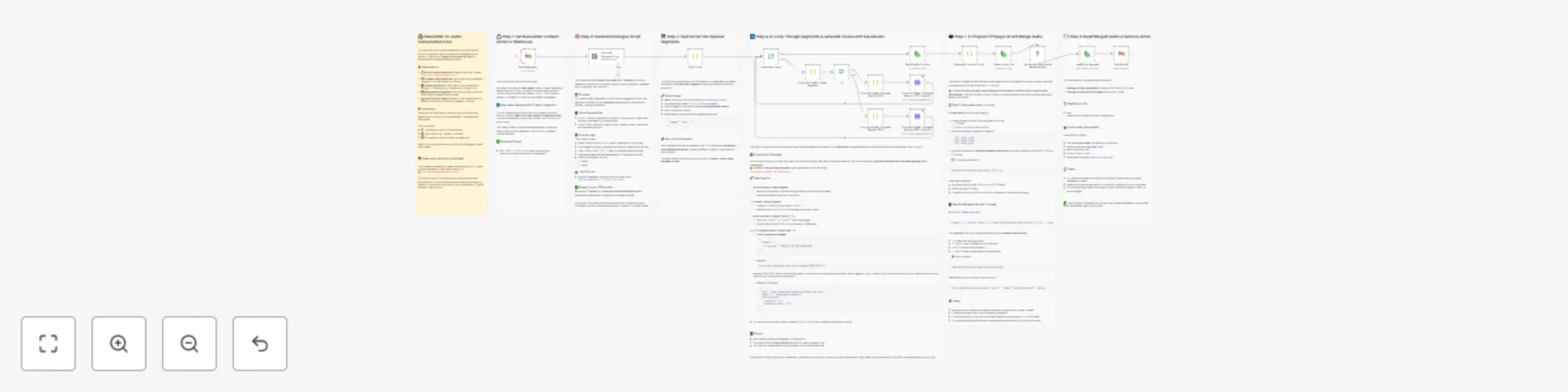
Workflow preview: Convert newsletters into AI podcasts with GPT-4o Mini and ElevenLabs
Free advanced

Convert newsletters into AI podcasts with GPT-4o Mini and ElevenLabs

# 🎧 Convert Unread Newsletters into Conversational AI Podcasts **Turn email overload into audio insights — automatically.** This workflow transforms unread newsletters sitting in your inbox into engaging, human-like audio conversations between two AI voices. It’s perfect for listening during your commute, workout, or while multitasking. Inspired by Google's NotebookLM, this automation brings long-form content to life by summarizing dense text into a natural dialogue using OpenAI and generating high-quality voice narration with ElevenLabs. The result? A dynamic audio file sent right back to your inbox — hands-free, screen-free, and stress-free. --- ## 💡 What this workflow does - ✅ Connects to your Gmail inbox to fetch unread newsletters - 🤖 Uses GPT-4o Mini to summarize and rephrase content as a conversation - 🗣️ Sends the dialogue to ElevenLabs to generate voice clips (`voice1` + `voice2`) - 🔁 Merges all audio segments into a single podcast-like MP3 using FFmpeg - 📬 Emails the final audio back to you for easy listening --- ## 🛠️ What you'll need - A Gmail account with IMAP enabled - An OpenAI API key (GPT-4o Mini recommended for cost/performance) - An ElevenLabs API key + selected voice IDs - A **self-hosted or local n8n instance with FFmpeg installed** - Basic knowledge of binary data and audio handling in n8n --- ## ✨ Use cases - Convert long newsletters into hands-free listening experiences - Repurpose Substack or Beehiiv content for podcast-like distribution - Build an internal voice dashboard for teams who prefer audio updates --- ## 🙌 Want to go further? This workflow is modular and extensible. You can add steps to: - Upload the final audio to Spotify, SoundCloud, or Telegram - Publish to a private podcast RSS feed - Create a daily audio digest from multiple newsletters --- ### 📬 Contact & Feedback Need help customizing it? Have ideas or feedback? Feel free to reach out: 📩 **[email protected]** If you're building something more advanced with audio + AI, like automated podcast publishing to Spotify — let me know and I’ll figure out how I can help you!

L
Luis Acosta
Content Creation
27 Jul 2025
1635
0