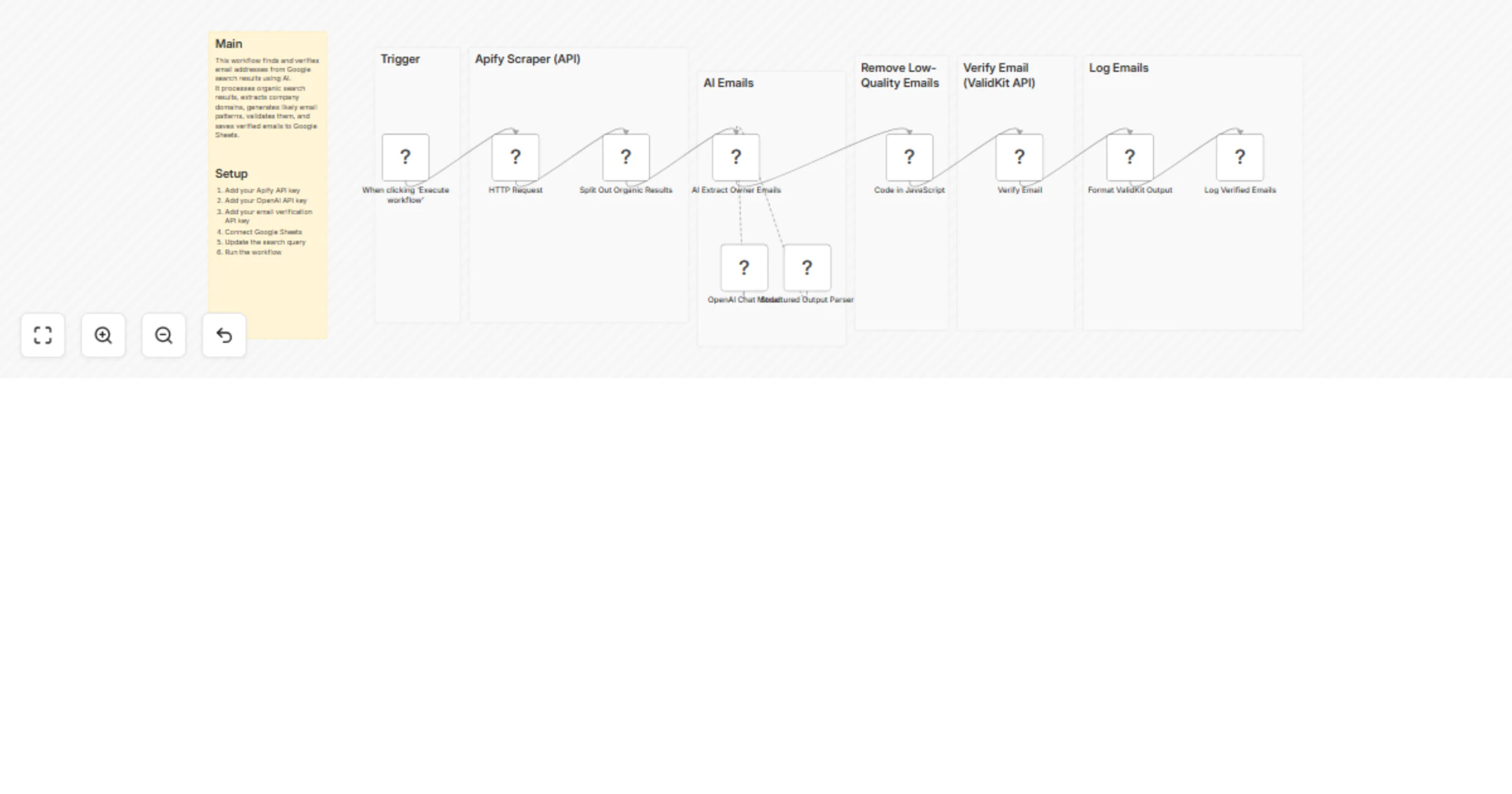
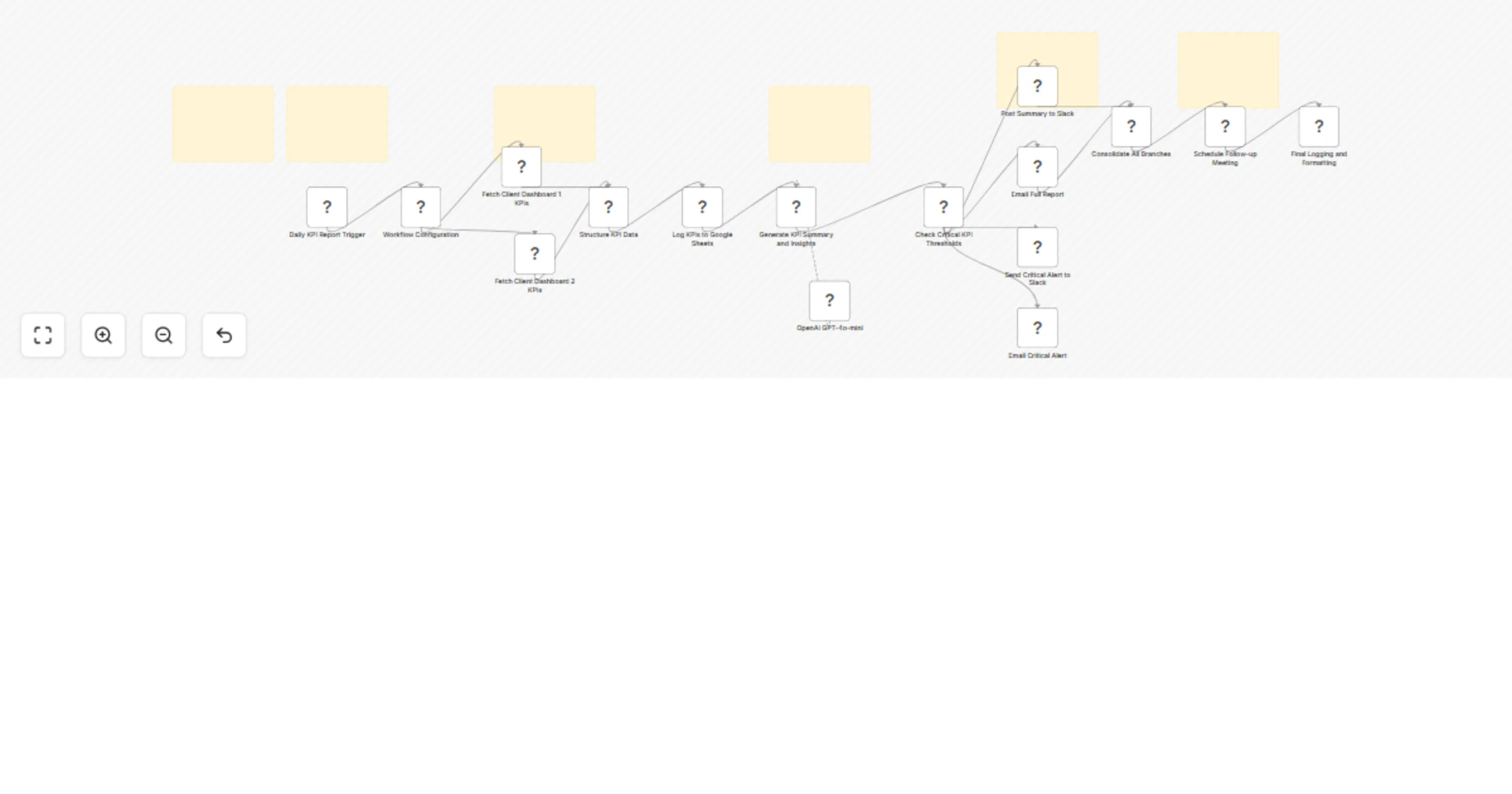
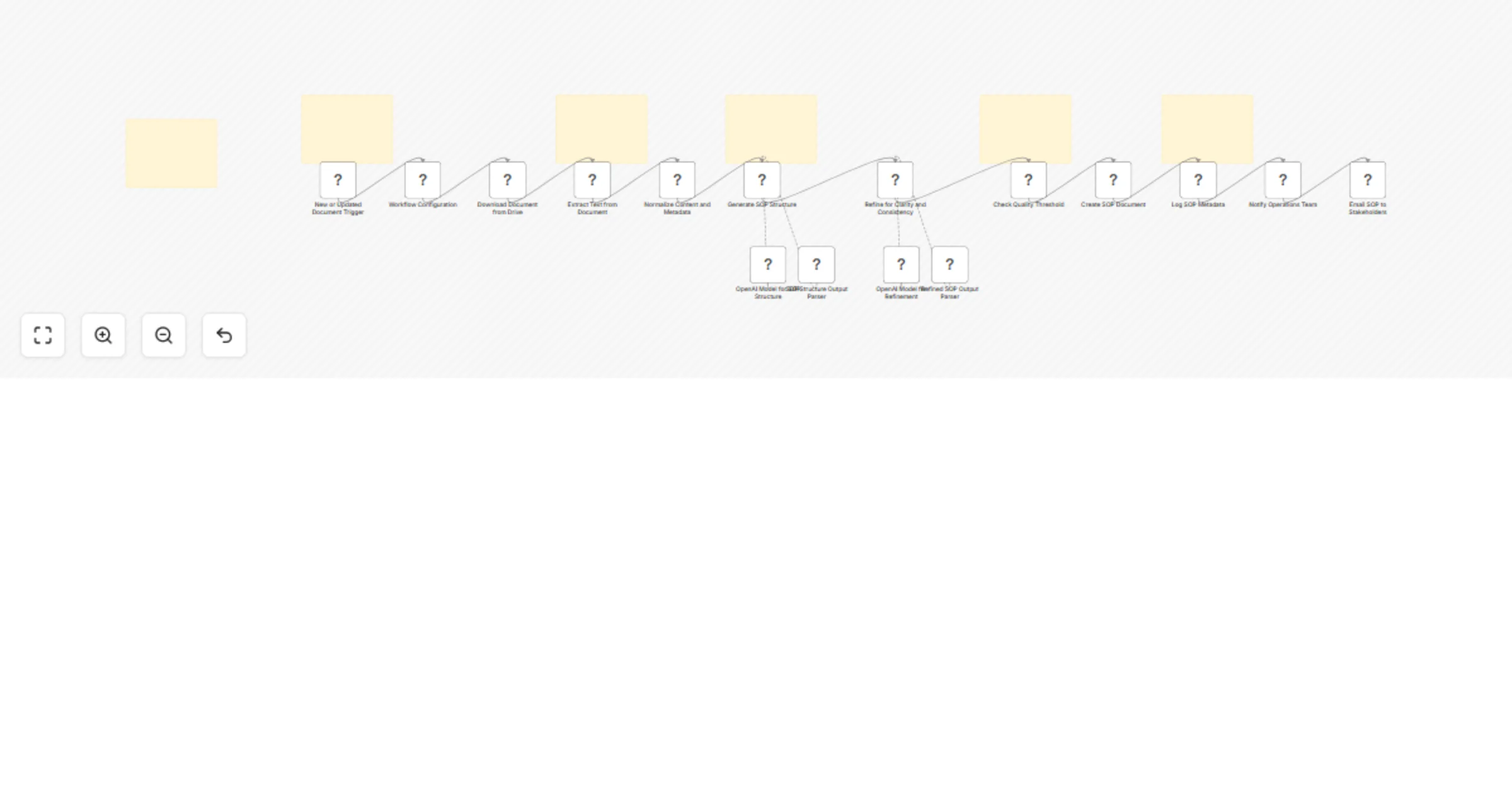
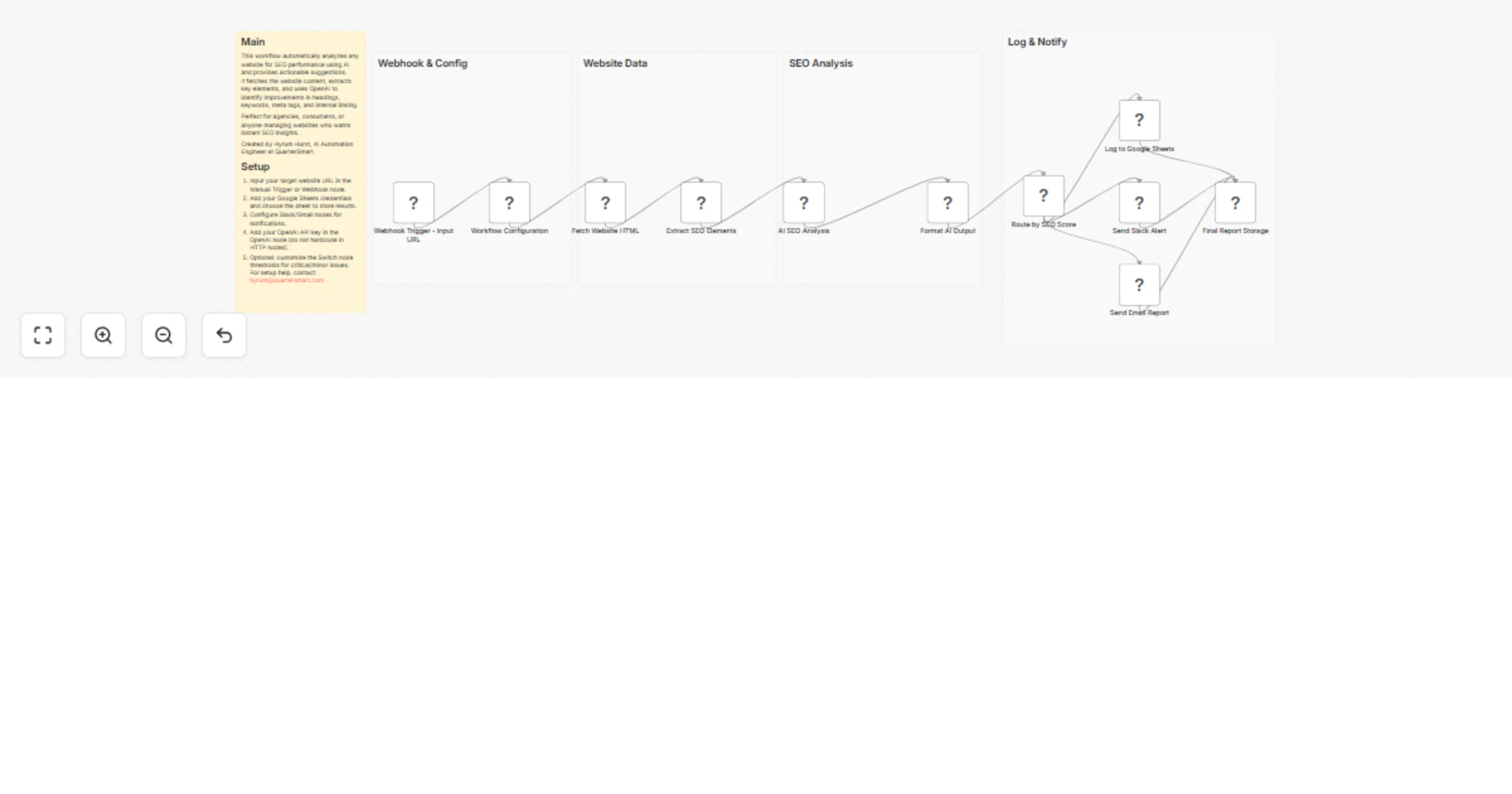
Hyrum Hurst
Workflows by Hyrum Hurst
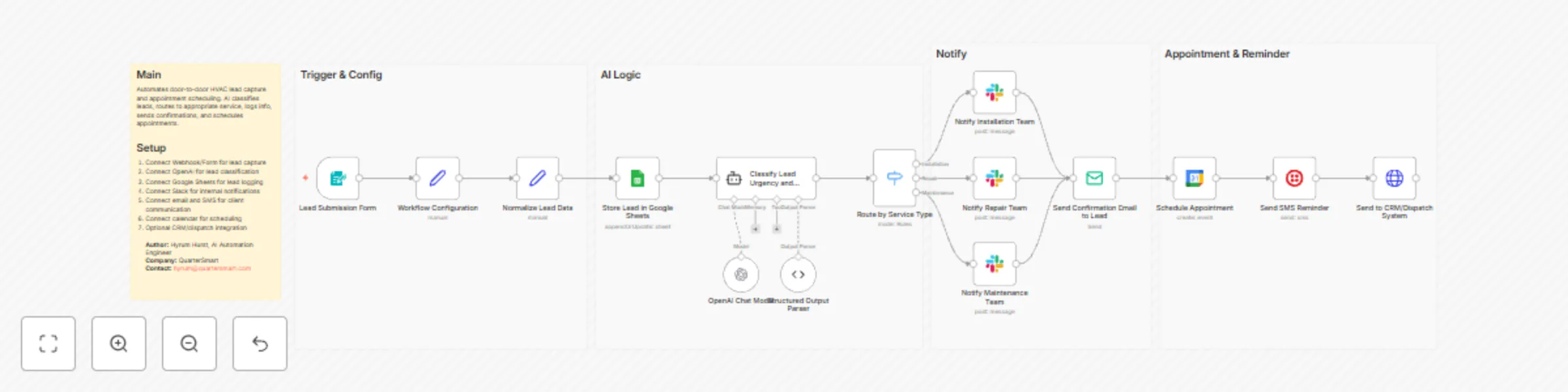
Capture and schedule HVAC leads with OpenAI, Google Sheets, Slack and SMS
## Who this workflow is for Door-to-door HVAC companies seeking automated lead capture and appointment scheduling. ## What this workflow does AI classifies incoming leads, routes them by service type, logs lead info in Google Sheets, notifies team via Slack, sends confirmations, schedules appointments, and optionally sends SMS reminders. ## How the workflow works 1. Lead submission triggers workflow 2. AI classifies lead 3. Route lead based on service type 4. Log in Google Sheets 5. Notify team via Slack 6. Send confirmation email 7. Schedule appointment in calendar 8. Send SMS reminder (optional) 9. Optional CRM/dispatch integration **Author:** Hyrum Hurst, AI Automation Engineer **Company:** QuarterSmart **Contact:** [email protected]
Send Stripe invoice reminders with GPT-4.1-mini, Google Sheets and Slack
## Who this workflow is for Accounting and bookkeeping firms needing automated invoice creation and payment reminders. ## What this workflow does AI generates personalized emails for overdue invoices, logs invoice info in Google Sheets, notifies accountants via Slack, creates PDF invoices, and schedules follow-ups. ## How the workflow works 1. Invoice creation triggers workflow 2. AI drafts personalized email 3. Routes based on payment status 4. Logs invoice info in Google Sheets 5. Sends Slack notifications to accountant 6. Sends email to client 7. Generates PDF invoice 8. Schedules follow-up events 9. Optional CRM/accounting tool integration **Author:** Hyrum Hurst, AI Automation Engineer **Company:** QuarterSmart **Contact:** [email protected]
Analyze legal contracts with GPT-4.1 and manage cases in Google Sheets and Slack
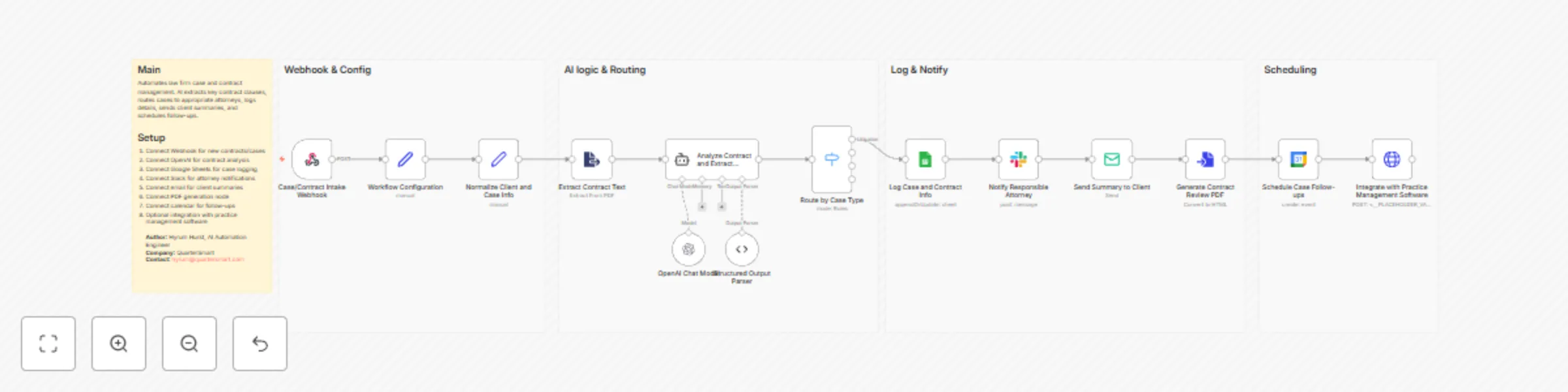
## Who this workflow is for Law firms in corporate, litigation, or family law needing streamlined case and contract management. ## What this workflow does Automatically analyzes contracts using AI, extracts key clauses, logs cases in Google Sheets, routes cases to attorneys, sends client summaries, generates PDFs, and schedules follow-ups. ## How the workflow works 1. Webhook triggers on new case or contract 2. AI analyzes contract 3. Case routed by type 4. Logs case info in Google Sheets 5. Notifies attorney via Slack 6. Sends client email summary 7. Generates PDF report 8. Schedules follow-up events 9. Optional integration with practice management software **Author:** Hyrum Hurst, AI Automation Engineer **Company:** QuarterSmart **Contact:** [email protected]
Create consulting client onboarding tasks with GPT-4o-mini, Google Sheets and Slack
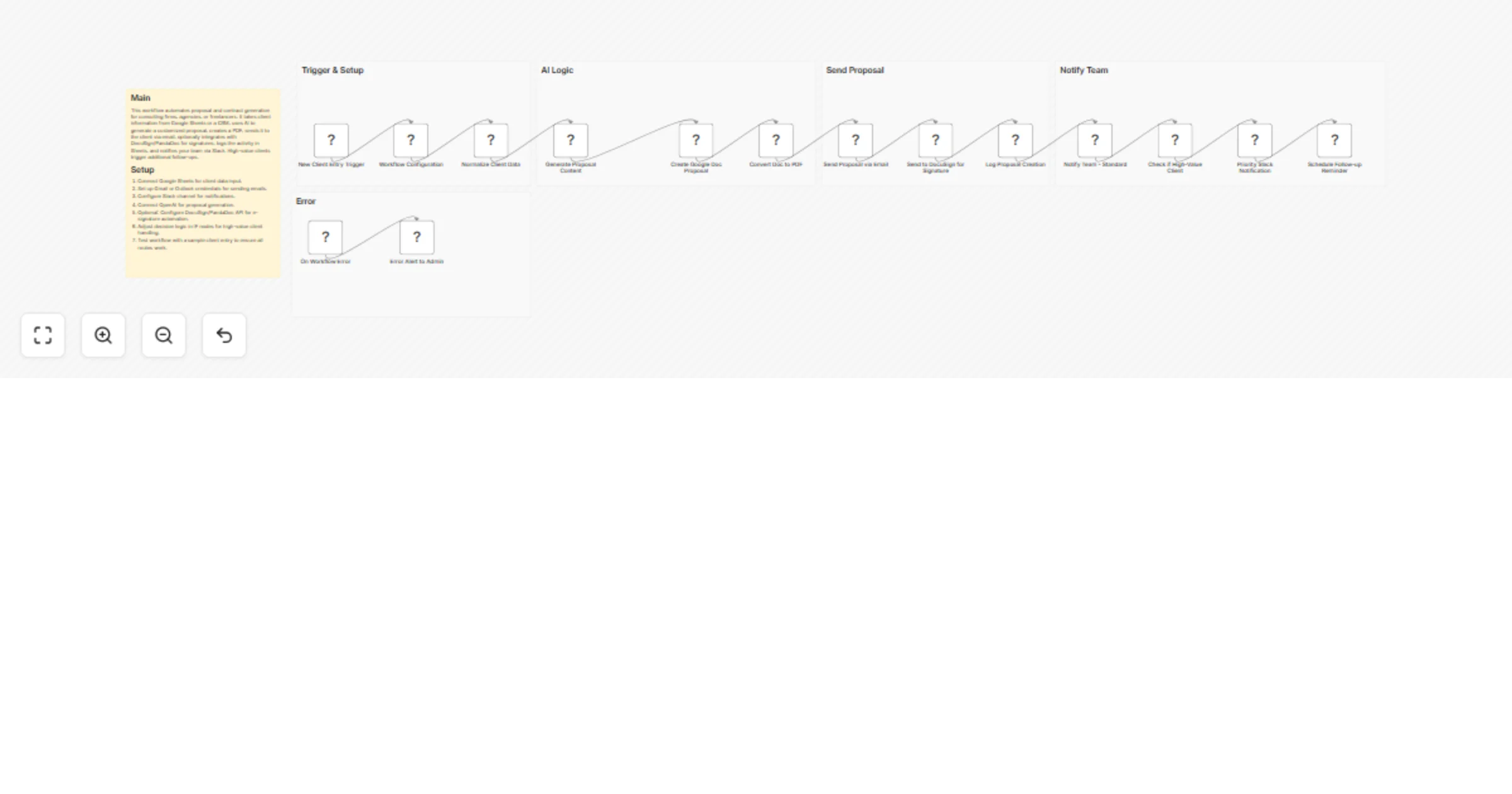
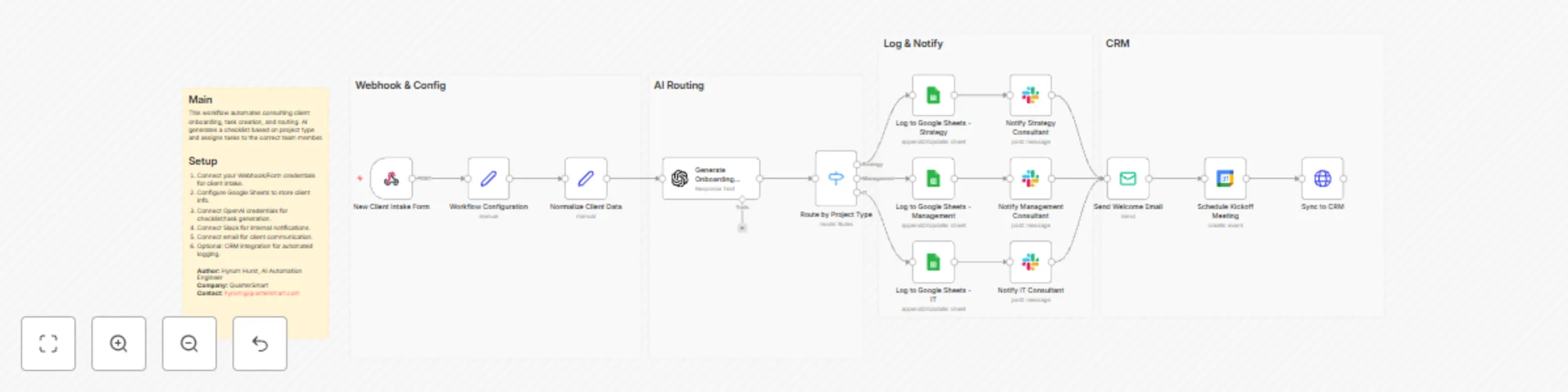
## Who this workflow is for Consulting firms in strategy, management, or IT who want to automate client onboarding and internal task assignment. ## What this workflow does Automatically creates onboarding tasks and checklists using AI, routes them to the right consultant, logs client info in Google Sheets, and sends client welcome emails. Internal teams get Slack notifications, and kickoff meetings can be scheduled automatically. ## How the workflow works 1. New client intake triggers workflow 2. AI generates onboarding checklist 3. Tasks routed based on project type 4. Client info logged in Google Sheets 5. Slack notifications sent to consultants 6. Optional PDF of onboarding sent to client 7. Email confirmation delivered to client 8. Optional CRM integration ## Setup Instructions - Connect Webhook/Form for intake - Connect Google Sheets - Connect OpenAI - Connect Slack and email - Configure optional CRM integration **Author:** Hyrum Hurst, AI Automation Engineer **Company:** QuarterSmart **Contact:** [email protected]
Automate property inspections and reporting with OpenAI, Google Sheets and Slack
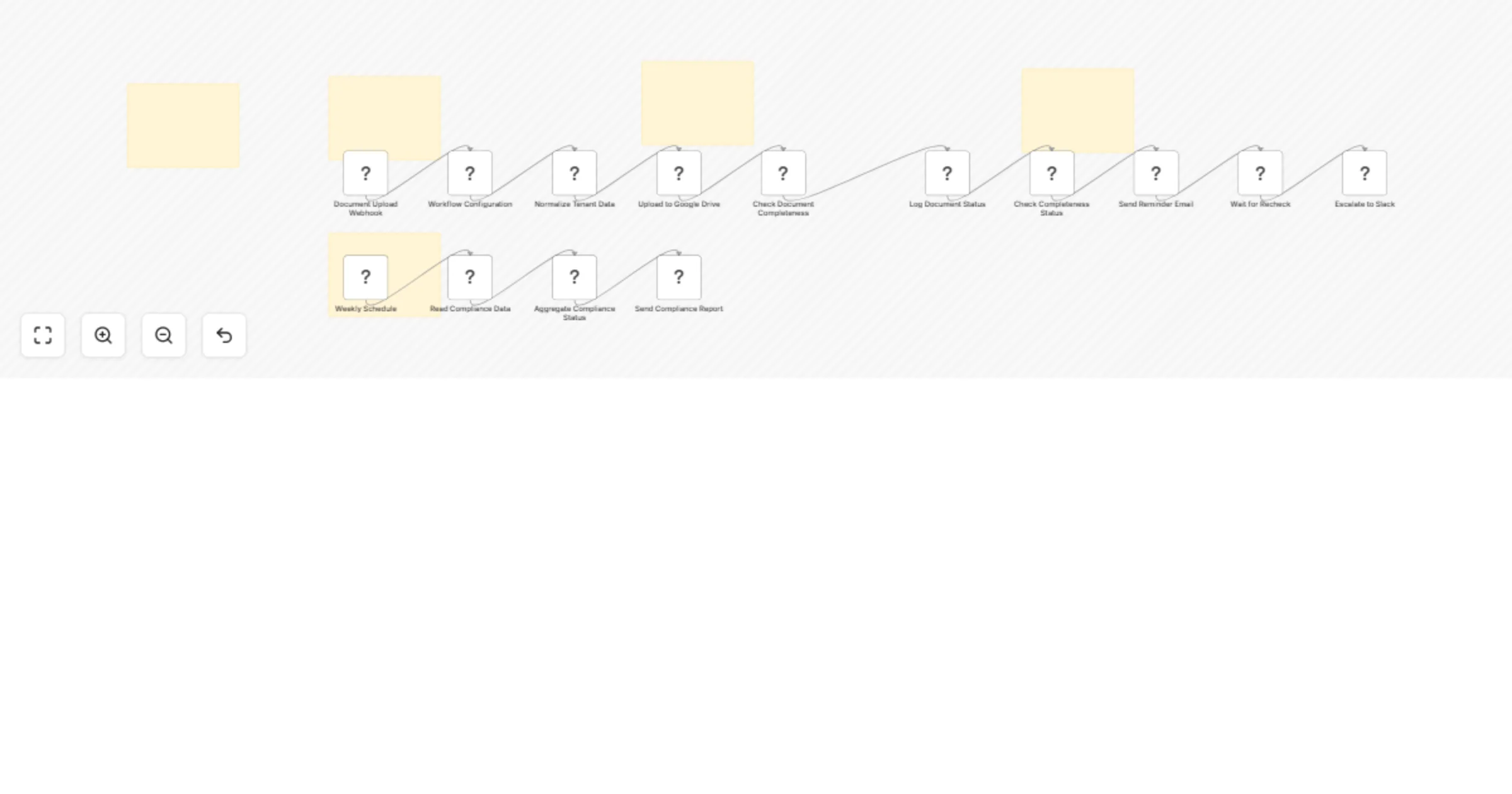
## Who’s it for Property management companies, building managers, and inspection teams who want to automate recurring property inspections, improve issue tracking, and streamline reporting. ## How it works / What it does This n8n workflow schedules periodic property inspections using a Cron trigger. AI generates customized inspection checklists for each property, which are sent to assigned inspectors. Inspectors submit photos and notes via a connected form or mobile app. AI analyzes these submissions to flag issues based on priority (high, medium, low). High-priority issues are routed to managers via Slack/email, while routine notes are logged for reporting. The workflow also generates weekly or monthly summary reports and can optionally notify tenants of resolved issues. ## How to set up - Configure the Cron trigger with your desired inspection frequency. - Connect Google Sheets or your CRM to fetch property and tenant data. - Set up OpenAI node with your API key and checklist generation prompts. - Configure email/SMS notifications for inspectors. - Connect a form or mobile app via Webhook to collect inspection data. - Set up Slack/email notifications for managers. - Log all inspection results, photos, and flagged issues into Google Sheets. - Configure summary report email recipients. ## Requirements - n8n account with Google Sheets, Email, Slack, Webhook, and OpenAI nodes. - Property and tenant data stored in Google Sheets or CRM. - OpenAI API credentials for AI checklist generation and note analysis. ## How to customize the workflow - Adjust Cron frequency to match inspection schedule. - Customize AI prompts for property-specific checklist items. - Add or remove branches for issue severity (high/medium/low). - Include additional notification channels if needed (Teams, SMS, etc.). ## Workflow Use Case Automates property inspections for property management teams, ensuring no inspections are missed, AI-generated checklists standardize the process, and potential issues are flagged and routed efficiently. Saves time, improves compliance, and increases tenant satisfaction. **Created by QuarterSmart | Hyrum Hurst**
Send package and visitor alerts with Slack, SMS, email, Google Sheets and Claude
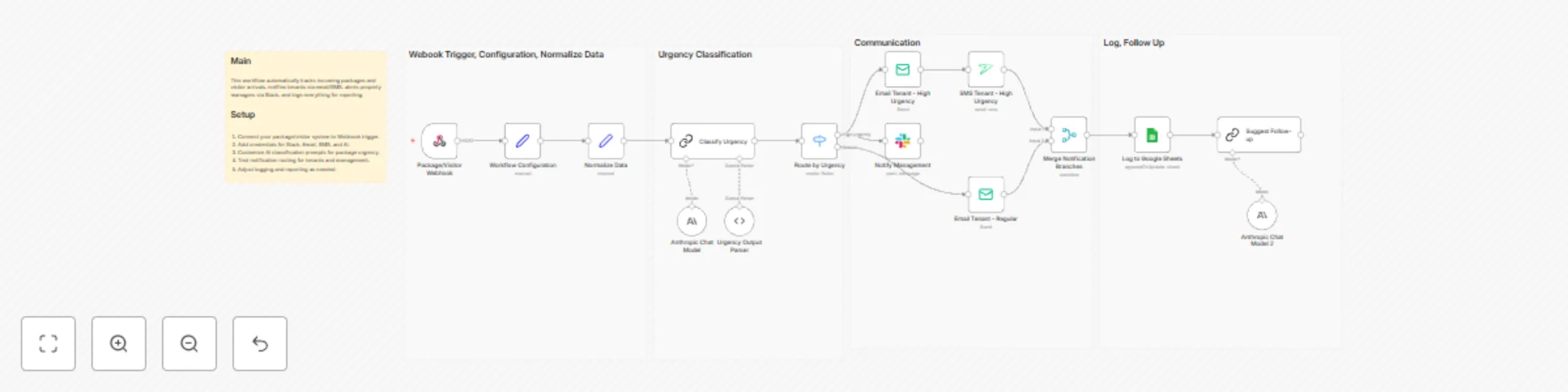
## Who this is for Property management teams handling multiple properties with high package/visitor traffic who want automated tenant and management notifications. ## What this workflow does Automatically classifies package and visitor events, sends notifications to tenants, alerts property managers, and logs activity for accountability. ## How it works 1. Package/visitor system triggers workflow. 2. AI classifies urgency and type. 3. Notifications sent via Email, SMS, and Slack. 4. Google Sheets logs all events. 5. Optional AI follow-up suggestions for unclaimed packages or missed visitors. ## How to set up Connect Webhook, Slack, Email, SMS, and AI. Test routing and logging. Adjust AI prompts for local building protocols. ## Requirements - AI Node - Webhook from package/visitor system - Slack, Email, SMS credentials - Google Sheets Built by QuarterSmart. Created by Hyrum Hurst.
Coordinate move-out cleaning and repair tasks with Google Sheets, Slack, email and Claude
## Who this is for Property management companies managing frequent tenant move-outs across multiple units. ## What this workflow does Automatically schedules and coordinates move-out cleaning and repair tasks, sends vendor instructions, notifies internal teams, tracks completions, and logs everything for reporting. ## How it works 1. Cron triggers workflow before lease end. 2. AI generates personalized move-out instructions and checklists. 3. Vendors and property management teams are notified. 4. Completion updates logged in Google Sheets. 5. Optional AI suggests follow-up actions for delays. ## How to set up Connect tenant data, configure Cron, Slack, Email, and Task Manager credentials. Customize AI prompts and verify notification flows. ## Requirements - Google Sheets - Email & Slack credentials - AI Node access - Task Manager (Trello/Asana/etc.) Built by QuarterSmart. Created by Hyrum Hurst.
Triage tenant complaints with GPT-4.1, Slack, email and Google Sheets
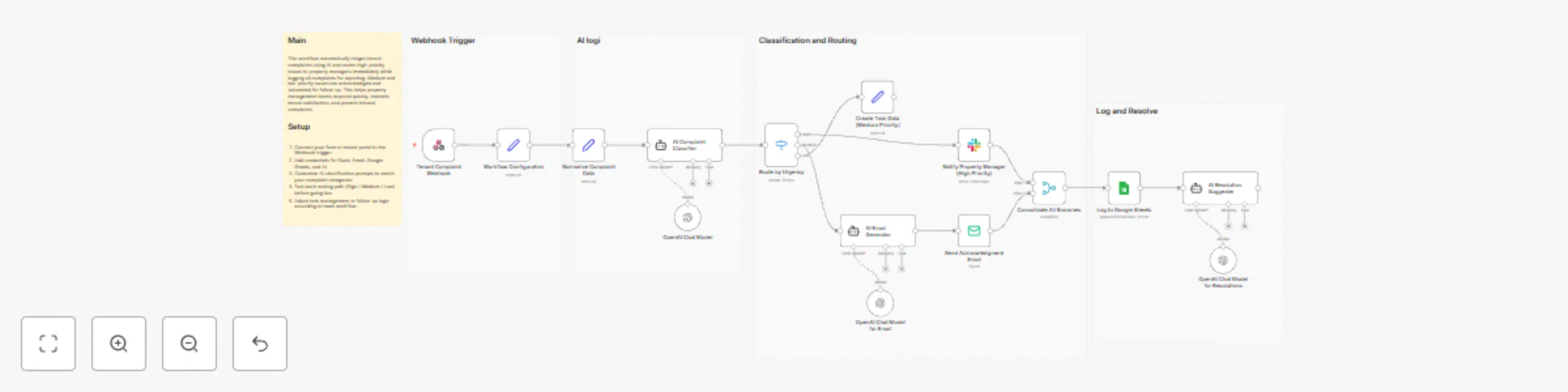
## Who this is for Property management teams handling multiple properties with high tenant complaint volumes who want AI-assisted triage. ## What this workflow does Automatically classifies tenant complaints by urgency and type, escalates high-priority complaints, schedules medium-priority follow-ups, acknowledges low-priority complaints, and logs all activity for reporting. ## How it works 1. Tenant submits a complaint through the portal. 2. AI classifies complaint urgency and type. 3. High-priority complaints trigger Slack notifications and follow-up tasks. 4. Tenant receives an AI-personalized acknowledgment email. 5. Google Sheets logs each complaint with details. ## How to set up Connect your form, Slack, Email, Google Sheets, and AI credentials. Customize AI prompts for your tenant complaint categories and test routing. ## Requirements - n8n (cloud or self-hosted) - AI node access - Slack and Email credentials - Google Sheets ## How to customize Adjust complaint types, escalation rules, notification channels, or AI follow-up prompts. Built by QuarterSmart. Created by Hyrum Hurst.
Send Stripe expired charge recovery reminders with OpenAI
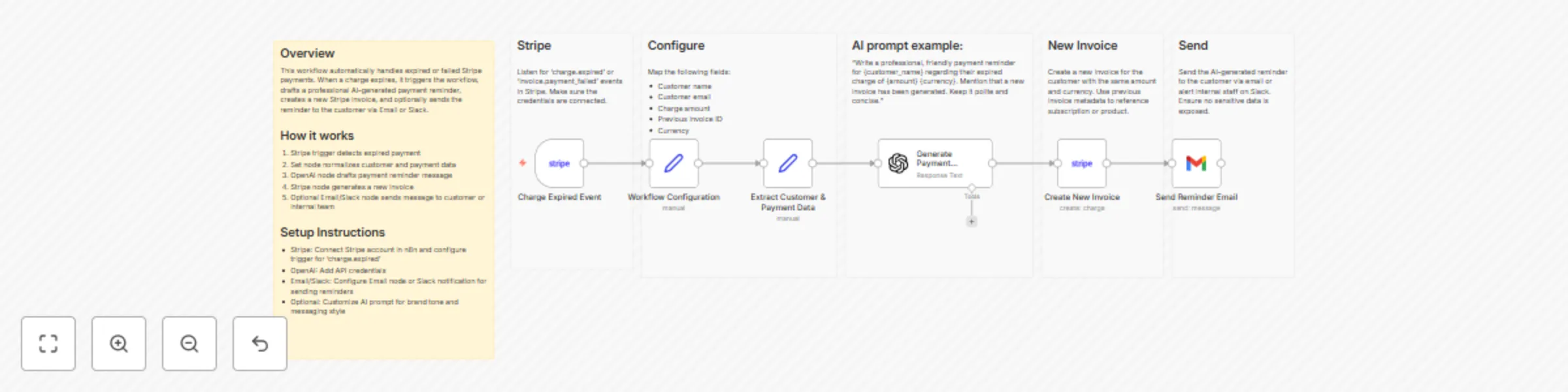
## Stripe Invoice Reminder Workflow ### Who’s this for Businesses using Stripe subscriptions or one-time payments who want to automatically follow up with customers after a failed payment. ### What this workflow does - Detects expired or failed charges in Stripe - Drafts AI-generated payment reminders for customers - Creates a new Stripe invoice for the failed payment - Optionally sends reminders via Email or Slack ### How it works 1. Stripe trigger listens for expired charges 2. Set node normalizes customer and payment information 3. OpenAI node drafts a friendly payment reminder 4. Stripe node creates a new invoice 5. Optional Email/Slack node sends the reminder ### How to set up - Connect Stripe account and enable 'charge.expired' events - Connect OpenAI API credentials - Configure Email or Slack notifications if desired - Optional: Customize AI prompt for company tone ### Requirements - n8n account with Stripe integration - OpenAI API key - Optional Email/Slack integration ### How to customize - Change AI prompt to fit brand voice - Include dynamic invoice details or subscription links - Add internal alerts for accounting teams - Modify email templates or Slack messages
Automate YouTube Shorts creation from Telegram prompts using Gemini and VEO
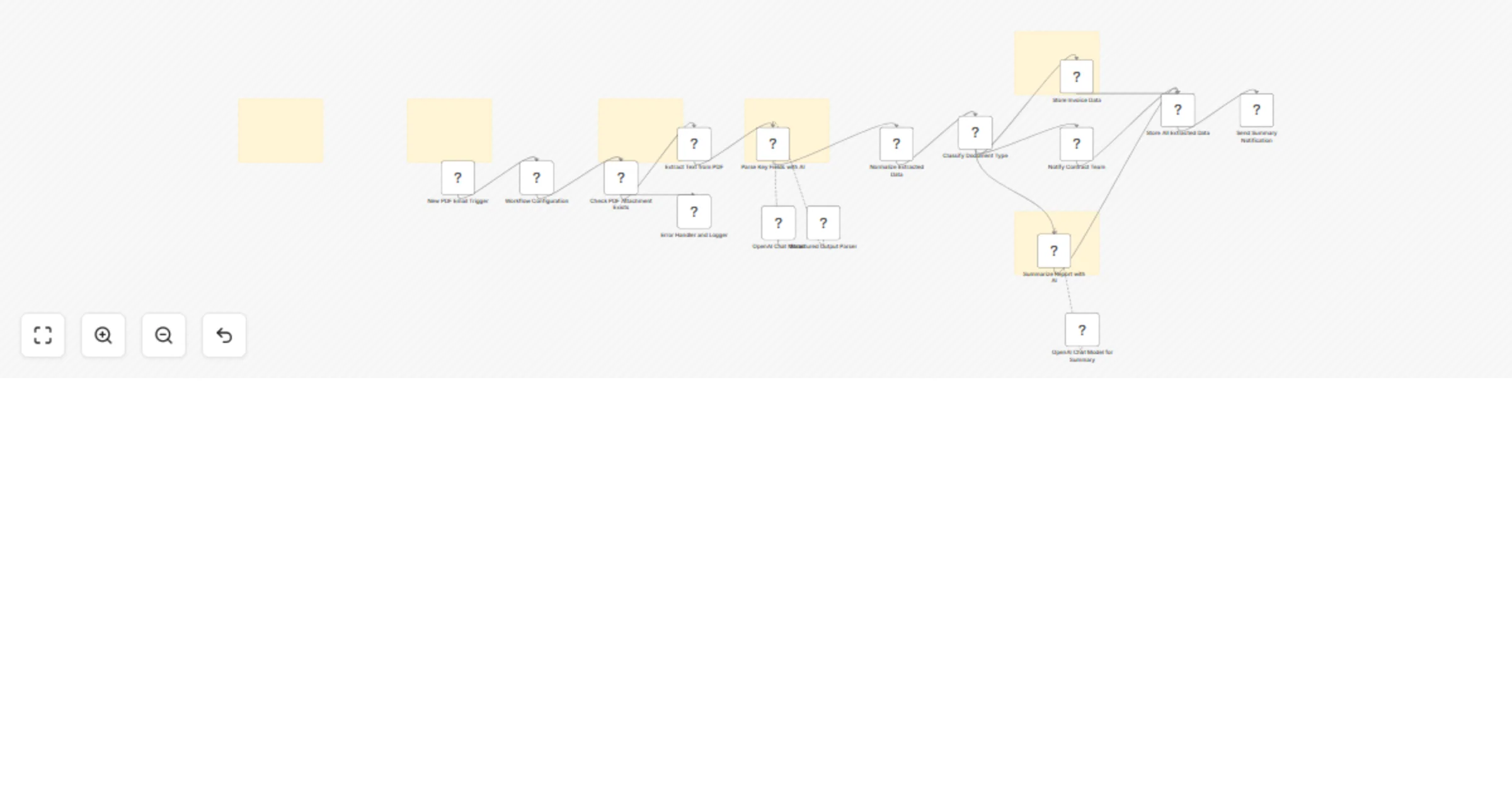
## Who this workflow is for This workflow is designed for content creators, marketing teams, and automation builders who want to produce short-form video content at scale without manual editing. It is especially useful for teams posting consistently to YouTube Shorts, Instagram Reels, or TikTok who want a repeatable, automated content pipeline driven by AI. --- ## What this workflow does This n8n automation converts a single Telegram message into a fully generated short-form video using AI. When a message is sent to a Telegram bot, the workflow: - Generates a structured short-form video script using Gemini - Creates multiple cinematic video clips using VEO - Merges clips into a single short video - Generates a title, description, and hashtags optimized for short-form platforms - Delivers the finished video asset and metadata back to Telegram or storage The entire process runs automatically without requiring manual scripting, editing, or clip assembly. --- ## How the workflow works 1. A Telegram message triggers the workflow with a short content idea 2. An AI model generates a multi-part script optimized for short-form video 3. Video clips are generated for each script segment using VEO 4. Clips are merged into a final vertical video 5. Metadata (title, description, hashtags) is generated and attached 6. The completed short is delivered for review or publishing --- ## How to set up the workflow 1. Connect your Telegram bot credentials 2. Configure your Gemini and VEO credentials 3. Review the prompt templates used for script and clip generation 4. Adjust output destinations (Telegram, Google Drive, or manual upload) 5. Activate the workflow All required credentials are stored securely using n8n credential management. --- ## Requirements - Telegram Bot - Google Gemini credentials - VEO video generation access - n8n instance (cloud or self-hosted) --- ## How to customize the workflow - Modify the AI prompts to match your content style or niche - Change clip length or number of generated scenes - Add automatic posting to YouTube Shorts or other platforms - Extend the workflow with analytics or scheduling steps --- **Author:** Hyrum Hurst **Company:** QuarterSmart **Contact:** [email protected]
Capture and nurture AI agency leads with Google Gemini, Outlook and Sheets
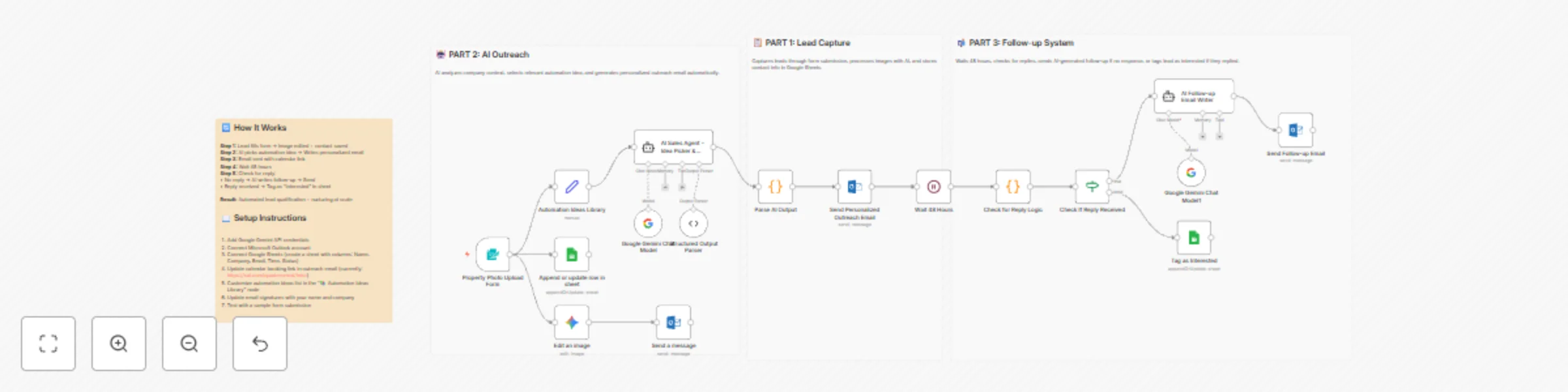
# AI Agent Lead Funnel for AI Agencies ## An End-to-End Automation That Turns Demos Into Booked Calls This n8n workflow is a **full inbound → outbound hybrid funnel** designed for AI agencies. It captures warm leads through instant AI value, then automatically follows up with **personalized, context-aware outreach and reminders** until the lead either replies or books a call. No cold scraping. No manual follow-ups. Just leverage + timing. --- ## 🚀 How the Workflow Works --- ## 📋 PART 1 — Lead Capture & Instant Value ### **1 — Share High-Impact AI Image Edits** You post before/after examples using the **NanoBanna / Gemini image-editing model** on social platforms. Each post includes a link to a lightweight form. The visual results do the selling for you. --- ### **2 — Lead Submits Image & Details** The form collects: - Image upload - Edit instructions - Name - Email - Company name This filters for **high-intent prospects only**. --- ### **3 — AI Edits the Image Instantly** Once submitted, the workflow: - Sends the image + instructions to the AI image editor - Preserves lighting and camera angle unless specified - Generates a polished result in seconds --- ### **4 — Result Delivered via Email** The edited image is emailed directly to the user with: - A friendly confirmation message - Soft positioning for future work This establishes trust before any sales motion happens. --- ### **5 — Lead Is Logged Automatically** All lead data is saved to Google Sheets: - Name - Company - Email - Timestamp This becomes your **live CRM of warm inbound leads**. --- ## 🤖 PART 2 — AI-Driven Personalized Outreach ### **6 — AI Analyzes the Lead** An AI sales agent: - Looks at the company name + context - Reviews a library of proven automation ideas - Either selects the best fit **or creates a simple custom one** --- ### **7 — AI Writes a Personalized Outreach Email** The agent generates a short email that: - Mentions a **specific automation already built** - States you can help implement it quickly - Invites them to book a call via your calendar No marketing fluff. No generic pitches. Every email feels hand-written. --- ### **8 — Outreach Email Is Sent Automatically** The email is sent from your inbox (Outlook, Gmail, SMTP, etc.) and includes: - Their name - Their company - A clear calendar booking link --- ## 📬 PART 3 — Smart Follow-Up System ### **9 — Wait 48 Hours** The workflow pauses to give the lead time to respond naturally. --- ### **10 — Check for a Reply** After 48 hours: - If the lead replied → they are tagged as **Interested** - If no reply → continue to follow-up (Current reply detection is placeholder logic and can be swapped for a live inbox listener.) --- ### **11 — AI Writes a Polite Follow-Up** If there’s no response, an AI agent writes: - A short, non-pushy follow-up - Referencing the original automation idea - Under 60 words --- ### **12 — Follow-Up Email Is Sent** The follow-up goes out automatically and keeps the conversation alive without manual effort. --- ## 📈 Why This Workflow Converts So Well ### **Instant Value First** Leads experience AI results before being pitched anything. ### **Context-Aware Outreach** Every email is personalized based on the lead, not a template. ### **Built-In Persistence** The system follows up automatically — no leads fall through the cracks. ### **Fully Automated** Once live, this workflow handles: - Lead capture - AI delivery - Outreach - Follow-ups - CRM updates You just keep posting content. --- ## 🔧 Setup Requirements To deploy this workflow, connect: - **Google Gemini API** (image editing + agents) - **Email provider** - Outlook - Gmail - SMTP - **Google Sheets** - Columns: Name, Company, Email, Time, Status - **Calendar booking link** - Example: `https://cal.com/your-link` All credentials are modular and easily swappable. --- ## 🎯 Summary This n8n automation turns attention into action by: 1. Delivering immediate AI value 2. Following up with relevant, personalized ideas 3. Nudging leads toward a booked call — automatically It’s not just a lead funnel. It’s an **AI sales assistant that runs 24/7**.
Create a one-minute video from Telegram prompts with Veo 3 and Fal.ai
# One-Minute VEO Video Generator ## Automated, Consistent, High-Quality Short-Form Video Creation This workflow turns a single Telegram prompt into a fully generated, visually consistent, one-minute video using **Veo 3**. It’s built for creators, agencies, and brands that want fast, scalable short-form content without sacrificing quality. Whether you're posting on **YouTube Shorts**, **TikTok**, **Instagram Reels**, or need polished short ads, this automation gives you studio-level output on autopilot. --- ## 🚀 What This Workflow Does The workflow listens for a specific Telegram message and instantly triggers a complete AI-powered production pipeline: - Generates one minute of smooth, coherent video - Ensures visual consistency across all scenes - Saves all video assets in Google Drive - Uses public sharing links so FAL can reliably process and merge clips - Delivers the final result back to the user automatically It’s your fully automated video studio — no timeline editing, no manual rendering, no hassle. --- ## ⚡ How to Use It ### **1 — Send a Prompt to Telegram** Message your bot with the trigger command, along with the topic for your video. Example: > “/makevideo Create a motivational video about resilience.” This immediately starts the workflow. ### **2 — Let AI Build Your One-Minute Video** Using Veo 3, the system: - Generates structured, consistent video scenes - Maintains coherent visuals from start to finish - Keeps pacing smooth and story flow intact You don't have to write a script or prompt multiple times — everything is handled automatically. ### **3 — Auto-Store Assets in Google Drive** Each generated clip is uploaded into a public, designated Google Drive folder. This allows **FAL** to fetch and process the video URLs seamlessly during merging and final production. ### **4 — Receive the Final Video** Once complete, the workflow sends you the fully generated one-minute video directly in Telegram. You can save it, post it, or reuse it as needed. --- ## 📈 Perfect For Fast Content Growth ### **Great For:** - YouTube Shorts - TikTok - Instagram Reels - Facebook Reels - X video posts - Any short-form content platform ### **Also Ideal For:** - Short ads - Promo videos - B2B explainer clips - Training content - Course material intros Anywhere you need fast, consistent, high-quality video — this workflow delivers. --- ## 🎯 Summary This workflow simplifies content creation to one step: **send a Telegram prompt**. Everything else — generation, consistency, merging, hosting, delivery — is fully automated. If you want a reliable, scalable way to create one-minute videos for social growth or marketing, this automation is one of the most efficient systems you can deploy.