A

Alfonso Corretti

3
Workflows

Workflows by Alfonso Corretti
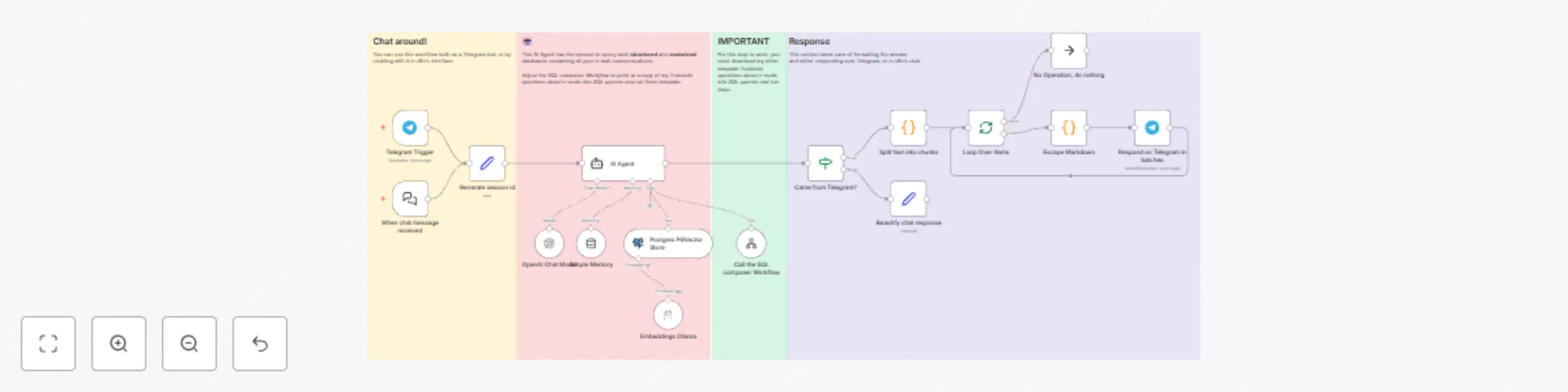
Workflow preview: Chat with your email history using Telegram, Mistral and Pgvector for RAG
Free advanced

Chat with your email history using Telegram, Mistral and Pgvector for RAG

# Who is this for? **Everyone!** Did you dream of asking an AI "*what hotel did I stay in for holidays last summer?*" or "*what were my marks last semester like?*". Dream no more, as [vector similarity searches](https://www.pinecone.io/learn/vector-embeddings/) and **this workflow** are the foundations to make it possible (as long as the information appears in your e-mails 😅). ## 100% Local and Open Source! This workflow is designed to use locally-hosted open source. **Ollama** as LLM provider, `nomic-embed-text` as the embeddings model, and **pgvector** as the vector database engine, on top of **Postgres**. ## Structured AND Vectorized This workflow combines *structured* **and** *semantic* search on your e-mail. No need for enterprise setups! Leverage the convenience of n8n and open source to get a **bleeding edge** solution. ## Setup 1. You will need a **PGVector database** with embeddings for all your email. Use my other template [Gmail to Vector Embeddings with PGVector and Ollama](https://n8n.io/workflows/3762-gmail-to-vector-embeddings-with-pgvector-and-ollama/) to set it up in a breeze! 2. Make a copy of my [Email Assistant: Convert Natural Language to SQL Queries with Phi4-mini and PostgreSQL](https://n8n.io/workflows/3761-email-assistant-convert-natural-language-to-sql-queries-with-phi4-mini-and-postgresql/), you will need it for structured searches. 3. Install this template and modify the *Call the SQL composer Workflow* step, to point at your copy of the SQL workflow. 4. Adjust the rest of necessary steps: *Telegram Trigger*, *AI Chat model*, *AI Embeddings*... **Activate the workflow** and chat around!

A
Alfonso Corretti
Personal Productivity
27 Apr 2025
4102
0
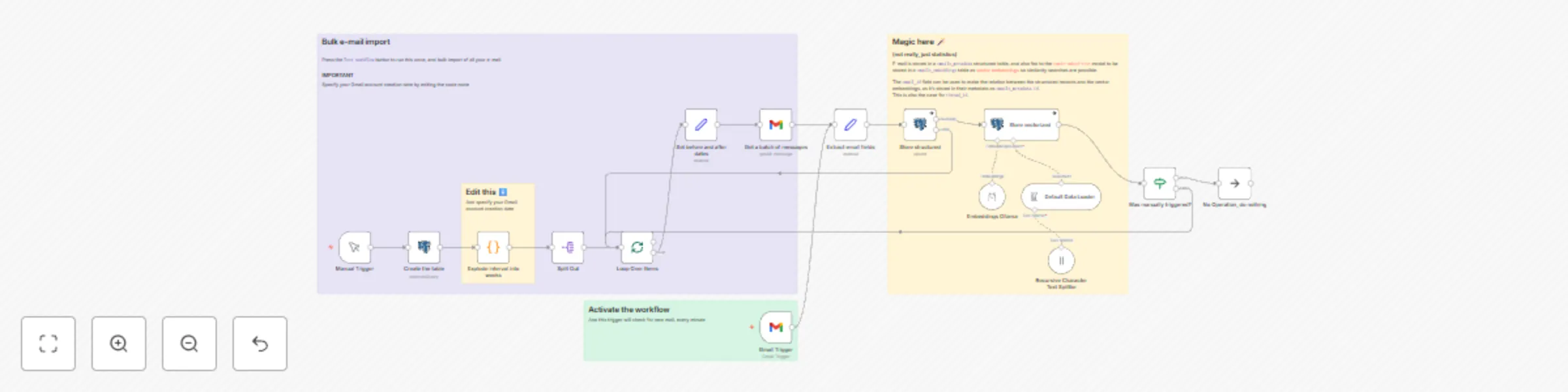
Workflow preview: Gmail to vector embeddings with PGVector and Ollama
Free advanced

Gmail to vector embeddings with PGVector and Ollama

Gmail to Vector Embeddings with PGVector and Ollama # Who is this for? **Everyone!** Did you dream of asking an AI "*what hotel did I stay in for holidays last summer?*" or "*what were my marks last semester like?*". Dream no more, as [vector similarity searches](https://www.pinecone.io/learn/vector-embeddings/) and **this workflow** are the foundations to make it possible (as long as the information appears in your e-mails 😅). ## 100% local This workflow is designed to use locally-hosted open source. **Ollama** as LLM provider, `nomic-embed-text` as the embeddings model, and **pgvector** as the vector database engine, on top of **Postgres**. ## But.. how?! Firstly, specify the date you created your Gmail account on, then manually run the workflow in order to bulk read all your e-mail in monthly batches. Your database is now populated! Now it's the task for other workflows to query the vector database. **Activate the workflow** so that new e-mail is continuously added by the `Gmail Trigger` upon receiving it. ### Structured AND Vectorized This workflow stores your e-mail activity in two ways: - In a structured table - In a vector embeddings table And the information in both of them can be correlated by Gmail's messages `id`, which is stored in the vectors table as metadata property `emails_metadata.id`. That way consumers can benefit from both worlds! ✨ Vector similarity searches enable semantic searches, while structured queries can retrieve more factual data like the message `id`, its *date* or who it came *from*. ### Other useful templates My template [Chat with Your Email History using Telegram, Mistral and Pgvector for RAG](https://n8n.io/workflows/3763-chat-with-your-email-history-using-telegram-mistral-and-pgvector-for-rag/) is a ready-made solution to consume this workflow. You may also pair this workflow with my other template to [Email Assistant: Convert Natural Language to SQL Queries with Phi4-mini and PostgreSQL](https://n8n.io/workflows/3761-email-assistant-convert-natural-language-to-sql-queries-with-phi4-mini-and-postgresql/) and you'll enable RAG workflows that use both structured and vectorized databases. ## Customizations I suppose the e-mail provider could be changed, but then you'd have to identify an alternative `id` field. `Message-ID` would be a more standard option. There are a few opinionated choices as to what metadata to store, but those shouldn't need adjustments.

A
Alfonso Corretti
Personal Productivity
27 Apr 2025
3246
0
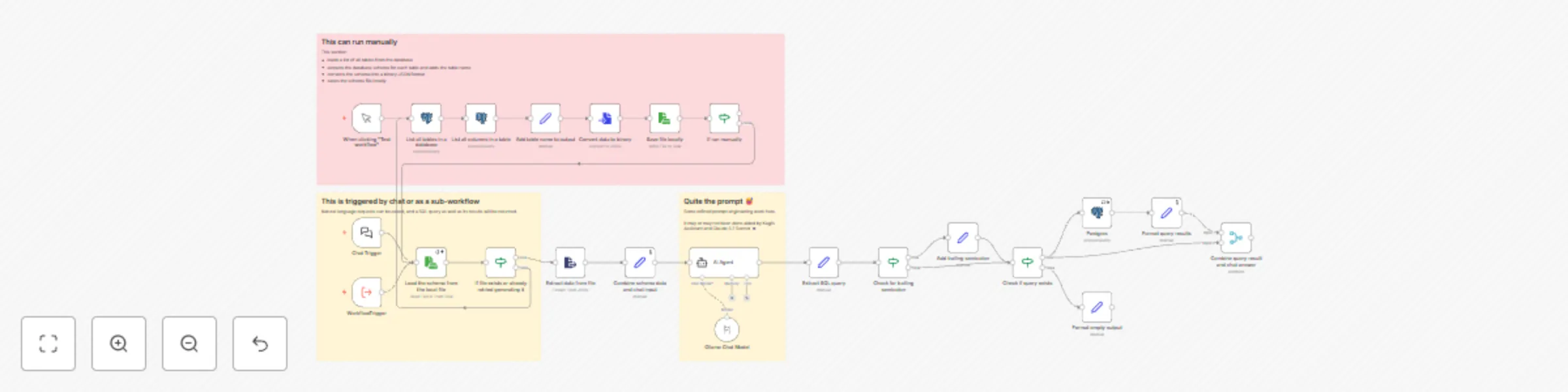
Workflow preview: Email assistant: convert natural language to SQL queries with Phi4-mini and PostgreSQL
Free advanced

Email assistant: convert natural language to SQL queries with Phi4-mini and PostgreSQL

# Who is this for? 🧑🏻🫱🏻‍🫲🏻🤖 **Humans** and **Robots** alike. This workflow can be used as a *Chat Trigger*, as well as a *Workflow Trigger*. It will take a natural language request, and then generate a `SQL` query. The resulting `query` parameter will contain the query, and a `sqloutput` parameter will contain the results of executing such query. ## What's the use case? This template is most useful paired with other workflows that extract e-mail information and store it in a structured Postgres table, and use LLMs to understand inquiries about information contained in an e-mail inbox and formulate questions that needs answering. Plus, the prompt can be easily adapted to formulate SQL queries over any kind of structured database. ## Privacy and Economics As LLM provider I'm using **Ollama** locally, as I consider my e-mail extremely sensitive information. As model, [`phi4-mini`](https://ollama.com/library/phi4-mini) does an excellent job balancing quality and efficiency. ## Setup Upon running for the first time, this workflow will *automatically* trigger a sub-section to read all tables and extract their schema into a local file. Then, either by *chatting* with the workflow in n8n's interface or by using it as a *sub-workflow*, you will get a `query` and a `sqloutput` response. ## Customizations If you want to work with just one particular table yet keep edits at bay, append a condition to the `List all tables in a database` step, like so: ```sql WHERE table_schema='public' AND table_name='my_emails_table_name' ``` To repurpose this workflow to work with any other data corpus in a structured database, inspect the `AI Agent` *user* and *system* prompts and edit them accordingly.

A
Alfonso Corretti
Engineering
27 Apr 2025
2864
0