Block 1 - Sticky Note
- Type / Role
- n8n-nodes-base.stickyNote - stickyNote
- Config choices
- Version 1


 Early Deal
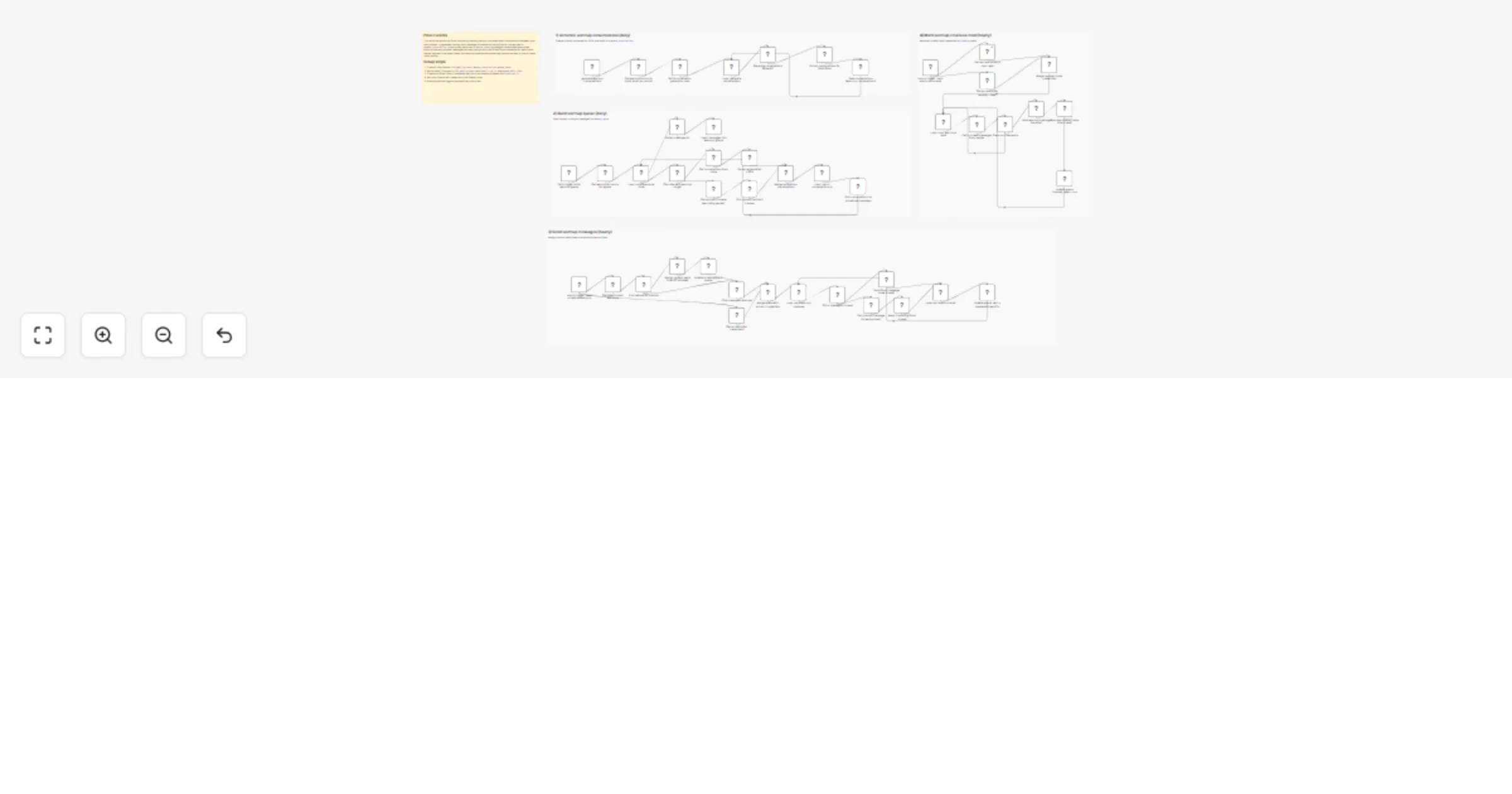
Automatically warm up multiple Gmail inboxes with human like email conversations, smart scheduling, and auto read/reply, powered by n8n Data Tables. C...
n8n-nodes-base.stickynote, n8n-nodes-base.scheduletrigger, n8n-nodes-base.datatable, n8n-nodes-base.code, n8n-nodes-base.splitinbatches, @n8n/n8n-nodes-langchain.openai, n8n-nodes-base.merge, n8n-nodes-base.if
This workflow is cataloged by N8N Workflows and links back to its original n8n.io source page by Jatin Khatri.
Original n8n.io sourceAutomatically warm up multiple Gmail inboxes with human-like email conversations, smart scheduling, and auto read/reply, powered by n8n Data Tables.
Cold emails going to spam? That’s usually an inbox reputation problem, not your copy.
This n8n workflow is a complete Email Warmup Engine that helps you warm up Gmail inboxes automatically by sending natural, human-like conversations between your inboxes, spacing them out across the day, and marking messages as read to simulate real inbox activity.
It includes:
Perfect for founders, agencies, SDRs, and anyone running outbound.
What This Workflow Does (Bullets)
Use Cases
Requirements
This template uses 3 n8n Data Tables:
cold_email_accounts Stores warmup inboxes + credential IDs
warmup_conversations Stores AI-generated conversations
warmup_queue Stores scheduled warmup messages + status
Setup Instructions (Step-by-step)
Import the template JSON into n8n
Create these Data Tables:
Add at least 2 inboxes into cold_email_accounts with:
email cred_id (Gmail OAuth credential ID) warmup_daily_limit (ex: 5)
Create Gmail OAuth2 credentials in n8n for each inbox Connect OpenAI credentials to the “Message a model” node
Enable all Schedule Trigger nodes so it runs automatically:
conversation generation queue generation sender engine marking read engine Customization
You can tweak:
Daily warmup growth
warmup_daily_limit in cold_email_accounts table per inbox
Time window
schedule messages between fixed hours (natural sending)
Conversation style
edit the OpenAI system prompt to match your preferred tone
Notes / Best Practices
This catalog entry is organized from the workflow JSON. The node-level section below shows the executable blocks available for review before importing the template.
Showing the first 24 of 50 workflow blocks. Download the JSON for the full node graph.
| Workflow | Warm up Gmail inboxes with OpenAI GPT-4o-mini and Data Tables |
|---|---|
| Complexity | advanced |
| Nodes | 50 |
| Categories | Miscellaneous, Multimodal AI |
| Author | Jatin Khatri |
| Published | 16 Jan 2026 |
Use the JSON export at /data/workflows/12750/12750.json as the source template for this automation.
Open n8n, import the downloaded JSON, and review each node before activating the workflow.
Replace placeholder credentials, API keys, webhook URLs, account IDs, and environment-specific values with your own settings.
Run the workflow manually or in a staging workspace, inspect node output, and confirm downstream systems receive the expected data.
Enable the workflow only after testing, then monitor executions, errors, and rate limits during the first production runs.
Review imported nodes carefully before activation. This catalog entry is intended to help you inspect the workflow structure, understand required services, and find related templates faster.
Node names, credentials, schedules, webhook paths, and external service limits may need adjustment for your workspace.
Automatically warm up multiple Gmail inboxes with human like email conversations, smart scheduling, and auto read/reply, powered by n8n Data Tables. C...
Review the workflow JSON, configure any required credentials in n8n, and test the automation in a safe workspace before using it in production.
Yes. Use the block-by-block analysis and the downloadable JSON to inspect each node, then adjust credentials, prompts, schedules, filters, or destinations for your Miscellaneous, Multimodal AI use case.