Block 1 - When Executed by Another Workflow
- Type / Role
- n8n-nodes-base.executeWorkflowTrigger - executeWorkflowTrigger
- Config choices
- Version 1.1


 Early Deal
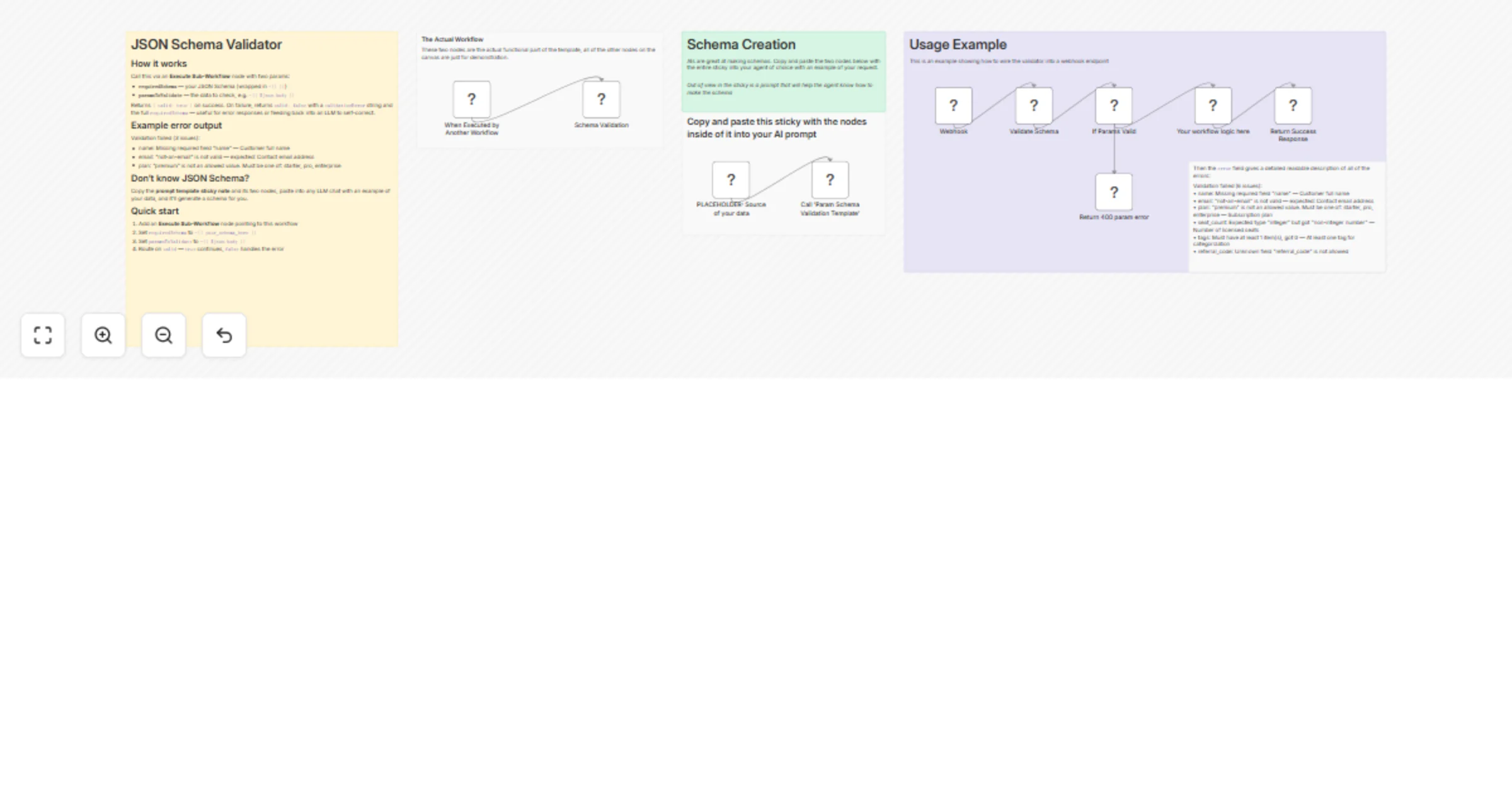
What is this? A modular schema checker that returns detailed error messages on validation failure. Stop your workflows from breaking due to bad input. This subworkflow validates incoming JSON again...
n8n-nodes-base.executeworkflowtrigger, n8n-nodes-base.code, n8n-nodes-base.set, n8n-nodes-base.stickynote, n8n-nodes-base.webhook, n8n-nodes-base.if, n8n-nodes-base.respondtowebhook, n8n-nodes-base.noop
This workflow is cataloged by N8N Workflows and links back to its original n8n.io source page by Liam McGarrigle.
Original n8n.io sourceA modular schema checker that returns detailed error messages on validation failure.
Stop your workflows from breaking due to bad input. This subworkflow validates incoming JSON against a schema you define and returns clear, human readable errors before anything has the chance to break.
The most common use: a webhook receives data, you validate it, and either continue or return a 400 with exactly what was wrong. This is how production APIs handle input validation, and this template brings that same reliability to webhooks in n8n.
Works anywhere you need to check data: webhook payloads, form submissions, API requests, or LLM outputs.
Supports: type checks, required fields, enums, regex patterns, numeric ranges, array constraints, conditional logic (oneOf / anyOf / allOf), and rejection of unknown fields.
Bad input breaks workflows and is a nightmare to debug. This catches it upfront so you can error fast, fail safe, and return useful messages instead of breaking down.
It also makes a self documenting API. The error messages are so clear that the caller doesn't even need to check docs, they're given the fix right in the error.
Call this workflow via an Execute Sub-Workflow node with two params:
requiredSchema - the JSON Schema defining what valid data looks likeparamsToValidate - the actual JSON to check (for instance, $json.body)requiredSchema must be an expression wrapped in {{ }} to be treated like an object.
Returns { valid: true } on success. On failure, returns valid: false with a validationError string and the full requiredSchema so you know exactly what went wrong and what was expected.
see the "Usage Example" in the template
Validation failed (3 issues):
• name: Missing required field "name" - Customer full name
• email: "not-an-email" is not valid - expected: Contact email address
• plan: "premium" is not an allowed value. Must be one of: starter, pro, enterprise
Every error includes the field path, what went wrong, and the description from your schema.
The template includes a prompt template sticky note. Copy it into any LLM chat with an example of your data and it'll generate a ready-to-use schema for you.
requiredSchema to ={{ your_schema_here }}paramsToValidate to ={{ $json.body }}valid: true continues, false handles the errorThis catalog entry is organized from the workflow JSON. The node-level section below shows the executable blocks available for review before importing the template.
| Workflow | Validate JSON payloads against a schema with detailed error messages (no AI) |
|---|---|
| Complexity | advanced |
| Nodes | 16 |
| Categories | Document Extraction |
| Author | Liam McGarrigle |
| Published | 20 Mar 2026 |
Use the JSON export at /data/workflows/14208/14208.json as the source template for this automation.
Open n8n, import the downloaded JSON, and review each node before activating the workflow.
Replace placeholder credentials, API keys, webhook URLs, account IDs, and environment-specific values with your own settings.
Run the workflow manually or in a staging workspace, inspect node output, and confirm downstream systems receive the expected data.
Enable the workflow only after testing, then monitor executions, errors, and rate limits during the first production runs.
Review imported nodes carefully before activation. This catalog entry is intended to help you inspect the workflow structure, understand required services, and find related templates faster.
Node names, credentials, schedules, webhook paths, and external service limits may need adjustment for your workspace.
What is this? A modular schema checker that returns detailed error messages on validation failure. Stop your workflows from breaking due to bad input. This subworkflow validates incoming JSON again...
Review the workflow JSON, configure any required credentials in n8n, and test the automation in a safe workspace before using it in production.
Yes. Use the block-by-block analysis and the downloadable JSON to inspect each node, then adjust credentials, prompts, schedules, filters, or destinations for your Document Extraction use case.