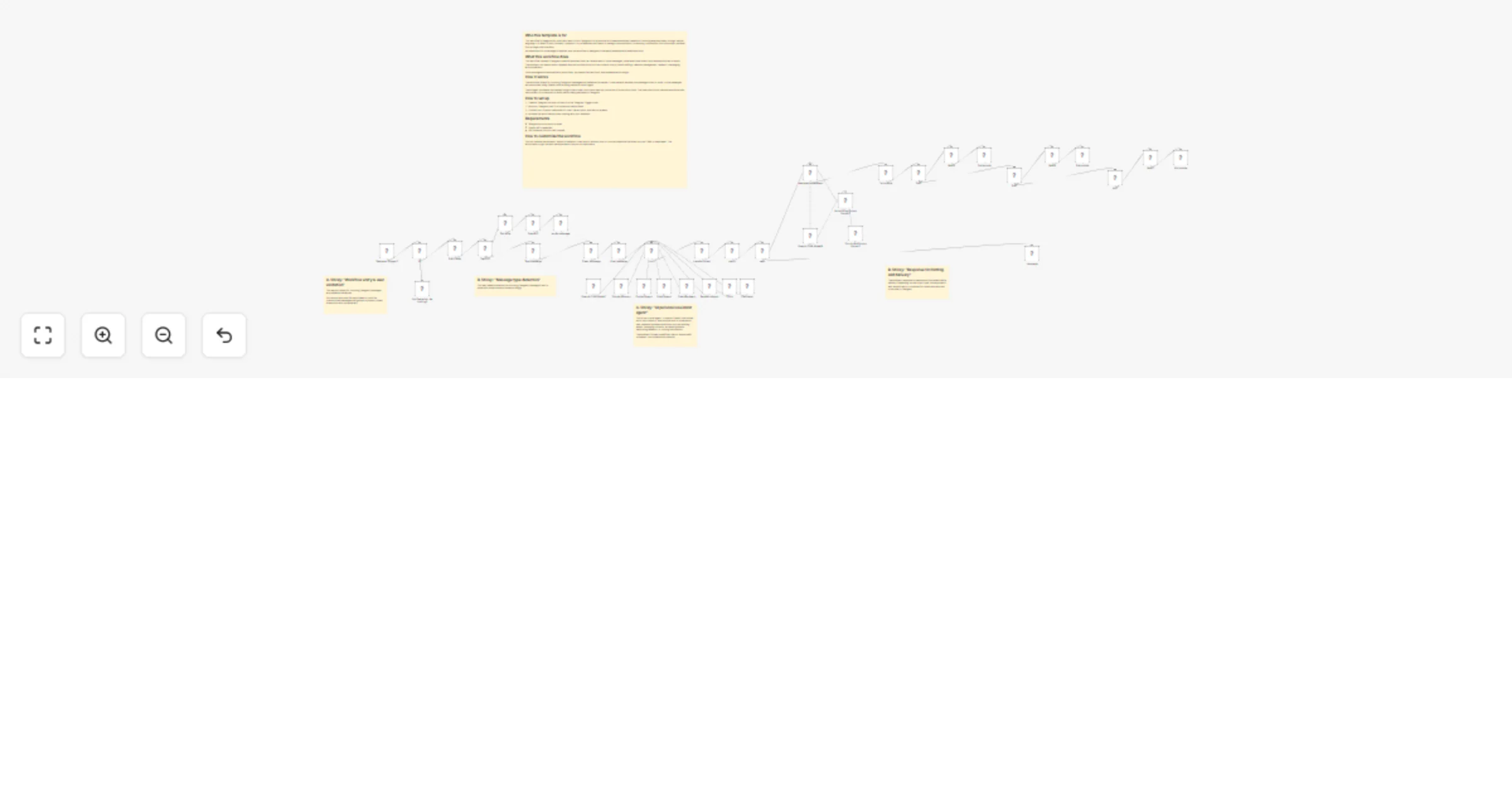
Turn Telegram into an AI assistant with OpenAI voice, memory and tools

Workflow preview

Workflow preview
100%
Turn Telegram into an AI assistant with OpenAI voice, memory and tools preview
Open on n8n.io

1. Workflow Overview

Who this template is for This workflow is for users who want to turn Telegram into a personal AI powered assistant capable of handling everyday tasks through natural language. It's ideal for solo f...

Best for

  • Personal Productivity automation workflows
  • AI Chatbot automation workflows
  • advanced n8n builders looking for reusable templates

Tools used

@n8n/n8n-nodes-langchain.memorybufferwindow, @n8n/n8n-nodes-langchain.toolworkflow, @n8n/n8n-nodes-langchain.toolthink, @n8n/n8n-nodes-langchain.toolcalculator, n8n-nodes-base.telegramtrigger, n8n-nodes-base.set, n8n-nodes-base.telegram, @n8n/n8n-nodes-langchain.openai

Source and attribution

This workflow is cataloged by N8N Workflows and links back to its original n8n.io source page by Stefan Joulien.

Original n8n.io source

1.1 Workflow description

Title
Turn Telegram into an AI assistant with OpenAI voice, memory and tools
Workflow name
Turn Telegram into an AI assistant with OpenAI voice, memory and tools

Who this template is for

This workflow is for users who want to turn Telegram into a personal AI-powered assistant capable of handling everyday tasks through natural language. It's ideal for solo founders, operators, or professionals who want to manage communication, scheduling, calculations, and information retrieval from a single chat interface.

No advanced n8n knowledge is required, and the workflow is designed to be easily extended with additional tools.

What this workflow does

This workflow creates a Telegram-based AI assistant that can receive text or voice messages, understand user intent, and respond with text or audio. The assistant can reason about requests and use multiple tools such as contacts lookup, email drafting, calendar management, research, messaging, and calculations.

Voice messages are automatically transcribed, processed like text input, and answered accordingly.

How it works

  1. The workflow listens for incoming Telegram messages and validates the sender
  2. It detects whether the message is text or voice — voice messages are transcribed using OpenAI before being passed to the AI agent
  3. The AI agent processes the request using a chat model, short-term memory, and a set of productivity tools (contacts, email, calendar, research, messaging, calculator)
  4. The response is cleaned and formatted, then split into multiple chat bubbles with natural delays for a more human-like delivery
  5. Depending on the output type, the response is sent as plain text or converted into audio and returned to the user in Telegram

How to set up

  1. Create a Telegram bot and connect it to the Telegram Trigger node
  2. Add your Telegram user ID to the authorization fields
  3. Connect your OpenAI credentials for chat, transcription, and text-to-speech
  4. Activate the workflow and start chatting with your assistant

Requirements

  • Telegram account and bot token
  • OpenAI API credentials
  • n8n instance (cloud or self-hosted)

1.2 Logical Blocks

This catalog entry is organized from the workflow JSON. The node-level section below shows the executable blocks available for review before importing the template.

2. Block-by-Block Analysis

Block 1 - Simple Memory

Type / Role
@n8n/n8n-nodes-langchain.memoryBufferWindow - memoryBufferWindow
Config choices
Version 1.3

Block 2 - Email Agent

Type / Role
@n8n/n8n-nodes-langchain.toolWorkflow - toolWorkflow
Config choices
Version 2.2

Block 3 - CalendarAgent

Type / Role
@n8n/n8n-nodes-langchain.toolWorkflow - toolWorkflow
Config choices
Version 2.2

Block 4 - Think

Type / Role
@n8n/n8n-nodes-langchain.toolThink - toolThink
Config choices
Version 1

Block 5 - ResearchAgent

Type / Role
@n8n/n8n-nodes-langchain.toolWorkflow - toolWorkflow
Config choices
Version 2.2

Block 6 - Calculator

Type / Role
@n8n/n8n-nodes-langchain.toolCalculator - toolCalculator
Config choices
Version 1

Block 7 - ContactAgent

Type / Role
@n8n/n8n-nodes-langchain.toolWorkflow - toolWorkflow
Config choices
Version 2.2

Block 8 - Telegram Trigger2

Type / Role
n8n-nodes-base.telegramTrigger - telegramTrigger
Config choices
Version 1.2

Block 9 - Edit Fields

Type / Role
n8n-nodes-base.set - set
Config choices
Version 3.4

Block 10 - Get a file

Type / Role
n8n-nodes-base.telegram - telegram
Config choices
Version 1.2

Block 11 - OpenAI2

Type / Role
@n8n/n8n-nodes-langchain.openAi - openAi
Config choices
Version 1.8

Block 12 - If1

Type / Role
n8n-nodes-base.if - if
Config choices
Version 2.2

Block 13 - No Operation, do nothing1

Type / Role
n8n-nodes-base.noOp - noOp
Config choices
Version 1

Block 14 - Switch2

Type / Role
n8n-nodes-base.switch - switch
Config choices
Version 3.2

Block 15 - Lucy

Type / Role
@n8n/n8n-nodes-langchain.agent - agent
Config choices
Version 3

Block 16 - OpenAI Chat Model1

Type / Role
@n8n/n8n-nodes-langchain.lmChatOpenAi - lmChatOpenAi
Config choices
Version 1.3

Block 17 - Auto-fixing Output Parser2

Type / Role
@n8n/n8n-nodes-langchain.outputParserAutofixing - outputParserAutofixing
Config choices
Version 1

Block 18 - OpenAI Chat Model8

Type / Role
@n8n/n8n-nodes-langchain.lmChatOpenAi - lmChatOpenAi
Config choices
Version 1.2

Block 19 - Structured Output Parser2

Type / Role
@n8n/n8n-nodes-langchain.outputParserStructured - outputParserStructured
Config choices
Version 1.2

Block 20 - Wait5

Type / Role
n8n-nodes-base.wait - wait
Config choices
Version 1.1

Block 21 - Wait6

Type / Role
n8n-nodes-base.wait - wait
Config choices
Version 1.1

Block 22 - Wait7

Type / Role
n8n-nodes-base.wait - wait
Config choices
Version 1.1

Block 23 - Sticky Note

Type / Role
n8n-nodes-base.stickyNote - stickyNote
Config choices
Version 1

Block 24 - Sticky Note3

Type / Role
n8n-nodes-base.stickyNote - stickyNote
Config choices
Version 1

Showing the first 24 of 43 workflow blocks. Download the JSON for the full node graph.

3. Summary Table

Workflow Turn Telegram into an AI assistant with OpenAI voice, memory and tools
Complexity advanced
Nodes 43
Categories Personal Productivity, AI Chatbot
Author Stefan Joulien
Published 27 Feb 2026

4. Reproducing the Workflow from Scratch

  1. 1. Download the workflow JSON

    Use the JSON export at /data/workflows/13748/13748.json as the source template for this automation.

  2. 2. Import the template into n8n

    Open n8n, import the downloaded JSON, and review each node before activating the workflow.

  3. 3. Configure credentials and variables

    Replace placeholder credentials, API keys, webhook URLs, account IDs, and environment-specific values with your own settings.

  4. 4. Test with sample data

    Run the workflow manually or in a staging workspace, inspect node output, and confirm downstream systems receive the expected data.

  5. 5. Activate and monitor

    Enable the workflow only after testing, then monitor executions, errors, and rate limits during the first production runs.

5. General Notes & Resources

Review imported nodes carefully before activation. This catalog entry is intended to help you inspect the workflow structure, understand required services, and find related templates faster.

Node names, credentials, schedules, webhook paths, and external service limits may need adjustment for your workspace.

Frequently asked questions

What does Turn Telegram into an AI assistant with OpenAI voice, memory and tools do?

Who this template is for This workflow is for users who want to turn Telegram into a personal AI powered assistant capable of handling everyday tasks through natural language. It's ideal for solo f...

What do I need before importing this workflow?

Review the workflow JSON, configure any required credentials in n8n, and test the automation in a safe workspace before using it in production.

Can I customize this workflow?

Yes. Use the block-by-block analysis and the downloadable JSON to inspect each node, then adjust credentials, prompts, schedules, filters, or destinations for your Personal Productivity, AI Chatbot use case.