Block 1 - Set CSM's company name
- Type / Role
- n8n-nodes-base.set - set
- Config choices
- Version 3.4


 Early Deal
This workflow is provided as-is. Please review and test before using in production.
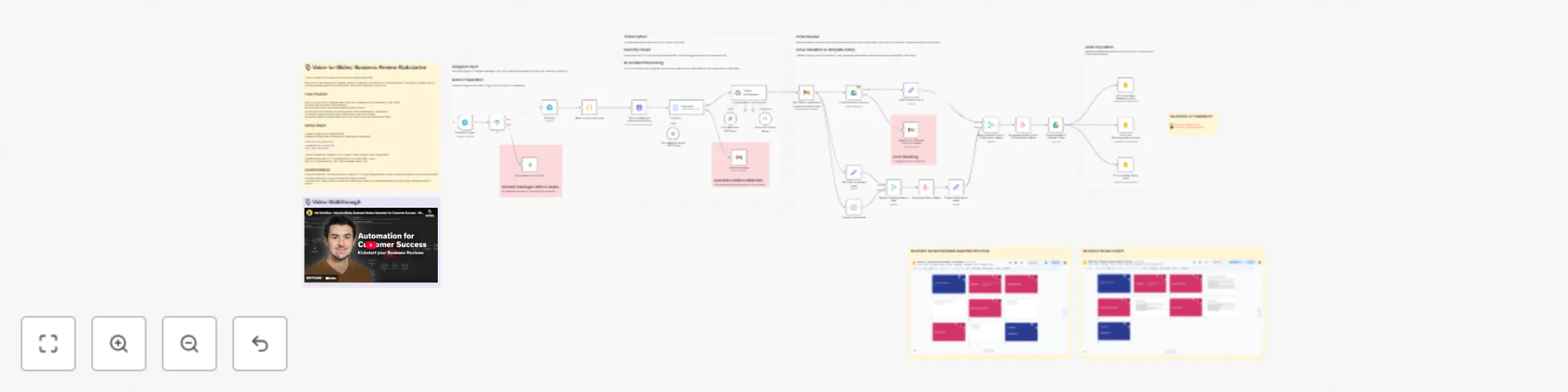
️ Voice to Slides: Business Review Kickstarter for Customer Success This workflow helps Customer Success Managers brain dump their client knowledge via voice notes and kickstart business review p...
n8n-nodes-base.set, n8n-nodes-base.datetime, n8n-nodes-base.merge, n8n-nodes-base.aggregate, n8n-nodes-base.googledrive, n8n-nodes-base.stickynote, n8n-nodes-base.gmail, n8n-nodes-base.telegramtrigger
This workflow is cataloged by N8N Workflows and links back to its original n8n.io source page by Emir Belkahia.
Original n8n.io sourceThis workflow helps Customer Success Managers brain dump their client knowledge via voice notes and kickstart business review preparation by auto-generating a structured Google Slides draft in their official slide deck template.
CSMs and Account Managers who want to capture meeting insights quickly via voice and get a head start on business review prep, not a finished presentation, but a solid first draft to build from.
✅ It DOES:
❌ It DOESN'T:
Think of it as: A smart assistant that turns your brain dump into a structured starting point, not a finished product.
Setup time: ~20 minutes
value_realized_placeholderrecommendations_placeholder next_steps_placeholderFor a typical 3-5 minute voice note:
💰 Bottom line: Half a cent per business review. You could run 200+ business reviews for $1.
The workflow uses cost-effective models (GPT-5-nano for security checks, GPT-5-mini for content extraction) to keep costs negligible while maintaining quality.
Note: Costs may vary based on voice note length and verbosity. Prices based on GPT-5-Nano and GPT-5-Mini pricing as of Nov 2025.
Be mindful of the guardrail: It's designed to catch sensitive info (full names + company + financials), but it can sometimes be overzealous. If you find it blocking legitimate content, consider:
Structure your thoughts loosely: While speaking, try to mentally organize around Value Realization → Recommendations → Next Steps. It's totally fine if things mix or overlap, the AI will reorganize, but having this structure in mind helps you cover everything.
Record with your tools open: This is key! Have your previous BRs, CS platform, analytics dashboards, or CRM open while recording. Reference specific metrics, feature adoption rates, and data points directly from your systems. The AI can't look up data for you, feed it the good stuff.
Don't overthink it: Your first recording will probably feel awkward. That's normal. The AI is surprisingly good at cleaning up "umms," tangents, and unstructured rambling. Just brain dump.
Keep it under 5 minutes: Better transcription accuracy, faster processing, and cheaper API costs. If you have more to say, split into multiple voice notes.
Review the email summary carefully: The AI extracts content well but loses the nuance and context you have. Use the email review step to catch misinterpretations before they hit the slides.
This catalog entry is organized from the workflow JSON. The node-level section below shows the executable blocks available for review before importing the template.
Showing the first 24 of 39 workflow blocks. Download the JSON for the full node graph.
| Workflow | Transform voice notes into business reviews with Groq Whisper & GPT-5 to Google Slides |
|---|---|
| Complexity | advanced |
| Nodes | 39 |
| Categories | Document Extraction, Multimodal AI |
| Author | Emir Belkahia |
| Published | 15 Nov 2025 |
Use the JSON export at /data/workflows/10869/10869.json as the source template for this automation.
Open n8n, import the downloaded JSON, and review each node before activating the workflow.
Replace placeholder credentials, API keys, webhook URLs, account IDs, and environment-specific values with your own settings.
Run the workflow manually or in a staging workspace, inspect node output, and confirm downstream systems receive the expected data.
Enable the workflow only after testing, then monitor executions, errors, and rate limits during the first production runs.
Review imported nodes carefully before activation. This catalog entry is intended to help you inspect the workflow structure, understand required services, and find related templates faster.
Node names, credentials, schedules, webhook paths, and external service limits may need adjustment for your workspace.
️ Voice to Slides: Business Review Kickstarter for Customer Success This workflow helps Customer Success Managers brain dump their client knowledge via voice notes and kickstart business review p...
Review the workflow JSON, configure any required credentials in n8n, and test the automation in a safe workspace before using it in production.
Yes. Use the block-by-block analysis and the downloadable JSON to inspect each node, then adjust credentials, prompts, schedules, filters, or destinations for your Document Extraction, Multimodal AI use case.