Block 1 - Sticky Note
- Type / Role
- n8n-nodes-base.stickyNote - stickyNote
- Config choices
- Version 1


 Early Deal
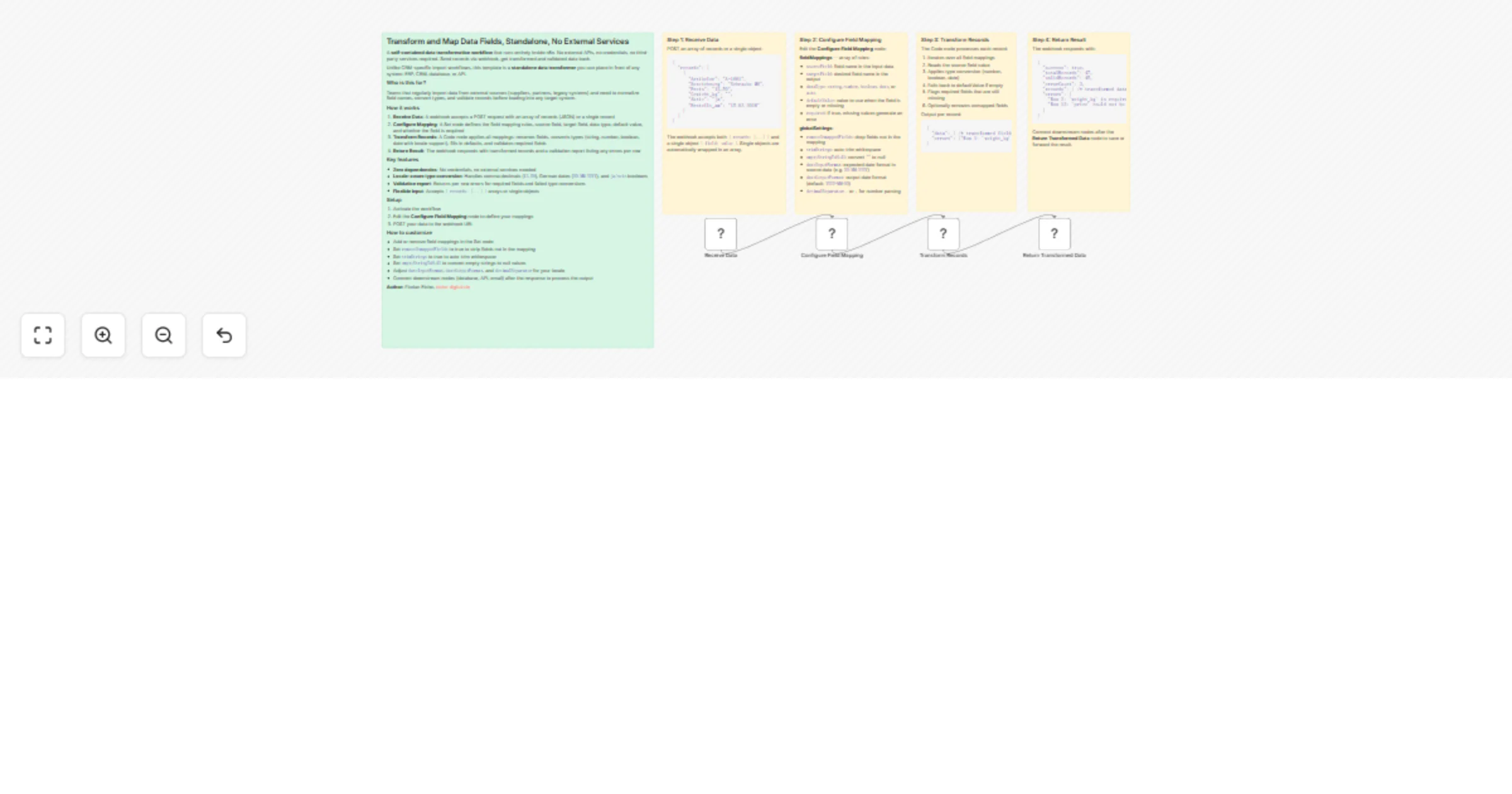
A self contained data transformation workflow that runs entirely inside n8n. No external APIs, no credentials, no third party services required. Send records via webhook, get transformed and valida...
n8n-nodes-base.stickynote, n8n-nodes-base.webhook, n8n-nodes-base.set, n8n-nodes-base.code, n8n-nodes-base.respondtowebhook
This workflow is cataloged by N8N Workflows and links back to its original n8n.io source page by Florian Eiche.
Original n8n.io sourceA self-contained data transformation workflow that runs entirely inside n8n. No external APIs, no credentials, no third-party services required. Send records via webhook, get transformed and validated data back.
Unlike CRM-specific import workflows, this template is a standalone data transformer you can place in front of any system: ERP, CRM, database, or API.
Teams that regularly import data from external sources (suppliers, partners, legacy systems) and need to normalize field names, convert types, and validate records before loading into any target system.
12,50), German dates (DD.MM.YYYY), and ja/nein booleans{ records: [...] } arrays or single objectsremoveUnmappedFields to true to strip fields not in the mappingtrimStrings to true to auto-trim whitespaceemptyStringToNull to convert empty strings to null valuesdateInputFormat, dateOutputFormat, and decimalSeparator for your localeThis catalog entry is organized from the workflow JSON. The node-level section below shows the executable blocks available for review before importing the template.
| Workflow | Transform and validate webhook records with configurable type conversion |
|---|---|
| Complexity | intermediate |
| Nodes | 9 |
| Categories | Document Extraction |
| Author | Florian Eiche |
| Published | 14 Mar 2026 |
Use the JSON export at /data/workflows/14034/14034.json as the source template for this automation.
Open n8n, import the downloaded JSON, and review each node before activating the workflow.
Replace placeholder credentials, API keys, webhook URLs, account IDs, and environment-specific values with your own settings.
Run the workflow manually or in a staging workspace, inspect node output, and confirm downstream systems receive the expected data.
Enable the workflow only after testing, then monitor executions, errors, and rate limits during the first production runs.
Review imported nodes carefully before activation. This catalog entry is intended to help you inspect the workflow structure, understand required services, and find related templates faster.
Node names, credentials, schedules, webhook paths, and external service limits may need adjustment for your workspace.
A self contained data transformation workflow that runs entirely inside n8n. No external APIs, no credentials, no third party services required. Send records via webhook, get transformed and valida...
Review the workflow JSON, configure any required credentials in n8n, and test the automation in a safe workspace before using it in production.
Yes. Use the block-by-block analysis and the downloadable JSON to inspect each node, then adjust credentials, prompts, schedules, filters, or destinations for your Document Extraction use case.