Block 1 - Sticky Note
- Type / Role
- n8n-nodes-base.stickyNote - stickyNote
- Config choices
- Version 1


 Early Deal
What this workflow does This workflow automates the full machine learning lifecycle end to end using Claude AI as the intelligent decision maker at every stage. Send one HTTP request with a dataset...
n8n-nodes-base.stickynote, n8n-nodes-base.webhook, @n8n/n8n-nodes-langchain.chainllm, @n8n/n8n-nodes-langchain.lmchatanthropic, n8n-nodes-base.code, n8n-nodes-base.httprequest, n8n-nodes-base.slack
This workflow is cataloged by N8N Workflows and links back to its original n8n.io source page by Surya Vardhan Yalavarthi.
Original n8n.io sourceThis workflow automates the full machine learning lifecycle end-to-end using Claude AI as the intelligent decision-maker at every stage. Send one HTTP request with a dataset URL and a business goal — and the pipeline handles everything from raw CSV to a human-approved, documented model ready for GitHub.
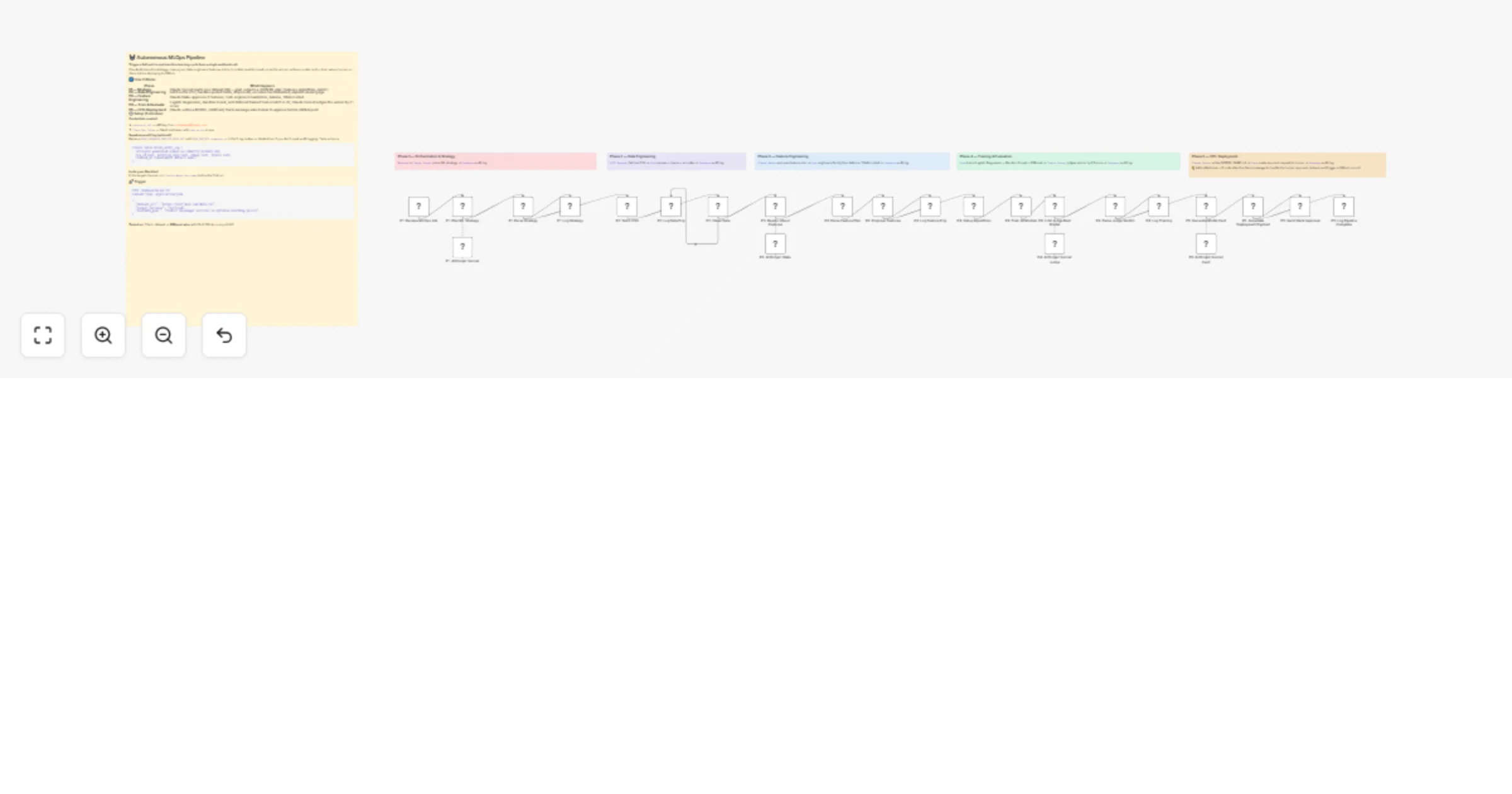
The pipeline runs in 5 sequential phases:
Phase 1 — Strategy Claude Sonnet 4 receives the dataset URL, target variable, and business goal. It outputs a structured JSON plan covering feature ideas, algorithm choices, and the evaluation metric. A fallback parser ensures the pipeline continues even if the LLM output is slightly malformed.
Phase 2 — Data Engineering The workflow fetches the CSV via HTTP Request and runs it through a custom quoted-field CSV parser (handles commas inside quoted name fields, common in datasets like Titanic). It drops rows with missing targets, imputes missing Age values, and encodes categorical columns (Sex, Embarked) into numeric form.
Phase 3 — Feature Engineering
Claude Haiku reviews the cleaned dataset and confirms the 3 best features to engineer. A Code node then creates FamilySize (SibSp + Parch + 1), IsAlone (binary flag), and TitleEncoded (extracted and mapped from passenger name). A row-count validation gate ensures no data is silently lost.
Phase 4 — Training & Evaluation Three algorithms are trained from scratch in pure JavaScript — no external ML libraries required:
Precision, recall, F1, and accuracy are computed for each. Claude Sonnet then acts as an LLM judge: it reads all three result sets alongside the original business goal and selects the winner with a one-sentence justification. A deterministic fallback (highest F1) runs if the LLM response fails to parse.
Phase 5 — HITL Deployment
Claude Sonnet writes a structured MODEL_CARD.md covering model overview, performance metrics, training data summary, feature engineering decisions, intended use, and limitations. The full results are then posted to a Slack channel as a formatted approval request. A human can review the results and reply to approve or reject deployment.
An optional Supabase audit log records each phase transition with timestamp, phase name, status, and run ID.
Tested on the Titanic dataset (891 rows):
| Model | F1 Score | Accuracy |
|---|---|---|
| Logistic Regression | 0.712 | 0.787 |
| Random Forest | 0.739 | 0.804 |
| XGBoost | 0.761 | 0.821 |
Claude correctly identified XGBoost as the winner and generated a complete model card in under 10 seconds.
| Requirement | Details |
|---|---|
| Anthropic API key | Used in P1, P4 (Claude Sonnet 4), and P3 (Claude Haiku). Get at console.anthropic.com |
| Slack Bot Token | OAuth bot token with chat:write scope. Bot must be invited to the target channel via /invite @bot-name |
| Supabase project (optional) | For audit logging. Replace YOUR_PROJECT.supabase.co and YOUR_SUPABASE_SERVICE_ROLE_KEY in the 5 log nodes, or delete them |
| Public CSV URL | The dataset must be reachable by your n8n instance via HTTP GET |
lmChatAnthropic nodes (P1, P3, P4)YOUR_SLACK_CHANNEL_ID with your real channel ID (e.g. C012AB3CD)POST https://your-n8n-instance.com/webhook/mlops-v2
Content-Type: application/json
{
"dataset_url": "https://raw.githubusercontent.com/datasciencedojo/datasets/master/titanic.csv",
"target_variable": "Survived",
"business_goal": "Predict passenger survival to optimise lifeboat boarding policy"
}
The Phase 5 sticky note includes a tip for extending the HITL loop: add a Webhook node to receive the Slack approval callback and an If node to branch into a GitHub API call that commits the model card to a new repository. The model_card_b64 field (Base64-encoded model card content) is already assembled in the payload, ready to be passed directly to the GitHub Contents API.
AI, Machine Learning, MLOps, Claude AI, Slack, Automation, Data Science, HITL, LLM
This catalog entry is organized from the workflow JSON. The node-level section below shows the executable blocks available for review before importing the template.
Showing the first 24 of 30 workflow blocks. Download the JSON for the full node graph.
| Workflow | Train and deploy ML models with Claude and Slack approval |
|---|---|
| Complexity | advanced |
| Nodes | 30 |
| Categories | Engineering, AI Summarization |
| Author | Surya Vardhan Yalavarthi |
| Published | 01 Mar 2026 |
Use the JSON export at /data/workflows/13781/13781.json as the source template for this automation.
Open n8n, import the downloaded JSON, and review each node before activating the workflow.
Replace placeholder credentials, API keys, webhook URLs, account IDs, and environment-specific values with your own settings.
Run the workflow manually or in a staging workspace, inspect node output, and confirm downstream systems receive the expected data.
Enable the workflow only after testing, then monitor executions, errors, and rate limits during the first production runs.
Review imported nodes carefully before activation. This catalog entry is intended to help you inspect the workflow structure, understand required services, and find related templates faster.
Node names, credentials, schedules, webhook paths, and external service limits may need adjustment for your workspace.
What this workflow does This workflow automates the full machine learning lifecycle end to end using Claude AI as the intelligent decision maker at every stage. Send one HTTP request with a dataset...
Review the workflow JSON, configure any required credentials in n8n, and test the automation in a safe workspace before using it in production.
Yes. Use the block-by-block analysis and the downloadable JSON to inspect each node, then adjust credentials, prompts, schedules, filters, or destinations for your Engineering, AI Summarization use case.