Block 1 - Telegram - Receive Message
- Type / Role
- n8n-nodes-base.telegramTrigger - telegramTrigger
- Config choices
- Version 1.2


 Early Deal
HOW IT WORKS — AI TELEGRAM EXPENSE TRACKER This workflow transforms natural Telegram messages into structured expenses using AI — without forms, manual typing, or complex inputs. Simply send a m...
n8n-nodes-base.telegramtrigger, n8n-nodes-base.if, @n8n/n8n-nodes-langchain.openai, n8n-nodes-base.set, n8n-nodes-base.googlesheets, n8n-nodes-base.code, n8n-nodes-base.telegram, n8n-nodes-base.filter
This workflow is cataloged by N8N Workflows and links back to its original n8n.io source page by Robin.
Original n8n.io source💸 HOW IT WORKS — AI TELEGRAM EXPENSE TRACKER
This workflow transforms natural Telegram messages into structured expenses using AI — without forms, manual typing, or complex inputs.
Simply send a message like:
Groceries 23€ yesterday
The workflow validates the sender, understands the intent, extracts structured data, and prepares the expense for approval before saving.
────────────────
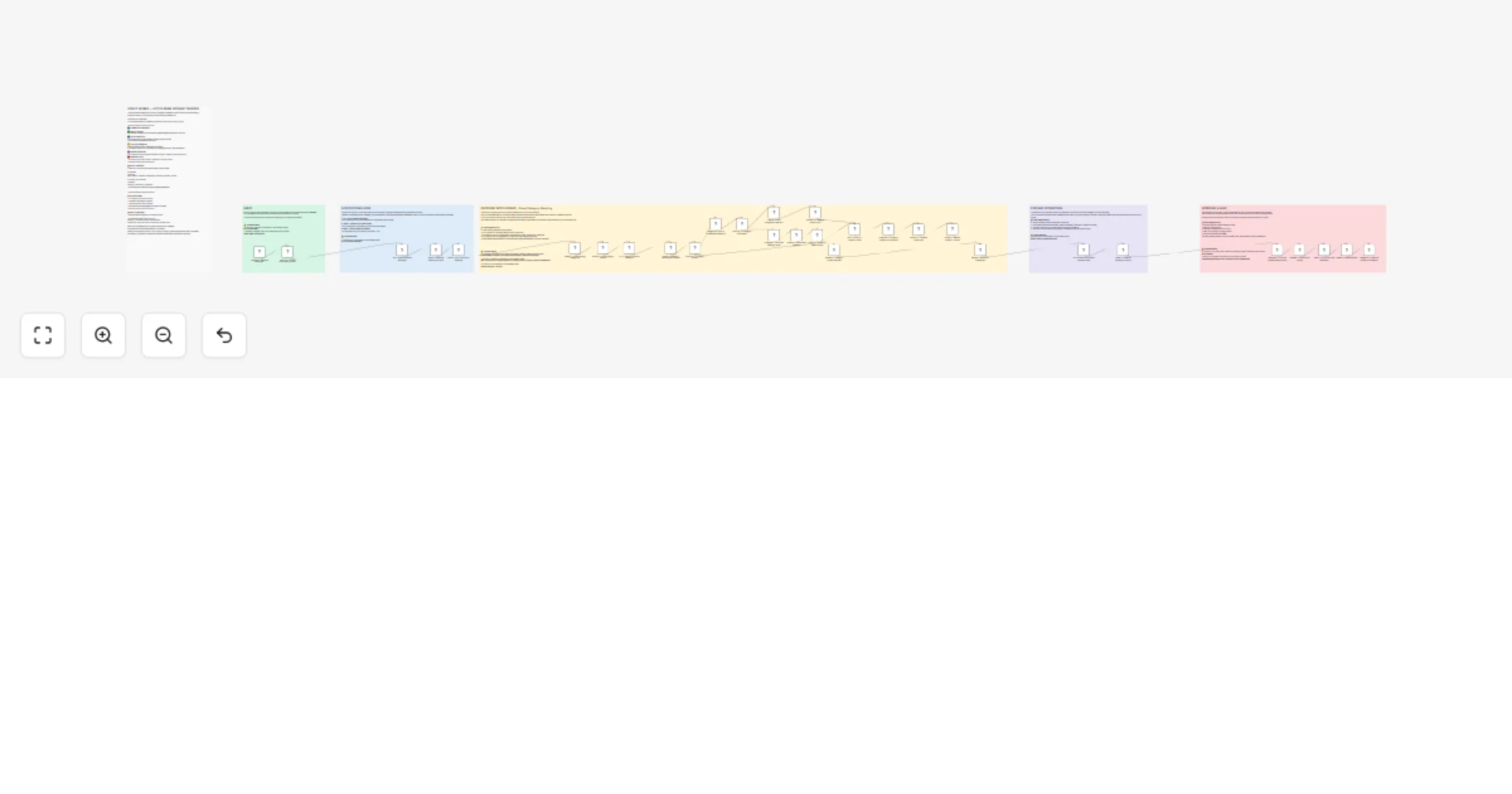
🔄 WORKFLOW OVERVIEW
🟩 1. Secure Input Layer Incoming Telegram messages are checked against a list of approved Chat IDs to ensure only authorized users can create expenses.
🟦 2. AI Expense Detection An AI layer analyzes the message and decides whether it represents a real financial transaction. Non-expense messages are safely ignored to avoid noise in your data.
🟨 3. Smart Category Intelligence Existing categories are loaded from Google Sheets and compared with the message content. If no suitable category exists, the workflow can suggest and learn new categories over time.
🟪 4. Structured Data Extraction AI converts natural language into structured fields:
date
amount
category
description
shared vs personal expense
Supports German and English input.
🟥 5. Human Approval & Storage Before saving, the user confirms the extracted result directly via Telegram. After approval, the expense is appended to Google Sheets automatically.
────────────────
📋 SETUP REQUIREMENTS
Before using this workflow, make sure the following components are ready:
1️⃣Telegram Bot Create a Telegram bot using BotFather and connect it to the Telegram Trigger node in n8n. Detailed setup instructions can be found here.
2️⃣LLM API Access An API Key for a Large Language Model (LLM) is required for:
expense detection
category matching
structured data extraction
Add your API credentials inside the AI node configuration.
3️⃣Google Sheets
Create two Google Sheets before importing the workflow.
EXPENSES Required columns: date, amount, category, description, common_expense, Person
EXPENSE_CATEGORIES Required columns: category, description, examples
The workflow reads existing data and appends new entries automatically.
────────────────
💡KEY FEATURES
• AI-powered expense detection from natural language • Self-learning category system • Human-in-the-loop approval step • Multi-language support (DE & EN) • Clean Google Sheets integration • Designed for real-life shared finance tracking
────────────────
👥MULTI-USER SUPPORT
Built for couples, roommates, or teams.
Add multiple Chat IDs in: Security — Allow Approved Chat IDs
Each expense is automatically tagged with the sender. Shared expenses are stored as true in the common_expense column, while personal expenses default to false unless shared spending is detected.
This allows easy downstream analysis, dashboards, or automation.
This catalog entry is organized from the workflow JSON. The node-level section below shows the executable blocks available for review before importing the template.
Showing the first 24 of 36 workflow blocks. Download the JSON for the full node graph.
| Workflow | Track Telegram expenses with GPT-4 and Google Sheets (self-learning categories) |
|---|---|
| Complexity | advanced |
| Nodes | 36 |
| Categories | Document Extraction, AI Summarization |
| Author | Robin |
| Published | 24 Feb 2026 |
Use the JSON export at /data/workflows/13667/13667.json as the source template for this automation.
Open n8n, import the downloaded JSON, and review each node before activating the workflow.
Replace placeholder credentials, API keys, webhook URLs, account IDs, and environment-specific values with your own settings.
Run the workflow manually or in a staging workspace, inspect node output, and confirm downstream systems receive the expected data.
Enable the workflow only after testing, then monitor executions, errors, and rate limits during the first production runs.
Review imported nodes carefully before activation. This catalog entry is intended to help you inspect the workflow structure, understand required services, and find related templates faster.
Node names, credentials, schedules, webhook paths, and external service limits may need adjustment for your workspace.
HOW IT WORKS — AI TELEGRAM EXPENSE TRACKER This workflow transforms natural Telegram messages into structured expenses using AI — without forms, manual typing, or complex inputs. Simply send a m...
Review the workflow JSON, configure any required credentials in n8n, and test the automation in a safe workspace before using it in production.
Yes. Use the block-by-block analysis and the downloadable JSON to inspect each node, then adjust credentials, prompts, schedules, filters, or destinations for your Document Extraction, AI Summarization use case.