⚡ Text → Viral Shorts | AI Video Studio in Telegram /w Setup Video

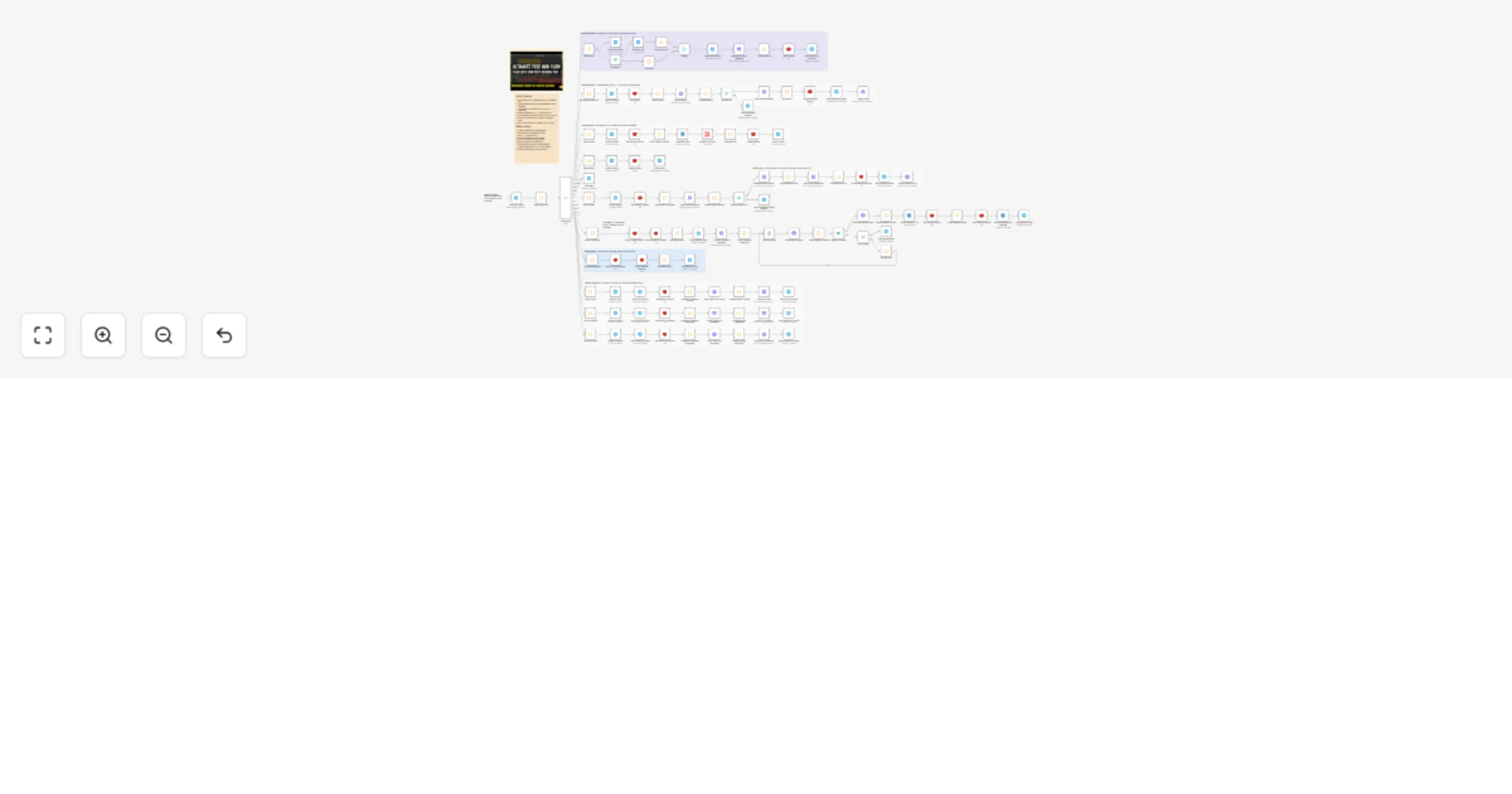
Workflow preview

Workflow preview
100%
⚡ Text → Viral Shorts | AI Video Studio in Telegram /w Setup Video preview
Open on n8n.io

1. Workflow Overview

AI Video Studio Bot Telegram to YouTube Shorts, TikTok and Instagram Reels Automation Transform text into viral shorts — all from your phone [![LinkedIn](https://img.shields.io/badge/LinkedI...

Best for

  • Content Creation automation workflows
  • Multimodal AI automation workflows
  • advanced n8n builders looking for reusable templates

Tools used

n8n-nodes-base.stickynote, n8n-nodes-base.telegramtrigger, n8n-nodes-base.code, n8n-nodes-base.switch, n8n-nodes-base.telegram, n8n-nodes-base.if, n8n-nodes-base.merge, n8n-nodes-base.httprequest

Source and attribution

This workflow is cataloged by N8N Workflows and links back to its original n8n.io source page by Joe V.

Original n8n.io source

1.1 Workflow description

Title
⚡ Text → Viral Shorts | AI Video Studio in Telegram /w Setup Video
Workflow name
⚡ Text → Viral Shorts | AI Video Studio in Telegram /w Setup Video

🎬 AI Video Studio Bot - Telegram to YouTube Shorts, TikTok and Instagram Reels Automation

Transform text into viral shorts — all from your phone 📱✨

🎥 Watch It In Action

🔗 Full Demo: youtu.be/OI_oJ_2F1O0


🚀 What This Workflow Does

Imagine having a full-stack AI video production studio in your pocket — no editing software, no dashboard hopping, no prompt engineering. Just pure creation magic through Telegram.

This n8n workflow transforms Telegram into your personal AI video factory that:

Your Message → AI Magic → Viral Short → Auto-Published
 ⏱️ 30 seconds 🎬 2-5 minutes 📤 Done!

The Complete Pipeline:

  1. 📱 Message Telegram Bot - Send text, image, or voice memo
  2. 🤖 AI Prompt Generation - GPT-4 crafts perfect video prompts
  3. 🎬 Video Creation - Veo 3, Sora 2, or Seedance generates your short
  4. 📤 Auto-Upload - Instantly publishes to YouTube Shorts
  5. 🔁 Extend & Iterate - One-tap video extension (Veo only)

No manual work. No technical skills. No limits.


💡 Why This Changes Everything

Traditional Way This Workflow
❌ Open 5+ platforms ✅ One Telegram chat
❌ 30 min per video ✅ 5 min per video
❌ Complex prompts needed ✅ AI writes prompts for you
❌ Manual uploads ✅ Auto-publishes everywhere
❌ Desktop only ✅ Works from your phone

Result: Create 10+ YouTube Shorts during your lunch break 🚀


🎨 Video Styles - Choose Your Vibe

Control everything with simple Telegram commands:

Command Style Perfect For
/general 🎭 Creative Shorts Product demos, hooks, viral content
/lost 👻 Found Footage Mystery, horror, urban exploration
/3d 🎮 3D Objects Talking products, explainers, memes
/story 📖 Emotional Stories Multi-scene narratives, brand stories

No command? AI intelligently picks the best style for your message.


🤖 AI Models - Pick Your Engine

Choose your video generation model right from Telegram:

Veo 3 / Veo 3 Fast

  • Best for: Quick iterations, realistic scenes
  • Speed: 2-3 minutes
  • Unique: Video extension support

Sora 2 🎬

  • Best for: Cinematic quality, long sequences
  • Speed: 4-5 minutes
  • Unique: Best motion consistency

Seedance 1.5 Pro 🌊

  • Best for: Artistic effects, fluid motion
  • Speed: 3-4 minutes
  • Unique: Stylized aesthetics

Select directly in-chat with interactive buttons!


⚡ Power Features

🎯 Smart Video Generation

  • AI analyzes your message intent
  • Generates optimal prompts automatically
  • Adapts to text, images, or voice input

📤 Auto-Publishing Pipeline

  • Uploads to YouTube Shorts instantly
  • AI-generated titles, descriptions, tags
  • SEO-optimized for maximum reach

🔄 Extend & Refine

  • One-tap video extension (Veo only)
  • Keep the vibe, extend the story
  • No re-generation needed

💳 Credit Management

  • Real-time credit checking
  • Prevents failed generations
  • Session-based tracking with Redis

🔔 Status Monitoring

  • Real-time generation updates
  • Webhook polling for long jobs
  • Graceful error handling & cancellation

🗂️ Session Storage

  • Redis-powered state management
  • Resume interrupted workflows
  • Track generation history

🎪 Perfect For

Creator Type Use Case
🎥 Faceless Channels Generate endless Shorts without showing face
🏢 Agencies Scale content production 10x for clients
📱 Solo Creators Daily Shorts from your phone, no laptop needed
🤖 AI Farms Automate content pipelines end-to-end
🧪 Experimenters Rapid prototyping of video ideas
📊 Marketers A/B test video concepts at scale

🛠️ Tech Stack

Telegram Bot API → User interface
OpenAI GPT-4 → Prompt generation
KIE.ai → Video generation (Veo/Sora/Seedance)
YouTube Data API → Auto-publishing
Redis → Session & state management
S3-compatible → Video storage
n8n → Orchestration layer

Requirements:

  • ✅ Telegram Bot Token
  • ✅ OpenAI API Key
  • ✅ KIE.ai Account (Veo/Sora/Seedance access)
  • ✅ YouTube OAuth Credentials
  • ✅ Redis Instance (recommended)
  • ✅ S3-compatible Storage
  • ✅ n8n Instance (cloud or self-hosted)

🎬 Real-World Workflow Example

You:

"A golden retriever puppy discovering snow for the first time"

Bot:

✨ Generating your video...
📊 Credits: 50 remaining
🎬 Using: Veo 3 Fast
⏱️ ETA: 2 minutes

2 minutes later:

✅ Your video is ready!
📺 Uploaded to YouTube Shorts
🔗 Link: youtube.com/shorts/abc123
👁️ Views: 0 → 1.2K (24 hours)

[Extend Video] [Generate New]

Result: Viral short created from your phone while waiting for coffee ☕


🔧 Customization Ideas

🎨 Extend the Platform

  • Add TikTok publishing
  • Include Instagram Reels
  • Add Twitter video posts
  • Support LinkedIn video

🎙️ Alternative Inputs

  • Replace Telegram with WhatsApp
  • Add Discord bot interface
  • Support Slack commands
  • Email-to-video pipeline

🎭 Creative Variations

  • Swap OpenAI for Claude/Gemini
  • Add custom style presets
  • Include watermarking steps
  • Generate captions automatically

📊 Analytics & Tracking

  • Log all generations to Google Sheets
  • Track video performance metrics
  • A/B test title/thumbnail combinations
  • Monitor credit usage trends

📊 Success Metrics

After using this workflow for 30 days:

Metric Before After Improvement
⏱️ Time per video 45 min 5 min 9x faster
📹 Videos/week 5 50+ 10x volume
💰 Cost per video $15 $2 7.5x cheaper
📱 Creation location Desktop only Anywhere ∞ flexibility
🧠 Prompt writing Manual Automated No skill needed

🚀 Quick Start

  1. Import workflow to n8n
  2. Add credentials (Telegram, OpenAI, KIE.ai, YouTube, Redis)
  3. Configure video storage (S3)
  4. Activate workflow
  5. Message your bot and watch the magic happen

Setup time: ~20 minutes First video: ~5 minutes after setup


🏷️ Tags

telegram ai-video youtube-shorts automation content-creation openai veo sora seedance text-to-video social-media creator-tools faceless-channel redis s3 n8n-workflow telegram-bot video-automation shorts-generator


📜 License

MIT License - Use freely, modify, share, monetize!


⚡ Stop editing. Start generating. Scale your content empire.


Created by Joe Venner | Built with ❤️ and n8n

1.2 Logical Blocks

This catalog entry is organized from the workflow JSON. The node-level section below shows the executable blocks available for review before importing the template.

2. Block-by-Block Analysis

Block 1 - Main

Type / Role
n8n-nodes-base.stickyNote - stickyNote
Config choices
Version 1

Block 2 - Telegram Input

Type / Role
n8n-nodes-base.stickyNote - stickyNote
Config choices
Version 1

Block 3 - Prompt Generation

Type / Role
n8n-nodes-base.stickyNote - stickyNote
Config choices
Version 1

Block 4 - Video Generation

Type / Role
n8n-nodes-base.stickyNote - stickyNote
Config choices
Version 1

Block 5 - YouTube Publishing

Type / Role
n8n-nodes-base.stickyNote - stickyNote
Config choices
Version 1

Block 6 - Social Publishing

Type / Role
n8n-nodes-base.stickyNote - stickyNote
Config choices
Version 1

Block 7 - Video Extension

Type / Role
n8n-nodes-base.stickyNote - stickyNote
Config choices
Version 1

Block 8 - Video Merge

Type / Role
n8n-nodes-base.stickyNote - stickyNote
Config choices
Version 1

Block 9 - Telegram Trigger

Type / Role
n8n-nodes-base.telegramTrigger - telegramTrigger
Config choices
Version 1.1

Block 10 - Determine Route

Type / Role
n8n-nodes-base.code - code
Config choices
Version 2

Block 11 - Route Input

Type / Role
n8n-nodes-base.switch - switch
Config choices
Version 3

Block 12 - Extract Input

Type / Role
n8n-nodes-base.code - code
Config choices
Version 2

Block 13 - Send Initial Status

Type / Role
n8n-nodes-base.telegram - telegram
Config choices
Version 1.2

Block 14 - Has Photo?

Type / Role
n8n-nodes-base.if - if
Config choices
Version 1

Block 15 - Get Photo URL

Type / Role
n8n-nodes-base.telegram - telegram
Config choices
Version 1.2

Block 16 - Build Photo URL

Type / Role
n8n-nodes-base.code - code
Config choices
Version 2

Block 17 - No Photo

Type / Role
n8n-nodes-base.code - code
Config choices
Version 2

Block 18 - Merge

Type / Role
n8n-nodes-base.merge - merge
Config choices
Version 2

Block 19 - Send Prompt Status

Type / Role
n8n-nodes-base.telegram - telegram
Config choices
Version 1.2

Block 20 - Generate Prompt & Metadata

Type / Role
n8n-nodes-base.httpRequest - httpRequest
Config choices
Version 4.2

Block 21 - Format Session

Type / Role
n8n-nodes-base.code - code
Config choices
Version 2

Block 22 - Store Session

Type / Role
n8n-nodes-base.redis - redis
Config choices
Version 1

Block 23 - Send Prompt for Approval

Type / Role
n8n-nodes-base.telegram - telegram
Config choices
Version 1.2

Block 24 - Parse Model Selection

Type / Role
n8n-nodes-base.code - code
Config choices
Version 2

Showing the first 24 of 121 workflow blocks. Download the JSON for the full node graph.

3. Summary Table

Workflow ⚡ Text → Viral Shorts | AI Video Studio in Telegram /w Setup Video
Complexity advanced
Nodes 121
Categories Content Creation, Multimodal AI
Author Joe V
Published 13 Jan 2026

4. Reproducing the Workflow from Scratch

  1. 1. Download the workflow JSON

    Use the JSON export at /data/workflows/12682/12682.json as the source template for this automation.

  2. 2. Import the template into n8n

    Open n8n, import the downloaded JSON, and review each node before activating the workflow.

  3. 3. Configure credentials and variables

    Replace placeholder credentials, API keys, webhook URLs, account IDs, and environment-specific values with your own settings.

  4. 4. Test with sample data

    Run the workflow manually or in a staging workspace, inspect node output, and confirm downstream systems receive the expected data.

  5. 5. Activate and monitor

    Enable the workflow only after testing, then monitor executions, errors, and rate limits during the first production runs.

5. General Notes & Resources

Review imported nodes carefully before activation. This catalog entry is intended to help you inspect the workflow structure, understand required services, and find related templates faster.

Node names, credentials, schedules, webhook paths, and external service limits may need adjustment for your workspace.

Frequently asked questions

What does ⚡ Text → Viral Shorts | AI Video Studio in Telegram /w Setup Video do?

AI Video Studio Bot Telegram to YouTube Shorts, TikTok and Instagram Reels Automation Transform text into viral shorts — all from your phone [![LinkedIn](https://img.shields.io/badge/LinkedI...

What do I need before importing this workflow?

Review the workflow JSON, configure any required credentials in n8n, and test the automation in a safe workspace before using it in production.

Can I customize this workflow?

Yes. Use the block-by-block analysis and the downloadable JSON to inspect each node, then adjust credentials, prompts, schedules, filters, or destinations for your Content Creation, Multimodal AI use case.