Block 1 - Telegram Trigger
- Type / Role
- n8n-nodes-base.telegramTrigger - telegramTrigger
- Config choices
- Version 1.2


 Early Deal
This workflow is provided as-is. Please review and test before using in production.
Get daily and on demand Tesla (TSLA) trading signals via Telegram—powered by GPT 4.1 and real time market data. This is the central AI supervisor that orchestrates seven sub agents for technical...
n8n-nodes-base.telegramtrigger, @n8n/n8n-nodes-langchain.lmchatopenai, n8n-nodes-base.telegram, n8n-nodes-base.code, @n8n/n8n-nodes-langchain.agent, @n8n/n8n-nodes-langchain.toolworkflow, n8n-nodes-base.set, n8n-nodes-base.datetime
This workflow is cataloged by N8N Workflows and links back to its original n8n.io source page by Don Jayamaha Jr.
Original n8n.io source📈 Get daily and on-demand Tesla (TSLA) trading signals via Telegram—powered by GPT-4.1 and real-time market data. This is the central AI supervisor that orchestrates seven sub-agents for technical analysis, price pattern recognition, and news sentiment. Reports are delivered in structured Telegram-ready HTML, optimized for traders seeking fast, intelligent decision-making signals.
⚠️ This master agent requires 7 connected sub-workflows to function. One of them, the News & Sentiment Agent, also requires a DeepSeek Chat API key for language processing.
You must download and publish the following workflows:
📍 See all tools at: 🔗 https://n8n.io/creators/don-the-gem-dealer/
Listens to your trading query via Telegram
Calls the Financial Analyst and News & Sentiment Analyst
These agents aggregate:
GPT-4.1 composes the final structured TSLA trade report with:
TSLA Trading Report (Daily Summary) Spot Trade • Action: Buy • Entry: 172.45 • TP: 182.00 • SL: 169.80 • Signal: RSI bounce + Bullish Engulfing • Sentiment: Neutral
Leveraged Position • Position: Long • Leverage: 3x • TP: 186 • SL: 170 • Confidence: High (83/100)
📰 Top News • Tesla Model Y delivery surge – Electrek • Options market pricing in upside – Bloomberg • FSD delayed in Canada – TeslaNorth
Ensure all sub-agents above are published in your n8n instance.
Use @BotFather to generate the token and connect to the trigger/send nodes.
Add your OpenAI credentials for GPT-4.1 in the designated node.
Sign up at https://deepseek.com and insert your DeepSeek Chat credentials in the News Agent.
Sign up at https://www.alphavantage.co/premium/ Use HTTP Header Auth for webhook-based indicator fetchers.
Update the placeholder <<replace your ID here>> with your actual Telegram numeric ID in the auth node.
✅ Telegram Bot Setup ✅ Agent Routing & Memory ✅ Financial vs. Sentiment Trigger Flow ✅ Report Formatting (HTML) ✅ API Requirements (GPT-4.1, DeepSeek, Alpha Vantage) ✅ Troubleshooting & Licensing
© 2025 Treasurium Capital Limited Company Architecture, prompts, and trade report structure are IP-protected. No unauthorized rebranding permitted.
🔗 For support: LinkedIn – Don Jayamaha
🚀 Deploy the Tesla Quant Trading AI system with GPT-4.1, DeepSeek Chat, and Alpha Vantage Premium—right into Telegram. All 8 workflows are required.
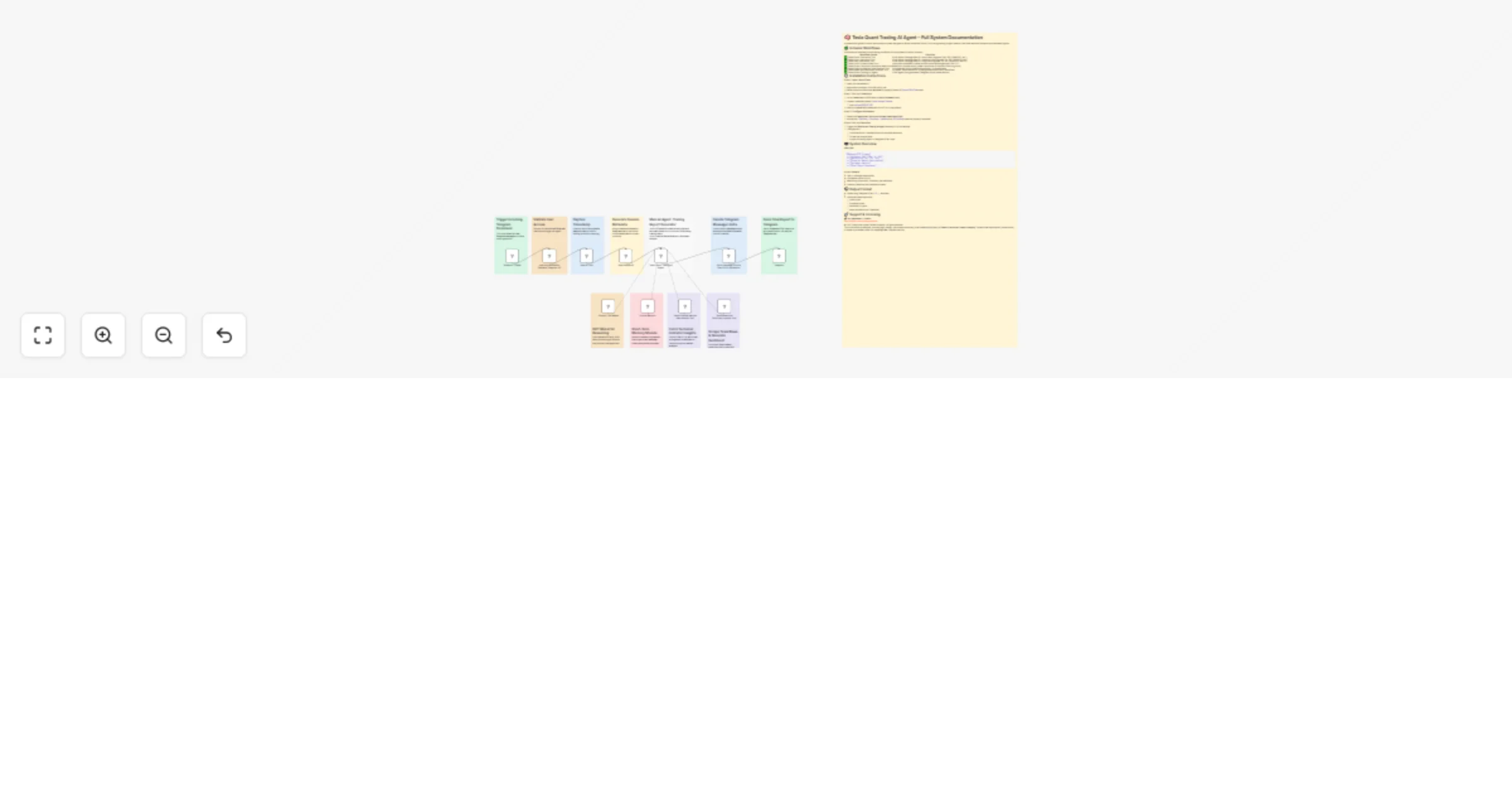
Experience the power of the Tesla Quant Trading AI Agent in action.
This catalog entry is organized from the workflow JSON. The node-level section below shows the executable blocks available for review before importing the template.
| Workflow | Tesla quant trading AI agent using Telegram + GPT-4.1 (main interFace) |
|---|---|
| Complexity | advanced |
| Nodes | 23 |
| Categories | Crypto Trading, AI Chatbot |
| Author | Don Jayamaha Jr |
| Published | 16 May 2025 |
Use the JSON export at /data/workflows/4092/4092.json as the source template for this automation.
Open n8n, import the downloaded JSON, and review each node before activating the workflow.
Replace placeholder credentials, API keys, webhook URLs, account IDs, and environment-specific values with your own settings.
Run the workflow manually or in a staging workspace, inspect node output, and confirm downstream systems receive the expected data.
Enable the workflow only after testing, then monitor executions, errors, and rate limits during the first production runs.
Review imported nodes carefully before activation. This catalog entry is intended to help you inspect the workflow structure, understand required services, and find related templates faster.
Node names, credentials, schedules, webhook paths, and external service limits may need adjustment for your workspace.
Get daily and on demand Tesla (TSLA) trading signals via Telegram—powered by GPT 4.1 and real time market data. This is the central AI supervisor that orchestrates seven sub agents for technical...
Review the workflow JSON, configure any required credentials in n8n, and test the automation in a safe workspace before using it in production.
Yes. Use the block-by-block analysis and the downloadable JSON to inspect each node, then adjust credentials, prompts, schedules, filters, or destinations for your Crypto Trading, AI Chatbot use case.