Block 1 - When Executed by Another Workflow
- Type / Role
- n8n-nodes-base.executeWorkflowTrigger - executeWorkflowTrigger
- Config choices
- Version 1.1


 Early Deal
This workflow is provided as-is. Please review and test before using in production.
This AI powered agent performs real time sentiment analysis on Tesla (TSLA) news to support trading decisions . It aggregates headlines from 5 trusted sources and uses DeepSeek Chat to classify ...
n8n-nodes-base.executeworkflowtrigger, @n8n/n8n-nodes-langchain.agent, n8n-nodes-base.rssfeedreadtool, @n8n/n8n-nodes-langchain.memorybufferwindow, @n8n/n8n-nodes-langchain.lmchatdeepseek, n8n-nodes-base.stickynote
This workflow is cataloged by N8N Workflows and links back to its original n8n.io source page by Don Jayamaha Jr.
Original n8n.io source📰 This AI-powered agent performs real-time sentiment analysis on Tesla (TSLA) news to support trading decisions. It aggregates headlines from 5 trusted sources and uses DeepSeek Chat to classify sentiment and generate structured summaries. This tool is a critical sub-agent in the broader Tesla Quant Trading AI Agent system.
⚠️ Not standalone — this agent is designed to be executed by the Tesla Quant Trading AI Agent. ⚙️ Requires: DeepSeek Chat API Key
This tool processes Tesla-related news and produces output like:
{
  "sentiment": "bullish",
  "summary": "Tesla stock rallied today after strong delivery numbers and Cybertruck updates. Analysts remain optimistic.",
  "topHeadlines": [
    "Tesla beats Q2 delivery forecast – Yahoo Finance",
    "Cybertruck ramps up in Texas – Electrek",
    "Berlin Gigafactory expands battery production – CleanTechnica"
  ]
}
Its output feeds directly into the master trading agent’s final trade report.
This agent collects real-time headlines from:
These five tools are always queried together to ensure market-wide signal coverage.
Pulls headlines from all 5 Tesla-specific RSS feeds
Uses DeepSeek Chat to:
Outputs structured JSON for downstream use
Tesla_News_and_Sentiment_Analyst_ToolDeepSeek accountTriggered via Execute Workflow by the Tesla Quant Trading AI Agent
Requires these inputs:
message: optional query contextsessionId: passed to maintain short-term memory across executions| Node Name | Function |
|---|---|
DeepSeek Chat Model |
Performs AI-based sentiment analysis |
Tesla News and Sentiment Analyst |
Combines results, formats output in strict JSON |
Simple Memory |
Stores session-level context (short-term memory) |
5x RSS nodes |
Aggregate Tesla news from trusted media outlets |
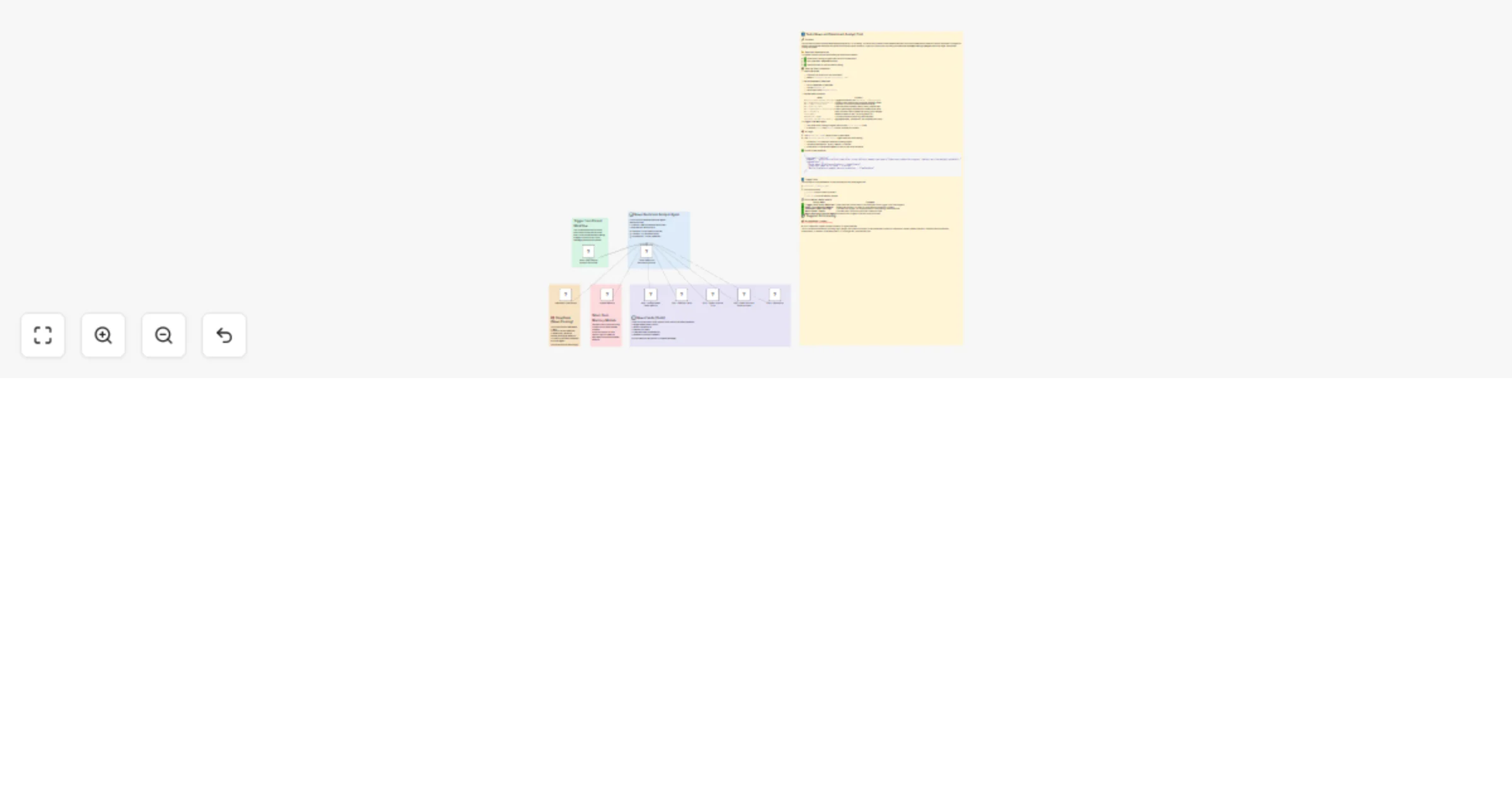
🟢 Trigger from Parent Workflow – Executed only by main TSLA agent 🟠 News Feeds Overview – Lists and explains each of the 5 feeds 🧠 DeepSeek Chat Notes – Describes LLM behavior and parsing role 🔵 Short-Term Memory – Buffers sentiment context during user session 📘 Sentiment Analyst Agent – Summarizes key responsibilities
© 2025 Treasurium Capital Limited Company This architecture, workflow structure, and prompt design are licensed for educational and operational use only. Commercial resale or rebranding prohibited without authorization.
🔗 Creator: Don Jayamaha 🔗 Templates: https://n8n.io/creators/don-the-gem-dealer/
🚀 Power your TSLA trading with AI-driven sentiment—built with DeepSeek Chat and 5 trusted news sources. This tool is required by the Tesla Quant Trading AI Agent.
This catalog entry is organized from the workflow JSON. The node-level section below shows the executable blocks available for review before importing the template.
| Workflow | Tesla news and sentiment analyst tool (Powered by DeepSeek Chat) |
|---|---|
| Complexity | advanced |
| Nodes | 15 |
| Categories | Crypto Trading, AI Summarization |
| Author | Don Jayamaha Jr |
| Published | 16 May 2025 |
Use the JSON export at /data/workflows/4093/4093.json as the source template for this automation.
Open n8n, import the downloaded JSON, and review each node before activating the workflow.
Replace placeholder credentials, API keys, webhook URLs, account IDs, and environment-specific values with your own settings.
Run the workflow manually or in a staging workspace, inspect node output, and confirm downstream systems receive the expected data.
Enable the workflow only after testing, then monitor executions, errors, and rate limits during the first production runs.
Review imported nodes carefully before activation. This catalog entry is intended to help you inspect the workflow structure, understand required services, and find related templates faster.
Node names, credentials, schedules, webhook paths, and external service limits may need adjustment for your workspace.
This AI powered agent performs real time sentiment analysis on Tesla (TSLA) news to support trading decisions . It aggregates headlines from 5 trusted sources and uses DeepSeek Chat to classify ...
Review the workflow JSON, configure any required credentials in n8n, and test the automation in a safe workspace before using it in production.
Yes. Use the block-by-block analysis and the downloadable JSON to inspect each node, then adjust credentials, prompts, schedules, filters, or destinations for your Crypto Trading, AI Summarization use case.