Block 1 - Phone Validator
- Type / Role
- n8n-nodes-base.code - code
- Config choices
- Version 2


 Early Deal
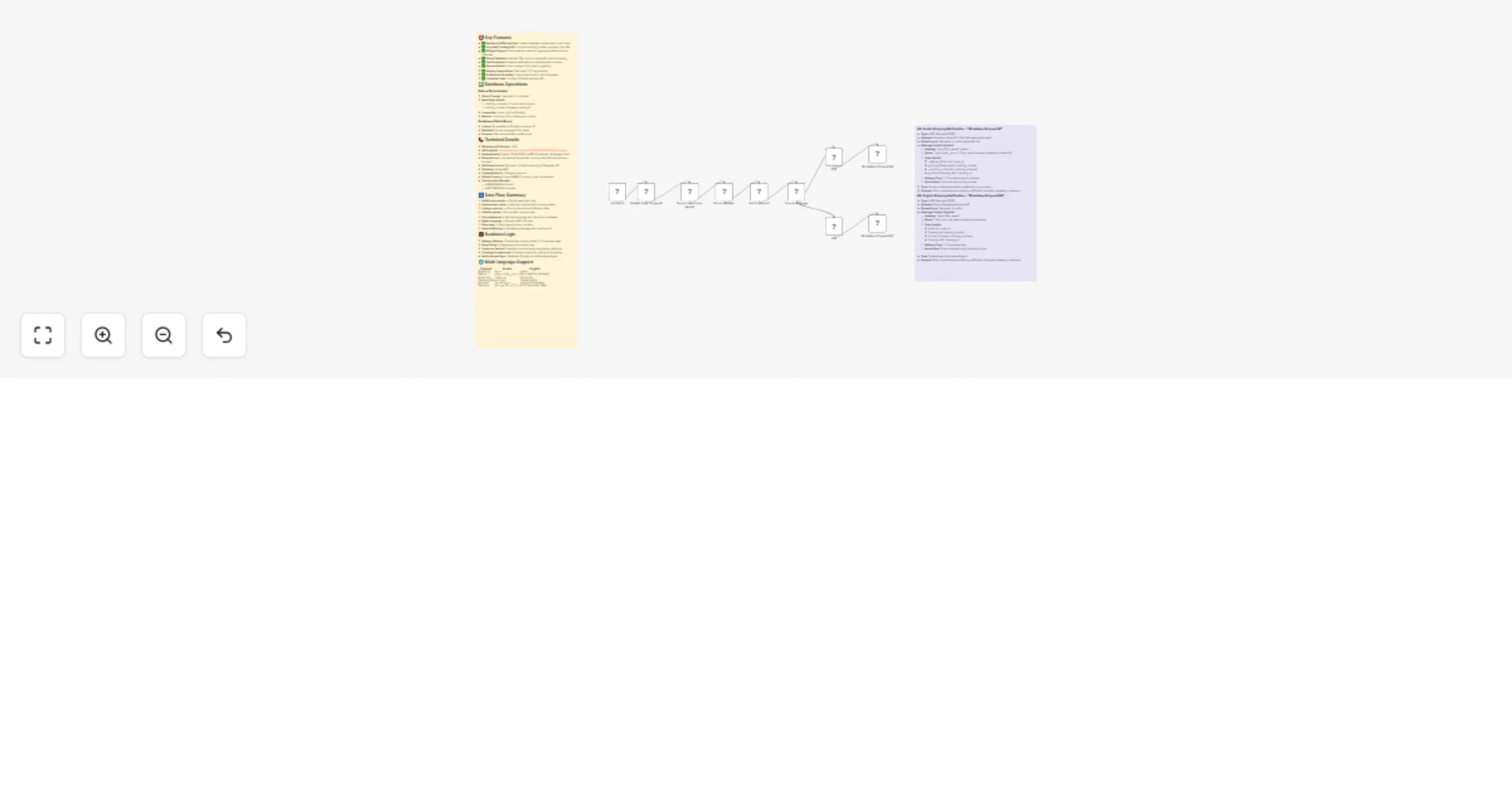
Order Fulfillment & Shipping Notification System Automatically notify customers via WhatsApp when their orders ship, with intelligent phone validation, multi country support, and bilingual messagin...
n8n-nodes-base.code, n8n-nodes-base.postgres, n8n-nodes-base.if, n8n-nodes-base.httprequest, n8n-nodes-base.shopifytrigger, n8n-nodes-base.stickynote
This workflow is cataloged by N8N Workflows and links back to its original n8n.io source page by Mira Melhem.
Original n8n.io sourceAutomatically notify customers via WhatsApp when their orders ship, with intelligent phone validation, multi-country support, and bilingual messaging including complete tracking information.
When you fulfill an order in Shopify, this workflow instantly updates your database, validates the customer's phone number across 23+ countries, and sends a professional WhatsApp notification with full tracking details in their preferred language.
Listens for fulfillments/create events when orders are marked as shipped in Shopify
Updates PostgreSQL database with:
Retrieves customer record from database using phone number from fulfillment data
Intelligent phone number formatting:
Retrieves language preference and first name for personalization
Routes workflow based on customer's preferred language (Arabic vs. English)
Prevents notifications to internal/development phone numbers
Sends comprehensive shipping notification with tracking details in customer's language
مرحبًا [الاسم]،

يسرّنا إعلامكم بأنه تم شحن طلبكم بنجاح.
رقم الطلب: [order_id]
رقم التتبع: [tracking_number]
شركة الشحن: [courier_name]
رابط التتبع: [tracking_url]
المدة المتوقعة للتوصيل: من 7 إلى 12 يوم عمل.

يمكنكم متابعة حالة الشحنة عبر رقم التتبع، وسنحرص على إبقائكم على اطلاع حتى استلام الطلب.

مع أطيب التحيات،
Hello [Name],

We are pleased to inform you that your order has been shipped successfully.

Order No: [order_id]
Tracking No: [tracking_number]
Courier Company: [courier_name]
Tracking URL: [tracking_url]
Estimated delivery time: 7–12 business days.

You may track your shipment using the tracking number provided. We will continue to keep you informed until your order is delivered.

Kind regards,
CREATE TABLE orders (
 order_id VARCHAR PRIMARY KEY, -- Shopify order number
 status VARCHAR, -- Order status ('open', 'shipped', 'delivered', 'canceled')
 shipping_company VARCHAR, -- Courier service name
 tracking_number VARCHAR, -- Package tracking ID
 customer_id INTEGER -- Foreign key to customers table
);
CREATE TABLE customers (
 id SERIAL PRIMARY KEY,
 website_id INTEGER, -- Shopify customer ID
 phone VARCHAR, -- Customer phone number
 language VARCHAR(2), -- Preferred language ('ar' or 'en')
 first_name VARCHAR, -- Customer first name
 last_name VARCHAR -- Customer last name
);
The Phone Validator node intelligently handles phone numbers:
phone: Formatted number with country code (+XXX)original_phone: Raw input for referencecountry_code: ISO country codevalidation_status: 'success' or 'empty_or_invalid'countryCodes object in Phone Validator nodeTags: #shopify #whatsapp #fulfillment #shipping #tracking #bilingual #arabic #english #phone-validation #ecommerce #notifications #international
This catalog entry is organized from the workflow JSON. The node-level section below shows the executable blocks available for review before importing the template.
| Workflow | Send Shopify shipping tracking WhatsApp notifications with full tracking info |
|---|---|
| Complexity | intermediate |
| Nodes | 12 |
| Categories | Miscellaneous |
| Author | Mira Melhem |
| Published | 23 Dec 2025 |
Use the JSON export at /data/workflows/12078/12078.json as the source template for this automation.
Open n8n, import the downloaded JSON, and review each node before activating the workflow.
Replace placeholder credentials, API keys, webhook URLs, account IDs, and environment-specific values with your own settings.
Run the workflow manually or in a staging workspace, inspect node output, and confirm downstream systems receive the expected data.
Enable the workflow only after testing, then monitor executions, errors, and rate limits during the first production runs.
Review imported nodes carefully before activation. This catalog entry is intended to help you inspect the workflow structure, understand required services, and find related templates faster.
Node names, credentials, schedules, webhook paths, and external service limits may need adjustment for your workspace.
Order Fulfillment & Shipping Notification System Automatically notify customers via WhatsApp when their orders ship, with intelligent phone validation, multi country support, and bilingual messagin...
Review the workflow JSON, configure any required credentials in n8n, and test the automation in a safe workspace before using it in production.
Yes. Use the block-by-block analysis and the downloadable JSON to inspect each node, then adjust credentials, prompts, schedules, filters, or destinations for your Miscellaneous use case.