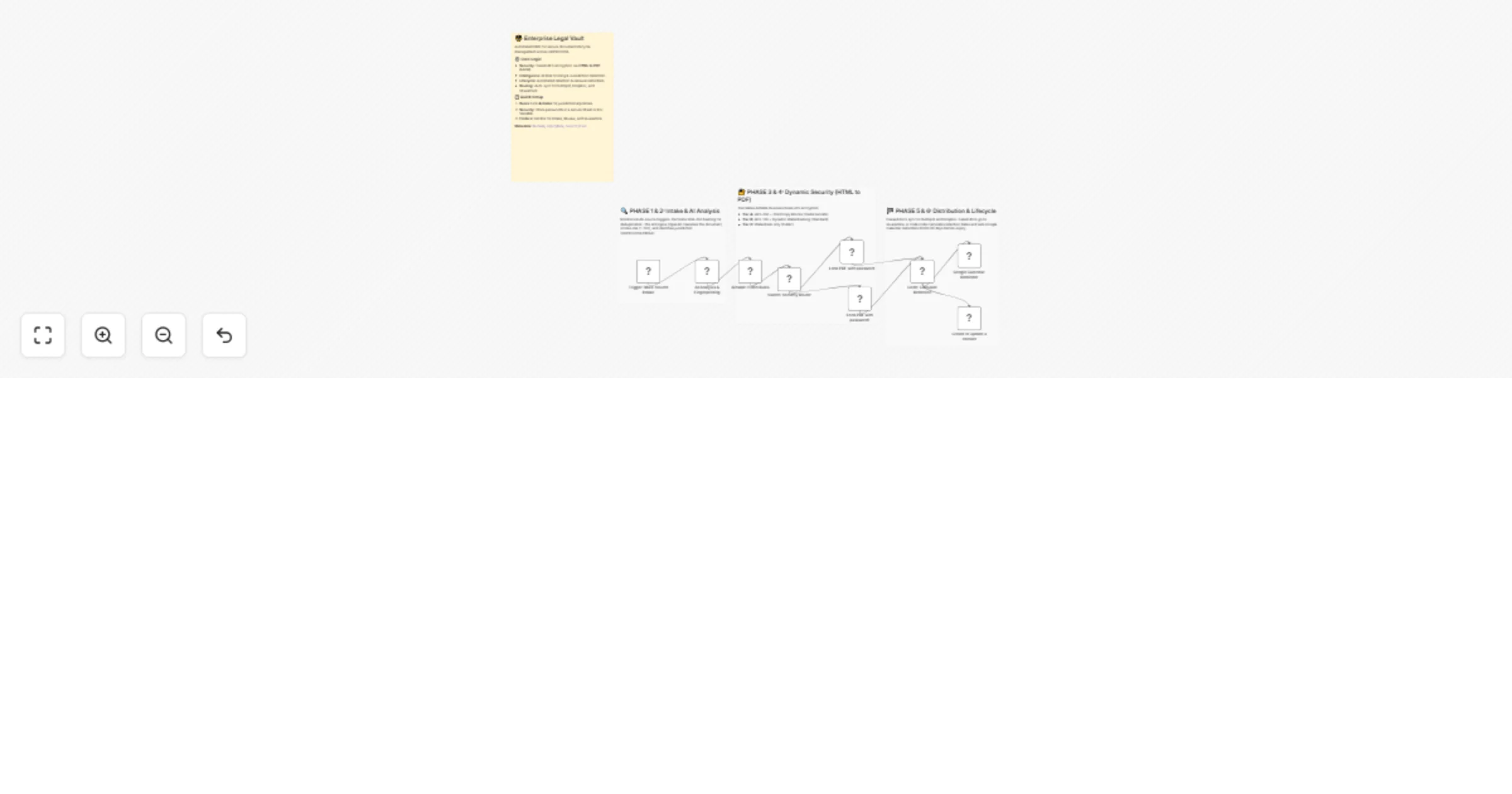
Secure and classify legal documents with OpenAI, Airtable and HTML to PDF

Workflow preview

Workflow preview
100%
Secure and classify legal documents with OpenAI, Airtable and HTML to PDF preview
Open on n8n.io

1. Workflow Overview

Enterprise Legal Vault: AI Classification & Multi Jurisdictional Security Description This enterprise grade legal document management system provides end to end automation for securing, classify...

Best for

  • Document Extraction automation workflows
  • AI Summarization automation workflows
  • intermediate n8n builders looking for reusable templates

Tools used

n8n-nodes-base.stickynote, n8n-nodes-base.googledrive, n8n-nodes-base.code, n8n-nodes-base.airtable, n8n-nodes-base.switch, n8n-nodes-base.googlecalendar, n8n-nodes-htmlcsstopdf.htmlcsstopdf, n8n-nodes-base.hubspot

Source and attribution

This workflow is cataloged by N8N Workflows and links back to its original n8n.io source page by Jitesh Dugar.

Original n8n.io source

1.1 Workflow description

Title
Secure and classify legal documents with OpenAI, Airtable and HTML to PDF
Workflow name
Secure and classify legal documents with OpenAI, Airtable and HTML to PDF

Enterprise Legal Vault: AI Classification & Multi-Jurisdictional Security

🎯 Description

This enterprise-grade legal document management system provides end-to-end automation for securing, classifying, and managing the lifecycle of sensitive documents. It is designed to handle high-stakes data across multiple jurisdictions (GDPR, CCPA, HIPAA) with AI-powered intelligence.

✨ What This Workflow Does

  1. Intelligent Intake & Deduplication - Monitors Google Drive, Email, and Webhooks. It uses SHA-256 fingerprinting to ensure every document is unique and to prevent redundant processing.
  2. AI-Powered Analysis Engine - Utilizes OpenAI/Claude to classify documents (NDA, MSA, Employment Agreements), detect jurisdiction, and assign a composite Risk Score (1-100).
  3. Dynamic Security Enforcement - Translates business rules from Airtable into technical enforcement using the HTML to PDF (Lock) node:
  • Ultra-High Risk (90+): AES-256 encryption with disabled Print, Copy, and Modify permissions.
  • High Risk (50-89): AES-128 encryption with dynamic recipient-specific watermarking.
  • Public Filings: Timestamped watermarking with no encryption.
  1. Lifecycle & Retention Automation - Automatically calculates retention expiry dates based on legal requirements. It sets Google Calendar renewal reminders at 90, 60, and 30-day intervals.
  2. Intelligent Distribution Matrix -
  • Verified: Attached to HubSpot Deals and synced to Dropbox client folders.
  • Review: Flagged items are sent to a manual review queue with a Slack preview.
  • Failed: Isolated in a Quarantine folder with incident logging in Airtable.

💡 Key Features

  • Jurisdictional Logic: Automatically adapts security and retention rules based on regional laws fetched from Airtable.
  • Forensic Watermarking: Embeds tracking data (User ID, Timestamp) to deter and identify data leaks.
  • Fail-Safe Quarantine: Prevents unverified or risky documents from ever entering the primary company storage.

📦 Requirements

  • HTML to PDF Node - Essential for tiered Lock operations.
  • Airtable - Acts as the central "Business Rules Engine."
  • Google Drive & HubSpot - For storage and CRM synchronization.
  • OpenAI/Claude API - For document classification and risk assessment.

🚀 Benefits

Zero Manual Security Setup - Documents are locked according to corporate policy the moment they are uploaded. ✅ Regulatory Compliance - Meets strict GDPR "Right to be Forgotten" and data localization standards automatically. ✅ Proactive Risk Management - High-liability clauses and auto-renewals are flagged instantly to the legal team.


Tags: #legal #compliance #pdf-lock #encryption #gdpr #sec-ops #hubspot #airtable

Category: Legal & Compliance

Difficulty: Advanced

1.2 Logical Blocks

This catalog entry is organized from the workflow JSON. The node-level section below shows the executable blocks available for review before importing the template.

2. Block-by-Block Analysis

Block 1 - Sticky_Intake_AI

Type / Role
n8n-nodes-base.stickyNote - stickyNote
Config choices
Version 1

Block 2 - Sticky_Security_Enforcement

Type / Role
n8n-nodes-base.stickyNote - stickyNote
Config choices
Version 1

Block 3 - Sticky_Distribution_Lifecycle

Type / Role
n8n-nodes-base.stickyNote - stickyNote
Config choices
Version 1

Block 4 - Trigger: Multi-Source Intake

Type / Role
n8n-nodes-base.googleDrive - googleDrive
Config choices
Version 3

Block 5 - AI Analysis & Fingerprinting

Type / Role
n8n-nodes-base.code - code
Config choices
Version 2

Block 6 - Airtable: Fetch Rules

Type / Role
n8n-nodes-base.airtable - airtable
Config choices
Version 2

Block 7 - Switch: Security Router

Type / Role
n8n-nodes-base.switch - switch
Config choices
Version 1

Block 8 - Code: Calculate Retention

Type / Role
n8n-nodes-base.code - code
Config choices
Version 2

Block 9 - Google Calendar: Reminder

Type / Role
n8n-nodes-base.googleCalendar - googleCalendar
Config choices
Version 1

Block 10 - Lock PDF with password

Type / Role
n8n-nodes-htmlcsstopdf.htmlcsstopdf - htmlcsstopdf
Config choices
Version 1

Block 11 - Lock PDF with password1

Type / Role
n8n-nodes-htmlcsstopdf.htmlcsstopdf - htmlcsstopdf
Config choices
Version 1

Block 12 - Create or update a contact

Type / Role
n8n-nodes-base.hubspot - hubspot
Config choices
Version 2.2

Block 13 - Sticky Note

Type / Role
n8n-nodes-base.stickyNote - stickyNote
Config choices
Version 1

3. Summary Table

Workflow Secure and classify legal documents with OpenAI, Airtable and HTML to PDF
Complexity intermediate
Nodes 13
Categories Document Extraction, AI Summarization
Author Jitesh Dugar
Published 12 Jan 2026

4. Reproducing the Workflow from Scratch

  1. 1. Download the workflow JSON

    Use the JSON export at /data/workflows/12661/12661.json as the source template for this automation.

  2. 2. Import the template into n8n

    Open n8n, import the downloaded JSON, and review each node before activating the workflow.

  3. 3. Configure credentials and variables

    Replace placeholder credentials, API keys, webhook URLs, account IDs, and environment-specific values with your own settings.

  4. 4. Test with sample data

    Run the workflow manually or in a staging workspace, inspect node output, and confirm downstream systems receive the expected data.

  5. 5. Activate and monitor

    Enable the workflow only after testing, then monitor executions, errors, and rate limits during the first production runs.

5. General Notes & Resources

Review imported nodes carefully before activation. This catalog entry is intended to help you inspect the workflow structure, understand required services, and find related templates faster.

Node names, credentials, schedules, webhook paths, and external service limits may need adjustment for your workspace.

Frequently asked questions

What does Secure and classify legal documents with OpenAI, Airtable and HTML to PDF do?

Enterprise Legal Vault: AI Classification & Multi Jurisdictional Security Description This enterprise grade legal document management system provides end to end automation for securing, classify...

What do I need before importing this workflow?

Review the workflow JSON, configure any required credentials in n8n, and test the automation in a safe workspace before using it in production.

Can I customize this workflow?

Yes. Use the block-by-block analysis and the downloadable JSON to inspect each node, then adjust credentials, prompts, schedules, filters, or destinations for your Document Extraction, AI Summarization use case.